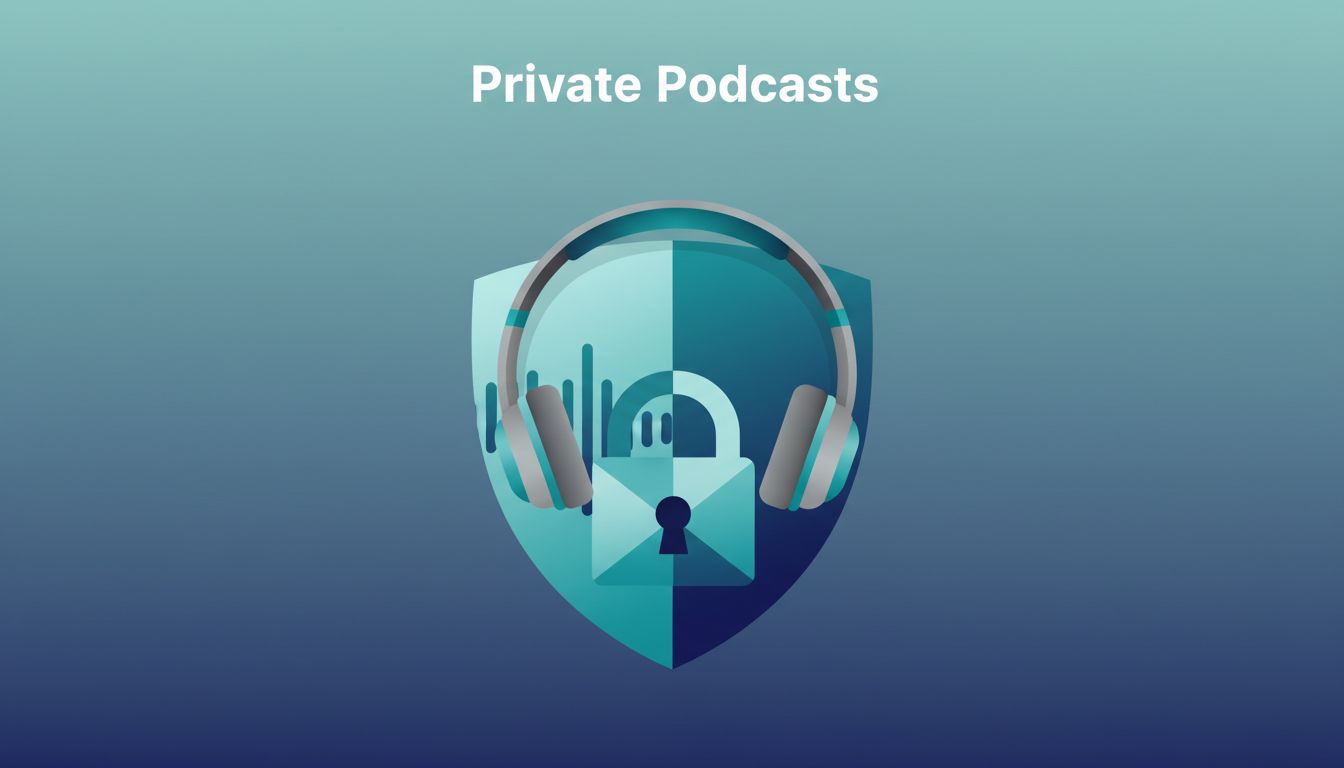
You run a team that needs exclusive audio updates. Or you create content for paying members only. Public podcasts expose everything to the world. I fix that with Transistor private podcasts, which lock feeds behind invites.
These setups keep audio hidden from searches and directories. Businesses use them for internal training. Creators share premium episodes. I started one last month for my operations group. It took under an hour.
Follow my steps. You’ll control access from day one.
Pick Transistor for Your Secure Audio Needs
Transistor stands out for private feeds. Plans start at $19 a month. You get unlimited shows, including privates. No extra fees for multiple feeds.
I like the per-subscriber RSS links. Each listener gets a unique URL. That blocks sharing. Feeds stay off Apple Podcasts or Spotify searches. For teams, it beats email chains or shared drives.
Security matches business needs. Enable podcast lock to stop imports elsewhere. Use email verification on signups. Transistor handles this out of the box. Check their private podcast guide for details.
Plans cap subscribers at 50 on basic tiers. Upgrade for more. I picked the starter because my group fits under limits.
Set Up Your Transistor Account Right
Sign up at transistor.fm. Pick a plan. Enter your details. I used my business email for easy billing.
Log in to the dashboard. It shows clean options like “Add a podcast.” Two-factor auth adds a layer. Always enable it. That stops unauthorized logins.
Upload a profile image. Set your timezone. These help with scheduling. I test uploads with a short MP3 first. Use 128 kbps, 44.1 kHz. Tools like Audacity work fine.

Your dashboard now lists shows. Private ones appear separate. Note labels might shift. Check support if stuck.
For Transistor private podcast hosting, it shines on unlimited storage too.
Create the Private Feed Step by Step
Click “Add a podcast.” Select “Enhanced private podcast.” This gives subscriber-specific feeds.
Name your show. Add a description. Skip public distribution. Set cover art to 1400×1400 pixels. I use Canva for quick designs.
Upload your first episode. Drag MP3 files in. Add title, notes, publish date. Hit publish. The feed generates.
Go to Subscribers tab. Add emails manually or via CSV. Each gets a welcome email with their RSS link. They paste it into apps like Overcast or Pocket Casts.
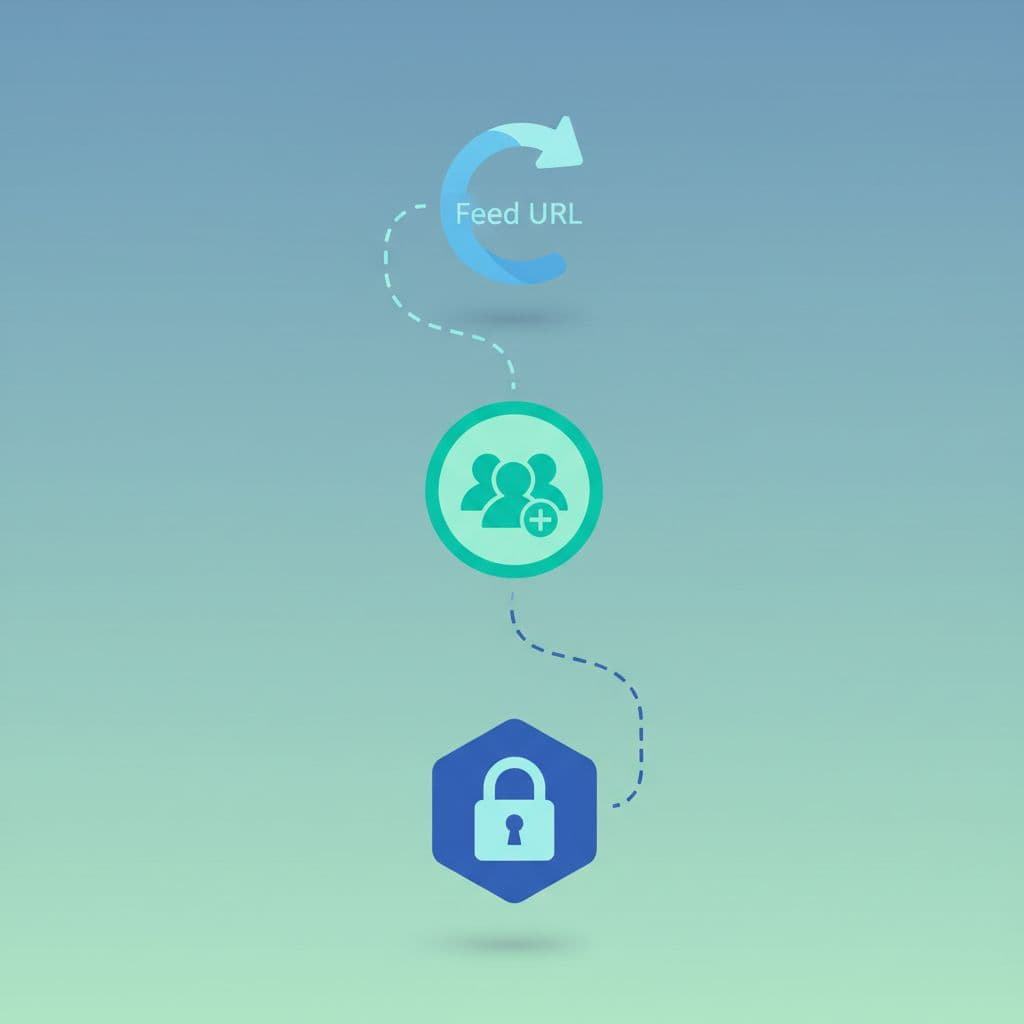
Protect the feed URL. Never post it publicly. Revoke access anytime by removing emails. New episodes notify via email too.
Test it yourself. Copy a dummy subscriber link. Add to your app. Confirm it pulls episodes.
Transistor’s subscriber help page lists app support.
Control Subscriber Access Tightly
Subscribers drive security. Limit to known emails. I segment lists: one for execs, another for full team.
Send invites. They click and add the feed. No app? Email delivers episodes direct. Spotify needs extra steps. Submit via Distribution tab.
For payments, link Ghost. It syncs members auto. Cancel a sub? Access drops instantly.
Revoke often. Ex-employee? Remove them fast. Audit lists monthly. That catches leaks.
Bulk adds save time. Export from your CRM. Import CSV. Preview before send.
Manage Team Permissions Without Risks
Teams need roles. Add members via dashboard. Pick admin for full edits. Choose analytics for views only.
I assign upload rights sparingly. One person handles episodes. Others review stats.
Lock feeds from copies. Enable in show settings. It adds XML blocks other hosts respect.
For Spotify, check their Open Access guide. Submit once. Subscribers link accounts.
Revoke team access same way. Remove from subscribers or roles.
Fix Common Private Feed Problems
Feeds not delivering? Check MP3 specs. Wrong bitrate blocks uploads. Re-export at 128 kbps.
Subscribers see errors? Resend invites. Apps like Spotify lag. Wait an hour post-submit.
No Distribution tab? Confirm enhanced private type. Basic unlisted skips it.
Ghost sync fails? Reconnect in settings. Match tiers first.
Authentication mixups happen. Use password managers. Change if suspicious.
Email bounces? Clean lists. Transistor notifies bad ones.
For internal bugs, their team podcast support covers discretion needs. Audio captures possible anywhere. Treat feeds like sensitive docs.
Wrap Up Secure Private Feeds
Private podcasts on Transistor keep audio for your eyes only. I control my team’s updates this way. Access stays tight with unique feeds and revokes.
Start small. Add one show. Test invites. Scale as needed.
Your operations run smoother. No more leaked trainings. Secure audio fits any business tool stack.