How I Use Opus Clip with Transistor.fm for Social Media Videos
Your podcast episodes sit on Transistor.fm, full of great talks. Listeners download them. But social feeds ignore audio files. I know that struggle. One episode gathered dust until I clipped it into shorts. Views exploded on TikTok. Now I r...

Your podcast episodes sit on Transistor.fm, full of great talks. Listeners download them. But social feeds ignore audio files. I know that struggle. One episode gathered dust until I clipped it into shorts. Views exploded on TikTok. Now I repurpose every show with Transistor.fm Opus workflows using Opus Clip. This AI tool turns long audio into ready clips. You save hours. Follow my steps to grow your reach.
Why Transistor.fm Pairs Well with Opus Clip
Transistor.fm hosts my podcasts smoothly. I upload episodes fast. Analytics show what works. Yet platforms like TikTok crave video. Opus Clip fills that gap. It scans audio for hooks. Think laughs or bold tips. AI builds shorts with captions and b-roll.
I started because downloads stalled. Clips changed everything. One 45-minute episode yields 10 shorts. Post them weekly. Traffic flows back to full shows. Transistor.fm handles RSS feeds. Opus adds visuals. No camera needed for audio pods.
Zapier connects them for pros. New episodes trigger clips automatically. Manual works fine too. Check your plan. Features vary. I verify updates monthly.
Setting Up Opus with Transistor.fm
Log into Transistor.fm first. Find your show dashboard. Note the episode files. Opus Clip needs MP3 or MP4. Transistor offers audiograms. Those add waveforms for pop.
Sign up at Opus Clip. Free tier tests basics. Pro unlocks Zapier and batches. Link accounts if you automate. I paste Transistor URLs directly sometimes.
Test one file. Upload takes seconds. AI processes overnight for long shows. Set brand colors early. Logos apply to all clips.
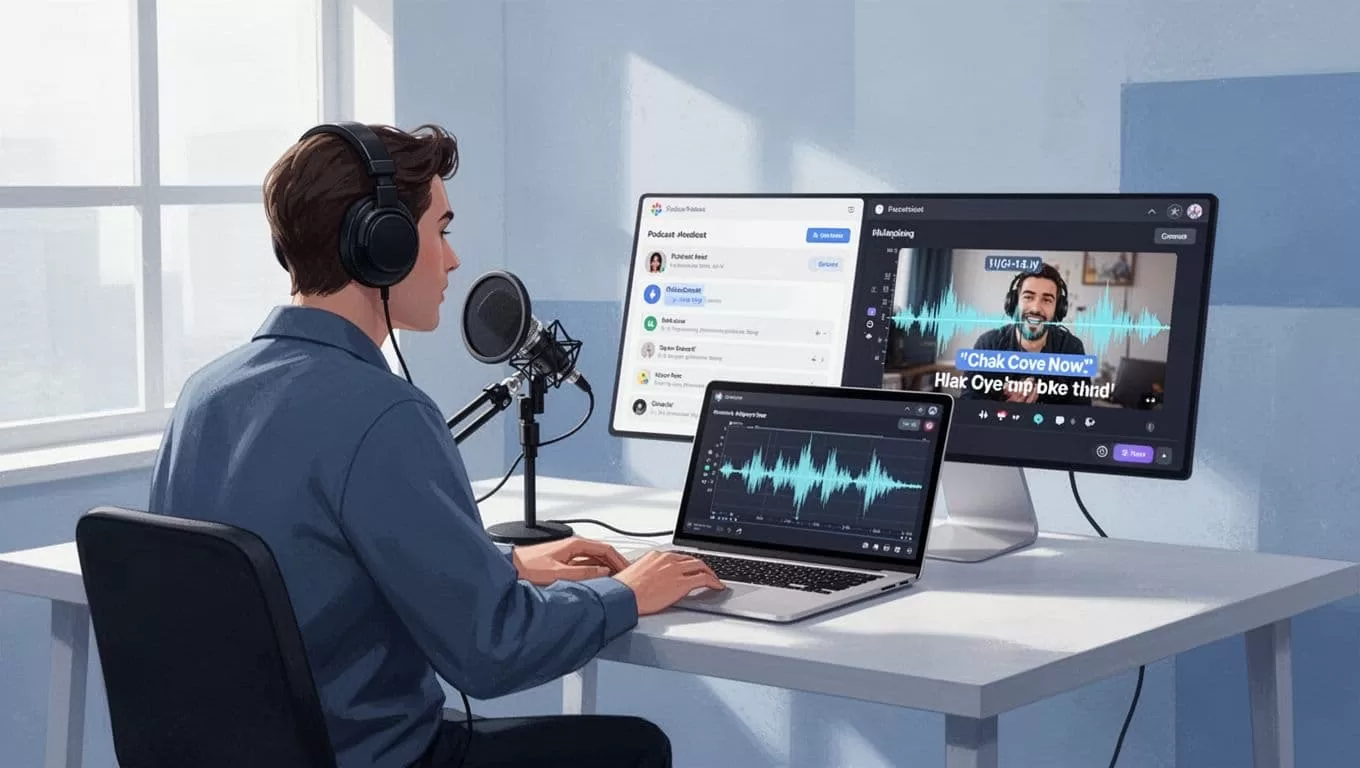
This setup flows like a quiet stream. Files move from host to editor without snags.
Exporting Episodes from Transistor.fm
Grab clean files from Transistor.fm. Go to episodes tab. Download MP3. Add a static image for video feel. Transistor builds audiograms built-in. I use those often.
For video pods, export MP4. Riverside integrates well. Record there first. Send to Transistor. Keep files under 100MB for speed.
Store on Drive. Zapier pulls from there. Manual drag-drop suits starters. I batch three episodes weekly. Time drops to minutes.
Verify quality. Transistor audio shines crisp. Opus needs peaks to clip well. High energy talks work best.
Creating Clips in Opus Clip
Upload your file to Opus. AI scans fast. It finds moments like guest stories or tips. Output lands in 10 clips per hour.
Captions auto-generate. Accuracy hits 97%. Emojis spice them. B-roll fills screens. No blank waves.
Preview ranks by virality. Scores over 8 shine. Tweak ends if needed. Regenerate skips duds.
Export vertical MP4s. Ready for post. I run this after every drop.
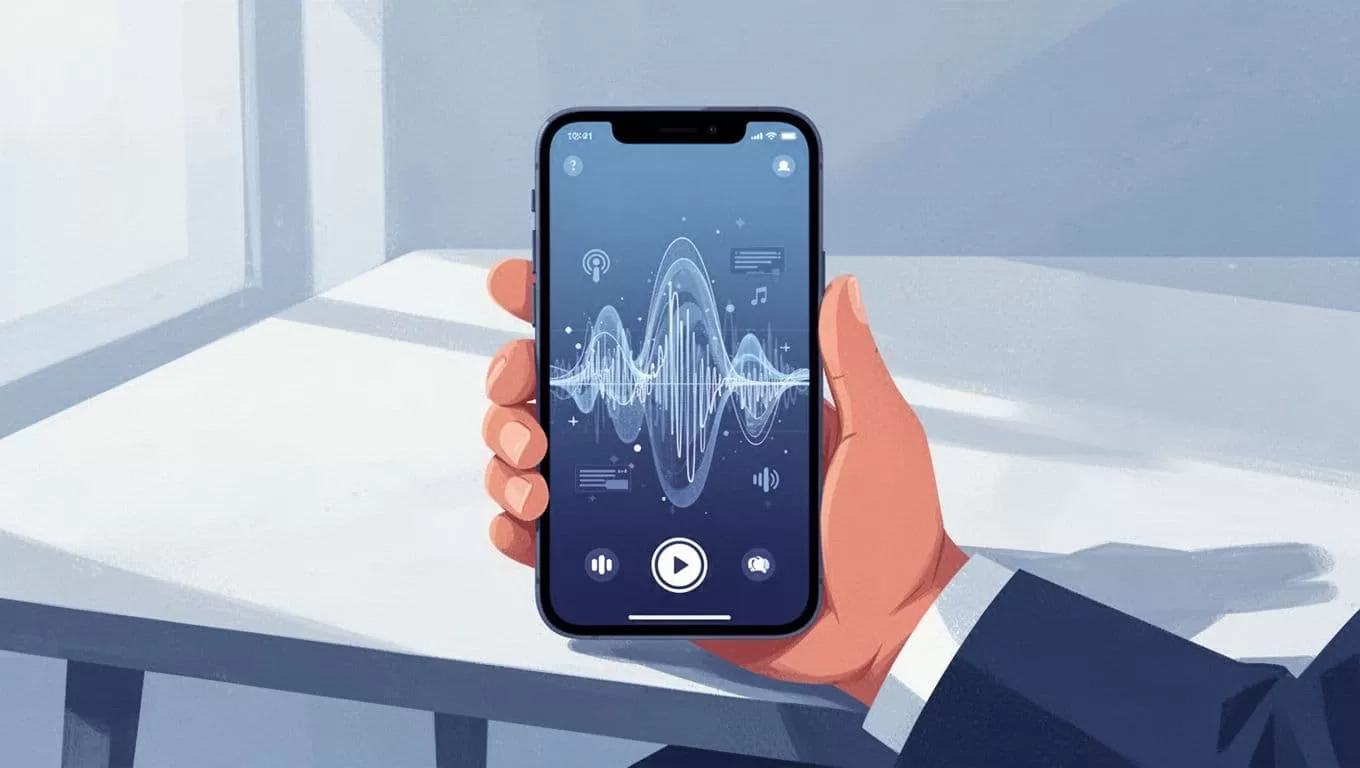
Clips emerge like polished gems from rough stone.
For more on this, see my Opus Transistor.fm workflow for shorts.
Optimizing Clips for TikTok, Reels, and Shorts
Tailor per platform. TikTok loves 15-second hooks. Start with questions. Opus adjusts lengths.
Instagram Reels fit 30 seconds. Add trends. YouTube Shorts need loops. End with calls to full episodes.
Review on laptop. Pick winners. Thumbs up the best.

Bio links drive to Transistor.fm. Track spikes in downloads.
Check podcast to TikTok workflow using Transistor.fm and Opus.
Actionable Tips for Clips and Branding
Select hooks early. Stats or fails grab scrolls. Feed keywords to Opus like “podcast tip.”
Captions matter. Bold keys. Large fonts for thumbs. Mute views hit 80%.
Brand kits lock colors. Apply once. Consistency builds trust.
Post three per episode. Space them. Analytics guide repeats.
Plans affect access. Pro needs Zapier. Verify pricing at Opus. Transistor tiers limit downloads.
Mistakes? Skip previews. Clips flop without tweaks. Compress big files.
| Platform | Ideal Length | Key Tweak |
|---|---|---|
| TikTok | 15-30s | Fast hooks, trends |
| Reels | 15-90s | Visuals, music |
| Shorts | 15-60s | Loops, CTAs |
This table speeds choices. Results follow smart posts.
Maintaining Flow and Measuring Wins
Zapier automates for scale. New Transistor episode hits Opus. Clips queue ready.
Track in both apps. Transistor shows download lifts. Opus tracks views. I see 30% gains.
Batch old episodes. Quick wins build momentum.
Transistor.fm Opus combos grow pods steady. Start with one show. Watch feeds fill. Your turn now. Export that file. Clip it today. Downloads wait.
