Deploy a Travelpayouts Affiliate Tracker You Can Audit
A click on a travel link is not the same as a booking. A booking is not the same as an approved commission. If you mix those numbers, you can publish more content and still have no clear view of what earns money. A Travelpayouts affiliate t...

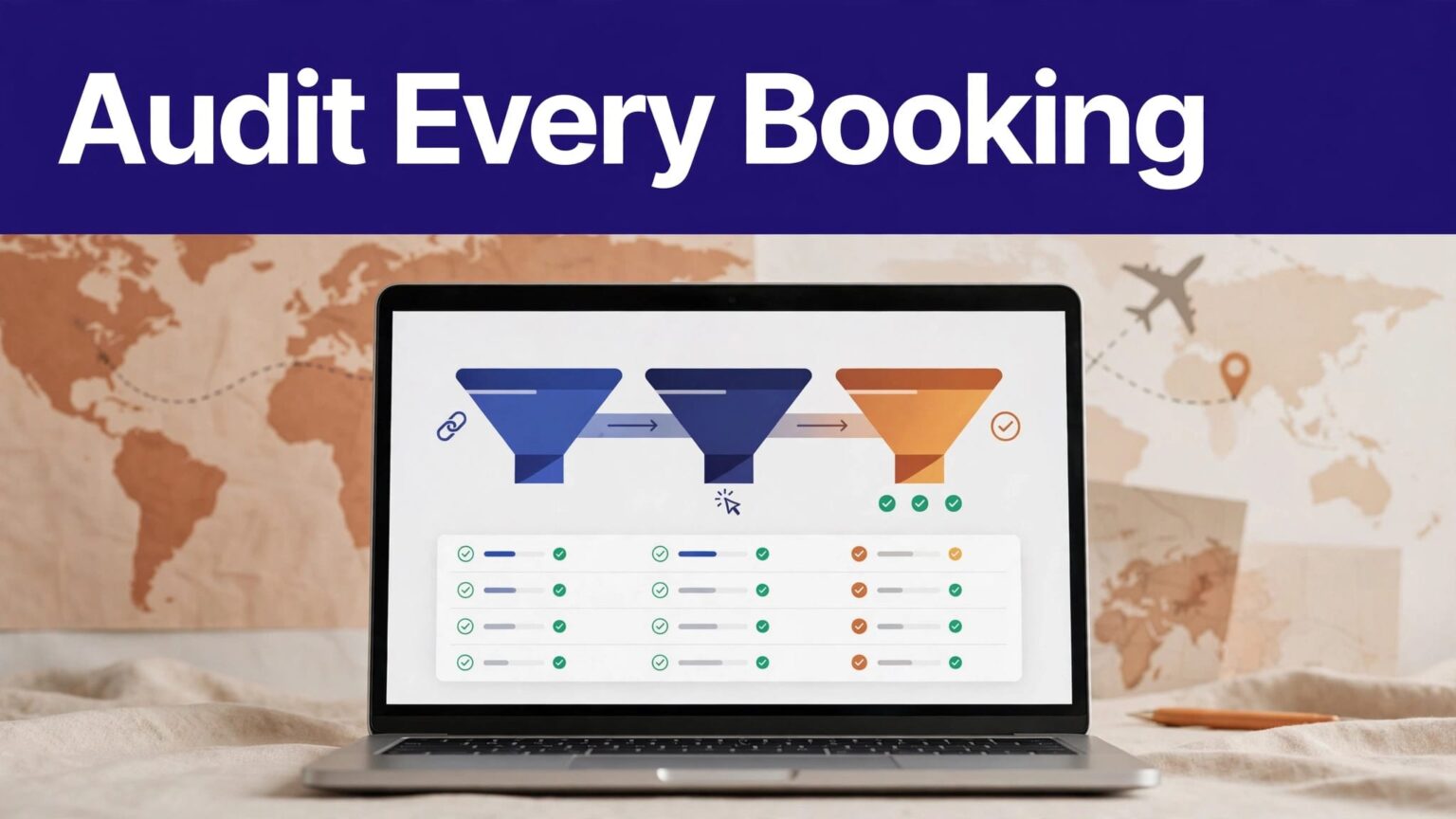
A click on a travel link is not the same as a booking. A booking is not the same as an approved commission. If you mix those numbers, you can publish more content and still have no clear view of what earns money.
A Travelpayouts affiliate tracker gives you a record of link placement, visitor action, and partner-reported results. Build it before you add dozens of links across destination guides, emails, and social posts.
Use a fixed naming system, separate your metrics, and test every path before you send traffic to it.
BUILD A TRAVELPAYOUTS AFFILIATE TRACKER YOU CAN AUDIT
Travelpayouts attaches your Partner ID, formerly called a marker, to affiliate tools. This ID identifies your account and supports attribution for clicks, searches, and bookings.
You add SubIDs to separate results by placement, campaign, page, or creative. Travelpayouts explains the difference between the Partner ID and SubID in its affiliate marker and SubID guide.
Your tracker needs three different records. Don’t merge them into one “conversion” column.
| Tracking layer | What it records | What it cannot prove |
|---|---|---|
| Site click event | A visitor selected an affiliate CTA on your site | That the partner page loaded or a booking happened |
| Outbound-link event | Your browser attempted to send a visitor to the affiliate destination | That Travelpayouts accepted attribution |
| Confirmed affiliate conversion | A booking, commission, or approved earning appears in Travelpayouts reports | That every site click was recorded by your analytics tool |
The site event is useful for content analysis. The outbound event is useful for finding broken redirects. Travelpayouts reporting is the commercial source of truth.
A high outbound-click count can expose a weak offer, a broken destination page, or traffic with poor buying intent. It does not prove revenue.
Use clicks to improve content placement
Track clicks by page URL, CTA position, destination, device type, and traffic source. A “Check flight prices” button near the top of a route guide will usually behave differently than a text link near the conclusion.
This data tells you where readers show intent. It helps you test CTA wording and page layout without waiting for a booking cycle.
Use affiliate reports to evaluate earnings
Travelpayouts lets you filter and group results by SubID in Reports -> Performance. Its link and QR-code tracking instructions show how to compare clicks, bookings, conversion rates, and earnings by SubID.
Keep pending, approved, paid, and reversed amounts in separate columns. A pending booking is not paid income. A reversal should not overwrite the original record without a note explaining the change.
CREATE A SUBID SCHEMA BEFORE YOU CREATE LINKS
Random labels create random reports. Define your naming pattern once, then use it across your site and campaigns.
A practical format is:
channel_page_offer_position_month
For example:
seo_tokyo-guide_aviasales_top_sep26
email_japan-deals_hotels_button_sep26
youtube_paris-video_booking_desc_sep26
Keep names short. Avoid spaces, personal data, full URLs, and vague labels such as link1 or summer.
Make each field answer one question
Your SubID should help you answer a business question later.
channeltells you whether traffic came from SEO, email, YouTube, or paid promotion.pageidentifies the article, landing page, or content asset.offeridentifies the travel brand, flight search, hotel search, or other tool.positionshows where the reader found the link.monthhelps separate tests and seasonal campaigns.
Don’t change the meaning of a field halfway through a campaign. If top means the first CTA on one page, it must mean the same thing everywhere.
For short links, Travelpayouts supports changing a SubID dynamically. Use its dynamic SubID instructions when the implementation matches your link type.
Keep a link register outside the dashboard
Create a spreadsheet or database with these fields:
- Content URL and page title.
- Travelpayouts program or affiliate tool.
- Full destination URL and short link, if used.
- Partner ID and SubID.
- CTA text and placement.
- Date deployed and owner.
- Test status, last test date, and reviewer decision.
Preserve old rows when you replace a link. Add a new row for the replacement. You need a history when earnings change after a redesign or partner update.
DEPLOY LINKS WITHOUT BREAKING ATTRIBUTION
Create links in Travelpayouts or use the supported partner-link workflow. The platform’s affiliate link creation guide covers the standard process.
For larger sites, the Travelpayouts partner-links API can create affiliate links through POST /links/v1/create. It accepts an optional sub_id value. Keep the API token in approved secrets storage. Don’t place it in page code, public repositories, or a browser-side script.
Use direct links where possible
A direct Travelpayouts affiliate link has fewer moving parts. Each extra redirect can remove parameters, add delay, or fail on mobile browsers.
If you use Pretty Links, ThirstyAffiliates, a CMS redirect, or a custom /go/ path, test the final destination. Confirm that the Travelpayouts attribution parameters remain intact after every redirect.
Don’t assume a custom redirect can change Travelpayouts attribution rules. Your link structure can help you identify the placement that sent a visitor. It cannot extend cookie duration, force credit after another attribution event, or override a program’s own terms.
Travelpayouts states that its Partner ID cookie lasts 30 days unless a program sets a different period. A visitor must book within the applicable period for earnings to be credited.
Fire your own event before the visitor leaves
Set a site event on the affiliate link click. In Google Tag Manager, this can be a click trigger that sends an event to Google Analytics 4, Matomo, Plausible, or another approved analytics platform.
Use a consistent event name such as affiliate_link_click. Include parameters such as:
affiliate_programsubidcontent_slugcta_positiondestination_type
Do not pass email addresses, names, booking details, or other personal data in analytics event parameters. Your analytics event is a placement record, not a customer record.
CONNECT SITE ANALYTICS WITH TRAVELPAYOUTS REPORTS
Your dashboard should compare two sources without pretending they are identical. Site analytics shows visitor behavior. Travelpayouts shows partner-reported clicks, bookings, and earnings.
Export both on a fixed schedule. Weekly is enough for most content sites. Use monthly reporting for payout and content decisions.
Build a simple performance record
Use one row per SubID and reporting period.
| Field | Why it matters |
|---|---|
| SubID | Connects content placement to partner reporting |
| Site click events | Shows reader interest before the redirect |
| Travelpayouts clicks | Shows clicks received by the affiliate system |
| Bookings | Shows completed travel intent |
| Approved earnings | Shows revenue you can treat as earned |
| Reversals | Shows cancellations, refunds, or invalidated activity |
| Revenue per 100 site clicks | Compares pages with different traffic volumes |
A large gap between site clicks and affiliate clicks needs investigation. Ad blockers can block analytics. Browser privacy settings can limit events. A broken redirect can also stop visitors before they reach the partner.
For a privacy-focused analytics stack, review these Google Analytics alternatives. Pick a tool that gives you the event detail you need without collecting unnecessary visitor data.
Measure accepted earnings, not dashboard activity
Clicks can grow while earnings fall. This happens when a page ranks for broad research terms, the offer is poorly matched, or readers leave after comparing prices.
Track approved earnings per 100 outbound clicks. Then compare pages by traffic source and CTA location. A page with fewer clicks may be the stronger commercial page if readers book more often.
Keep your report tied to the date range, program, SubID, export date, and reviewer. A clean-looking total is not enough if nobody can trace it back to a Travelpayouts report.
TEST THE TRACKER BEFORE YOU PUBLISH
Test in a private browser window or a fresh browser profile. Disable extensions that block redirects or analytics during the first validation pass. Then repeat the test with normal privacy settings.
Run this procedure for each new template, campaign, and redirect rule:
- Open the published page and locate the exact affiliate CTA.
- Inspect the link destination and confirm the expected Partner ID and SubID are present.
- Select the link and confirm it reaches the intended travel partner page.
- Check that no redirect creates an error, loop, unexpected homepage, or blank page.
- Verify that your analytics platform received one
affiliate_link_clickevent. - Confirm the event contains the expected page, placement, offer, and SubID values.
- Wait for Travelpayouts reporting to update, then check for the matching SubID.
- Compare your site event count with Travelpayouts click data after enough time has passed.
- Record the test date, result, browser, device, and reviewer in the link register.
- Mark failed links as “Needs Review” and remove them from new content until fixed.
Don’t create a test booking unless the partner allows it and you understand the cancellation rules. A live booking can create real charges and may not produce a valid commission.
FIX COMMON TRAVELPAYOUTS TRACKING FAILURES
Most problems come from link handling, inconsistent naming, or reporting assumptions. Fix the source issue before you expand the campaign.
| Failure | Likely cause | Practical fix |
|---|---|---|
| SubID doesn’t appear in reports | The link was copied before the SubID was added | Generate a new link and replace the old placement |
| Site clicks exceed partner clicks | Event fires, but redirect fails or traffic is filtered | Test the final URL on desktop and mobile |
| Partner clicks appear but no bookings | Weak intent, poor price fit, or program restrictions | Review query intent, offer relevance, and partner terms |
| One SubID includes unrelated pages | The same label was reused | Retire the label and issue separate SubIDs |
| Earnings disappear or fall | A booking was cancelled or not approved | Record the reversal separately and check program reporting |
| Links work on desktop but not mobile | Redirect plugin or consent script conflicts | Test on iOS and Android browsers before promotion |
Use bounded retries and clear ownership
A failed report pull or broken link needs an owner and a next action. Don’t retry a changed URL or missing permission forever.
Record the last trusted export. Keep the previous live link available until the replacement passes testing. If a plugin update changes your redirect behavior, switch affected links to direct links while you investigate.
A completed test only proves that the browser reached a page. It doesn’t prove that a future booking will qualify for a commission.
HANDLE PRIVACY, DISCLOSURE, AND ACCESS CONTROLS
Affiliate tracking can involve cookies, redirects, analytics events, and third-party travel partners. Your privacy policy should explain what tools you use, what data they receive, and why.
If your audience includes people in regions with cookie-consent rules, configure consent before non-essential analytics or marketing tags run. Use a consent platform that can block tags until the visitor makes a choice. Review the law that applies to your business and visitor base.
Put affiliate disclosures next to the recommendation
A footer-only disclosure is easy to miss. Place a plain statement before or close to affiliate links, especially near booking buttons and price claims.
Use direct language such as: “We may earn a commission if you book through links on this page, at no extra cost to you.”
The US Federal Trade Commission says endorsements and material connections must be clear and not misleading. Check the FTC’s endorsement disclosure guidance before you set your disclosure policy.
Restrict access to reports and tokens
Give editors access to link records. Give developers only the credentials needed for deployment. Keep API tokens separate for development, testing, and production.
Never add credentials to CMS fields, browser scripts, public documentation, or screenshots. Review access after staff or contractor changes. A leaked token can expose account data or create links you didn’t approve.
FINAL CHECK BEFORE YOU SCALE
A reliable Travelpayouts affiliate tracker connects each link to a page, a placement, a SubID, and a reportable result. It also keeps site clicks separate from partner clicks and confirmed affiliate earnings.
Start with a small approved group of pages. Test the full path, keep the last trusted record, and measure approved earnings instead of click volume. That is how you find travel content that produces revenue you can verify.

