Travelpayouts Conversion Tracking: A Practical Accuracy Guide
A click is easy to count. A confirmed travel booking is harder. The gap between them is where many affiliate reports become misleading. Travelpayouts conversion tracking works when you treat clicks, booking statuses, commissions, and analyt...

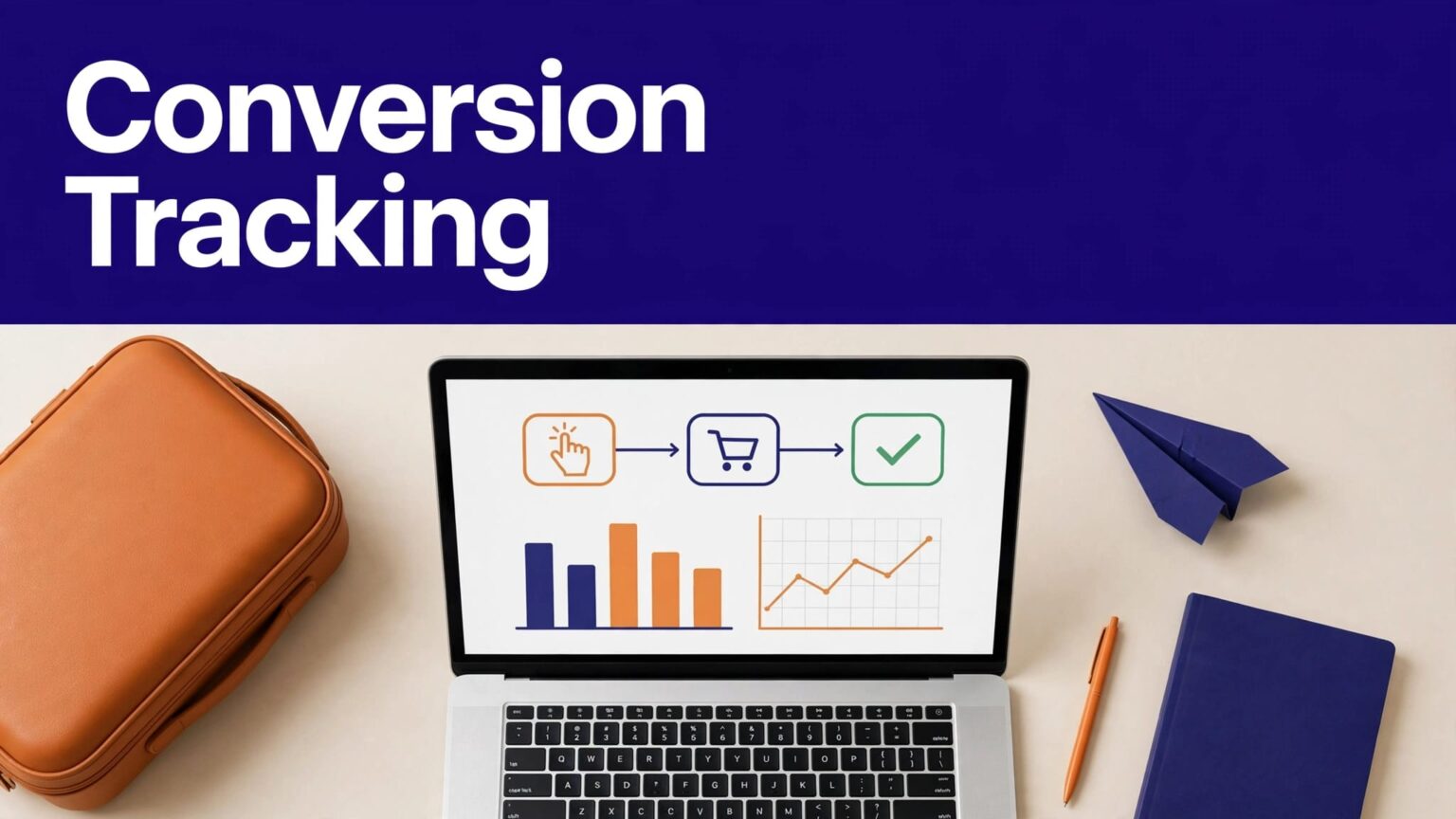
A click is easy to count. A confirmed travel booking is harder. The gap between them is where many affiliate reports become misleading.
Travelpayouts conversion tracking works when you treat clicks, booking statuses, commissions, and analytics events as separate records. Set up a clear marker structure first. Then test every placement before you scale traffic.
Set Up Travelpayouts Conversion Tracking Before You Publish
Travelpayouts is the source of truth for activity that happens after a visitor uses your affiliate link. Your website analytics platform is the source of truth for activity that happens on your site.
Don’t expect either system to answer every question.
| System | What it can reliably show | What it cannot confirm alone |
|---|---|---|
| Travelpayouts | Affiliate clicks, bookings, booking status, and partner earnings | Why a visitor did not complete checkout |
| GA4 | Traffic source, landing page, outbound clicks, and on-site behavior | Confirmed booking, commission, or payout at the travel brand |
| Your earnings record | Approved earnings, reversals, and payment reconciliation | The full customer journey across devices |
Use one system for each job. Trying to force GA4 to become a payout report creates bad decisions.
Use Travelpayouts for bookings and commissions
Travelpayouts tracks activity through your affiliate marker. That marker connects clicks, searches, and bookings to your account.
Open Travelpayouts Reports to review clicks, bookings, status changes, sale amounts, and payouts. The Performance report lets you filter and group results by brand, date, country, and SubID.
A booking can change after the first report appears. It may move from received to confirmed, then later be cancelled. The sale amount, exchange rate, or payout can also change.
Treat pending figures as operating signals. Treat confirmed and approved results as the commercial record.
Use GA4 for site behavior before the click
GA4 helps you find the page, channel, campaign, and audience that produced an outbound click. Enable GA4 enhanced measurement and confirm outbound link tracking is active in your web data stream.
GA4 can show that a reader clicked a hotel link on a destination guide. It does not know whether that reader booked a room later unless the merchant sends a valid conversion event back to your property.
That handoff usually doesn’t exist in a standard affiliate setup. A GA4 click event is not a booking. Keep that distinction in every dashboard and client report.
A strong outbound click rate can still produce weak earnings if visitors are researching, comparing prices, or booking through another device.
Build a SubID Structure You Can Audit
SubIDs are the control layer for Travelpayouts conversion tracking. They tell you which content, placement, traffic source, or campaign drove the recorded result.
Create the naming plan before you make links. Retroactive cleanup is slow because old links may already be indexed, shared, or embedded in emails.
Name each SubID by one clear purpose
Each SubID should answer one reporting question. Avoid labels such as test, new, link1, or summer. They become useless after a few weeks.
Use a consistent pattern such as:
italy_guide_hotelsfor a hotel link inside an Italy guide.email_flights_sepfor a September flight newsletter.youtubeQR_tokyofor a QR code in a Tokyo video.ig_bio_citybreaksfor a travel campaign from your Instagram bio.
Travelpayouts lets you create as many SubIDs as needed. Its guide to tracking affiliate links and QR codes explains how to filter for one SubID or use “Group by SubID” in Performance reports.
Don’t use one SubID for several pages. You will lose the ability to isolate the winner.
Keep a fixed tracking record
Store each tracked link in a spreadsheet, Airtable base, or database. Include the content URL, program, affiliate link, SubID, placement, traffic source, creation date, and owner.
Add fields for clicks, bookings, pending earnings, approved earnings, reversals, and payment date. Keep the rate or reward condition with the date you checked it.
Do not overwrite old commission data when a booking is cancelled or a payout changes. Keep the original row. Add a separate adjustment row with the reason, date, and updated amount.
This creates an audit trail. It also stops a common error, reporting a temporary booking value as final revenue.
Configure Links Without Breaking Attribution
The affiliate marker must remain intact when you publish a link. A pretty URL is not useful if it removes the data Travelpayouts needs to assign the result.
Build links in Travelpayouts, then copy the final version into your content system.
Add SubIDs where the link is created
Add the SubID when you create a ready-made link, deep link, text link, QR code, or supported widget. Don’t rely on memory or edit a live link later without recording the change.
If you use a short Travelpayouts link, the platform also supports adding a sub_id parameter. Keep the link structure consistent across pages and campaigns.
Use one final destination per test. A hotel deal link should lead to the relevant hotel or search result, not a generic homepage. A poor destination can lower booking intent even when click tracking works.
Keep GA4 campaign parameters separate from the Travelpayouts marker. Never replace or strip the affiliate marker to add UTM values.
Be careful with redirects and cloaking
Redirect plugins, link cloakers, URL shorteners, consent tools, and security services can change the outbound link before the visitor reaches the partner. Test the published URL, not the URL saved in your draft.
Travelpayouts Content Analytics currently covers short links created through Travelpayouts. It does not include external short links or indirect, cloaked links.
That limitation matters. A cloaked affiliate link may still work for the partner, but it may not appear in Content Analytics. Use Performance reports and your own link inventory when the analytics view doesn’t cover your setup.
Verify Each New Placement With a Controlled Test
Publish one link at a time when you first deploy a new template, plugin, redirect method, or traffic channel. A small test finds broken markers before a high-traffic post sends readers to an untracked destination.
Test on desktop and mobile. The visitor path can differ between browsers, apps, and embedded social platforms.
Check the live click path
Open the public page in a private browser window. Click the affiliate link and confirm that it reaches the intended travel brand or destination.
Then check the following:
- The final page is relevant to the offer you promoted.
- The affiliate marker and assigned SubID remain attached through the redirect.
- Your browser does not show a redirect error, blank page, or consent loop.
- The link works on mobile, where many travel readers compare and book.
- The placement is visible and not blocked by an overlay, broken widget, or lazy-loading failure.
Don’t create artificial bookings to test attribution. A click test checks the path. Real bookings must come from genuine customer activity and remain subject to each program’s rules.
Run a concise verification checklist
Before you promote a new page, record these checks in your tracking sheet:
- Confirm the Travelpayouts program is active and the correct link type is used.
- Confirm the content URL, SubID, traffic source, and placement match your naming plan.
- Test the public link in a private browser on desktop and mobile.
- Check GA4 for an outbound click event after the test.
- Check Travelpayouts reports after enough processing time has passed.
- Save the test date, reviewer, result, and any exception.
A completed click test doesn’t prove a future commission. It proves your technical path is working at that moment.
Reconcile Bookings, Cancellations, and Earnings
Travel bookings have a long life cycle. A traveler can book today, cancel next week, modify dates, receive a refund, or fail a program rule. Your reporting process must leave room for those changes.
Don’t use the same report for daily optimization and monthly income reconciliation.
Separate early signals from final earnings
Review click and booking activity often enough to catch broken links or weak placements. Weekly checks usually work for active publishers.
Use confirmed bookings and approved commissions for earnings analysis. Travelpayouts reports can show booking confirmation, cancellation, exchange-rate changes, and changes to sale amounts or payout values.
A cancellation does not mean your tracking failed. It may reflect a normal traveler cancellation, a partner program rule, or a fraud review. Review the Booking ID and status history before you label a record as missing.
Refund treatment can differ by travel program. Don’t assume a booking value is permanent until the program confirms the outcome.
Reconcile against payment records
Create a monthly reconciliation record with:
- The Travelpayouts program and reporting period.
- Booking IDs tied to confirmed or approved earnings.
- Cancellations, reversals, and payout adjustments.
- Payment amount, payment date, and payout method.
- The report export date and reviewer decision.
Match the approved commission total to the amount paid, not to raw clicks or an early booking estimate. Store exports separately from source notes and prior versions.
If a number changes, preserve the previous record and log the correction. A clean dashboard is useful. A recoverable record is better.
Fix Common Travelpayouts Reporting Gaps
Most reporting problems fall into three groups: broken links, incomplete attribution, or timing differences. Start with the simplest check and keep evidence for every result.
Clicks appear in GA4 but not in Travelpayouts
First, inspect the live affiliate URL. The marker may be missing, altered by a redirect, or attached to the wrong program.
Next, wait for Travelpayouts to process the event. There is no single reporting delay that applies to every brand and booking type.
Check whether the link is a banner, widget, short link, or standard affiliate link. The available reporting fields can differ by tool. In Travelpayouts reports, widgets can show impressions and bookings differently from standard affiliate links and banners.
Clicks appear but bookings do not
A visitor may compare options, abandon checkout, use another device, clear cookies, block tracking, or return through a different affiliate source. Cookie restrictions and cross-device behavior can break the chain between a click and later purchase.
The travel brand’s program rules also matter. Some programs restrict certain traffic sources, destinations, brand bidding, or promotional methods. Review the current terms for every partner program you promote.
Do not promise perfect attribution to clients or stakeholders. Affiliate tracking measures recorded conversions under the program’s rules, not every booking influenced by your content.
Bookings and paid earnings do not match
Review booking status before escalating. A booking may still be pending, cancelled, adjusted, or awaiting confirmation.
Export the relevant report and compare Booking ID, sale amount, payout amount, SubID, and date range. If the discrepancy remains, contact Travelpayouts support with the booking evidence and your original link record.
If your team runs several sites or combines Travelpayouts data with GA4 and finance exports, Book A Call to map the reporting fields, ownership rules, and exception process.
Final Thoughts
Accurate affiliate reporting starts with a simple rule: measure the click where it happens, and confirm the booking where the partner records it.
Use Travelpayouts conversion tracking with consistent SubIDs, live link tests, status checks, and a record of approved earnings. Click counts help you improve content. Confirmed commissions tell you what the content actually earned.

