Add a Travelpayouts Flight Search Widget to Your Site
A flight page without a search path makes readers do the last step somewhere else. A Travelpayouts flight search widget puts that step on your guide, destination page, or travel tools page. Visitors enter routes, dates, passenger counts, an...
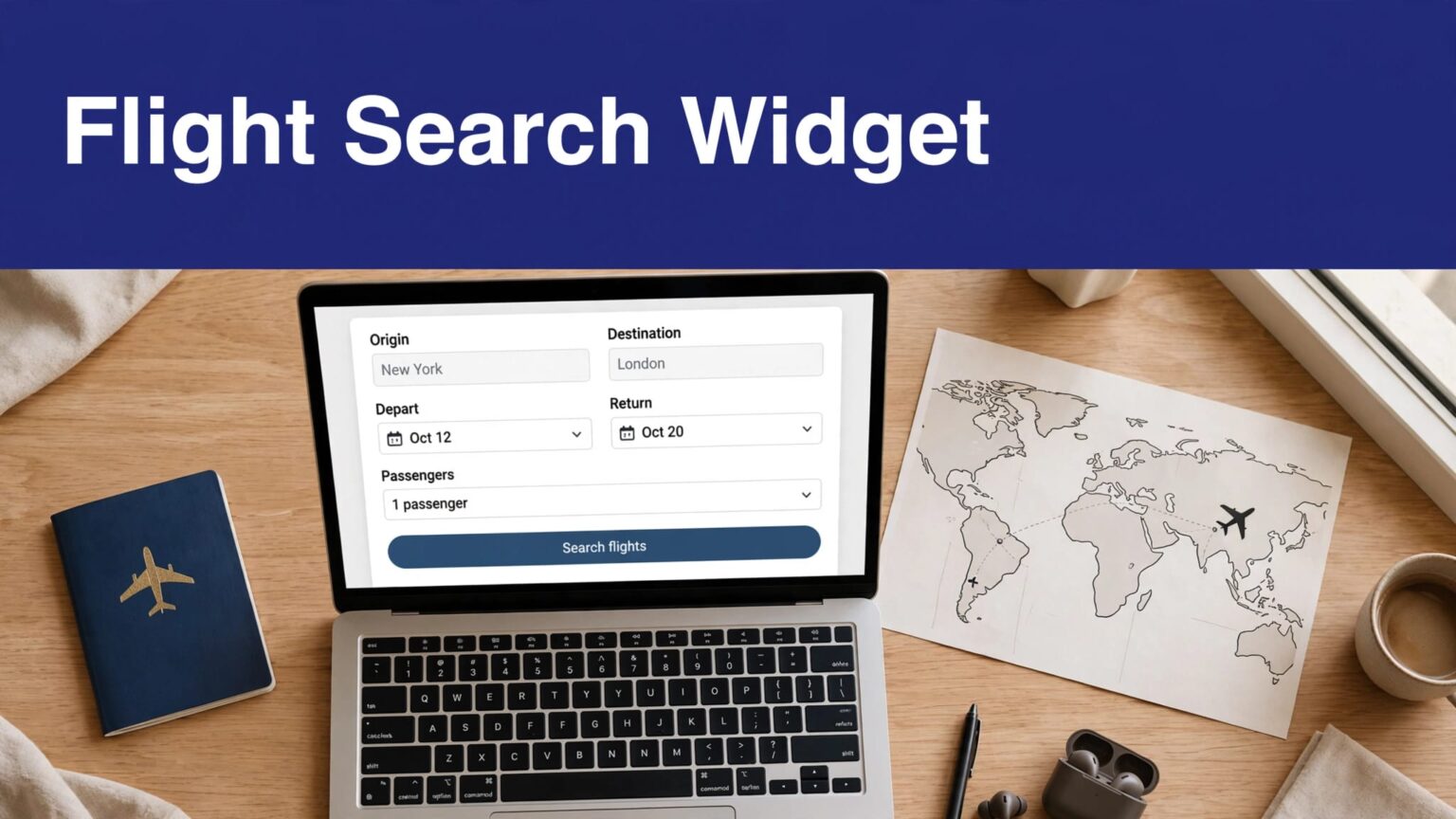
A flight page without a search path makes readers do the last step somewhere else. A Travelpayouts flight search widget puts that step on your guide, destination page, or travel tools page.
Visitors enter routes, dates, passenger counts, and cabin class on your site. They then continue to the booking flow through your affiliate tracking setup. You don’t need to build a flight-search interface or maintain fare data yourself.
Use the current Aviasales search form, set it up inside your Travelpayouts account, and test it before you promote the page.
WHY ADD A TRAVELPAYOUTS FLIGHT SEARCH WIDGET?
A travel guide should match the reader’s next action. Someone reading “Best time to fly to Lisbon” may be ready to compare dates. Someone checking an airport guide may need a flight immediately.
The Travelpayouts flight search widget handles that handoff. It collects the search details on your page, then sends the visitor to the partner’s results or booking flow.
This is useful for:
- Destination guides with clear travel intent.
- Airline, airport, and route pages.
- Seasonal deal pages and event guides.
- Travel resource hubs with hotel, car rental, and flight tools.
- Email landing pages built around a single destination.
The search form isn’t a booking engine you own. Travelpayouts and its partner program handle the search and booking path. Your work is placement, attribution, content fit, and reporting.
A widget placed under a specific route or destination recommendation usually has stronger intent than the same widget placed in a generic site footer.
Don’t add it to every page by default. A reader on a packing list may not be ready to search flights. A reader comparing London airports probably is.
CHECK YOUR ACCOUNT BEFORE YOU COPY CODE
You need an active Travelpayouts account, a connected program, and a project that matches the website where you will publish the form. Widget labels can change, so use the current dashboard wording rather than an old tutorial.
Connect the Aviasales program
Open Programs in your Travelpayouts account. Select the Aviasales program, then look for Tools and Widgets. The current Aviasales search form setup guide uses this path.
If you can’t see the widget list, check that you connected to the program first. Travelpayouts only exposes program tools after the relevant connection is active.
Don’t use code saved from an old site build. Travelpayouts removed support for the old Aviasales and Hotellook search widget format in 2024. The old-version notice is clear: old forms are not being enhanced or technically supported.
Select the correct project
A Travelpayouts project identifies the property where you use affiliate tools. If you manage several websites, choose the live project for the page you are editing.
This matters for reporting. A travel blog, a deal newsletter landing page, and a client site should not share one vague tracking bucket. Separate projects make it easier to find the pages and traffic sources that produce approved rewards.
Use a SubID when you need campaign-level detail. Good examples include rome-guide, newsletter-june, or jfk-airport-page. Keep the naming format short and consistent. Don’t change it every week.
CONFIGURE THE FLIGHT SEARCH FORM
In the Aviasales widget area, click Set up for the search form. The available controls depend on the current version of the widget and your program settings.
Most setups let you control the visual style and starting search values. Use only options that support the page’s purpose.
Choose defaults that match the page
Pre-filled data reduces work for the visitor. A Tokyo destination guide can open with Tokyo as the destination. A route page can use both the origin and destination.
Don’t pre-fill a route on a broad travel homepage. It will look broken to visitors who need another airport.
Review these settings where available:
- Language and currency for your target audience.
- Departure city when the page targets one origin market.
- Arrival city for destination or route-specific content.
- One-way or return-trip defaults.
- Cabin-class and passenger defaults.
- Colors, labels, width, and responsive behavior.
- A SubID or additional marker for attribution.
The form must fit the surrounding page. Match button and field colors with your site, but don’t hide the search action behind low-contrast design choices. A travel tool needs to look like a travel tool.
Copy the generated code without editing it
After you choose the settings, click Copy code. Travelpayouts generates the code for your account, selected project, and widget configuration.
Do not replace identifiers, redirect parameters, or script addresses with values found in an old article. Don’t strip out code because it looks unfamiliar. That can remove tracking or stop the form from loading.
The generated snippet may include HTML containers and JavaScript. Its exact format can change. Copy it again whenever you create a new widget, switch projects, or update a major setting.
For background on placement ideas, Travelpayouts also publishes a flight search form guide for travel blogs.
PUT THE WIDGET CODE IN THE RIGHT PLACE
The code needs to appear in the page body where you want visitors to see the form. If the generated embed includes a separate script requirement, follow the placement instructions shown in your dashboard.
Don’t paste the code into a visual editor that removes scripts. Use a code-capable block, custom HTML field, theme template, or approved tag manager setup.
Add the form to HTML and custom CMS pages
For a static HTML page or custom CMS template, place the copied widget code inside the main content area. Put it below the opening travel recommendation or after a section that names the route, airport, or destination.
A practical layout looks like this:
- Write a short recommendation that gives the reader a reason to search.
- Add the widget in the same content section.
- Add useful travel details below it, such as airport transfers, visa rules, or seasonal advice.
If the generated instructions call for a script in the document <head>, add it through your theme header, CMS global code area, or development deployment process. Put the search-form portion in the page body.
Don’t place the same full embed multiple times on one page unless the current widget documentation says that configuration is supported. Duplicate scripts or container IDs can create inconsistent behavior.
Add it in WordPress
WordPress users can paste the copied code into a Custom HTML block if their editor and hosting setup allow scripts. Publish or preview the page, then test it in a private browser window.
Travelpayouts also documents a WordPress plugin workflow. You can add a Travelpayouts block, sign in to the account in the same browser, select the program widget, adjust settings, and embed it. Review the Travelpayouts affiliate tools documentation before choosing between direct code and a plugin-based setup.
Use one method per widget. Don’t install a plugin form and paste a second copy of the same form below it.
TEST SEARCH, REDIRECTS, AND TRACKING
A visible form is not proof that the installation works. You need to test the complete path.
Open the published page in an incognito or private browser window. This limits interference from your CMS login, cached assets, and stored browser data.
Run a real test search
Enter a common route, future dates, and one passenger. Then click Search.
Check these points:
- The fields accept dates and airport selections.
- The button submits without an error.
- The visitor reaches the expected Aviasales search or partner results page.
- The selected route and dates carry through.
- The form works on mobile widths.
- Your consent banner does not block required scripts after the visitor accepts cookies.
Test two page widths at minimum. Use a phone and desktop browser. A fixed-width widget can appear fine on a large monitor and overflow a narrow screen.
If you use a separate results page through a white-label setup, test both pages. The search form can load correctly while the results destination fails because the configured results URL is wrong.
Confirm data in Travelpayouts reports
Clicks and searches don’t equal confirmed earnings. Travel bookings can cancel, change, fail partner rules, or remain pending before approval.
Open the Aviasales program and review the Performance section. The Aviasales statistics guide explains where program reporting appears.
Track each widget placement with a simple record:
| Field | What to record |
|---|---|
| Content page | The exact URL where the form appears |
| Project and SubID | The Travelpayouts project and tracking marker |
| Traffic source | Organic search, email, social, or paid traffic |
| Search activity | Clicks and searches reported by the program |
| Revenue status | Pending, approved, paid, or reversed rewards |
Review approved earnings separately from pending rewards. A page can show a strong number today and produce less final revenue after cancellations or reversals.
eCPC, or earnings per click, is useful when pages have different traffic volumes. A route page with 100 clicks and $40 in approved earnings may outperform a broad guide with 1,000 clicks and $30 in approved earnings.
FIX COMMON DISPLAY PROBLEMS
Most widget failures come from placement, caching, security rules, or a CMS editor removing code. Start with the obvious checks before changing anything.
The form is blank or missing
First, view the published page source. Confirm that the widget code still exists. Some page builders save the HTML container but remove the JavaScript.
Next, clear site and CDN caches. Then test again in a private browser window. A caching plugin may show an older page version after you publish.
Check browser developer tools for blocked-script errors. Common causes include:
- A content security policy that blocks the widget’s script domain.
- A cookie-consent tool that prevents the script from running.
- Script optimization tools that defer, combine, or delay the embed incorrectly.
- A browser extension blocking travel or affiliate scripts.
- A WordPress role that strips script tags on save.
Turn off one optimization rule at a time on a staging page. Don’t disable all security controls on the live site.
The layout breaks on mobile
Check your page container before blaming the form. A narrow content column, negative margins, fixed-width section, or overflow setting can cut off the widget.
Set the parent content area to full available width. Remove conflicting fixed widths. Then test the page at 320px, 375px, and tablet width.
If the widget is still wrong, create a fresh form in Travelpayouts and compare it with the existing embed. Dashboard labels, generated code, and customization options may change over time.
If your team needs help with a custom CMS, consent setup, or security policy, Book A Call before editing production code.
KEEP THE WIDGET USEFUL AFTER LAUNCH
A search form isn’t a set-and-forget revenue block. Review it monthly.
Start with pages that get clicks but no approved rewards. Check whether the page matches search intent. Then test the destination path, mobile layout, and current travel details.
Keep the original reporting rows when a reward changes status. Add a separate adjustment record for a cancellation or reversal. Don’t overwrite prior numbers and lose the reason behind the change.
Also check the form after theme changes, plugin updates, consent-banner replacements, and CDN migrations. Any of these can affect JavaScript execution.
FINAL TAKEAWAY
A Travelpayouts flight search widget gives your readers a direct path from travel research to a live flight search. The installation is simple when you use current dashboard code, place it in a script-safe area, and test the full search path.
Treat clicks as an early signal, not a final result. Build reports around approved earnings, reversals, page intent, and usable mobile performance.
FAQ
Does the widget process bookings on my website?
No. The visitor starts the search on your site, then moves into the partner’s search or booking flow. Your Travelpayouts tracking identifies the referral.
Can I use one widget on several pages?
Yes, when the pages have relevant search intent. Use separate SubIDs when you need to compare routes, guides, campaigns, or placements.
Why does the widget appear in preview but not on the live page?
Your CMS, cache, consent tool, security policy, or script optimizer may block or alter the embed. Check the published source and browser console before replacing the code.
Should I use an old embed from another site?
No. Create a new widget under the correct project and copy the current generated code. Old Aviasales widget formats are no longer supported.
