How I Launch Autonomous AI Agents on Twin.so
I remember the day my inbox overflowed with uncategorized emails. Replying took hours, and leads slipped away. Then I found Twin.so. It lets me build autonomous AI agents that handle tasks alone, from research to reports. These agents act l...
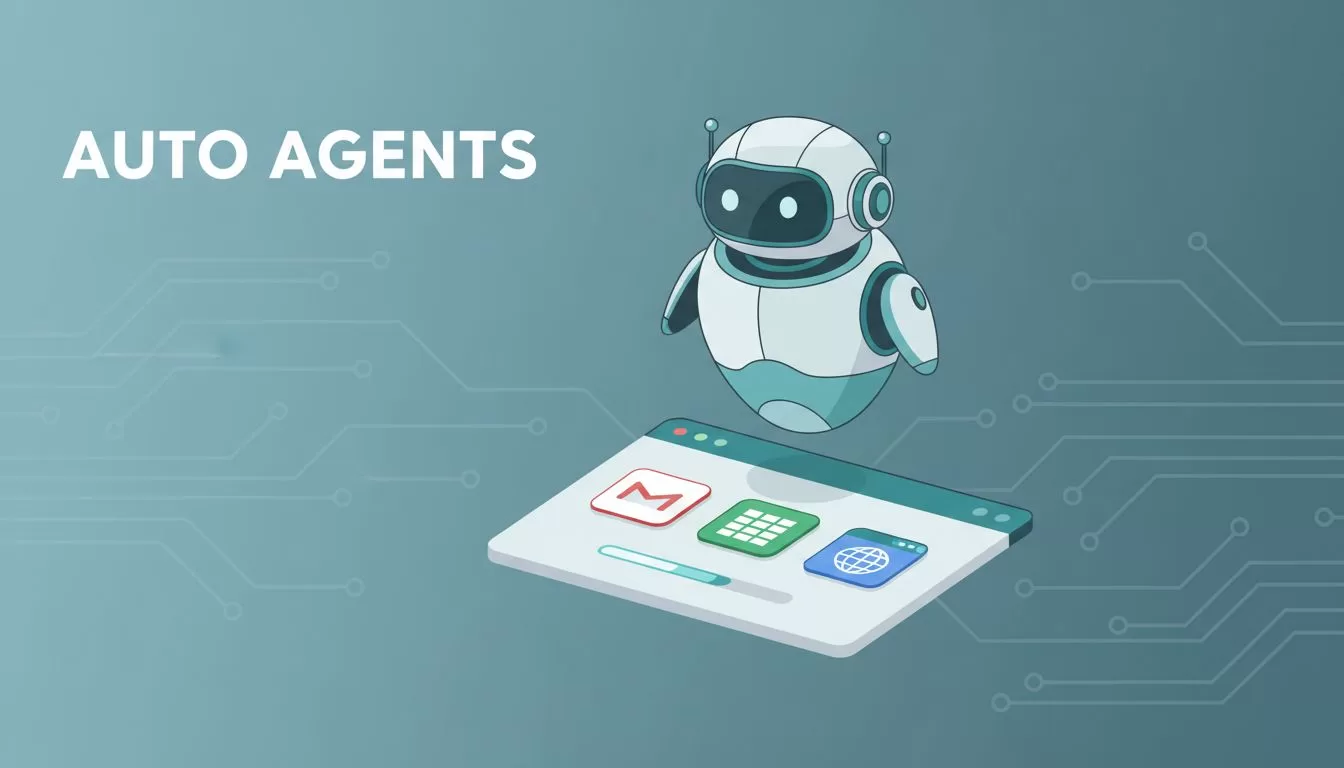
I remember the day my inbox overflowed with uncategorized emails. Replying took hours, and leads slipped away. Then I found Twin.so. It lets me build autonomous AI agents that handle tasks alone, from research to reports.
These agents act like tireless assistants. They connect apps, browse sites, and deliver results without my input. You describe the goal in chat. Twin turns it into a working system.
Ready to cut your workload? I walk you through my exact process.
Why Twin.so Stands Out for Agent Building
Twin.so changes how I automate. I chat a goal, like “Categorize emails weekly.” The platform builds an agent that reads Gmail, sorts messages, and logs to Sheets. No code needed.
It handles APIs first. If none exist, the web agent takes over. This agent mimics human actions: logs in, clicks, fills forms. I tested it on sites with CAPTCHAs. It succeeded where others failed.
Workspaces keep things organized. Each holds agents for one project. I use one for sales, another for content. The quickstart guide shows three agents in minutes: scheduled sorter, event responder, browser task.
Costs make sense too. Credits cover builds and runs. Builds cost more for AI planning. Runs reuse logic, so they are cheaper. I start free, then pay per use.
Quick Prerequisites to Get Going
You need little to start. Sign up at twin.so. It takes seconds. Link accounts like Gmail or calendars with one click. Twin manages OAuth securely.
Pick clear goals first. Vague prompts lead to tweaks. I note inputs, outputs, frequency. Test small: one email, one site.
Credits matter. Free trial covers basics. Complex browser tasks eat more, so plan runs over rebuilds. Check the pricing docs for details.
Browser works best on stable sites. Avoid heavy JavaScript pages at first.
Step-by-Step: Building My First Agent
I open a new workspace. The chat waits on the left. I type: “Check new leads in CRM every morning, research them, email summary.”
Twin asks questions. “Which CRM? What research? Email to whom?” I reply simply. It plans steps: pull data, search web, compile notes.
Choose reasoning level. High gives detail, costs more. Low speeds things up. I pick high for first builds.
Hit build. Watch it connect APIs or prep browser. Review the plan. Edit if off. Lock it in.

This process feels like directing a smart coworker. My lead researcher now runs daily. It pulls from Zapier lead capture workflows, enriches with web data, sends polished emails.
Test immediately. Run once. Check output. Refine in chat: “Add phone numbers.” It updates fast.
Real-World Use Cases That Save Me Time
Agents fit my daily grind. One preps meetings. It scans my calendar, researches attendees overnight, drops notes in Drive. No more late-night Googling.
Competitor intel runs Fridays. Agent browses sites, notes changes, emails a briefing. I forward it to the team.
For content, it gathers trends. Like scanning forums for B2B tools, then drafting posts. Pairs well with tools like Someli AI content tools.
Sales teams love lead responders. New form? Agent verifies email, books a call, logs to CRM. Handles spikes without hires.

Freelancers automate invoicing. Agent checks hours, generates bills, sends via email. Scales with clients.
See the web agent docs for browser-heavy cases. It shines there.
Deployment, Triggers, and Monitoring Basics
Deploy after build. Set triggers: schedule, webhook, or API call. My lead agent fires on new CRM entries.
Runs happen in background. Outputs land in apps or email. Repeat costs drop because it reuses plans.
Monitor in workspace. Logs show steps, errors, costs. Graphs track performance. Tweak via chat.

I check weekly. If a site changes, agent adapts or I refine. Use triggers guide for setups.
Pitfalls I Learned to Dodge
Vague prompts waste credits. Be specific: name apps, formats.
Browser fails on pop-ups sometimes. Test sites first. Fallback to APIs where possible.
Overbuild early. Start narrow, expand. My first agent bloated; now I iterate.
Credits surprise new users. Track in dashboard. Switch to run mode fast.
Key Takeaways for Your Launch
Twin.so makes autonomous AI agents simple. I build, deploy, and monitor in under an hour. Tasks that stole days now run alone.
Start with one agent today. Describe your biggest time sink. Watch it vanish.
Your team gains hours weekly. That’s real leverage for growth.
