How I Deploy Browser Automation on Twin.so
You’ve got scripts in Playwright or Puppeteer that scrape sites or fill forms. Local runs work fine until scale hits. Then servers, browsers, and costs pile up. I faced that last year with a data pipeline. Twin.so changed everything....

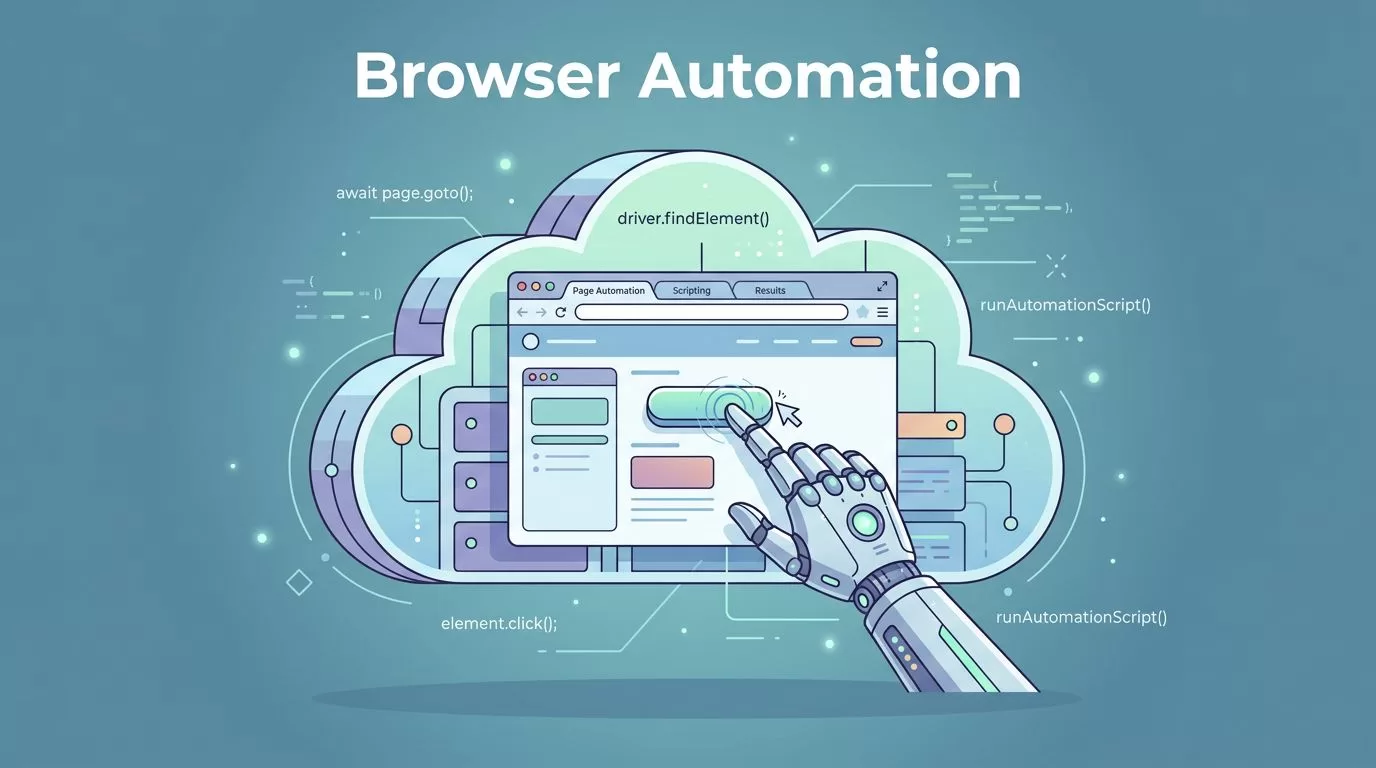
You’ve got scripts in Playwright or Puppeteer that scrape sites or fill forms. Local runs work fine until scale hits. Then servers, browsers, and costs pile up. I faced that last year with a data pipeline. Twin.so changed everything. It handles browser automation in the cloud without me managing infrastructure.
This platform runs AI agents that control browsers like humans do. No code needed for setup. Agents click, scroll, and extract data autonomously. You describe tasks in plain English. Twin builds the worker. In May 2026, it supports scheduled runs and API triggers too. Let’s walk through how I deploy these on Twin.so.
Twin.so’s Deployment Architecture
Twin.so spins up isolated cloud browsers for automation. Each agent gets its own virtual machine. No shared resources mean clean runs every time. Think Chromium instances that launch on demand. Data flows from your prompt to the agent, then to the browser, and back with results.
I start with the Twin documentation on Web Agent. It explains how agents prefer APIs first. They fall back to browsers only when needed. This saves credits. Architecture looks simple: your dashboard connects to cloud servers. Those servers fire up browser sessions with tools like Puppeteer under the hood.


For example, I automate form submissions on a site without an API. The agent logs in, navigates pages, and types data. Arrows show inputs from config files or prompts feeding jobs. Outputs land in JSON or spreadsheets. Scale hits hundreds of runs daily without local headaches. Best practice: map your flow first on paper. Then feed it to Twin.
Step-by-Step Setup Process
Sign up for Twin.so’s trial. You get 1,000 credits day one, plus 200 daily. Enough to test browser jobs. Head to the quickstart in their docs. Create a new agent.
I type: “Log into example.com, fill the contact form with name John Doe and email test@example.com, submit, screenshot the confirmation.” Twin builds it in seconds. No Playwright install required. It uses built-in browser control.
Next, connect accounts if needed. For sites with logins, grant OAuth or paste credentials securely. Twin stores them encrypted. Test the agent in the chat interface. Watch the embedded browser in real time. Clicks happen live. Adjust prompts if it misses a field.
Deploy via schedule or webhook. I set mine to run hourly for price checks. Costs drop on repeats; first build uses more credits.
Configuring Agents for Reliability
Prompts matter most. I keep them specific: list steps, handle errors, define success. “If login fails, retry twice. Extract table data as CSV.” Twin adds reasoning layers. Choose low for simple scrapes, high for complex flows.
Integrate with tools. Link to Google Sheets for outputs. Or Zapier if you prefer. For Puppeteer-like control, guide the agent: “Wait for selector #submit-button, then click.” It mimics code without writing it.
Observability shines here. Logs capture every action. Screenshots mark key steps. I review traces post-run. Tweak for site changes. In 2026 updates, self-healing fixes minor breaks automatically.
Compare to Selenium: Twin skips driver headaches. No version mismatches. Agents adapt via AI.
Running and Monitoring Jobs
Hit run from the dashboard. Jobs queue in isolated environments. Watch progress live. Graphs show credit use and duration.


I monitor a scraping job for competitor prices. Logs detail page loads, extractions. Alerts ping Slack on fails. For fleets, API triggers scale runs. One endpoint fires 50 browsers at once.
Pro tip: batch similar tasks. Group form fills into one agent. Cuts costs 3x. Check Playwright vs Puppeteer comparisons for why cloud beats local.
Troubleshooting Real-World Issues
Sites update layouts. Agents stumble. I check logs first. Replay the session video. Adjust prompt: “Scroll past carousel before clicking.”
Timeouts kill runs. Set longer waits in config. Network blocks? Twin rotates proxies. Credit overruns? Audit with usage reports.
Common fix: refine goals. Vague prompts fail. Specific ones succeed 90% first try. Community agents help too. Fork one close to your need.
If no-code feels light, pair with Browse AI for data extraction. It complements Twin for pure scrapes.
Security Best Practices
Twin isolates every browser. No access to your machine. Credentials encrypt at rest. Agents run in private clouds.
I review access logs weekly. Limit scopes: grant only needed logins. Use API keys over passwords. For teams, role-based controls prevent leaks.

Enable audit trails. Track every action. Rotate keys monthly. Avoid public agents for sensitive data. Test in staging first.
Wrapping Up
Browser automation on Twin.so scales my workflows without server wrangling. From setup to secure runs, it handles the heavy lift. I save hours weekly on data tasks that once jammed my laptop.
Pick clear prompts, monitor closely, secure tightly. Your first agent runs in minutes. Build one today; watch costs drop as it repeats. Reliable automation waits.

