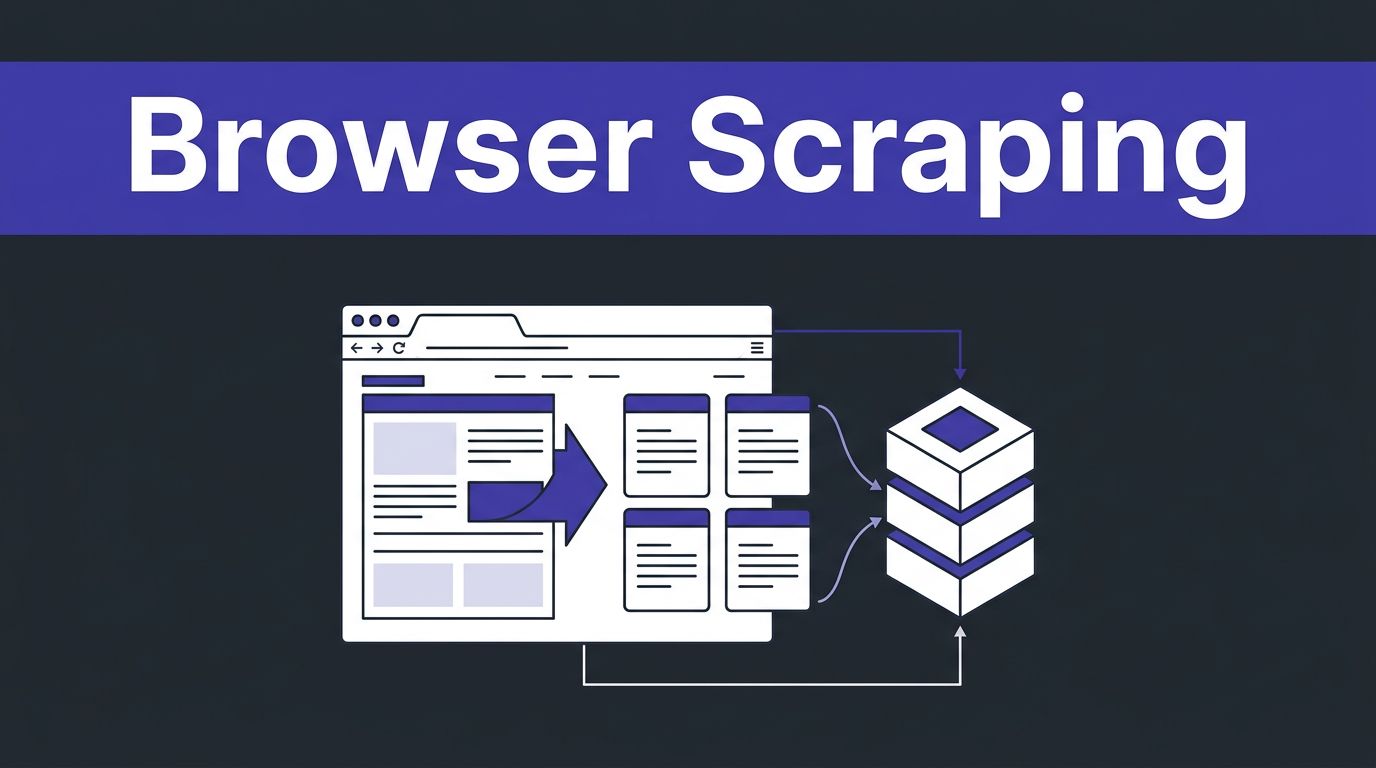
Web pages are easy to reach and hard to turn into usable training data. If you’re searching for Twin.so training data, the important distinction is that Twin is an agent platform built around AI agents, not a model-training service. Its Web Agent can browse sites, collect records, and use workflow automation to move structured output into third-party services.
That makes Twin useful for sites without a suitable API, with capabilities resembling an autonomous AI employee. It still doesn’t replace governance or a complete data pipeline, so manage permissions carefully, especially for sensitive Google user data. Verify source authorization, provenance, validation, and downstream storage; these determine whether your final dataset is reliable or expensive noise.
Key Takeaways
- Twin.so is an AI agent and workflow automation platform, not a complete model-training service. Use it as the authorized collection layer, while your own systems handle validation, storage, labeling, and model preparation.
- Use APIs first for stable, high-volume data, then use Twin’s isolated Web Agent for authorized browser tasks that APIs cannot support.
- Build a governed dataset pipeline with a narrow schema, source URLs, timestamps, content hashes, raw captures, normalized records, quality flags, and human review for ambiguous or sensitive content.
- Manage credentials through the Twin Vault, apply the narrowest permissions, and review GDPR obligations, source terms, licenses, retention requirements, and handling rules for Google user data.
- Measure cost per successful, reviewed record before scaling, since browser automation uses more credits and is less reliable than repeatable API-based workflows.
What Twin’s Training Data Workflow Means in Practice
Twin is built for AI agents and workflow automation. It can operate across apps and websites through agentic workflows, then return structured information for a downstream process. You can use it to collect product details, research records, support data, or documents for model evaluation.
The collected records are separate from Twin’s service data and belong in your dataset pipeline.
Twin doesn’t remove the rest of the data pipeline. You still need to:
- Define which fields matter.
- Remove duplicates and incomplete records.
- Store source URLs and collection timestamps.
- Separate raw captures from cleaned examples.
- Review personal, copyrighted, restricted, or account-connected content, including Google user data, only when authorized.
Treat the agent as the collection layer. Keep your database, validation rules, labeling process, and third-party services for storage or review separate.
A useful record might include source_url, collected_at, source_type, title, body, language, content_hash, license_status, extraction_method, and quality_flags. Keep the original capture alongside the normalized record. That gives your team a way to audit errors and rebuild the dataset when your schema changes.
For text training or evaluation, JSONL works well because each line can hold one complete example. Parquet is better when the dataset includes large metadata columns, filterable fields, or many versions.
How Twin.so Uses Browser Automation Without a Native API
Twin uses two execution paths. It calls an API when one exists, then uses browser-based collection when required data or actions are available only through a website. Twin’s official browser automation materials describe this API-first approach and its browser fallback in more detail.
For teams evaluating AI agents, the Web Agent operates inside an isolated cloud computer, effectively a remote Chromium browser for the task. It doesn’t use your local browser, cookies, Google user data, or active sessions, and account access requires authorization. Its action planning system can navigate pages, click controls, fill forms, read tables, download files, and support broader workflow automation.
The basic collection process is straightforward:
- Define the target record and the allowed sources.
- Use an API connector for stable, high-volume data whenever possible.
- Route missing data or unavailable actions through an authorized Web Agent.
- Ask for a fixed output schema rather than free-form notes.
- Send results to your database, queue, storage bucket, or review system.
- Sample the output and retain a run log before running the workflow at scale.
Browser automation is more flexible than fixed RPA selectors. A traditional RPA bot often depends on exact coordinates or page elements, while a computer-use agent interprets the interface and handles dynamic pages. This flexibility costs more and can fail when a site changes its flow.
Twin’s documentation describes browser automation as its most expensive and least reliable mode. Use it as a targeted fallback, not as the default for every request.
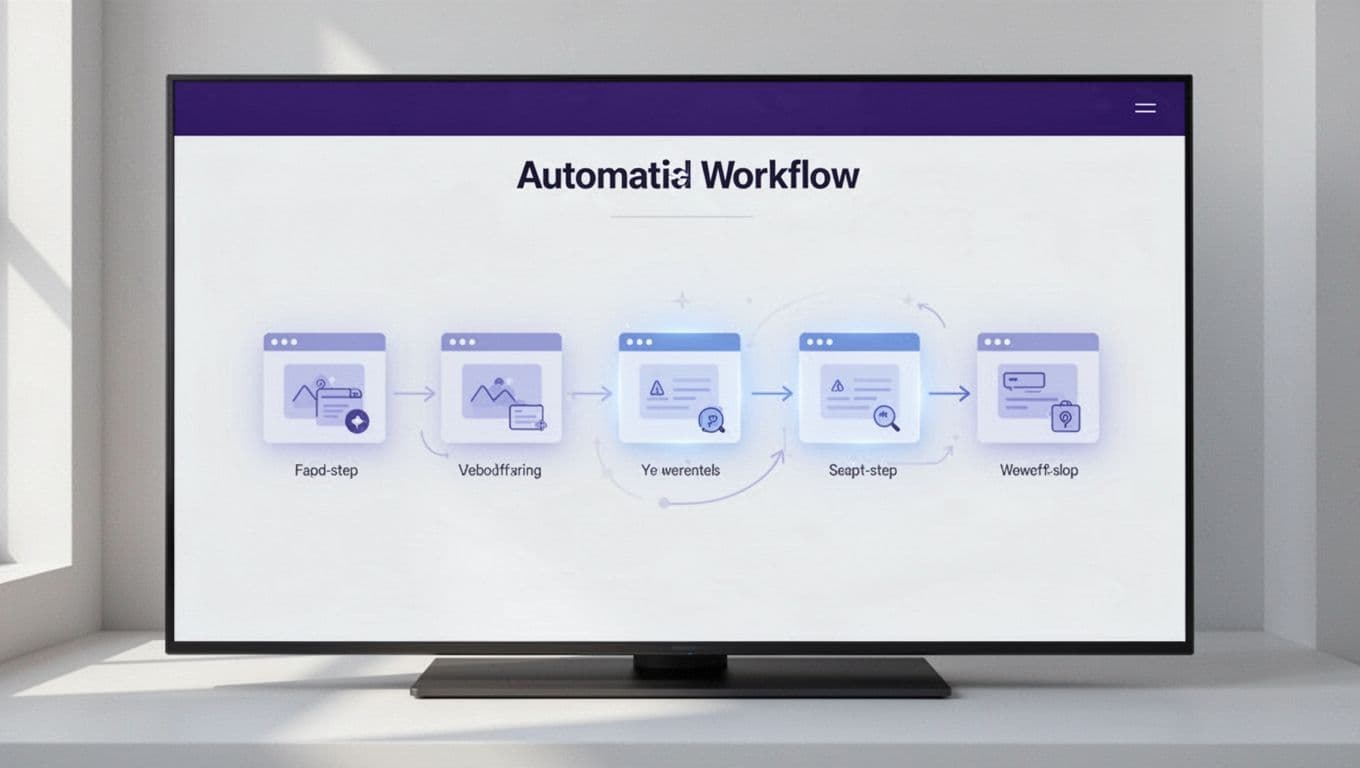
The Invoice Operator shows why a narrow workflow scales better than a general scraping request. Twin scaled that operator through Qonto to more than 500,000 European SMBs. The use case had a defined business outcome, known document types, and a clear place for exceptions. Your data pipeline should follow the same pattern.
Build a Dataset Pipeline, Not a Pile of Pages
Start with the final model task. Agentic workflows work best when collection and output formats match that task. A support classifier needs different records from a retrieval evaluation set. A product-matching model needs normalized attributes. A summarization benchmark needs source documents, instructions, reference outputs, and quality scores.
Give Twin a narrow extraction contract. For example, a product record may require:
- Product name, category, manufacturer, and stated specifications.
- Current price, currency, availability, and source page.
- A short description with HTML removed.
- Timestamp, language, and extraction status.
- Sensitive fields, including Google user data, only when authorized, with handling and deletion rules.
- A quality flag when a required field is missing.
When a stable source exists, use its structured response or an API connector for critical fields. A defined contract also keeps workflow automation predictable downstream.
Don’t ask the agent to “collect everything useful.” That instruction creates inconsistent records and increases review time. Define required fields, acceptable formats, and a failure response.
Store three versions of each result:
- The raw page or downloaded document, subject to the source’s terms.
- The normalized record used by your application.
- The reviewed training or evaluation example.
Use content hashes to detect duplicates and keep version numbers when a page changes. Route records through enterprise infrastructure, such as a database, storage bucket, queue, or review system, with a Tallyfy integration for exceptions. Mark records that contain personal data, Google user data, or uncertain rights. This structure lets your team exclude a problem class without deleting the full collection history.
Human-in-the-loop review matters when the agent handles invoices, legal documents, customer messages, or other high-impact content. Set a confidence threshold. Send ambiguous records to a reviewer instead of allowing the workflow to guess.
The fastest scrape is not the cheapest dataset. A smaller collection with clear provenance usually reduces labeling and cleanup work.
Credential Management, Privacy, and GDPR
Twin’s credential management model centers on the Twin Vault. Credentials and authentication tokens are stored for workflow use, rather than pasted into prompts or hard-coded into automation. The agent then runs in an isolated browser environment.
Use dedicated accounts and the narrowest permissions available. Grant workflows handling Google user data only the scopes they require, and store approved credentials in the Twin Vault. Don’t give a collection workflow access to billing, employee records, or unrelated customer systems. Rotate credentials when a project ends, and require approval for workflows that can submit forms, change records, or download sensitive files.
Twin Labs SAS is based in Paris and publishes a privacy policy for its AI agents and data processing. Its public materials describe customer content and Google user data as isolated from unrelated customers. They also describe controls intended to limit how Google user data moves through connected third-party services. They state that customer content isn’t used to train third-party foundation models.
Twin distinguishes customer content from service data. That distinction matters because collection workflows can handle more than page content. This service data can include information needed to operate, secure, measure, and improve the service.
Twin’s privacy terms describe controls for de-identified service data, data processing agreements, and standard contractual clauses for relevant international transfers.
That doesn’t make every scrape compliant by default. Your team remains responsible for the dataset’s purpose and source selection. Before collecting data, document:
- Why the data is needed and which GDPR legal basis applies.
- Whether your company is the data controller and whether Twin acts as a data processor for service data.
- What notice, consent, or legitimate-interest assessment is required.
- How you will handle deletion requests, access requests, retention, and correction for service data and Google user data.
- Which content licenses, website terms and conditions, and contractual restrictions apply to the selected sources and Google user data.
As the data controller, your company determines those purposes and sources.
The usual GDPR legal bases include consent, contract, legal obligation, and legitimate interests. The correct basis depends on the data and purpose, including Google user data. Public availability isn’t the same as permission to copy, republish, or use personal data for model training.
Respect robots directives where they apply, but don’t treat a robots.txt file as complete legal authorization. Check each source website’s terms and conditions, and review the current privacy policy alongside them. Don’t bypass authentication, rate limits, paywalls, or access controls to obtain Google user data. Use credentials only with explicit authorization.
Twin’s terms and conditions also restrict using its APIs to train external models. Read that restriction before designing a pipeline that sends Twin output directly into fine-tuning or evaluation infrastructure. Exporting data to a separate system may involve additional terms, licenses, and privacy obligations.
Twin.so Pricing Rewards Repeatable Workflows
Twin uses credits rather than a simple per-seat calculation. Evaluate pricing by cost per successful, reviewed record, not raw browsing volume. Public documentation lists these monthly bundles:
| Monthly credits | Listed price |
|---|---|
| 2,000 | $20 or EUR 20 |
| 5,000 | $50 or EUR 50 |
| 10,000 | $95 or EUR 95 |
| 20,000 | $189 or EUR 189 |
| 30,000 | $282 or EUR 282 |
| 40,000 | $373 or EUR 373 |
| 50,000 | $463 or EUR 463 |
Credits are deducted when agents build, run, browse, research, or generate output. Twin’s examples place a 100-item scraping job at roughly 20 to 70 credits. A browser automation session of around 20 steps can cost about 100 to 200 credits. Interactive browsing takes more work than stable API retrieval.
Initial builds cost more than repeat runs. Twin says repeat runs are often three to ten times cheaper. Benchmark a small approved sample, then fix the schema and review the results. Use an API connector for stable, high-volume fields, and reserve browser sessions for pages that need them. Schedule recurring workflow automation with a scheduled agent only after approval.
Twin.so vs OpenAI Operator and Anthropic CoWork
These AI agents overlap, but they solve different operating problems.
| Tool | Strong fit | Main consideration |
|---|---|---|
| Twin.so | Repeatable workflows across APIs, SaaS tools, third-party services, and websites | Credit usage rises with browser automation |
| OpenAI Operator | General computer-use tasks in browser environments | Better suited to flexible task execution than a controlled data pipeline |
| Anthropic CoWork | Work involving desktop files and connected productivity tasks | Less centered on web-first extraction workflows |
Twin is the more direct fit when you need a reusable workflow with a defined output, credential controls, and a browser fallback. OpenAI Operator is useful when a person needs a flexible computer-use agent for a browser task. That computer-use agent model offers less pipeline structure than governed extraction. CoWork fits tasks that start with files, documents, and desktop work rather than repeated web collection.
Don’t compare these tools only by model quality. Compare browser isolation, audit logs, export controls, approval steps, data retention, service data handling, cost per successful record, and failure recovery.
For a production data team, the practical test is simple: run the same approved sample through each tool. Measure valid records, duplicate rate, human review time, and credit usage. Check permission handling for Google user data, data boundaries, and recovery after a page change.
Frequently Asked Questions
Is Twin.so a training data platform?
Twin.so is primarily an AI agent and workflow automation platform, not a model-training service. It can collect and structure authorized data through APIs and browser automation, but your team must manage cleaning, storage, labeling, and model preparation.
Can Twin.so scrape websites without an API?
Yes, Twin’s Web Agent can browse authorized websites and interact with pages when the required data or actions are not available through an API. Browser automation should be treated as a targeted fallback because it is generally more expensive and less reliable than API retrieval.
How should collected Twin.so data be stored?
Keep the raw page or document, the normalized record, and the reviewed training or evaluation example as separate versions. Include provenance fields such as the source URL, collection timestamp, content hash, extraction method, license status, and quality flags.
Does Twin.so make data collection GDPR compliant?
No. Your organization remains responsible for the dataset’s purpose, legal basis, source permissions, retention, deletion requests, and handling of personal or Google user data. Review the applicable privacy policy, source terms, licenses, and contractual restrictions before collecting or exporting data.
How much does Twin.so browser automation cost?
Twin.so uses credits, and browser sessions generally consume more credits than stable API retrieval. Benchmark a small approved sample and calculate the cost per successful, reviewed record before running the workflow at scale.
Conclusion
Twin.so training data workflows work best when Twin or other AI agents handle authorized collection, while your systems handle validation, rights management, storage, and model preparation. Use APIs first, then use the Web Agent for authorized browser tasks that APIs can’t reach.
The Twin Vault supports credential management and isolated cloud browsing. These controls don’t replace your GDPR assessment or source review, including how service data and Google user data are handled. Keep provenance with every record, review uncertain output, and price browser runs before scaling.
A reliable dataset starts with a narrow schema, an approved source list, permissions, and a review of each site’s terms and conditions. If you need help turning a browser workflow into a governed production pipeline, Book A Call.