Structure User Segmentation Testing With Mida.so
Generic A/B testing often hides the truth. When you treat your entire audience as a single group, you miss how different people interact with your product. You need user segmentation testing to reveal which variations work for specific grou...
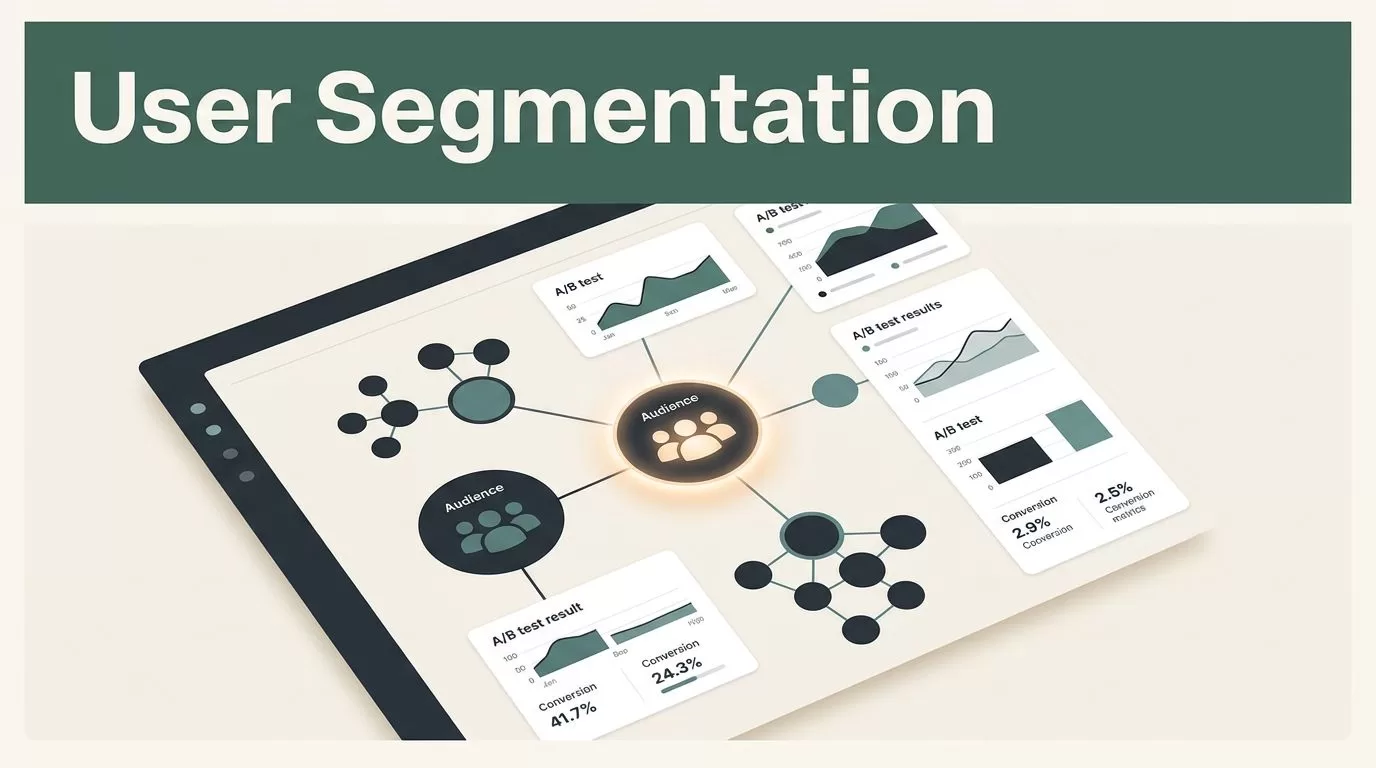
Generic A/B testing often hides the truth. When you treat your entire audience as a single group, you miss how different people interact with your product. You need user segmentation testing to reveal which variations work for specific groups rather than averages that mask performance. Mida.so simplifies this process by allowing you to filter experiments before they start and break down data after they finish.
Successful testing relies on high-quality data and clear hypotheses. If you launch a test without defining your audience, you end up with noisy reports. Use the tools within Mida.so to target specific segments, ensuring your results remain actionable and statistically sound.
Key Takeaways
- Define segments early using specific attributes like traffic source, geography, or custom events.
- Prioritize privacy by respecting regional data settings, as Mida.so automatically adjusts fingerprinting based on location.
- Use the Mida.so post-segmentation report to identify clusters of high-performing visitors after an experiment concludes.
- Validate conversion goals using the built-in audit tools to avoid tracking errors before your test goes live.
- Avoid over-interpreting segment results with small sample sizes to prevent false positives in your data.
Why Segmentation Matters for Product Managers
You cannot improve what you do not understand. A broad conversion rate is a vanity metric because it averages the experiences of power users, first-time visitors, and churned accounts. By focusing on customer segmentation examples, you move from guessing to knowing which features actually move the needle for your best customers.
Segmentation helps you identify friction points that only affect certain users. For example, your mobile design might perform perfectly for users in one region but fail for another. Without segmentation, these differences cancel each other out in your reports. You must segment your user base to see the full picture of your product performance.
Configuring Pre-Launch Targeting in Mida.so
Mida.so provides two tiers of targeting. Basic targeting handles standard parameters like device type, country, and traffic source. Advanced targeting lets you filter by custom events or user attributes. You configure these rules in the experiment setup phase to ensure only the relevant audience enters your test.
Always use the built-in rule advisor to verify your logic. If you target by UTM parameters, ensure your internal naming conventions are consistent. For example, if you track traffic by utm_source, Mida.so registers this automatically. You can also pass custom link attributes using the mida_ prefix, such as mida_plan=pro. This approach keeps your data clean and ensures you track the right people.
Follow this checklist before you push your changes to production:
- Confirm your conversion goal is correctly linked to the specific page or event you want to change.
- Review your audience filters to make sure they do not exclude your test group entirely.
- Run the targeting rule advisor to check for potential configuration conflicts.
- Check that your privacy settings comply with regional requirements, such as disabling fingerprinting for EU-based visitors.
- Verify that your test duration is sufficient to reach statistical significance for your chosen segment.
Analyzing Results Post-Experiment
The power of Mida.so lies in what happens after you stop the test. When you view an experiment report, you aren’t stuck with the initial aggregate data. You use the breakdown dropdown to slice your results. Select a segment, such as “Active Subscribers,” and then use the “Breakdown by” feature to see performance clusters like “Returning Desktop Visitors” or “New Mobile Users.”
Mida.so displays performance with clear visual indicators. Green arrows signify positive impact, while red arrows indicate a drop in performance. This is where the best practices in segmentation apply most directly: look for patterns that repeat across your top-performing clusters. If one group consistently converts higher, you know where to double down on your next iteration.
If you are unsure where to start, click the “Ask Sunny AI” button in the report window. The AI provides deeper statistical context, helping you spot anomalies you might have missed. Be careful not to treat small clusters as definitive proof. If a segment has a low sample size, the “winning” result might just be noise. Always verify that your sample size is large enough to support a permanent change.
Maintaining Ethical Testing Standards
Data privacy is not optional. Mida.so handles this by adjusting its tracking mechanics based on visitor location. For EU visitors, the platform automatically skips cookieless fingerprinting to stay compliant. You do not need to configure this manually, but you should be aware of it when analyzing global campaigns.
Do not attempt to bypass these settings or force tracking on users who have opted out. Your segmentation strategy should focus on behavioral patterns rather than intrusive personal data collection. By keeping your testing ethical and privacy-conscious, you build trust with your users while still gathering the data you need to iterate effectively.
Formulating Hypotheses and Success Metrics
A test is only as good as its hypothesis. Before you launch, write down what you expect to happen and why. Do not just test colors or button shapes; test user intent.
Example hypothesis structure:
- “If we show a personalized onboarding prompt to returning users who have not yet upgraded, then we expect a 10 percent increase in trial-to-paid conversion because the messaging addresses their specific pain points.”
Metrics to track:
- Primary conversion: The main action, such as a checkout completion or signup.
- Secondary metrics: Engagement indicators, such as time on page or bounce rate, which show if the variation caused unexpected friction.
If your results do not match your hypothesis, do not discard the data. A failed experiment is still a result. It tells you that your assumption about that specific segment was wrong. Use that information to adjust your strategy and run a more targeted test in the next cycle.
Conclusion
Structuring your tests by segment prevents you from chasing ghost metrics. Mida.so gives you the granularity to isolate how specific groups interact with your site, turning raw data into a clear plan for product growth. Focus on well-defined hypotheses, keep your audience targets precise, and always look for patterns in the breakdown reports after your test concludes.
Remember that statistics require patience. Avoid the urge to declare a winner based on a few days of data or a tiny segment sample. When you approach every experiment with an operational mindset, you reduce wasted effort and gain the confidence to implement changes that actually improve the user experience. Use your tools to filter the noise and find the segments that drive your business.
