Meet WCAG Audio Guidelines Using Speechify
Creating accessible audio content is no longer optional for modern web publishing. When you publish podcasts, course lectures, or embedded media files, you need to meet the standards set by the World Wide Web Consortium to ensure everyone c...

Creating accessible audio content is no longer optional for modern web publishing. When you publish podcasts, course lectures, or embedded media files, you need to meet the standards set by the World Wide Web Consortium to ensure everyone can consume your material. Meeting WCAG audio guidelines means providing accurate text alternatives, managing playback behaviors, and structuring your media player controls correctly. Speechify helps content creators streamline this workflow by turning text scripts into high-quality speech and generating precise transcripts, but human oversight remains vital for compliance. You still need to verify caption accuracy, test contrast ratios, and check conformance manually. Let’s look at how you can build a reliable accessibility workflow using Speechify tools while keeping your site compliant with official standards.
Key Takeaways
- Pair text-to-speech audio playback with synchronized word highlighting to keep your attention locked on the material.
- Provide equivalent text alternatives for all prerecorded audio-only content to satisfy core accessibility requirements.
- Enable user controls for autoplay media so visitors can pause audio streams that run longer than three seconds.
- Combine automated Speechify transcription with human review to catch transcription errors and formatting gaps before publishing.
Understanding Core Accessibility Rules for Audio
Digital accessibility standards break down audio requirements into clear operational rules. According to W3C specifications found in the Making Audio and Video Media Accessible guidance, prerecorded audio-only content requires a text alternative that presents equivalent information. This means every podcast episode, interview recording, or spoken lecture needs a complete, accurate transcript published alongside or directly beneath the media player.
You also have to account for live audio streams. WCAG criterion 1.2.9 requires a real-time text alternative for live audio-only events, ensuring users who are deaf or hard of hearing can follow the conversation concurrently. Beyond transcripts, playback behavior matters. If any audio on your page plays automatically for more than three seconds, the specification requires a mechanism to pause or stop the audio, or a control to adjust volume independently from the system level.
Building these standards into your publishing process protects your organization from compliance risks and expands your audience reach. When you treat accessibility as an operational checklist rather than an afterthought, your entire publishing pipeline becomes more robust.
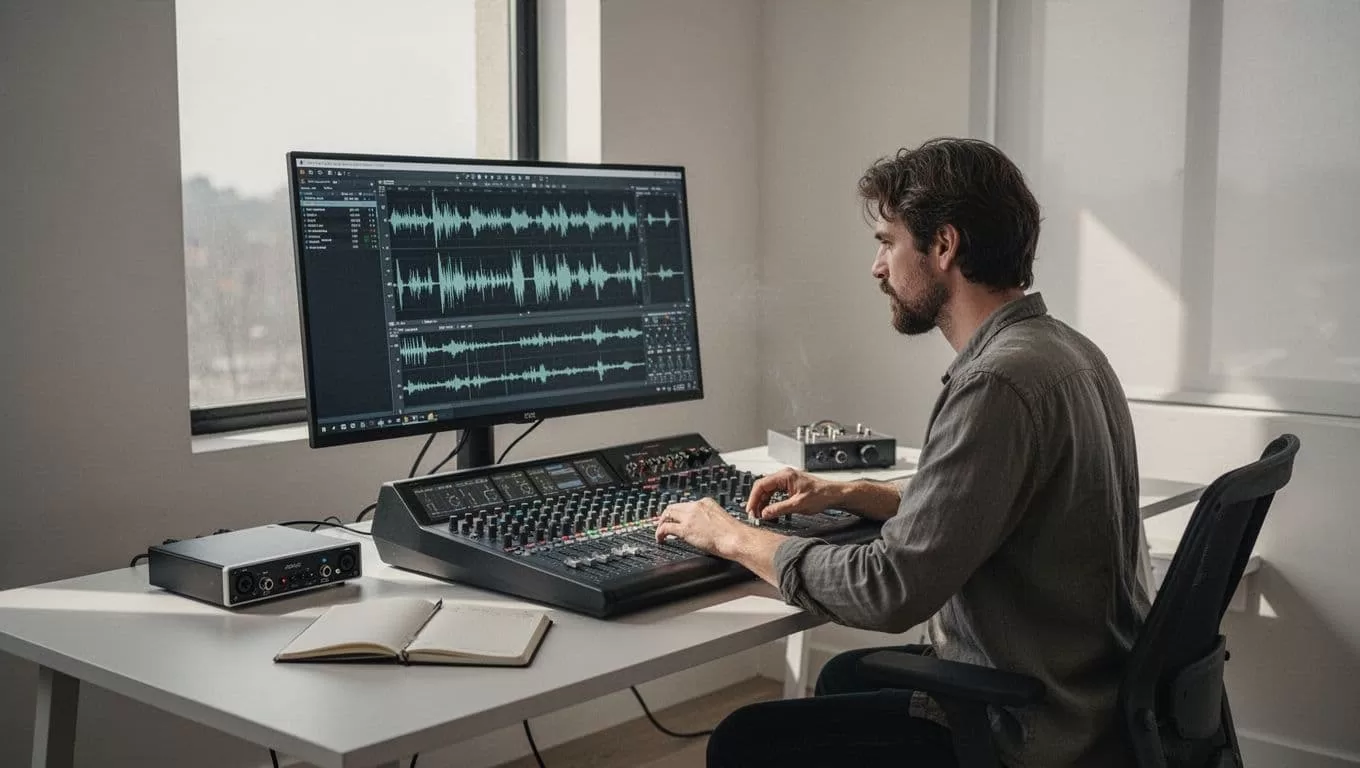
Using Speechify to Generate Transcripts and Voiceovers
Production efficiency depends on choosing the right tools to bridge the gap between written scripts and spoken media. You can use Speechify to generate natural-sounding voiceovers for your video and audio projects, or feed existing audio files into the platform to create initial transcript drafts. For a deeper dive into technical requirements, review the Web Content Accessibility Guidelines (WCAG) 2.1 specifications to align your media player deployment with official benchmarks.
When you generate a transcript from an audio recording, the software processes the spoken words and outputs text blocks. This automated first pass saves hours of manual typing, but it never replaces final human review. Automated engines often stumble over industry-specific terminology, acronyms, or overlapping speaker voices.
You need to schedule an editing pass to verify that speaker names, non-speech audio cues, and technical terms are rendered correctly. If your audio includes background music, ensure it stays at least twenty decibels lower than the foreground speech so assistive software and human listeners can process the core message without strain.
Optimizing Playback and Synchronized Tracking
Listening to synthesized speech requires a different cognitive approach than silent reading. When you accelerate playback speed beyond normal limits, your brain needs visual anchors to stay focused on the source material. Enable synchronized text highlighting in your application settings so words underline automatically as the software speaks them. Seeing words underlined while you listen reinforces retention, especially when reviewing unfamiliar terminology or dense theoretical arguments.
Your eyes follow the text anchor while your ears process the cadence, creating a dual sensory input loop that keeps your attention locked onto the source material. Match your playback speed to the actual density of your script rather than chasing high words-per-minute metrics. Dense technical documents and legal contracts require slower pacing than casual narrative overviews.
When you spot a critical passage or striking piece of evidence, use the bookmarking tool to flag the exact timestamp and text block for later citation. Export your highlighted quotes and notes directly into your writing workspace to streamline your editorial workflow.
Bridging Automated Tools and Manual Compliance
Relying entirely on software automation creates blind spots in your accessibility framework. Speechify accelerates production by turning scripts into audio and drafting initial transcripts, but your team remains responsible for final WCAG conformance testing. Automated transcript generators cannot verify whether visual descriptions meet the criteria outlined in the WAI Description of Visual Information guidance, nor can they test keyboard accessibility on your embedded media player buttons.
You must build a manual review gate into your publishing checklist before any audio file goes live. Test your web pages with screen readers, verify that all interactive media controls are reachable via keyboard navigation, and check that transcripts are placed adjacent to the player for immediate discovery.
Combining automated text-to-speech efficiency with rigorous human oversight eliminates compliance gaps while keeping your production schedule moving forward without unnecessary delays.
Conclusion
Deploying an accessible audio workflow transforms how your business consumes and publishes digital media. By combining Speechify generation tools, synchronized visual tracking, and strict adherence to W3C standards, you remove physical reading bottlenecks and meet official compliance requirements. Audit your current media library today, implement automated transcription with mandatory human review, and tackle your content backlog with a more efficient operational routine.
