Website Variations in Mida.so: From Control to Rolling Out Winners
Most landing page tests take too long because every variation starts with a new design task. Mida.so gives you a faster way to create, edit, and prepare alternative page versions without rebuilding the entire page each time. The process sti...

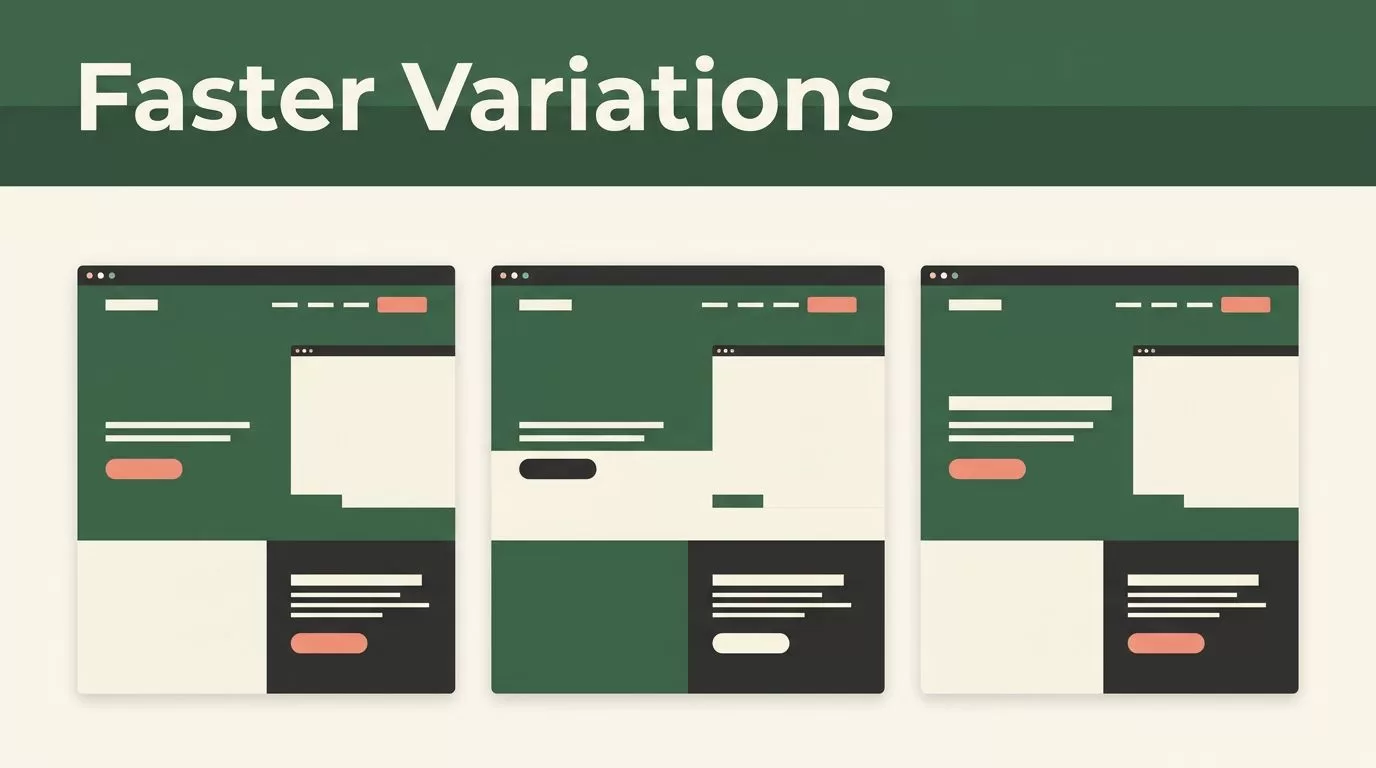
Most landing page tests take too long because every variation starts with a new design task. Mida.so gives you a faster way to create, edit, and prepare alternative page versions without rebuilding the entire page each time.
The process still needs discipline. You need one clear control page, one conversion hypothesis, and reliable measurement. Use Mida.so to reduce production time, then use evidence to decide which version stays.
Key Takeaways
- Build a clean control page before creating variations.
- Change one meaningful conversion element at a time.
- Use Mida.so to duplicate and edit page versions faster.
- Track the same primary conversion event across every variation.
- Roll out winners only after checking conversion quality and technical performance.
Build a Strong Control Before Creating Variations
A variation is only useful when you can compare it with a stable original. Start with the page visitors see today. Save its current copy, layout, offer, traffic source, and conversion rate.
Call this version the control. Don’t keep changing the control while testing a new version. If both pages change during the same period, you lose a reliable comparison.
Set one primary goal for the test. That goal could be:
- A completed demo request
- A free trial signup
- A product purchase
- A booked consultation
- A qualified form submission
You can track secondary actions too. Those might include button clicks, scroll depth, video plays, or form starts. Keep one event as the decision metric.
Your first hypothesis should connect a page change to a user action. Use this format:
If we change [page element], [audience] will be more likely to [action] because [reason].
For example:
“If we replace a general headline with a specific operational outcome, visitors from paid search will submit more demo requests because the offer will match their search intent.”
That statement gives you a clear test. It also prevents random editing.
Review the page for obvious friction before you create variations. Check the headline, offer, call to action, form length, proof points, mobile layout, and page speed. Fix broken elements first. Testing a broken form doesn’t produce useful insight.
Keep a short test record. Store the control URL, variation name, launch date, traffic source, hypothesis, primary event, and result. A spreadsheet is enough. Your testing history becomes an operating record instead of a collection of screenshots.
Create Website Variations in Mida.so
Start at Mida.so and open the page or project you want to change. The exact workspace labels can differ by account or plan. Look for the page editor and the option to duplicate, copy, or create a variation.
Use the following workflow:
- Select the control page. Confirm that you’re editing the correct URL and audience experience.
- Create a separate version. Give it a clear name such as
Hero-Outcome-CTA-AorShort-Form-Mobile. - Preserve the original structure. Keep the page sections that aren’t part of your hypothesis.
- Change the selected element. Edit the headline, button, form, proof section, or layout tied to the test.
- Review desktop and mobile views. Check spacing, text wrapping, button visibility, and form behavior.
- Publish or connect the version. Use the traffic allocation or testing workflow available in your setup.
- Record the launch details. Add the variation name and event definition to your test log.
Clear naming matters. A name should tell another operator what changed without opening the page. CTA-Value-Action is better than Version-2. Add the audience or traffic source when the test only applies to one segment.
Mida.so is most useful when you keep the page structure stable and reduce repetitive production work. You can create multiple website variations without asking a developer to recreate every section in a separate codebase. That gives your team more room to test meaningful changes.
Don’t edit five major elements in the first version. A new headline, new layout, shorter form, and different offer create a new page. You may see a conversion change, but you won’t know which change caused it.
Use the editor for focused work. If the account includes AI-assisted editing or generation, give it a narrow instruction. Ask for three headline options for a defined audience. Ask for a shorter CTA that describes the next action. Don’t ask for a complete redesign without a test reason.
Keep the original copy in your test record. You need a clean before-and-after comparison, especially when several team members work on the same page.
Test One Conversion Hypothesis at a Time
The best website variations target a decision visitors already need to make. They don’t exist to make the page look different.
Start with the highest-friction point in the conversion path. If visitors don’t understand the offer, test the message. If they understand the offer but hesitate, test proof or risk reduction. If they start the form but don’t finish, test the form experience.
Use this test map to choose a focused change.
| Conversion problem | Variation to create | Primary metric |
|---|---|---|
| Visitors don’t understand the offer | Replace a broad headline with a specific outcome | CTA clicks or signups |
| Visitors hesitate before contact | Add relevant customer proof near the CTA | Qualified submissions |
| Visitors abandon the form | Remove non-essential fields | Completed submissions |
| Paid traffic has weak message match | Align headline and CTA with the ad promise | Landing page conversion rate |
| Mobile users miss the next step | Move the primary CTA higher on the page | Mobile CTA clicks |
A headline test should change the promise, not only a word. Compare “Manage Your Marketing Data” with “Reduce Weekly Marketing Reporting to One Dashboard.” The second version states a result and gives the visitor a clearer reason to continue.
A CTA test should describe the action and its value. “Submit” gives little information. “Request a pricing review” sets a clearer expectation. “Start free trial” and “Create my workspace” also create different expectations. Test the language against the actual next step.
A form test needs a quality check. Removing fields may increase submissions while reducing useful information for sales. Track qualified submissions, not only total form completions.
A proof test should match the audience. A security buyer may need compliance details. A founder may respond to implementation time. A marketing analyst may need reporting examples. Place the most relevant proof near the point where the visitor makes a decision.
Don’t judge a variation from one or two conversions. Wait until the test has enough data for a reasonable comparison. The right threshold depends on traffic volume, conversion rate, business risk, and the value of the action.
Track the Same Events Across Every Version
Your analytics setup must identify the page version and the conversion event. Without that connection, you may see total conversions but not know which page produced them.
Create a consistent event structure before launch. For example, track:
cta_clickform_startform_submitdemo_bookedtrial_started
Use the same event names and definitions on the control and every variation. Google’s GA4 event documentation provides the technical reference for event collection and parameters.
Add a variation identifier when your analytics system supports custom parameters. A value such as hero_outcome_a lets you filter results without relying on page screenshots or manual records.
Check four areas during measurement:
- Conversion rate: How often visitors complete the primary action.
- Conversion quality: Whether leads, trials, or purchases meet business requirements.
- Traffic balance: Whether each version receives a comparable audience.
- Technical behavior: Whether errors, slow loads, or mobile issues affect results.
A higher conversion rate isn’t enough when the version attracts poor-fit leads. Connect page results to CRM outcomes when possible. Compare booked meetings, accepted opportunities, trial activation, or revenue contribution.
Don’t stop the test because one version has an early lead. Early results can move sharply when traffic is limited. Use the same test window for both versions unless a page has a clear defect.
Your testing platform may handle random traffic allocation, or Mida.so may connect to an existing experimentation workflow in your setup. If allocation happens outside Mida.so, document which system controls it. Optimizely’s A/B testing guide covers the basic structure of control and variation testing.
Review the page manually during the test. Click the CTA. Submit the form with test data. Check redirects, confirmation messages, tracking events, and mobile behavior. A variation with a broken conversion path should be paused immediately.
Roll Out Winners Without Losing the Original
When a variation wins, save the result before replacing the control. Record the tested change, audience, traffic source, dates, conversion results, and quality outcomes.
Then decide how to deploy it. You can make the winning version the new control, keep it for a specific audience, or use the insight on another page. The choice depends on the test scope.
Don’t assume a result applies everywhere. A headline that works for paid search visitors may not work for organic traffic. A form that improves mobile completion may have no effect on desktop users. Keep the audience and page context attached to every result.
Use Mida.so to create the next version from the strongest current page. Keep the next hypothesis separate from the previous one. This creates a sequence of controlled improvements instead of a series of unrelated redesigns.
A useful testing backlog includes three columns:
- The observed problem
- The proposed page change
- The expected business result
Prioritize tests that affect high-traffic pages, high-value actions, or known sources of friction. Cosmetic changes can wait. A clearer offer or working form usually deserves attention first.
Conclusion
Creating website variations doesn’t need to become a new design project every time. Mida.so can reduce the work involved in duplicating and editing page versions, but the test still depends on a stable control, a focused hypothesis, and consistent tracking.
Start with one meaningful change. Measure the action that matters to the business. Keep the winning page only after you verify both conversion rate and conversion quality. That process turns faster page production into a repeatable conversion program.

