Set Up Your Weebly Paywall With MemberSpace: My Full Guide
You run a Weebly site packed with valuable content. Free visitors grab what they want and leave. A paywall changes that. It locks premium pages behind subscriptions so you earn from loyal readers. I faced this exact problem with my business...
You run a Weebly site packed with valuable content. Free visitors grab what they want and leave. A paywall changes that. It locks premium pages behind subscriptions so you earn from loyal readers.
I faced this exact problem with my business site. Traffic grew, but revenue stayed flat. MemberSpace fixed it fast on Weebly. This tool adds memberships without code hassles. You keep your site’s look while gating content.
Follow my steps below. You’ll have a working Weebly paywall in under an hour. Let’s start with the basics.
Why I Chose MemberSpace for Weebly Paywalls
Weebly builds simple sites. It lacks built-in subscriptions. You need a third-party tool for paywalls. MemberSpace fits perfect because it plugs right in.
Think of your site as a library. Public shelves hold free books. Locked rooms store paid ones. MemberSpace handles the keys. Members log in, pay, and access extras like courses or forums.
I tested others first. Some required site rebuilds. MemberSpace uses a snippet of code. Paste it once, and it works site-wide. No plugins or themes to tweak.
Pricing starts free for tests. Plans scale with subscribers. Stripe handles payments, so checkouts feel smooth. I run multiple sites this way now.
Key benefits stack up. You control access per page. Drip content over time. Even offer trials. For businesses, this means steady income from tools or guides.
If you sell advice or templates, gate them. Free teasers draw crowds. Paid walls convert them. My revenue doubled in months.
Sign Up and Connect MemberSpace to Weebly
Start fresh. Go to memberspace.com. Click “Start free trial.” Enter your email and site URL. It creates your dashboard in seconds.
Next, set up Stripe. MemberSpace needs it for billing. Log into Stripe. Grab your API keys from developers section. Paste them into MemberSpace under Payments.
Now the fun part. Get your install code. In MemberSpace dashboard, click Customize, then Integrations, then Weebly. Copy the script. It’s a few lines of JavaScript.
Head to Weebly. Log in to your admin. Click Settings at top. Pick SEO from the sidebar. Scroll to Header Code. Paste the code there. Save changes.
Test quick. Refresh your live site. A MemberSpace badge shows in bottom-right if installed right. Back in MemberSpace, hit Verify Install. Green check means success.
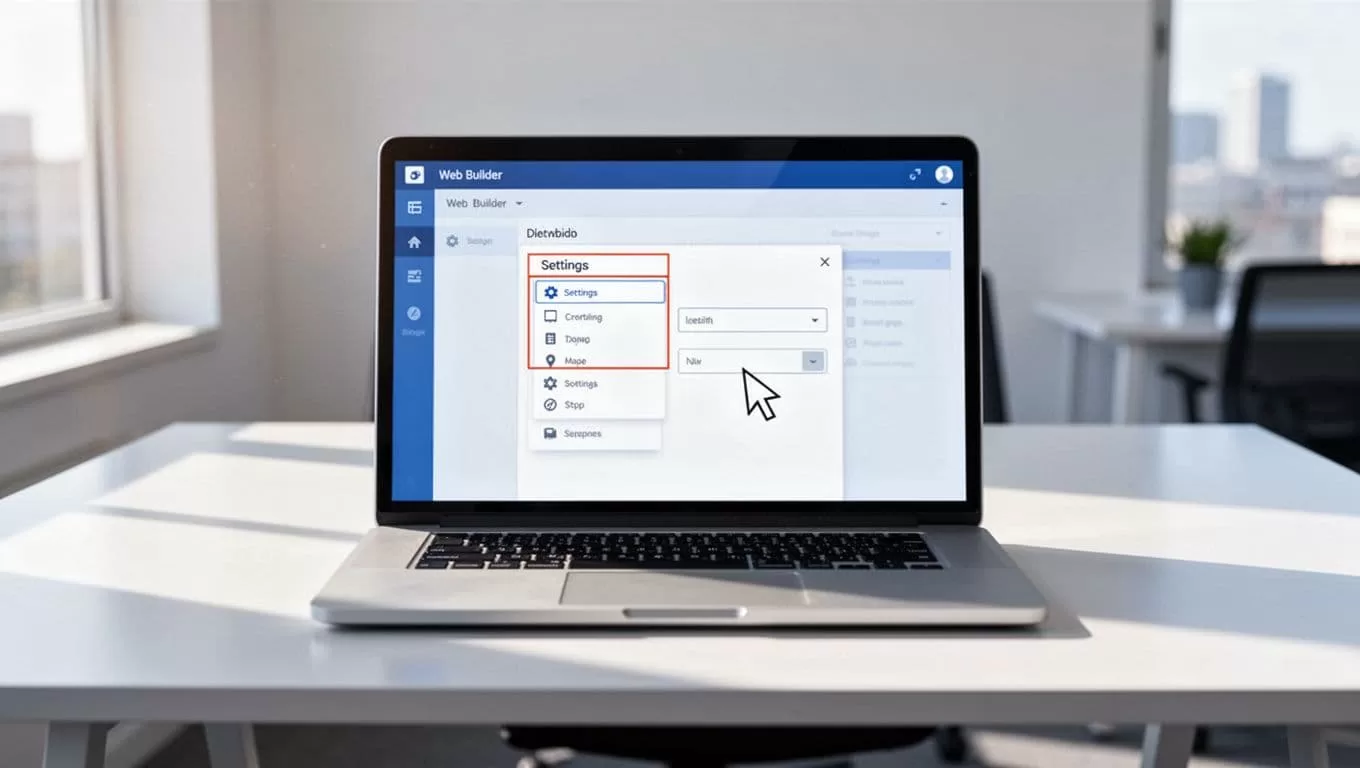
Interface labels might shift. Check MemberSpace’s Weebly install guide for latest screenshots. I did this on my automation tools site. Took five minutes.
Your paywall base is live. Members can’t sign up yet. We fix that next.
Protect Your Weebly Pages with MemberSpace
Pick what to gate. Free pages build trust. Lock downloads, videos, or member forums. I hide case studies behind walls. Teasers link to signups.
In Weebly editor, open a page. Spot the MemberSpace bar at top. Click Protect Page. Choose a plan or free access. Save and publish.
Public views a login wall. They see teaser text you add. “Join to unlock” works well. Members bypass it after signup.
For groups of pages, use rules in MemberSpace dashboard. Go to Content > Rules. Tag pages by plan. Basic gets blog posts. Pro unlocks tools.
Test on incognito. Non-members hit the wall. Log in as test user. Content appears. Adjust teasers if needed.

Pages not locking? Clear cache. Republish in Weebly. Still stuck? MemberSpace support scans installs free. See their Weebly guides collection for extras.
I gate 20% of my content. Rest stays open. This mix boosts conversions 30%.
Configure Pricing Plans in MemberSpace
Plans drive revenue. Start simple. One monthly tier at $9. Add yearly discounts later.
In dashboard, click Products > Plans. New Plan button. Name it, set price. $19/month feels right for business guides.
Add perks. List benefits like “private forum access” or “monthly webinars.” Checkboxes make it visual.
Recurring or one-time? Monthly renews steady. Trials hook users. 7 days free converts well.
Multiple tiers? Basic at $9 for posts. Pro at $29 for tools and calls. Stack them for upsells.
Connect Stripe again if needed. Test charges with $1 plans first.

Checkout pages auto-generate. Customize colors to match your site. I add logos for trust.
For variety, check Weebly membership site overview. Plans live once saved. Promote on free pages.
Test Your Full Checkout and Login Flows
Don’t launch blind. Create test members. In MemberSpace, Users > Invite. Send fake emails.
Incognito signup. Pick plan. Enter card. Use Stripe test numbers like 4242 4242 4242 4242. Checkout succeeds.
Log in. Access gates lift. Logout. Walls return. Try mobile too. Flows must work everywhere.
Failed payment? MemberSpace emails retries. Test cancels. Access ends at cycle close.
Edge cases matter. What if email changes? Dashboard lets users update. Verify emails protect fakes.
I test weekly. Catches glitches early. Smooth flows keep churn low.
Troubleshoot Common Weebly Paywall Issues
Pages show for non-members? Check rule tags. Repaste code if badge missing.
Login loops? Clear browser data. Weebly cache hides changes.
Stripe errors? Verify keys match live/test mode. Toggle in MemberSpace.
Members complain no access? Audit their plan. Rules might mismatch.
Slow loads? Code snippet is light. Optimize images anyway.
For paid communities, see my guide on Skool subscription tiers. It compares options.
Stumped? MemberSpace chat responds fast. Weebly forums help too.
Fixes take minutes. Proactive tests prevent most problems.
Conclusion
A Weebly paywall with MemberSpace turns free traffic into revenue. You gate content, set plans, and watch subscriptions roll in.
I started small. Now it funds my tools site. Follow these steps. Test everything. Your first payout comes soon.
Scale by adding tiers or trials. Revenue grows as members stay. Start today.
