Opening a US account from another country can feel like trying to open a locked door with the wrong key. I’ve been there. If I want to get paid in dollars, send money cheaply, or bill US clients, I need a setup that works online and doesn’t demand a branch visit.
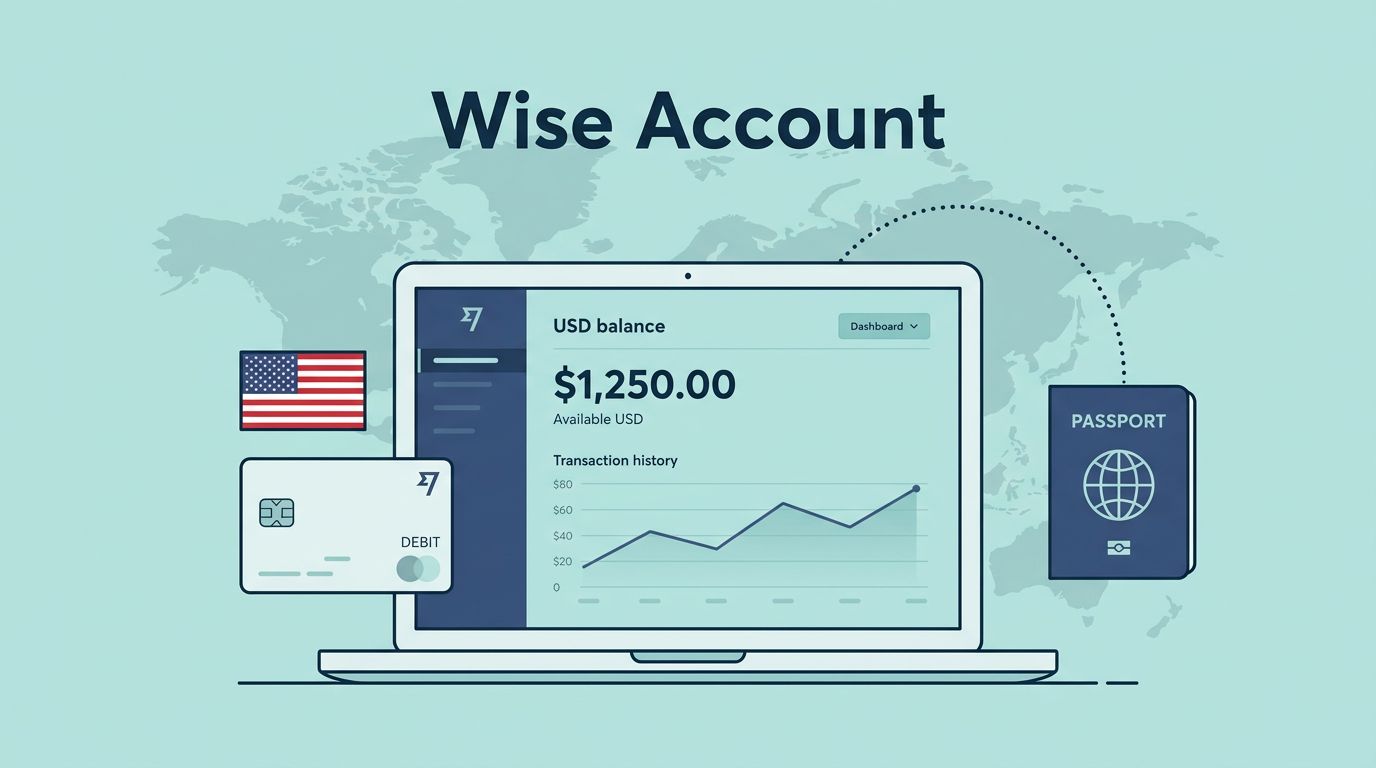
That’s where Wise US bank account searches often lead. Still, the phrase can be misleading. Wise is a financial technology platform, not a traditional US bank, so what I get is usually a Wise account with a USD balance and, if my region and account type allow it, US bank details for receiving dollars.
What a Wise US bank account really means
When I say “Wise US bank account,” I’m not talking about a standard checking account from Chase or Bank of America. Wise itself presents its product as an alternative in its online bank account guide. That difference matters.
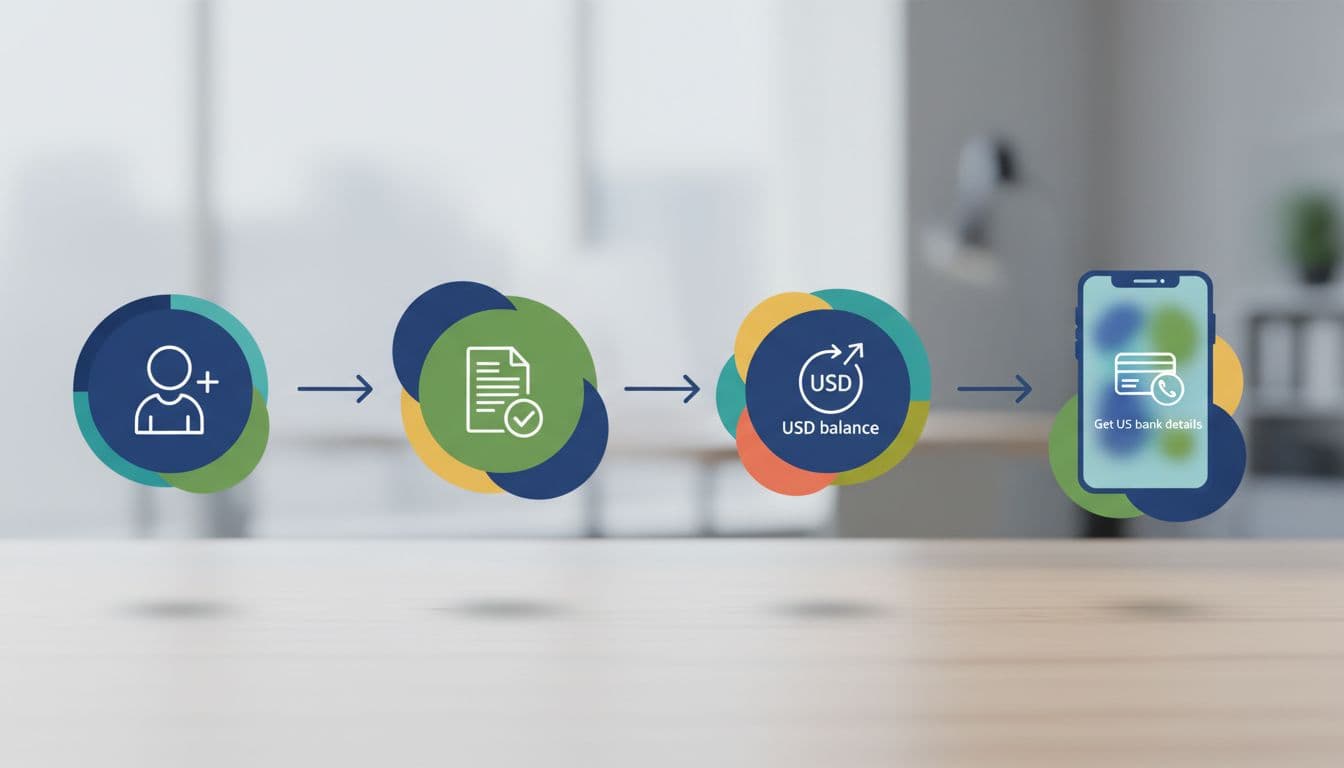
With Wise, I first open a Wise account. Then I verify my identity. After that, I can activate a USD balance. If my account is eligible, Wise can give me US bank details, usually a routing number and account number, so I can receive USD like a local transfer.
A Wise account can provide US bank details for USD, but it is not the same as opening a traditional US bank account.
This setup is often easier for freelancers, remote workers, and online businesses because it’s fully online. By contrast, many standard US banks still want in-person checks, a US address, or extra documents. If I compare options, this non-resident US account overview shows why Wise looks simpler for many people abroad.
Who can open it from outside the US
As of March 2026, non-US residents can usually open a personal Wise account if they live in a supported country. I don’t need a US address for a personal account. Instead, I use my local documents, such as a passport or national ID, plus proof of address.

However, not every feature is open in every country. Wise supports services in many regions, but account opening and local details still depend on where I live and what account I hold. Rules can also shift fast.
Business accounts are stricter. If I want Wise Business as a non-US resident, I’ll usually need a US-registered company, such as a US LLC, plus an EIN and company papers. A foreign business without that structure may not qualify for US business details.
How I open a Wise account and get USD details
The path is simple once I separate each stage. Opening the account is step one. Getting USD details comes later.
- Create a Wise account. I sign up on the app or website with my email or phone number.
- Choose personal or business. This choice affects my verification steps and what features I may get.
- Complete verification. For a personal account, I upload my ID and proof of address. For a business account, I may also need company documents and an EIN letter.
- Wait for review. Many accounts are approved quickly, but Wise can ask for more documents.
- Activate my USD balance. This is the point many people miss. A Wise account alone doesn’t mean I already have USD receiving details.
- Check whether US bank details are available. If they are, I can use them to receive USD from clients, marketplaces, or employers.
If I’m a freelancer, I usually share those USD details with US clients for local payments. If I’m running a small agency, I think of Wise as part of my business stack, along with tools for client outreach and invoicing. For example, when I’m building sales systems, I also look at this Hunter.io review for B2B leads.
Fees, documents, and personal vs business differences
Wise is popular because it usually has no monthly or annual account fee. Still, it isn’t free in every use case. I may pay a conversion fee, transfer fee, or ATM fee above the included limit, depending on my region and features. Wise is strongest when I need multi-currency receiving and low-cost exchange at the mid-market rate.
These are the main differences I keep in mind:
| Account type | What I usually need | Best fit |
|---|---|---|
| Personal | Passport or ID, proof of address | Freelancers, remote workers, travelers |
| Business | US company docs, EIN, owner ID, extra checks | US LLCs and US-registered online businesses |
In short, personal is easier. Business is more document-heavy. If I’m opening for a US LLC, LLC University’s guide for non-US founders is a useful reference for the paperwork banks often ask for.
Common problems and quick fixes
My account is open, but I can’t see US details
This often means I’ve opened Wise but haven’t activated the USD balance yet, or my region doesn’t support that feature.
Verification is taking longer than expected
A blurry document, mismatched address, or extra compliance check can slow things down. I make sure my name, address, and company records match exactly.
Can I use Wise like a normal US checking account?
Not fully. I can receive and send USD, but Wise is still a fintech platform with a different product model than a branch-based US bank.
Final thoughts
If I need a simple way to receive and manage dollars from outside the US, Wise is often the cleanest route. The key is to stay precise: open the account, verify it, activate USD, then check whether US details are available. Once I treat it as a smart USD receiving setup, not a classic US bank account, the whole process makes much more sense.