How I Built a Thriving Woodworking Community on Skool
I’ve spent years in my garage, turning rough lumber into furniture that lasts. But sharing that craft online? That’s where real growth happens. You feel it too, right? The itch to connect hobbyists who get the joy of a perfect d...
I’ve spent years in my garage, turning rough lumber into furniture that lasts. But sharing that craft online? That’s where real growth happens. You feel it too, right? The itch to connect hobbyists who get the joy of a perfect dovetail or the frustration of a warped board.
Skool changed everything for me. It pulls together discussions, lessons, and events in one spot. No more juggling Facebook groups and YouTube comments. If you’re a maker, instructor, or hobbyist ready to build a woodworking community on Skool, this guide shows my exact steps. Let’s get your group buzzing with projects and tips.
Why Skool Fits Woodworking Groups Perfectly
Skool stands out because it matches how woodworkers learn and share. We post photos of our latest builds, ask about router bits, and swap finishing tricks. The platform’s feed keeps those conversations front and center, without algorithms burying good stuff.
I started my group for beginner woodworkers. Members earn points for posting progress pics or commenting on others’ work. Leaderboards spark friendly rivalry. One guy climbed to the top by sharing his mallet-making fails and fixes. Retention jumped because folks returned daily to check scores.
Courses fit naturally too. I upload modules on joinery basics, with videos of my hands guiding a chisel. Members unlock them as they go, tying lessons to the feed chats. Calendar events pull everyone in for live critiques. No Zoom hassle; everything stays inside Skool.
For paid mentorship, Skool handles checkouts smoothly. Hobbyists pay $47 monthly for tool teardowns and Q&A. In 2026, features like native video and gentle notifications keep phones lighting up without spam. Check WoodCentral’s take on woodworking forums for why focused spaces beat social streams.
Setting Up Your Woodworking Hub on Skool
I launched mine in under an hour. Sign up for the $9 hobby plan first. It caps at 100 members but includes feed, classroom, gamification, and events. Perfect for testing.
Name your group clear and specific: “Woodshop Basics” or “Advanced Joinery Crew.” Pin a welcome post with a 30-second video. Show your shop, state the promise (“From flat-pack fails to heirloom tables”), list first steps, and point to help channels.
Create categories in the feed. I use:
- Projects: Share builds and get feedback.
- Tools & Fixes: Router jams, saw alignments.
- Wins: Celebrate finished pieces.
Set classroom levels: Quick Start (safety), Foundation (cuts), Advanced (curves). Gate videos so newbies progress without overwhelm.
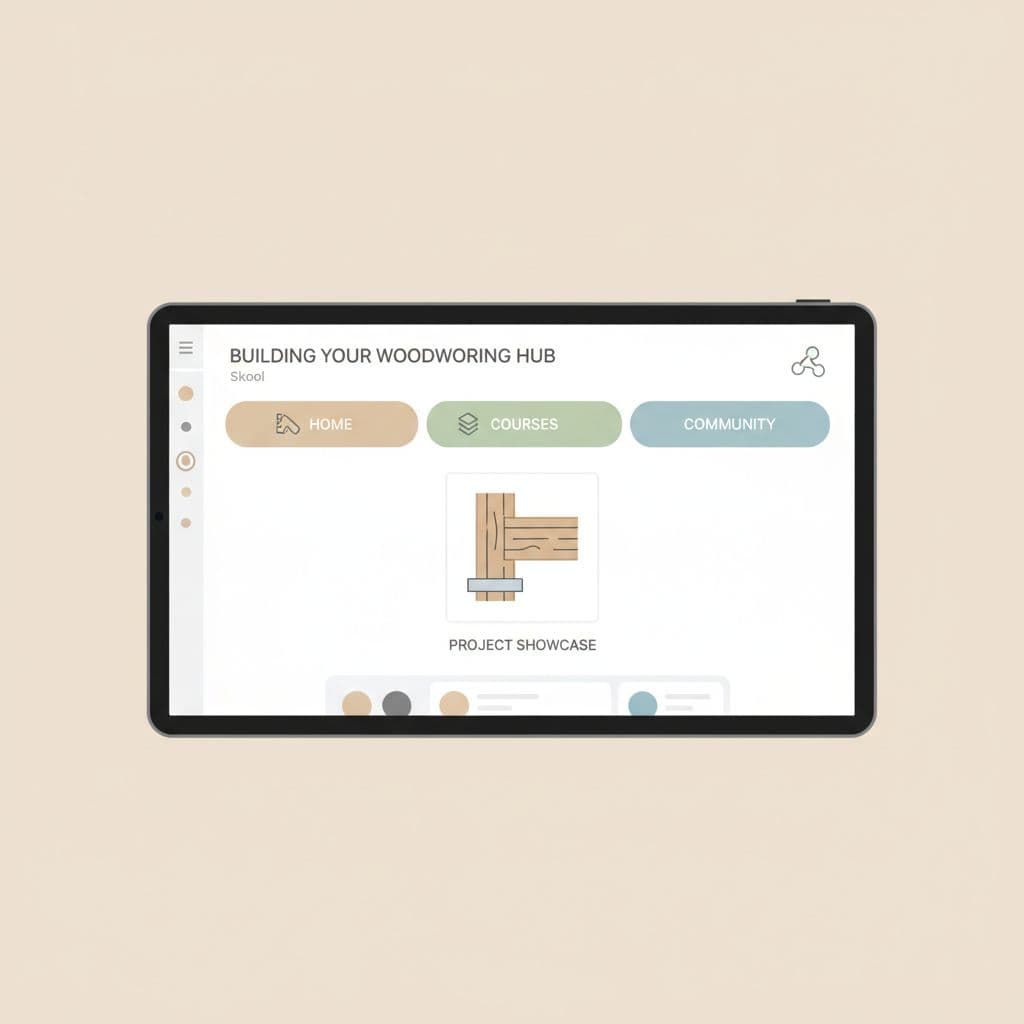
This dashboard view keeps it simple. Members tap tabs for feed, lessons, or calendar. Mobile design shines here; I check replies during glue-up waits.
Follow my guide to building a Skool woodworking community for more launch tweaks. Pro tip: Add a leaderboard early. Points for posts pull quiet members in.
Drawing in Your First Woodworkers
Cold starts scare everyone. I seeded mine with 10 friends from local meetups. They posted shop tours, drawing in their networks.
Share on Instagram Reels: Quick clips of planing quartersawn oak, captioned “Join my Skool group for full blueprints.” Link in bio. YouTube shorts work too; end with “DM for group invite.”
Free tier grows fast. I hit 50 members in weeks by crossposting to Reddit’s r/woodworking. Offer a free challenge: “Build a cutting board in 7 days.” Tease paid upgrades inside.
Target hobbyists via Pinterest boards on shop layouts. Email lists from past workshops convert well. One email blast brought 20 sign-ups.
For retention from day one, enforce light rules. Post them pinned: “Be specific with questions; photos help; no sales pitches.” This sets a helpful tone, like these community guidelines suggest.
Meanwhile, track joins via Skool analytics. Adjust invites based on who sticks.
Fueling Engagement with Recurring Content
Daily posts build habits. I share “Tool Tuesday”: Teardown of one bit or blade, with slow-mo video. Members reply with their versions.
Project-based prompts keep it fresh. “Weekend Warrior: Make a step stool. Post progress here.” Ties to classroom modules. Live calendar sessions critique entries Fridays.
Wins channel celebrates. A member’s Shaker table got 50 reactions. That snowballs.
Gamification shines. Points for comments reward helpers. My top scorer mentors newbies now.
Vary formats:
Members love polls: “Bandsaw or table saw for resaw?” Sparks debates.
Q&A hours via events. I answer blade sharpening live.
Reuse content. Repost evergreen tips yearly, refreshed.
Compare to scattered forums; Skool’s all-in-one keeps energy high. See why I pick it over Slack for groups in this Slack alternative breakdown.
Monetizing and Keeping Members Long-Term
Scale to paid once you hit 50 actives. Upgrade to $99 creator plan for payments and branding.
Start with $97 project challenges: “Birdhouse Mastery Cohort.” Then $47/month for ongoing access.
Mentorship tiers: $97 for monthly 1:1 calls, $197 for shop visits.
Retention hits 70% with gamification. Leaderboards and events lock habits.
Culture matters. Spotlight members weekly. Run buddy systems for new joins.
Content calendar prevents burnout. Mondays: Motivation story. Wednesdays: Technique video. Sundays: Open shop talk.
Track churn. If tool discussions lag, poll for wants.
WoodCentral’s forum design shows lean stacks win. Skool does that without tech headaches.
I now run two groups: Beginners free, pros paid. Revenue covers tools and then some.
Conclusion
Skool turns solo woodworking into shared craft. I went from empty feed to 300 members swapping jigs and stories. You can too: Pin that welcome, post daily, gamify wins.
Focus on one clear promise. Watch your community grow tight-knit and active. Start today; your first post awaits.
