Running Xero Automation Tools on Twin.so
Managing business finances often feels like a never-ending cycle of data entry and verification. You spend hours moving information between bank accounts, vendor portals, and your accounting platform. If you use Xero, you likely appreciate...
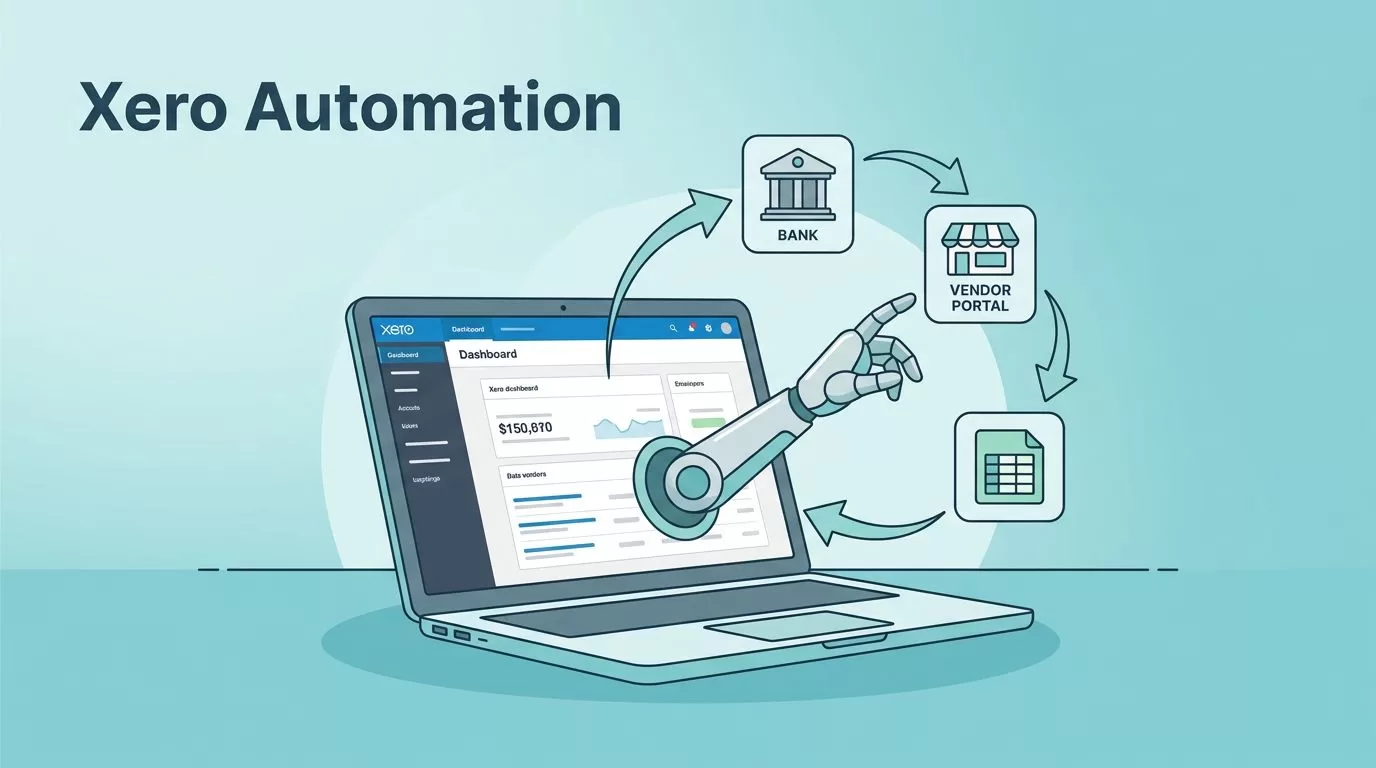
Managing business finances often feels like a never-ending cycle of data entry and verification. You spend hours moving information between bank accounts, vendor portals, and your accounting platform. If you use Xero, you likely appreciate the clarity it brings to your books. Yet, the manual labor involved in keeping those books current remains a significant bottleneck.
This is where autonomous agents enter the picture. You might wonder how a tool like Twin.so fits into your finance stack. Twin lets you build agents that operate software just as you would, navigating web interfaces and handling data without complex setups. While traditional integrations rely on rigid APIs, these agents observe and act on the actual screens you use daily.
Automating Accounting Workflows with AI Agents

The power of modern Xero automation tools lies in their ability to bridge gaps between isolated systems. When you set up an agent on Twin.so, you describe a task in plain language. You could instruct the agent to log into a vendor portal, download the latest invoice, and upload it to Xero as a draft bill. Because the agent mimics human interaction, it doesn’t matter if the vendor portal lacks a developer-friendly API.
This approach changes how you handle recurring bookkeeping tasks. Instead of manual data entry, you define a process once and let the agent monitor for new documents. When an invoice arrives, the agent processes it instantly. You then simply log in to Xero to review and approve the draft, cutting your administrative time significantly.
If you deal with diverse payment methods, you might also look at reconciling Wise transfers automatically within your system. Combining agent-based retrieval with your existing bank feeds creates a robust flow that handles high-volume transactions without adding headcount. You keep the oversight, but the agent does the heavy lifting.
Practical Use Cases for Finance Teams
You can apply this technology to several common finance chores. One primary use case involves invoice processing. Agents can scan email attachments or specific web dashboards, extract the vendor name, date, and amount, and ensure the data matches your records. This accuracy reduces the risk of human error in your general ledger.
Another area involves payment reconciliation. Your agent can compare bank statement lines against pending invoices in Xero. When it finds a match, it marks the invoice as paid. For exceptions that don’t match, the agent flags them for your review. This filtering process allows you to focus only on the tricky items that require a human touch.
Reporting also benefits from this setup. If you need to pull daily sales data from multiple storefronts, an agent can aggregate those numbers into a summary report. It then updates your Xero data, giving you a real-time view of your cash flow. This is faster than manually exporting CSV files and stitching them together in a spreadsheet every morning.
Implementation and Setup Considerations
Deploying these agents requires a clear view of your existing bottlenecks. Start by mapping out one repetitive task that consumes the most time each week. Document every step you take, including where you navigate and what specific buttons you click. Twin.so agents follow these exact steps, so having a clear map is essential for success.
When you configure your agent, start with small, low-risk processes. You might begin with invoice retrieval before moving to more complex tasks like full payment reconciliation. Always maintain manual approval steps within Xero for the initial phase. This gives you peace of mind while you observe the agent’s performance.
Keep in mind that while these tools are flexible, they rely on consistent web structures. If a vendor changes their website layout, your agent might need a quick update to continue functioning correctly. Monitor your agent’s activity regularly, especially during the first few weeks, to ensure it handles site changes or unexpected login prompts without issues.
Integrating with Broader Financial Systems
While focusing on Xero, remember that your accounting platform often sits at the center of a larger ecosystem. Many teams explore various Xero automation tools to ensure data flows smoothly between their CRM, inventory management systems, and their bank accounts. When choosing your path, compare native API integrations with screen-based agents.
Native APIs are ideal for stable, two-way data syncs where speed and reliability are paramount. However, agents are often better for the “last mile” of automation, such as interacting with a legacy vendor portal or a bank that restricts API access. You don’t have to choose one or the other. Most efficient operations use a hybrid approach to cover all their bases.
For more complex analysis, you might integrate AI agents on your general ledger to perform forecasting or deep-dive reporting. These tools pull from Xero and your other connected systems to provide insights that go beyond basic record-keeping. Whether you use Twin.so for task automation or specialized agents for analysis, the goal remains the same. You want to spend less time on manual data management and more time on high-value business decisions.
Always review the security protocols of any tool you connect to your financial data. Ensure you use unique credentials for your agents, and restrict their access to only the specific portals and functions they need. Maintaining a clear audit trail of what your agents do, and when they do it, is standard practice for any financial operation.
Final Thoughts
Automating your accounting tasks is no longer a task reserved for developers with deep knowledge of APIs. With agents that can interact with websites directly, you have the flexibility to solve almost any workflow bottleneck. You can start small, test your processes, and scale up as you grow more comfortable with the technology.
Focus on identifying the specific manual steps that keep your team from higher-value work. Once you automate those routines, the consistency and speed of your finance operations will improve significantly. Your Xero dashboard will become an accurate, real-time reflection of your business activity. You gain better visibility, reduced errors, and more hours in your day.
Take the first step by choosing one recurring task and setting up an agent to handle it. You will quickly see the benefits of moving away from manual data entry. Success in modern finance operations depends on how well you adapt these tools to your unique business environment. Keep your processes simple, maintain human oversight for critical approvals, and let technology handle the rest.
