Zendesk Ticket Automation With Twin.so
A busy Zendesk queue creates the same problem every week: agents spend valuable time sorting tickets before they can solve them. Zendesk ticket automation reduces that manual work by classifying requests, detecting priority, applying tags,...

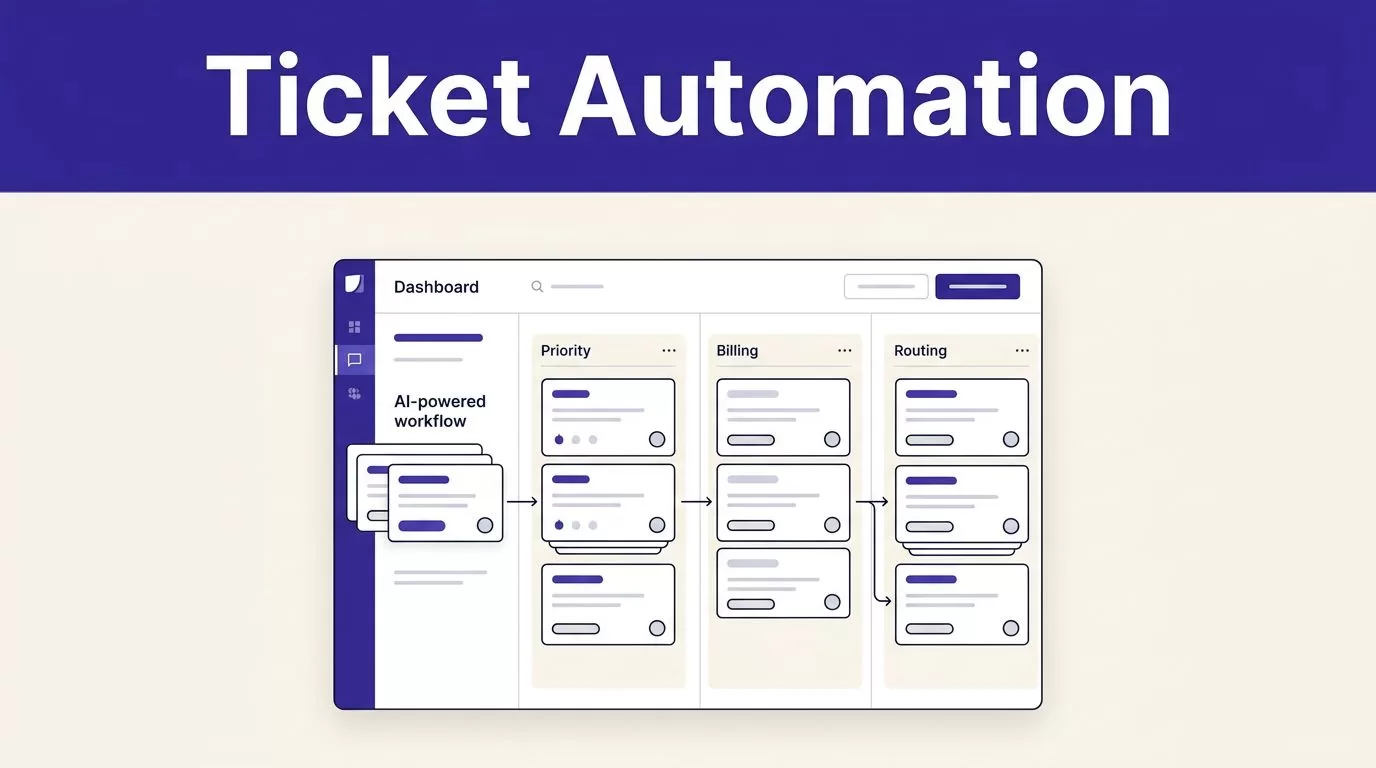
A busy Zendesk queue creates the same problem every week: agents spend valuable time sorting tickets before they can solve them. Zendesk ticket automation reduces that manual work by classifying requests, detecting priority, applying tags, and sending each ticket to the right workflow.
Twin.so adds an AI agent layer to this process. It connects to Zendesk, reads ticket data, follows instructions written in plain English, and runs workflows on demand or on a schedule. The result is a support operation that handles routine decisions automatically while keeping people involved in sensitive cases.
The setup starts with the decisions your team already makes manually.
Where Zendesk Ticket Automation Delivers the Most Value
Ticket automation works best when your support team repeats the same decisions across hundreds or thousands of requests. A customer writes about a failed payment. An agent identifies the billing topic, checks the priority, adds tags, and routes the ticket to billing. The next ticket follows the same pattern.
Twin.so can read Zendesk ticket statuses and profiles, then summarize or route issues based on rules you describe in normal language. You don’t need to build every API call manually. You define the desired workflow, connect Zendesk through OAuth, and configure when the agent should run.
Common workflows include:
- Classifying tickets by topic, such as billing, account access, bugs, refunds, or product questions.
- Detecting priority from customer language, account type, service impact, or sentiment.
- Applying consistent tags for reporting, routing, and later analysis.
- Extracting order IDs, product names, plan details, error messages, and other fields.
- Routing tickets to a team, queue, or specialist based on the extracted information.
- Escalating urgent or high-risk tickets to a human manager.
- Drafting responses from approved knowledge sources and internal documentation.
The practical benefit is not that every ticket disappears from an agent’s workload. The benefit is that agents start with cleaner information and fewer routing decisions.
Zendesk’s own AI ticketing system supports related functions, including automated workflows and ticket classification. Twin.so is useful when you need to combine Zendesk actions with other tools, scheduled reports, Slack alerts, or external APIs.

How Twin.so Extends Zendesk Ticket Automation
Native Zendesk automation handles many event-based and time-based tasks. Triggers can react when a ticket is created or updated. Automations can act on tickets after a set period without activity. These features are useful for predictable rules inside Zendesk.
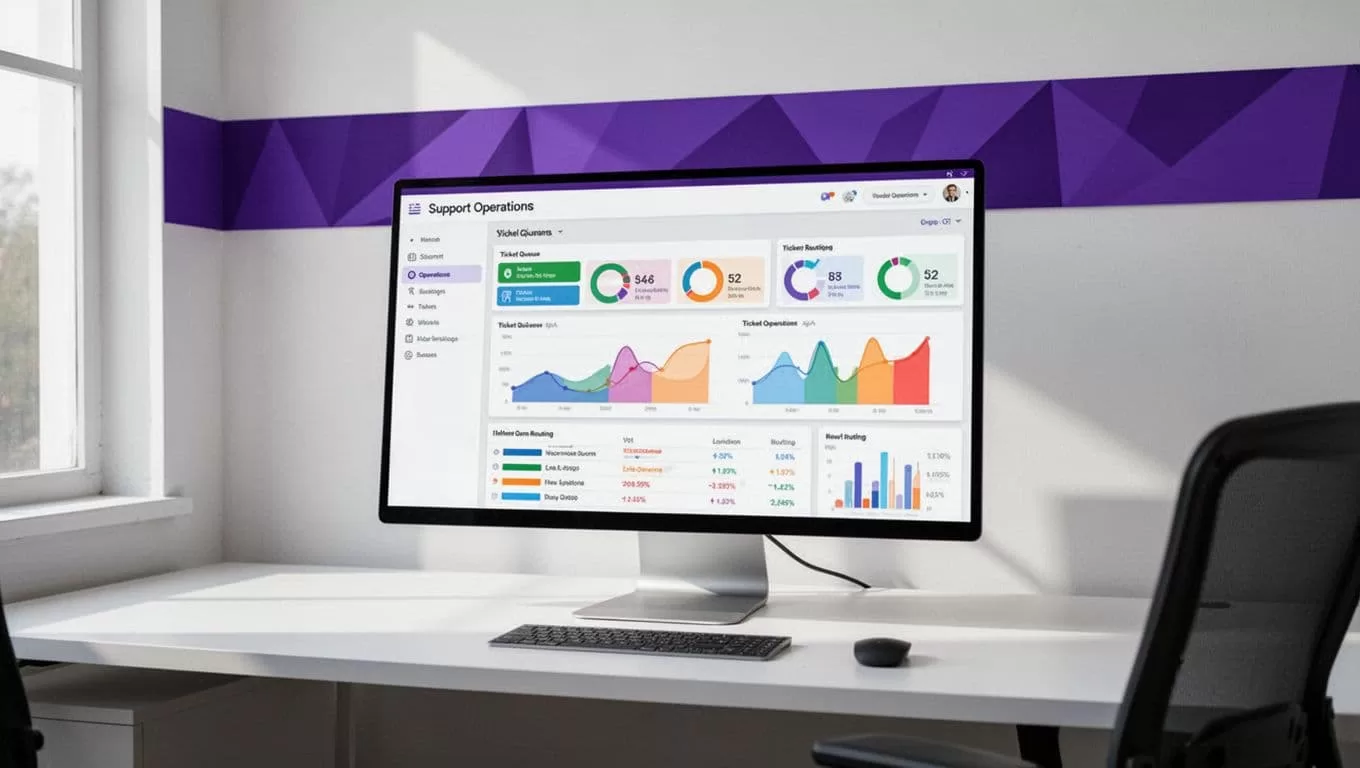
Twin.so is built for broader workflows. Its Zendesk integration connects to the Zendesk API and can pull ticket volume, resolution times, statuses, and profile information. You can schedule a daily or weekly report and deliver the result through email or Slack.
That creates a wider operating loop:
- Twin reads new, updated, or filtered Zendesk tickets.
- The agent classifies and summarizes the data.
- Twin updates Zendesk or sends an alert to another system.
- The support team reviews exceptions and trends.
- The workflow runs again on the schedule you choose.
This approach works well for support leaders who need visibility without asking an operations specialist to export data every morning.
A daily support digest is a practical starting point. Twin’s Zendesk workflow can collect yesterday’s created, resolved, and open tickets. It can include tags, priorities, and CSAT scores. It can calculate week-over-week changes, check whether the backlog passed an alert threshold, and group ticket subjects or CSAT comments into several themes.
A weekly version can calculate median first response time, median resolution time, and tag distribution. The workflow can also store each run by date, which helps prevent duplicate reports and makes historical comparisons easier.
A useful first workflow doesn’t need to solve every ticket. A reliable backlog report can expose routing problems before you automate customer-facing replies.
Twin’s broader support queue pattern also includes monitoring updated tickets, querying a connected knowledge base, drafting replies, changing ticket status, posting a Slack digest, and calling third-party APIs for enrichment. Use these capabilities in stages. Start with read-only analysis, then add controlled updates.
Build the Processing Pipeline Around Ticket Decisions
The quality of your automation depends on the rules behind it. A vague instruction such as “handle support tickets” gives the agent too much room to make inconsistent decisions. Write the workflow as a sequence of decisions with clear conditions.
1. Define the ticket intake
Choose which tickets Twin should process. You can use a Zendesk view, a status, a tag, a group, or a time window. Start with one queue instead of your entire support operation.
For example, process new tickets in the general support group every 10 minutes. Exclude tickets with legal, security, executive, or sensitive-account tags. Those exclusions protect your team while you test the workflow.
2. Classify the request
Create a small category set that matches your reporting and routing needs. Keep it practical:
- Billing
- Account access
- Technical issue
- Feature request
- Refund or cancellation
- General product question
The agent should return one primary category and a confidence level. If the ticket matches multiple categories, route it to human review instead of forcing a weak classification.
3. Detect priority
Priority detection needs more than sentiment. A frustrated customer isn’t always a priority-one incident. Use operational conditions such as service outage, blocked production work, failed payments, account lockout, security concerns, or multiple affected users.
A clear instruction might say:
“Set high priority when the customer reports a production outage, suspected account compromise, blocked payment processing, or a business-critical workflow failure. Otherwise, keep the existing priority unless the evidence supports a change.”
That rule gives the agent an explicit decision boundary.
4. Extract structured data
Ask Twin to extract only fields your team will use. Useful fields include product area, customer plan, language, order ID, affected feature, error code, and requested outcome.
Structured fields improve routing and reporting. They also give agents a summary before they open the full conversation. Don’t extract personal information unless your workflow requires it and your access controls allow it.
5. Route and tag the ticket
Map categories to Zendesk groups. Route billing requests to billing. Send Spanish-language tickets to the Spanish-speaking team. Assign technical tickets with a known product name to the relevant queue.
Apply tags using a controlled naming scheme. Use topic_billing instead of several variations such as billing_issue, payments, and payment_problem. Consistent tags make dashboards more useful.
6. Draft or escalate
For routine questions, Twin can draft a response using approved content from a connected knowledge base. Set the workflow to save the draft for review during the first phase. Automatic sending should require high confidence and a narrow topic.
Escalate cases involving security, legal requests, refunds outside policy, angry high-value customers, unclear intent, or conflicting account data. The goal is to reduce repetitive work, not remove judgment from the support process.
Use Human Review Where Risk Is High
Support automation should augment agents. It shouldn’t make irreversible decisions without controls.
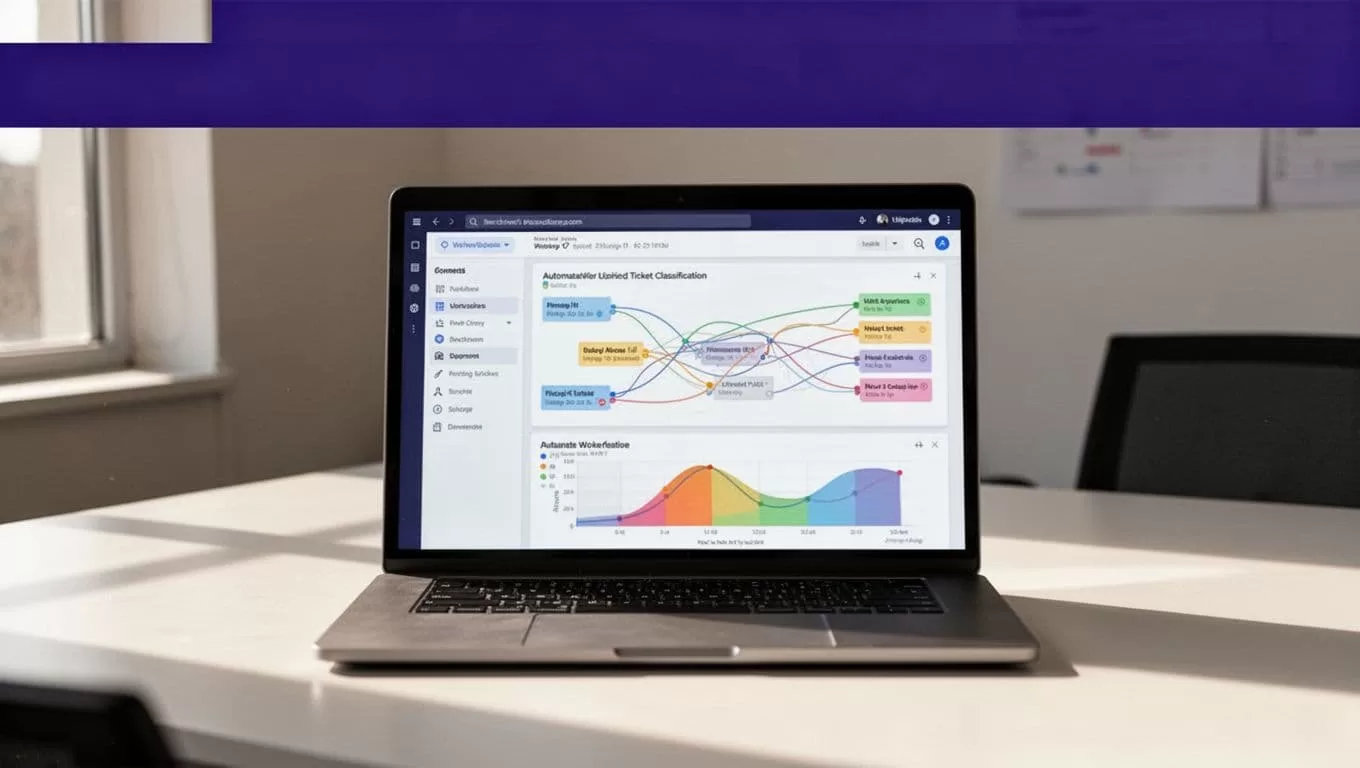
Begin with a shadow workflow. Twin reads and classifies tickets but doesn’t change fields or send messages. Compare its output with agent decisions for several days. Track category accuracy, priority accuracy, routing accuracy, and the number of tickets sent to review.
Once the results are consistent, allow low-risk updates such as tags, internal summaries, and group routing. Keep customer-facing replies behind approval until the workflow has enough evidence.
A good approval policy separates routine work from sensitive work:
| Workflow action | Recommended control |
|---|---|
| Add topic and product tags | Automate after testing |
| Create an internal summary | Automate |
| Route to a support group | Automate with fallback routing |
| Change priority | Automate only with clear conditions |
| Draft a customer reply | Require agent review at first |
| Send a reply | Limit to approved, low-risk topics |
| Close or solve a ticket | Require strict conditions and audit logs |
| Escalate security or legal issues | Always send to a human |
Keep the original ticket content available to the agent. A summary should reduce reading time, not hide the evidence behind a generated interpretation.
Zendesk’s workflow automation guidance also emphasizes matching automation rules to clear business processes. The same rule applies when Twin.so is making decisions across multiple systems.
Connect Zendesk to the Rest of Your Support Stack
Zendesk rarely contains every piece of information needed to resolve a ticket. A billing question may require Stripe data. A product issue may need a Notion article. A customer account question may require data from a CRM or warehouse.
Twin.so can combine Zendesk data with other systems in one workflow. For example, an agent can read a ticket, extract an order ID, query a billing system, and add a private note with the result. It can also send a Slack alert when the backlog crosses a threshold.
Use external data for enrichment, not unrestricted decision-making. Set permissions for each connection. Limit which fields the agent can read and write. Keep credentials in the connected system rather than placing secrets in ticket text or instructions.
A practical cross-tool workflow looks like this:
- A Zendesk ticket arrives with a payment failure.
- Twin identifies the billing category and extracts the order ID.
- It checks the payment status in the approved billing system.
- It adds the result to an internal note.
- It routes the ticket to billing.
- It drafts a response using the approved refund or payment guidance.
- It alerts Slack only when the failure affects multiple customers.
This reduces manual copying while keeping the final customer decision with an agent.
Measure the Workflow Before Expanding It
Automation needs an operating scorecard. Without measurement, a faster workflow can create hidden rework.
Track the metrics that connect directly to support outcomes:
- Percentage of tickets classified correctly.
- Percentage routed to the correct group.
- Priority changes accepted by agents.
- Draft replies edited before sending.
- Tickets escalated by rule.
- Median first response time.
- Median resolution time.
- Backlog size and ticket age.
- Reopen rate after automated handling.
- CSAT for automated and manually handled tickets.
Review false positives and false negatives separately. A false positive sends a routine ticket to escalation. A false negative leaves a serious issue in a low-priority queue. The second problem usually deserves faster attention.
Run the workflow on a narrow category first. Billing classification, daily backlog reporting, or internal ticket summaries are easier to evaluate than full autonomous resolution. After the workflow performs consistently, expand the ticket types and connected systems.
If your team needs help mapping the workflow, permissions, and approval rules, you can Book A Call to discuss the implementation.
Conclusion
Zendesk ticket automation is most useful when it handles repeatable decisions: classification, priority detection, tagging, routing, data extraction, and reporting. Twin.so extends those workflows beyond Zendesk by connecting ticket data with Slack, knowledge bases, external APIs, and scheduled operating reports.
Start with a read-only workflow. Add controlled field updates next. Keep human review for customer replies, security concerns, refunds, legal requests, and unclear cases.
The strongest automation setup is not the one that removes the most agents from the queue. It’s the one that gives agents accurate context and sends each ticket to the right person before manual triage slows the operation.

