Sending funds across borders requires careful attention to currency conversion costs and delivery times. When you transfer funds to family or business partners abroad, understanding the exact conversion quote prevents unexpected shortfalls. Remitly operates as a major digital remittance provider, allowing users to send funds directly to bank accounts or cash pickup locations in the destination country.
You need to evaluate the Remitly Ghana exchange rate and associated fees before confirming any transaction. Exchange rates shift constantly based on market volatility, and service providers update their pricing tables throughout the day. Reviewing these figures directly inside the platform interface ensures you know the exact amount of Ghanaian cedis your recipient will collect.
Key Takeaways
- Check the current Remitly Ghana exchange rate inside the official app or website immediately before you submit a transfer.
- Exchange rates and promotional offers change frequently, so never rely on static quotes found on third-party comparison sites.
- Remitly typically charges standard transfer fees depending on your funding source and delivery speed, though promotional rates apply to initial transactions.
- Verify recipient details, including bank account numbers or mobile wallet phone numbers, to prevent processing delays or failed deposits.
How Remitly Quotes Rates for Ghanaian Cedis
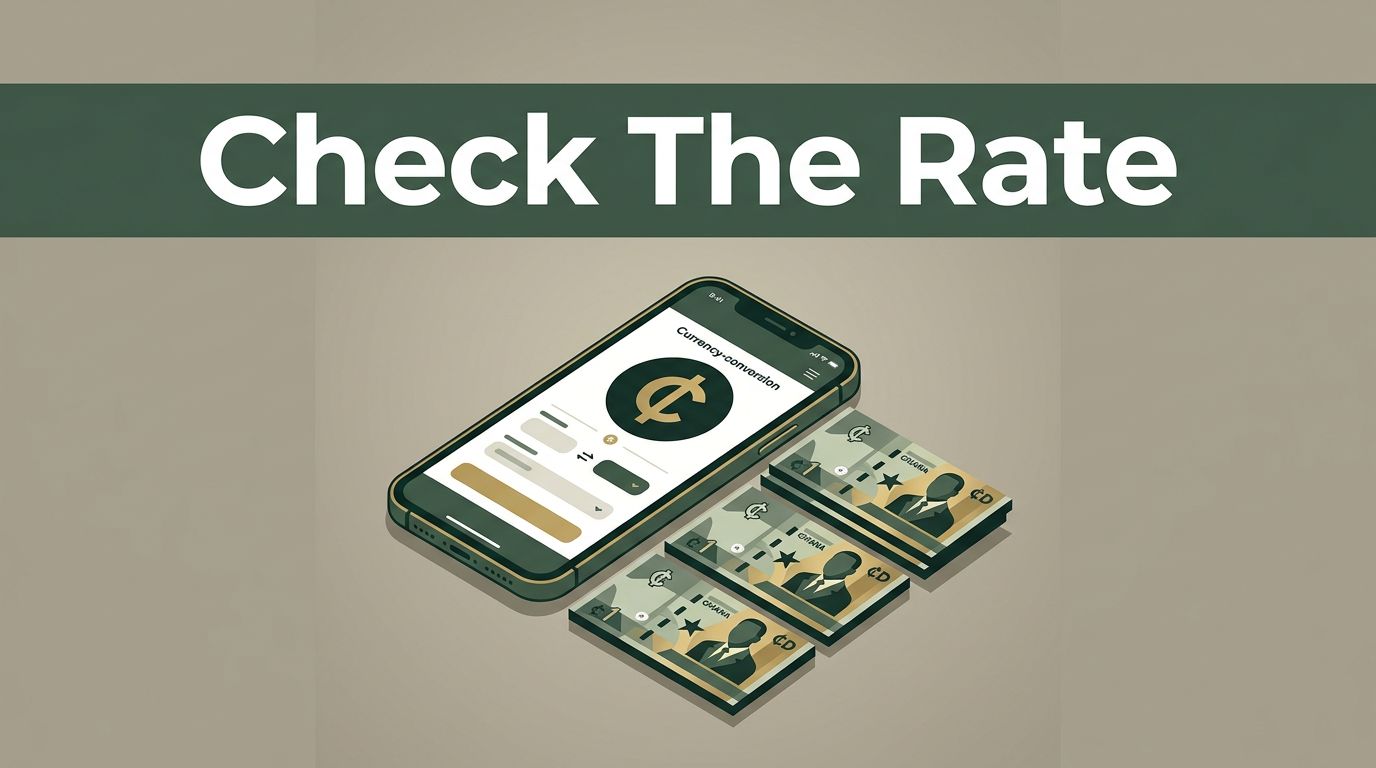
Remitly displays specific conversion numbers for U.S. dollars or other sending currencies into Ghanaian cedis. For instance, platforms often display a service rate like 1 USD equals 10.7159 GHS on their receive-money pages, while promotional landing pages might show different introductory figures. Remitly features dependable exchange rates for USD to GHS with varying service fees. You can review the current calculation metrics directly on the official Remitly USD to GHS currency converter page.
These displayed quotes differ from the inter-bank or mid-market rates tracked by financial institutions. Remitly builds its revenue model into the spread between the buy and sell rates, alongside fixed transfer fees. You can inspect a detailed breakdown of how remittance providers price these routes by reviewing the comparison data on the Wise Remitly USD to GHS page. Always compare these service quotes against independent benchmarks to confirm the overall cost of your transfer.
Understanding Transfer Fees and Delivery Speed Options
The total cost of your transaction depends on how fast you want the funds to arrive and how you fund the payment. Remitly offers two primary speed tiers for international transfers. Express transfers fund instantly using debit cards, credit cards, or mobile wallets, but they usually carry higher costs. Economy transfers draw funds directly from your bank account over a few business days, often qualifying for lower fees or promotional rates.
Fixed service fees apply to standard transfers, though promotional structures can reduce costs to zero for first-time users sending within specific volume thresholds. Exchange rates and promotional offers change frequently, so you must verify the final fee and cedi payout on your checkout screen before hitting send. Never treat a quoted rate as guaranteed for future transactions.
Step-by-Step Process to Check Rates and Complete Transfers
Setting up a transfer takes a few minutes through the mobile application or web dashboard. You create an authenticated account, verify your identity with government-issued documentation, and input your recipient information.
- Download the Remitly app or open the desktop platform and log into your account.
- Select Ghana as your destination country and input the exact amount you want to send in your home currency.
- Review the active Remitly Ghana exchange rate, total transfer fees, and the resulting Ghanaian cedi amount displayed on the conversion screen.
- Choose your payout method, such as a direct bank deposit, mobile money wallet, or cash pickup location.
- Enter your recipient’s legal name, contact details, and banking information accurately.
- Confirm the transaction details on the final payment screen and authorize the transfer.
Conclusion
Managing international remittances requires strict attention to real-time pricing and platform mechanics. Because exchange rates fluctuate throughout the business day, you should always check the live figures inside the app right before initiating your payment. Verify your recipient details carefully to ensure funds arrive without administrative friction. Take a moment today to log into your account and review current transfer terms before sending your next payment.