How I Extract Emails from Company Websites with Hunter.io
You need a decision-maker’s email from a company site, but contact pages hide behind forms. Cold outreach stalls without real addresses. Hunter.io changes that. I use its Hunter.io email extraction tools daily for B2B sales and recrui...
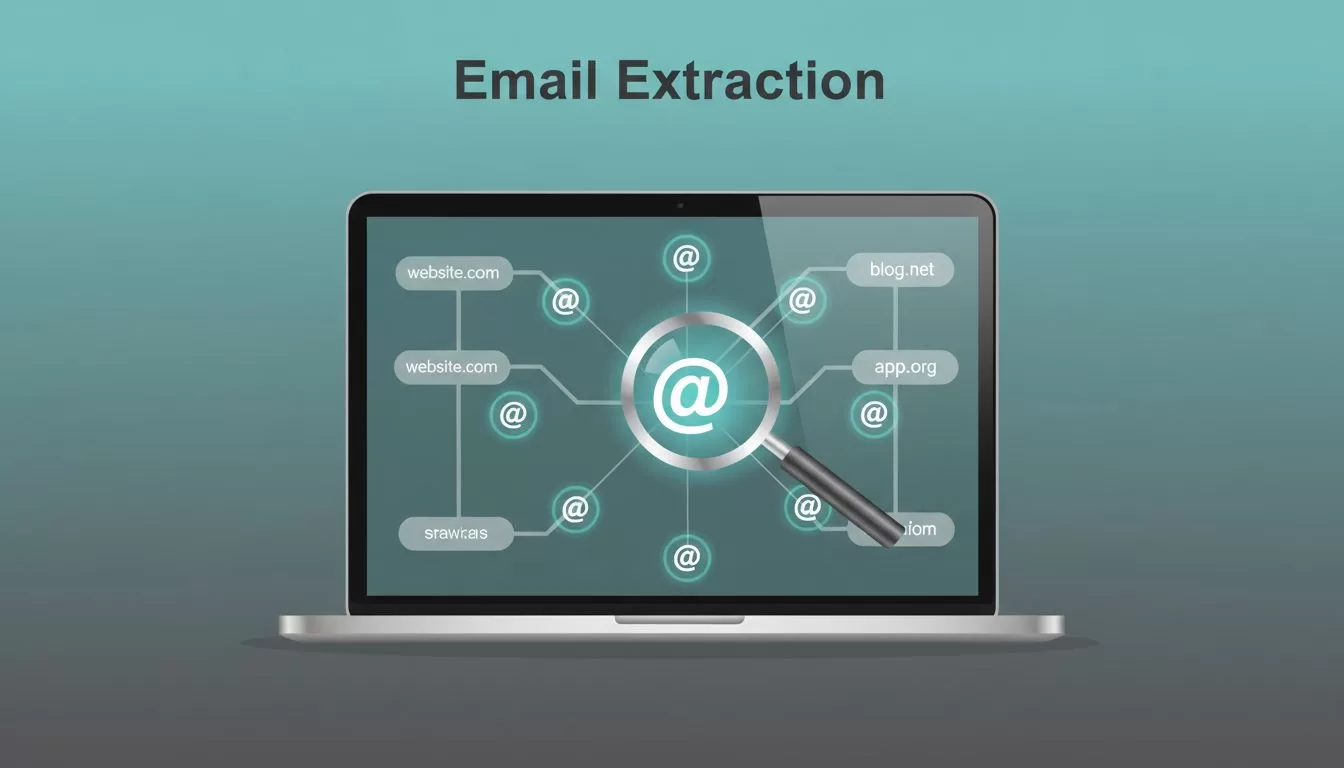
You need a decision-maker’s email from a company site, but contact pages hide behind forms. Cold outreach stalls without real addresses. Hunter.io changes that. I use its Hunter.io email extraction tools daily for B2B sales and recruiting. They pull professional emails from public sources tied to domains.
This guide shows my exact steps. You’ll find emails ethically, verify them, and avoid bounces. Let’s start.
Why I Choose Hunter.io for Domain Email Searches
Hunter.io stands out because it sources emails from websites, LinkedIn, and public data. No scraping. Just clean results with confidence scores.
Domain Search scans a company’s site for emails like john@company.com. Email Finder guesses formats when names match domains. Both cost credits, but they save hours.
In 2026, features like AI-assisted filters help. Type “sales leads at tech firms,” and it narrows companies fast. Pricing fits solo users too. Free gives 50 credits monthly. Starter at $49 unlocks 2,000 credits and auto-verification.
I stick to legitimate outreach. Respect GDPR. Target partners or hires. Never spam.
For more on ethical B2B tools, check my Hunter.io Review for B2B Contacts 2026.
Quick Hunter.io Account Setup
Sign up at hunter.io. Pick Free to test. Verify your email.
Add payment for paid plans if needed. Credits reset monthly. No rollover.
Install the Chrome extension. It spots emails while you browse sites. Great for quick domain checks.
Link your CRM if you use one. Exports flow straight to sheets.
Setup takes five minutes. Now hunt.
Step-by-Step Hunter.io Email Extraction
I start with a company domain like example.com. Here’s my process.
- Go to Domain Search. Paste the domain. Hit search.
Hunter lists emails, names, titles, roles. Filter by department, like “sales.” 2. Note patterns. First@domain.com? First.last@? Use that later. 3. For specifics, switch to Email Finder. Enter name and domain. Get top matches with scores. 4. Bulk option: Upload CSV of domains or names. Process hundreds at once on Growth plans. 5. Verify each. Email Verifier checks servers. Green means safe.

This workflow pulled 15 solid emails from a SaaS site last week. Credits used: 20.
Cross-check with LinkedIn for roles. Matches build trust.
Reading and Using Hunter.io Results
Results show emails, sources, verification status. High confidence over 80%? Gold.
Badges mark verified ones. Sources like “website footer” prove legitimacy.
Export to CSV. Columns include name, title, company. Add notes.
Low score? Skip or recheck site manually.
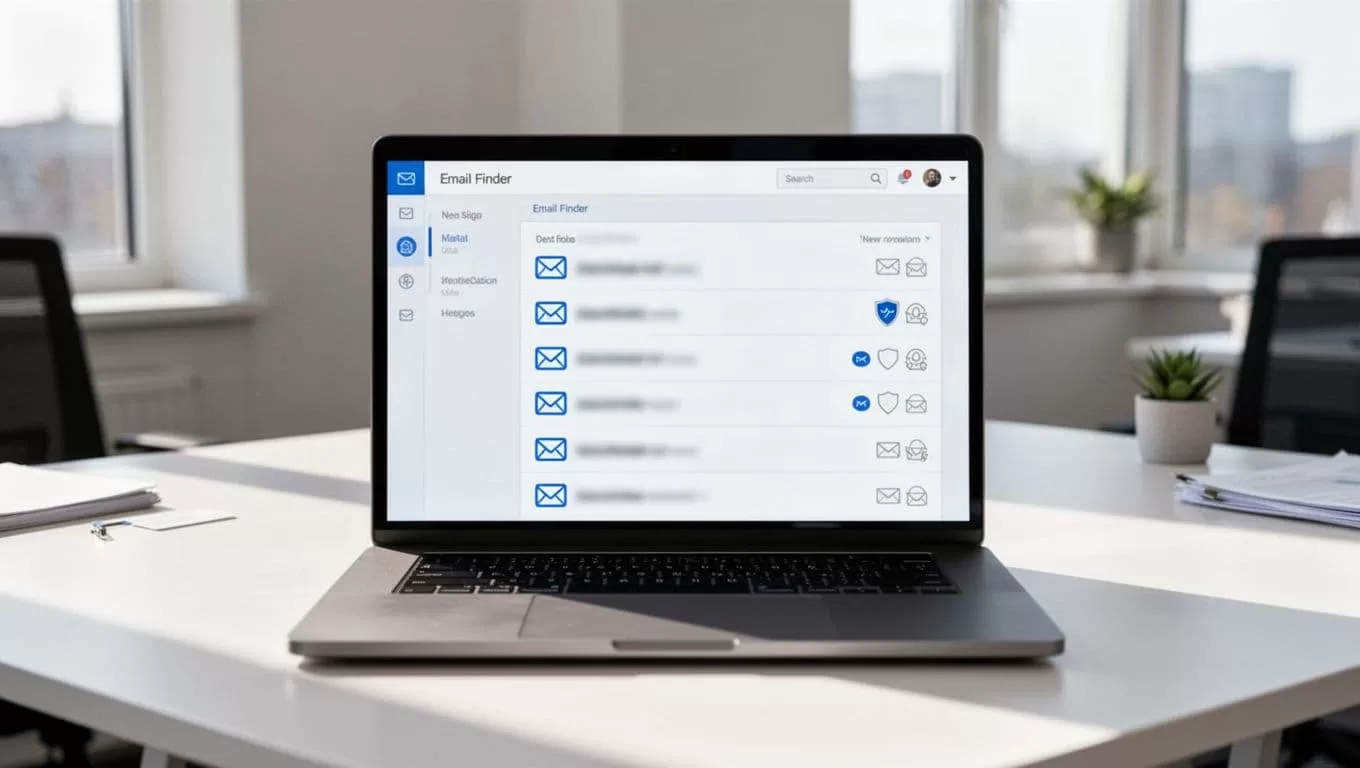
In one search, I found ceo@startup.com. Verified green. Replied next day.
Bulk exports shine for lists. Growth plan handles 10,000 credits well.
See how Hunter.io’s email finder works in practice for deeper stats.
Ethical Tips to Keep Outreach Compliant
Ethics first. Use for sales, recruiting, partnerships. Identify yourself. Offer value.
Honor opt-outs. Keep lists fresh. Bounce under 2%.
GDPR compliant data helps. No personal spam.
Personalize. “Saw your post on AI tools” beats generic.
Ramp sends slow. Warm domains with SPF, DKIM.
My Hunter.io Lead Generation Workflow 2026 covers sequences.
Troubleshooting Common Hunter.io Issues
No emails found? Site hides them. Try Discover for domains first. Or generic info@.
Low confidence? Verify manually. Check About page, footer.
Credits gone fast? Free limits to 50. Upgrade to Starter.
Bounces? Always verify. Use dedicated sender domain.
Bulk fails? CSV format matters. Headers: first_name, last_name, domain.
FAQ: Can I use on LinkedIn? Extension yes, but follow terms.
What about API? Developers integrate for automation. See Hunter.io API guide.
Wrap with Verified Wins
Hunter.io email extraction turns guesswork into lists. I extract, verify, outreach. Replies follow.
Start free. Test one domain today. Build better pipelines.
What domain will you search first? Share below.
(Word count: 982)
