Hunter.io Lead Generation Software: A Practical B2B Outreach Guide for 2026
Most pipelines do not need more leads. Pipelines need better leads, cleaner data, and a repeatable weekly routine. Hunter.io lead generation covers the part of the job which wastes the most time: finding professional email addresses, verify...
Most pipelines do not need more leads. Pipelines need better leads, cleaner data, and a repeatable weekly routine. Hunter.io lead generation covers the part of the job which wastes the most time: finding professional email addresses, verifying them, and turning a clean list into a simple campaign.
Hunter is not an all-in-one sales suite. Hunter is a prospecting and outreach tool built around email data. This guide shows you a weekly lead generation loop, the plan costs, a qualification checklist, a three-email sequence, and the metrics to review. Confirm every price and limit on the official Hunter pricing page before you buy.
What Hunter.io lead generation covers
The Hunter help page on what Hunter is lists the products behind a lead generation workflow.
- Discover finds companies by location, industry, keywords, and technologies.
- Domain Search finds addresses for a company name or domain.
- Email Finder finds the address of a named person.
- Verifier checks addresses before you send.
- Leads works as a lightweight CRM to organize and segment people and companies.
- Campaigns sends email sequences with up to 5 automated follow-ups.
- Browser extensions for Chrome and Google Sheets bring the tools into your daily research.
Together, these tools cover the path from target company to sent email. You still supply the targeting, the offer, and the judgment.
Choose a Hunter.io plan by credit use
Credits set your speed limit. Each action spends credits, and credits renew monthly. The Hunter pricing page lists the current plans. The table below shows monthly and yearly prices at the time of this update.
| Plan | Monthly price | Price per month on yearly billing | Credits per month | Sending accounts | Recipients per sequence |
|---|---|---|---|---|---|
| Free | $0 | $0 | 50 | 1 | 500 |
| Starter | $49 | $34 | 2,000 | 3 | 2,500 |
| Growth | $149 | $104 | 10,000 | 10 | 5,000 |
| Scale | $299 | $209 | 25,000 | 20 | 15,000 |
| Enterprise | Custom | Custom | Custom | Custom | Custom |
Annual billing carries a 30% discount on the pricing page. Test coverage in your niche on a monthly plan before you commit to a year. Hunter also sells a separate Data Platform for API volume. Read the credits help article for current costs per action.
Estimate your credit need before you pay
Hunter lists 1 credit per email found and 0.5 credits per verification on all-in-one outreach plans. No credits are used when Hunter cannot find or verify an address. Build a rough budget with those numbers.
| Weekly target | Credits to find | Credits to verify | Weekly total | Monthly total (4 weeks) |
|---|---|---|---|---|
| 50 contacts | 50 | 25 | 75 | 300 |
| 100 contacts | 100 | 50 | 150 | 600 |
| 250 contacts | 250 | 125 | 375 | 1,500 |
A weekly target of 250 contacts fits inside the 2,000 monthly credits of the Starter plan. Add margin for searches which return nothing useful and for rechecks. Confirm the cost rules on the help article before you plan volume.
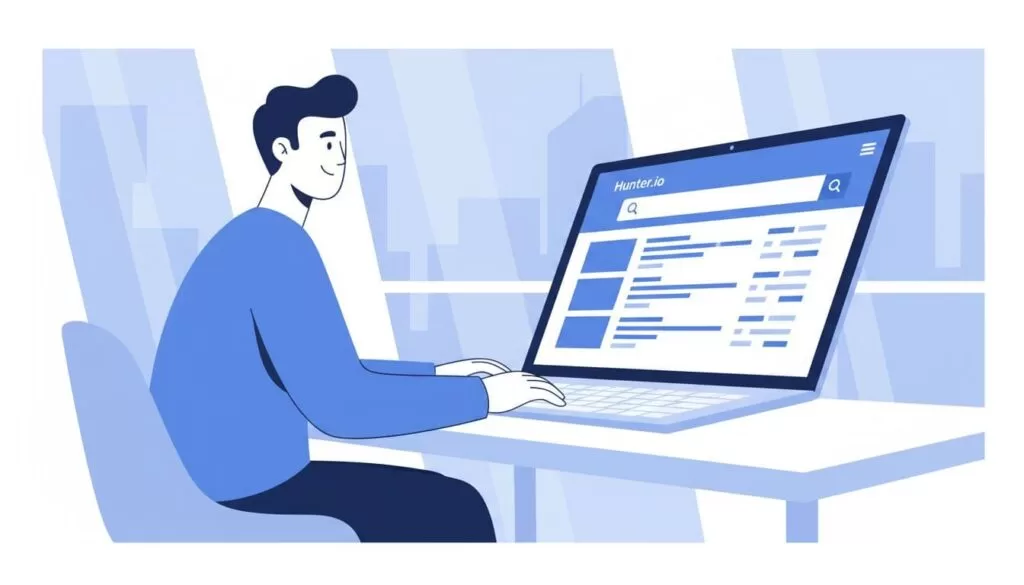
Weekly list-building loop: find, verify, enrich
Treat list-building as a weekly loop, not a one-time project. Each loop produces a small, verified batch.
- Start with a tight ideal customer filter. Set the industry, company size, region, and a short list of buyer roles such as head of operations, technology manager, or revenue operations.
- Find target companies in Discover. Save the best matches to a list.
- Run Domain Search on each company. Read the address pattern and the relevant people.
- Skip generic inboxes. Use info or support addresses only when your offer fits the whole team.
- Verify before you export. Verification costs credits and saves your domain from bounce damage.
- Enrich with basics. Add company name, role, and any useful fields Hunter provides. Availability depends on your plan and the data source.
- Export a small batch. Check the confidence score first. Sixty strong contacts beat six hundred weak ones.
Coverage varies by market. Test a batch of 20 to 30 target companies before you commit to a larger monthly plan. Keep a do-not-contact column from the first day. The column prevents repeat outreach to people who opted out or bounced.
Keep your lead data in one place
Save each approved contact to Hunter Leads and group contacts into lists by campaign. Add a source note and a verification date to every record. Use the Google Sheets add-on when your team prefers a spreadsheet. A single record per person prevents duplicate outreach and makes later audits simple.
Hunter.io verification statuses in your lead list
Hunter lists five statuses on the verification status help page. Match each status to an action before you build a send list.
| Status | Meaning | Lead list action |
|---|---|---|
| Valid | The address can receive email | Eligible for review |
| Accept all | The domain reports every address as valid | Segment apart and test small |
| Invalid | The address failed checks | Remove |
| Disposable | A temporary mailbox | Remove from B2B lists |
| Unknown or Blocked | Hunter could not determine validity | Hold and recheck later |
Hunter reported in its own testing accept-all addresses were 27 times more likely to bounce than standard addresses. Hunter also reported a sample list lost 2.3% of its addresses to staleness in eight weeks. Read the Hunter verification best practices and reverify old lists before you reuse them.
Qualify every lead before you send
The fastest way to burn credits is to export leads you never contact. The fastest way to burn trust is to email people who never fit. Run this checklist on every lead.
| Check | Question to answer |
|---|---|
| Role match | Can this person approve, influence, or implement? |
| Company fit | Do size, industry, and location match your offer? |
| Reason to care | Do you see a trigger such as a new team, tool, or need? |
| Email quality | Did the verifier return Valid? |
| Personalization hook | Can you reference one real detail honestly? |
| Offer clarity | Does your message hold one outcome and one next step? |
| Suppression check | Is the contact absent from past bounces, complaints, and opt-outs? |
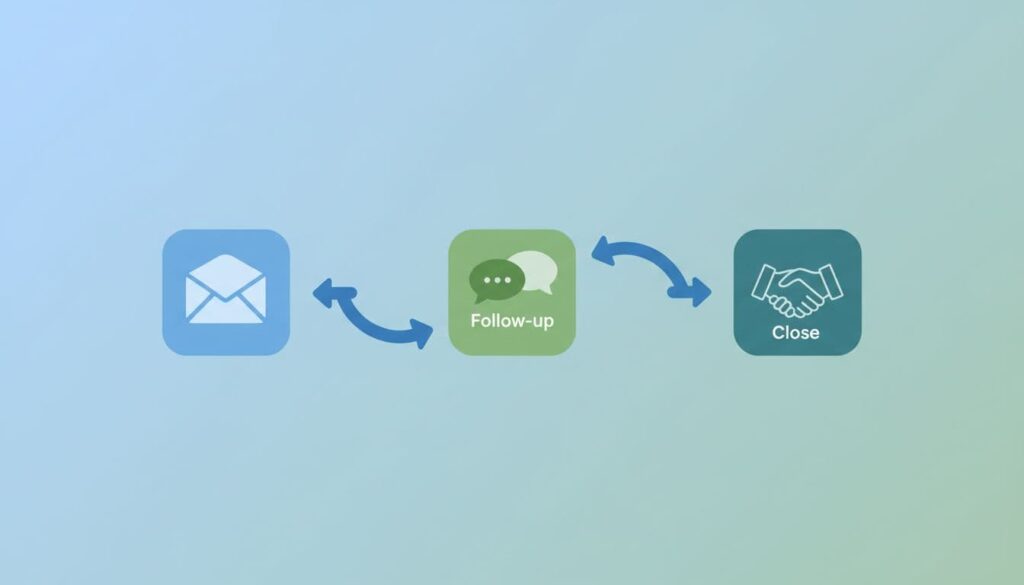
Three-email outreach sequence
Hunter Campaigns supports sequences with automated follow-ups. Keep each email short and keep personalization light. One strong line beats five weak ones. Hunter also publishes a guide on building a simple outreach engine with more structure.
Email 1, day 1
Subject: Quick question about {Company}. Hi {First name}, {Company} is growing its {team, stack, or region}. We help teams like yours {specific outcome} without {common pain}. Worth a 10-minute chat next week? Thanks, {Your name}
Email 2, day 3
Subject: Re: {Company}. Hi {First name}, here is one example. We helped a {peer company type} reach {result} in {timeframe}. If you are the wrong person, who owns {problem area}? Best, {Your name}
Email 3, day 7
Subject: Should we close the loop? Hi {First name}, I do not want to crowd your inbox. Should I close the loop, or would {two time options} work better? Thanks, {Your name}
Only use claims you can support. Replace the example outcome with a real result from your own customers, and skip the example if you have no result to cite.
Deliverability habits for each week
- Verify before you send, especially for new domains and new roles. Hard bounces teach mailbox providers to distrust you.
- Choose your sending domain with care. A separate domain or subdomain does not make a poor list safe.
- Set up SPF, DKIM, and DMARC on the sending domain.
- Keep volume modest at first. Watch bounces and replies, then increase slowly.
- Use plain formatting. Simple text emails avoid many filter triggers.
- Watch the bounce rate. Hunter names 2% as its working ceiling in the Hunter bounce rate guide.
Read the Google email sender guidelines for current mailbox provider requirements. This site also covers a full bounce workflow in a guide on reducing cold email bounces with Hunter.
Read your results like a dashboard
Use results to diagnose, not to judge. Each signal points to a different fix.
| Signal | Likely cause | Fix |
|---|---|---|
| Bounces rise | Data or verification gaps, or a sender setup change | Reverify, check authentication, pause weak segments |
| Opens look fine, replies stay low | Weak message or weak offer | Rewrite the first line and the ask |
| Opens and replies both low | Targeting or deliverability problem | Tighten the ideal customer filter and check inbox placement |
| Many opt-outs | Poor fit or too many follow-ups | Cut the sequence and review the list source |
Open tracking is incomplete. Treat opens as a rough signal only and weigh replies more heavily.
Legal and ethical checks
A found address does not equal permission. The U.S. CAN-SPAM guide covers commercial email, including B2B messages. Rules in the UK and EU differ by recipient type. Record the source of each contact, honor opt-outs, and seek legal advice for unclear markets.
FAQ
Is Hunter.io good for B2B lead generation?
Hunter fits email-based prospecting well. Hunter finds and verifies addresses, stores leads, and sends sequences. Hunter does not replace a full sales suite.
How many credits do you need each month?
Estimate 1 credit per address found and 0.5 credits per verification, then add margin. A weekly target of 100 contacts needs about 600 credits per month by this math.
Do monthly credits roll over?
The pricing page states credits renew monthly. Check the pricing page and your account for rollover terms before you plan around leftover credits.
Should you pay for yearly billing?
Yearly billing lists a 30% discount. Test coverage in your niche on a monthly plan first.
How many recipients can one sequence hold?
Limits depend on your plan. The pricing page lists 500 on Free, 2,500 on Starter, 5,000 on Growth, and 15,000 on Scale. Confirm current limits before you launch.
Conclusion
Hunter.io lead generation works best as a weekly loop. Find a small list, verify every address, qualify each lead, send a short sequence, and review the results. Start with one niche and a batch of 50 verified contacts. Protect deliverability, tighten targeting each week, and confirm plan details on the official Hunter pricing page.
