User Feedback Scraping With Twin.so: A Faster Workflow
User feedback scraping gets slow when reviews, forum posts, support tickets, and survey responses sit in separate systems. Teams copy comments into spreadsheets, remove duplicates, and still miss patterns that matter. Twin.so gives product...
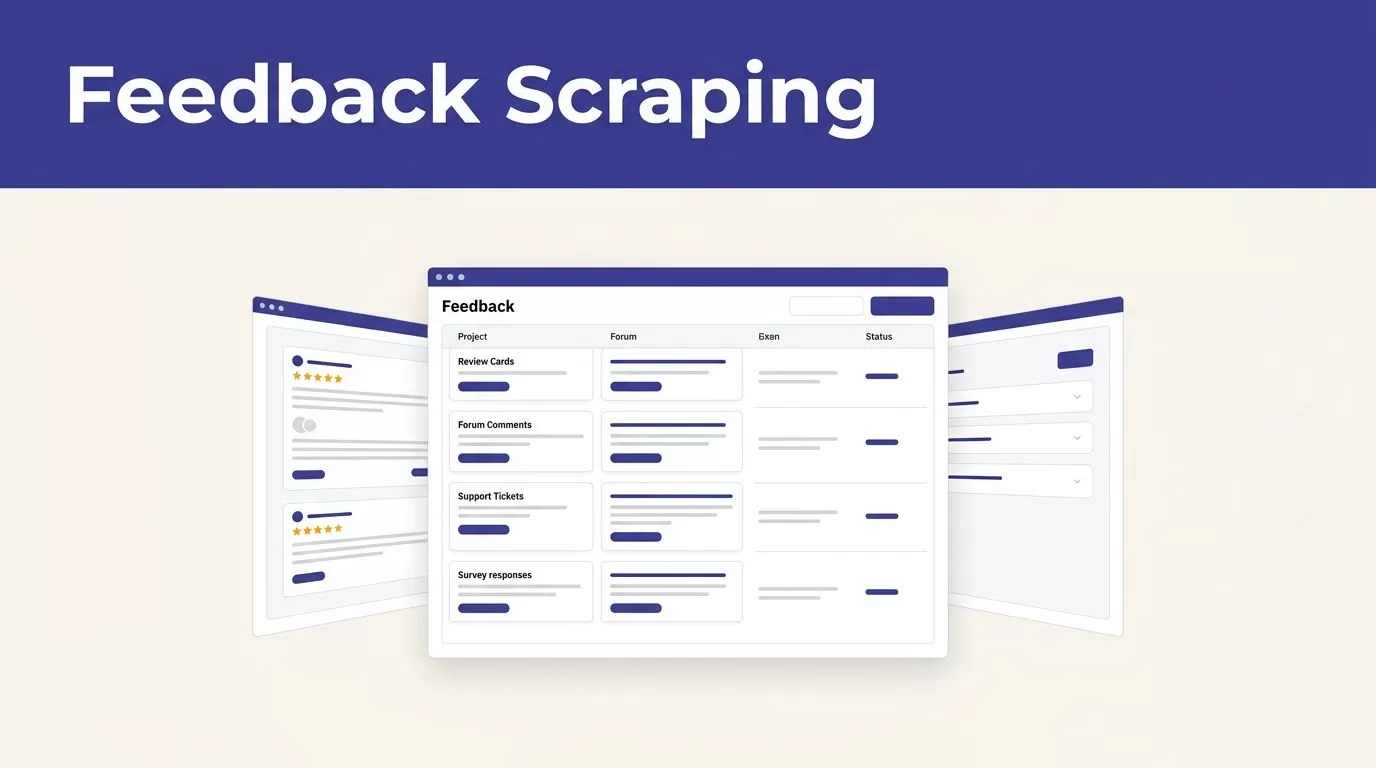
User feedback scraping gets slow when reviews, forum posts, support tickets, and survey responses sit in separate systems. Teams copy comments into spreadsheets, remove duplicates, and still miss patterns that matter.
Twin.so gives product and customer experience teams a practical way to automate that collection. Its browser agents can open authorized websites, read page content, extract selected fields, and send structured data to another system. The quality of the result depends on the workflow you configure, so start with the process.
Why Manual Feedback Collection Breaks Down
Customer feedback is rarely stored in one clean database. A product team may monitor Google Maps reviews, app store comments, Reddit discussions, community posts, G2 reviews, support tickets, and customer emails at the same time.
Each source has a different format. Some include star ratings. Others contain long conversations, short complaints, screenshots, or feature requests buried inside a support thread. Manual research forces someone to check each location, copy the useful text, and record the source.
That process creates four common problems:
- Feedback arrives late because collection depends on someone remembering to check.
- Similar comments appear under different labels, so teams underestimate demand.
- Source links and dates get lost during copy and paste.
- Analysts spend time gathering text instead of reviewing what it means.
The issue isn’t a lack of customer input. The issue is poor collection discipline. A repeatable user feedback scraping process gives every comment a source, timestamp, category, and review path.
You still need human judgment. Automation handles collection and routing. Product managers and researchers decide whether a comment describes a real product issue, a one-off request, or a problem caused by misunderstanding.
How User Feedback Scraping Works With Twin.so
Twin.so is an AI automation platform built around web scraping and browser automation. Its documented capabilities include browser-based workflows for web apps that don’t offer a usable API. An agent can log in to an authorized account, click through a page, fill a form, extract information, and move the result into another system.
That matters when feedback sits behind a customer portal, support dashboard, research repository, or internal tool. Traditional scraping often depends on stable page structures and selectors. Browser automation can follow the visible context of a page instead.

Choose the feedback sources first
Define the sources before you create an agent. Common options include:
- Public reviews on Google Maps, G2, app stores, and industry directories.
- Public conversations on Reddit and product communities.
- Support tickets, contact forms, and customer success notes.
- Feedback stored in an authenticated CRM or help desk.
- Survey results held in a web form or research platform.
Twin.so lists connections with tools such as HubSpot, Zoho CRM, Attio, Salesforce, and Stripe. You can use those connections when the required feedback or account data is already available in a connected system.
Don’t assume every source should be scraped. Review the website’s terms, access rules, and rate limits before you create the workflow. For private systems, use an account and permissions approved by the organization that owns the data.
Define the output before the agent runs
A useful extraction schema might include:
- Feedback text
- Source name and URL
- Capture date
- Rating or score
- Product area
- Customer segment, when available
- Language
- Existing ticket or account ID
Avoid collecting every field because the page makes it available. Each extra field increases the amount of data you must review, protect, and retain.
Build a Repeatable Twin.so Feedback Workflow
A reliable user feedback scraping workflow has a clear input, a defined output, and a review step. Build it in this order.
- Select one source and one use case.
Start with a narrow workflow, such as collecting new public reviews or extracting unresolved support tickets. A small first run makes errors easier to find. - Write the collection instructions.
Tell the agent where to go, which account it may use, what records to inspect, and which fields to return. State what it must skip, such as advertisements, duplicate threads, employee comments, or records without feedback. - Set the destination.
Send the structured output to a spreadsheet, database, CRM, or research repository. Keep the original source URL beside the extracted text. This lets a researcher verify a record without repeating the entire search. - Test a limited batch.
Review the first 20 to 50 records manually. Check whether the agent captured the full comment, preserved ratings, ignored navigation text, and handled pagination correctly. Fix the instructions before you add more sources. - Add a schedule or trigger.
Twin.so supports scheduled and event-triggered runs. Use a daily or weekly schedule for review monitoring. Use a webhook or application event when a new ticket or account update should start the workflow. - Route exceptions to a person.
Send failed logins, uncertain categories, missing fields, and unusual page layouts to a review queue. Don’t hide errors by allowing incomplete records into the product database.
A useful agent should return structured records, not a large block of copied pages. The difference is operational. Structured records can be filtered, grouped, counted, and compared over time.
Set a stable naming system for product areas. Use “billing”, “onboarding”, “search”, and “reporting” instead of allowing every source to create new labels. Consistent labels make later analysis faster.
Turn Raw Feedback Into Themes and Product Insights
Collection is only the first stage. A spreadsheet full of comments isn’t an insight system. You need a process that converts individual statements into themes, evidence, and decisions.
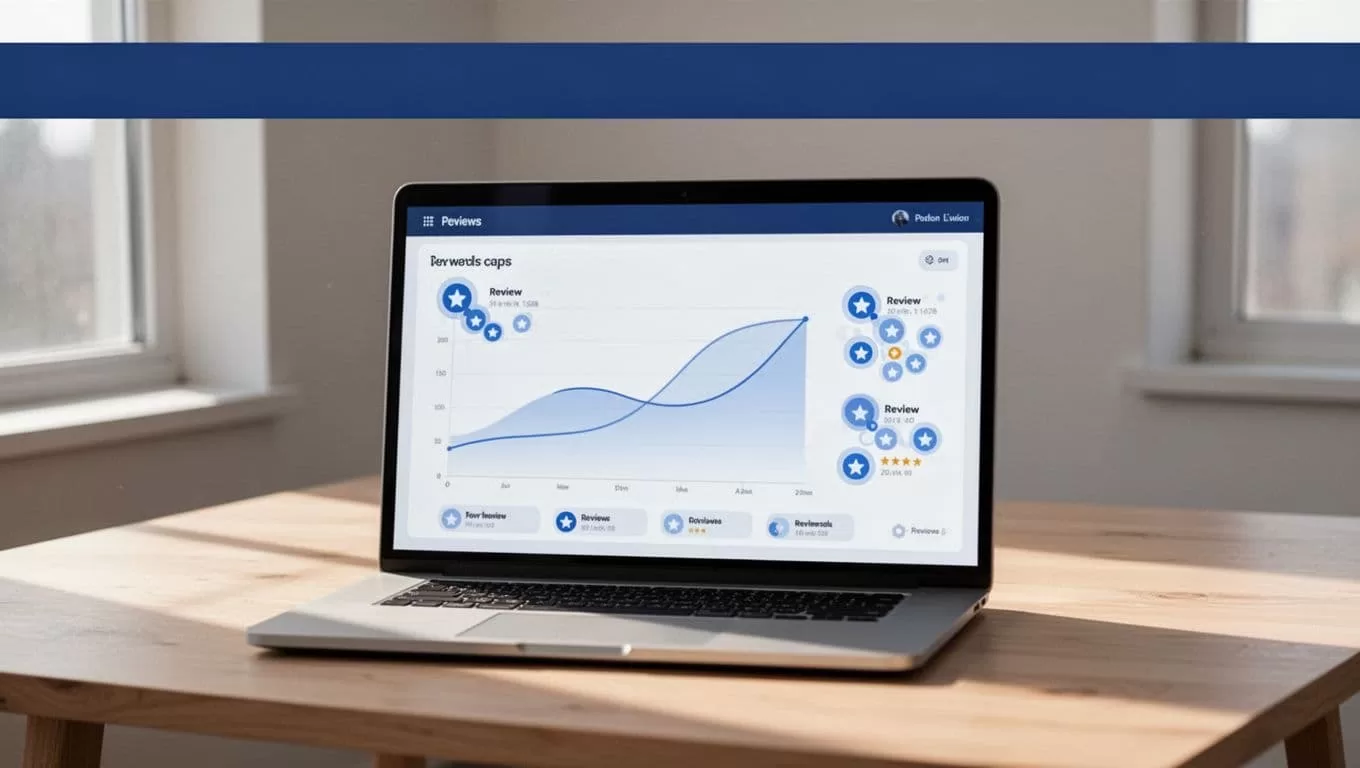
Start by normalizing the records. Remove duplicate comments, separate staff responses from customer text, and standardize dates and ratings. Keep the original wording in a separate field so the source record remains intact.
Then assign themes based on the problem described, not only on the words used. A comment that says an invoice is “impossible to find” may belong to document retrieval, account navigation, or billing operations. Read the surrounding context before assigning a category.
Use a simple evidence chain:
| Stage | Output |
|---|---|
| Raw feedback | Original comment, rating, source, and date |
| Normalized record | Clean text with duplicates removed |
| Theme | Shared problem or request category |
| Product insight | What the pattern suggests about user needs |
| Action | Research task, bug, experiment, or roadmap item |
Count themes by source and customer segment. A request appearing 40 times in one community may need a different response than a problem appearing across reviews, support tickets, and customer interviews.
Add severity and frequency as separate fields. Frequency shows how often a problem appears. Severity shows how much it blocks activation, payment, retention, or task completion. Do not treat the most common complaint as the highest-priority issue without checking its business effect.
A product insight should include evidence. Store the number of matching records, the source mix, the date range, and representative links. This gives stakeholders a way to inspect the conclusion instead of accepting an unexplained summary.
Tools such as product feedback platforms compared by Dovetail can help you assess where a dedicated repository or research system fits. Twin.so can handle collection and transfer, but your team still needs a place to discuss evidence and record decisions.
Protect Customer Data and Respect Website Rules
Fast collection doesn’t remove your compliance obligations. Publicly visible information can still contain names, email addresses, account details, or sensitive personal data. A public page is not a blanket permission to collect and reuse everything on it.
Before running an agent, review the source’s terms of service, privacy notice, robots rules, and rate limits. For authenticated systems, obtain written approval from the account owner. Use the smallest access scope that supports the workflow. Never share credentials through prompts or store them in an unsecured document.
Create a data-handling rule for every field:
- Keep feedback text when it supports a product decision.
- Remove personal names, emails, phone numbers, and account IDs when they aren’t needed.
- Restrict access to raw records and keep analysis views broader only when appropriate.
- Set a retention period for raw content, exports, and failed runs.
- Record the source, collection date, agent identity, and destination.
- Provide a process for deletion requests and corrections.
Privacy requirements vary by location and data type. Ask your legal, privacy, or security team to review the workflow before production use. Twin.so’s ability to access a page doesn’t decide whether your collection is permitted.
Use a separate test account when possible. Don’t let an early extraction workflow modify customer records, send messages, or update a roadmap database without approval. Start with read-only access and add write actions after the output passes review.
Where Twin.so Fits in Your Feedback Stack
Twin.so fits best as the collection and automation layer. It can help reach websites, portals, and web apps that are difficult to monitor manually or don’t provide the API access you need. It can then move structured records into the system your team already uses.
A dedicated feedback or research platform is better suited to voting, interview analysis, repository management, and stakeholder review. Product teams comparing those capabilities can also review feedback tools organized by use case and price and customer experience feedback platforms.
Use Twin.so when collection is the bottleneck. Use another system when the main problem is prioritization, research synthesis, or customer communication. Many teams will need both.
If your team needs help mapping sources, permissions, destinations, and review steps, you can Book A Call to review the workflow before deployment.
Conclusion
User feedback scraping works when it produces clean, traceable records instead of a larger pile of copied comments. Twin.so can automate browser-based collection across approved public and authenticated sources, then route the data into a spreadsheet, CRM, or research system.
Start with one source, define the output fields, test a small batch, and review every exception. Protect personal data and follow each website’s rules. The practical goal is simple: give your team reliable evidence before it makes the next product decision.
