How I Close the Client Feedback Loop in Recruit CRM
When client feedback sits in an inbox, placements slow down. I lose time, my team loses clarity, and candidates end up waiting for updates that should have happened hours ago. That is why I treat the client feedback loop like an operational...
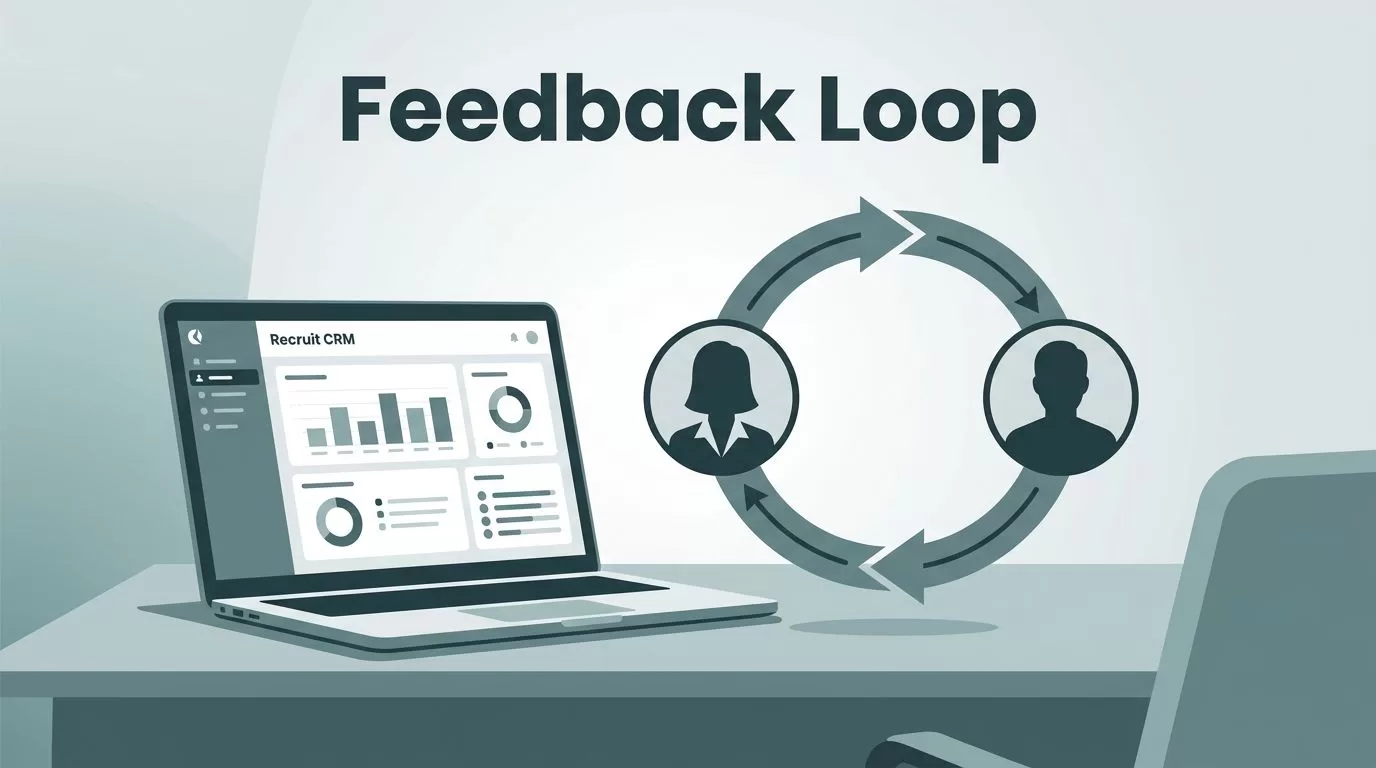
When client feedback sits in an inbox, placements slow down. I lose time, my team loses clarity, and candidates end up waiting for updates that should have happened hours ago.
That is why I treat the client feedback loop like an operational process, not a loose conversation. In Recruit CRM, I can capture the response, log it, act on it, and keep the whole team aligned without chasing the same answer twice.
Why the loop breaks after candidate submission
The break usually happens right after I send a candidate to a client. The submission goes out cleanly, then the response lands somewhere else, maybe in email, maybe in a call note, maybe in someone’s memory.
That gap is where deals stall. A client may say yes, no, or “send more like this,” but if I do not record it fast, the next step gets delayed. I also risk creating mixed messages across recruiters, account managers, and sourcers.
I learned that the feedback step matters just as much as the submission step. When I pair this process with my Recruit CRM candidate engagement setup, I keep both sides of the search moving. Candidates stay informed, and clients do not feel ignored.
The goal is simple. I want one place where I can see what was sent, what came back, and what happens next.
The workflow I use inside Recruit CRM
Recruit CRM gives me a few clean ways to collect client response. Its online candidate link lets a client review submitted candidates, leave remarks, and change the hiring stage. That matters because it removes the back-and-forth that eats up a morning.

Here is the routine I use:
- I submit the candidate with the client-facing details I want them to review.
- I watch for the reply in the client link, email thread, or internal record.
- I log the response right away as a note, remark, or call activity.
- I update the candidate stage in the pipeline the same day.
- I assign the next task, so the follow-up does not depend on memory.
That sequence keeps the process tight. If the client says “yes,” I move fast on interview scheduling. If the client wants another profile, I mark the candidate as reviewed and shift my search focus. If the answer is “not now,” I still record the reason, because that note helps me later.
I also like that Recruit CRM keeps feedback close to the candidate record. The Recruit CRM features page highlights clear submissions and the simple yes/no decision flow, which is exactly what I want when time matters. I do not want a reply buried in a long thread. I want it visible where the rest of the hiring work already lives.
If feedback does not change a status or trigger a task, it will drift back into email.
That is the habit I try to avoid. Once the response is logged, I can move the candidate, update the client, and keep everyone reading from the same page.
Automations and visibility keep the team aligned
Once the response is in the system, I want Recruit CRM to help me move faster. The workflow automation triggers include “Client Feedback Received,” which gives me a clean starting point for the next step.
That trigger is useful because I can connect it to actions that fit the job. For example, I can create a follow-up task for the recruiter, update the candidate stage, or send an internal notice to the account owner. If the client gives a yes, the process shifts toward interview setup. If the client wants more candidates, the search can reopen without delay.
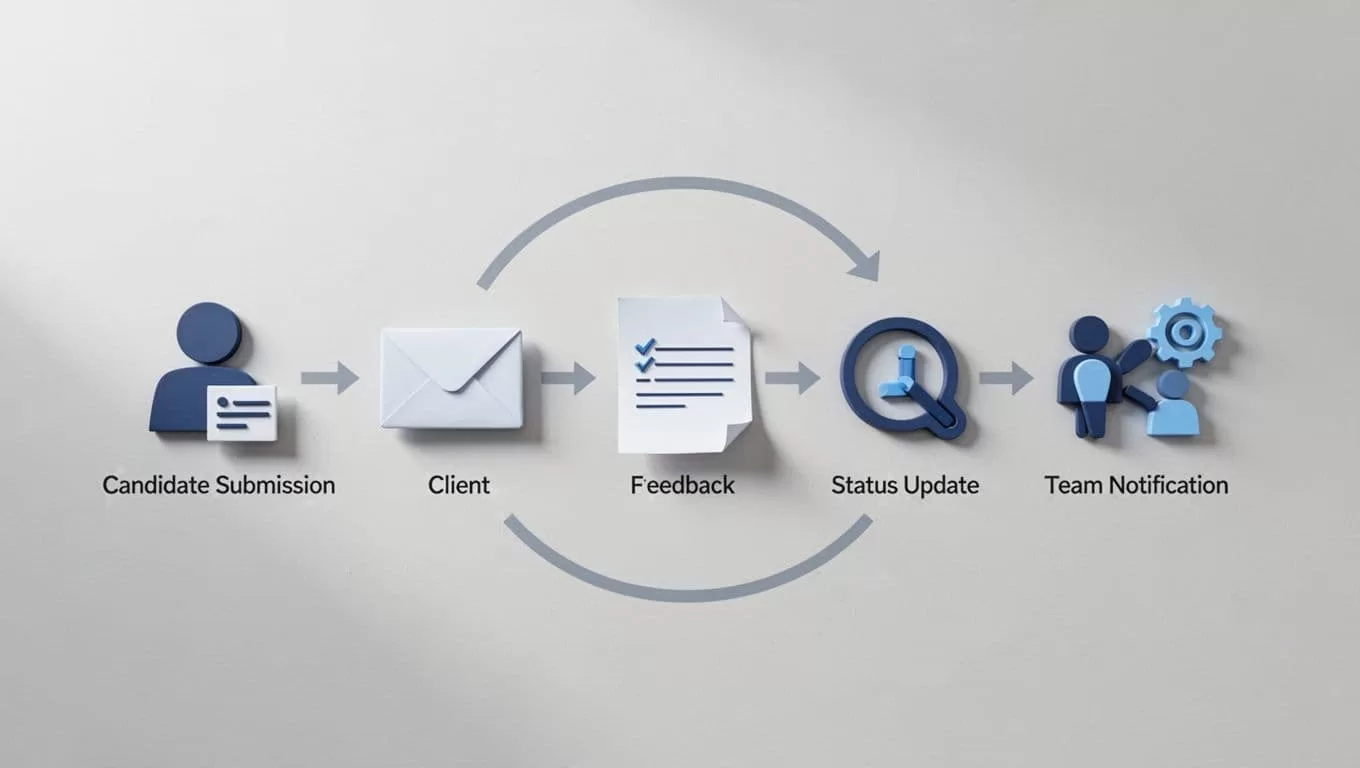
I like this part because it protects consistency. One recruiter does not forget to update the job, while another remembers. The same rule applies every time, so the team works from the same playbook.
When I train a new recruiter, I also start them with my Recruit CRM setup guide. A clean setup makes the feedback loop easier to keep. If the pipeline stages, tasks, and notification habits are clear on day one, the whole team moves with less friction.
Recruit CRM’s notifications, Kanban view, and reporting tools help here too. I can see movement without opening ten tabs. I can check whether feedback is sitting untouched. I can also spot patterns, like clients who reply late or stages that keep getting stuck.
That visibility helps candidate experience as well. Candidates feel the difference when I answer sooner. They also feel it when I tell them where things stand instead of leaving them in limbo.
Closing the loop without losing speed
A good recruiting process does not end at submission. It ends when the client response is captured, the next action is assigned, and the candidate record tells the full story.
That is what I want from Recruit CRM. I want fast feedback collection, clean logging, clear status changes, and team-wide visibility in one place.
When the loop stays closed, I spend less time chasing updates and more time moving candidates forward. That is where the real value shows up.
