Scale Bakery Management Automation With Twin.so
Manual administration becomes the bottleneck before oven capacity does. Bakery management automation with Twin.so can connect order intake, production planning, purchasing, staff updates, customer follow-up, and reporting into repeatable wo...
Manual administration becomes the bottleneck before oven capacity does. Bakery management automation with Twin.so can connect order intake, production planning, purchasing, staff updates, customer follow-up, and reporting into repeatable workflows. It shouldn’t run the bakery without review. It should remove repeatable coordination work while managers retain control of exceptions.
The right rollout starts with one queue, one owner, and one measurable result. Build the process first, then configure Twin.so around the work your team already understands.
What bakery management automation with Twin.so should handle
Twin.so is publicly positioned as an AI agent platform for recurring workflows across applications and websites. Its agents can use integrations, browser-based actions, schedules, and event triggers. The Twin quickstart documentation describes scheduled agents, event-driven workflows, OAuth connections, and browser tasks.
For a bakery, Twin.so is best used as a coordination layer around existing systems. Your POS, online ordering platform, inventory database, accounting software, scheduling tool, and communication channels should remain the source of record.
Confirm every connector and action before deployment. A platform may connect to a system without supporting every operation you need. Check whether a task uses an API or browser automation. These methods have different costs, permissions, and failure risks.
Start with repeatable operational work
Good candidates have a clear trigger and a defined output. Examples include:
- Collecting new orders and creating a production planning draft.
- Comparing upcoming demand with ingredient stock.
- Preparing a supplier purchase list for approval.
- Sending shift updates to a defined staff channel.
- Compiling daily sales and waste reports.
- Creating follow-up reminders after wholesale deliveries.
A workflow that ends with a draft, notification, report, or approved record is easier to control than one that makes an unreviewed business decision.
Keep safety and judgment with people
Do not give an agent final authority over allergen substitutions, food-quality decisions, employee discipline, payroll changes, supplier disputes, or unusual customer refunds.
The agent can identify missing information and route it to a manager. It shouldn’t silently resolve conflicting data. Add an approval step before an external order, customer message, accounting update, or production change is published.
Build the bakery workflow before the agent
Automation exposes weak processes. If your team uses three names for the same product or records orders in multiple places, Twin.so won’t fix the underlying inconsistency.
Write the workflow in plain language before building it. Define the trigger, source systems, required fields, decision rules, output, owner, and fallback procedure.
Define the source and final output
Start with one operational question. For example, “Which wholesale orders must enter tomorrow’s production plan?”
List the required fields:
- Order ID and customer name.
- Product, quantity, and required date.
- Pickup, delivery, or wholesale route.
- Bakery location.
- Special instructions and allergen notes.
- Current order status.
Then define the output. It might be a production draft, an exception list, or a row added to an approved planning database. Avoid vague instructions such as “organize tomorrow’s work.”
Write exceptions before normal cases
State what happens when information is missing or inconsistent. Stop the workflow when the order has no due date, the product doesn’t match the approved catalog, or two systems show different quantities.
Use bounded retries for temporary connection failures. Don’t keep retrying a permission error or a changed webpage. Store the last trusted result, record the failure, and assign the exception to a named employee.
Automate order intake and production planning
Production planning is a strong first use case because it connects sales demand with the work scheduled in the bakery.
Normalize incoming orders
Twin.so can collect approved order data and place it into a common structure. The workflow should distinguish retail orders, custom cakes, subscriptions, catering requests, and wholesale orders.
A customer note such as “no nuts” should remain visible as original source information. If the workflow maps it into an internal allergen field, store both values. This gives the manager evidence during review.
Do not let the agent infer production capacity from sales data alone. The plan also depends on equipment, staffing, proofing time, delivery windows, and product availability.
Create a reviewable production draft
The workflow can group orders by product, due date, location, and production batch. It can flag orders that exceed a cutoff time or require manager approval.
The output should show what changed and why. A manager then approves the draft before the team treats it as the operating plan.
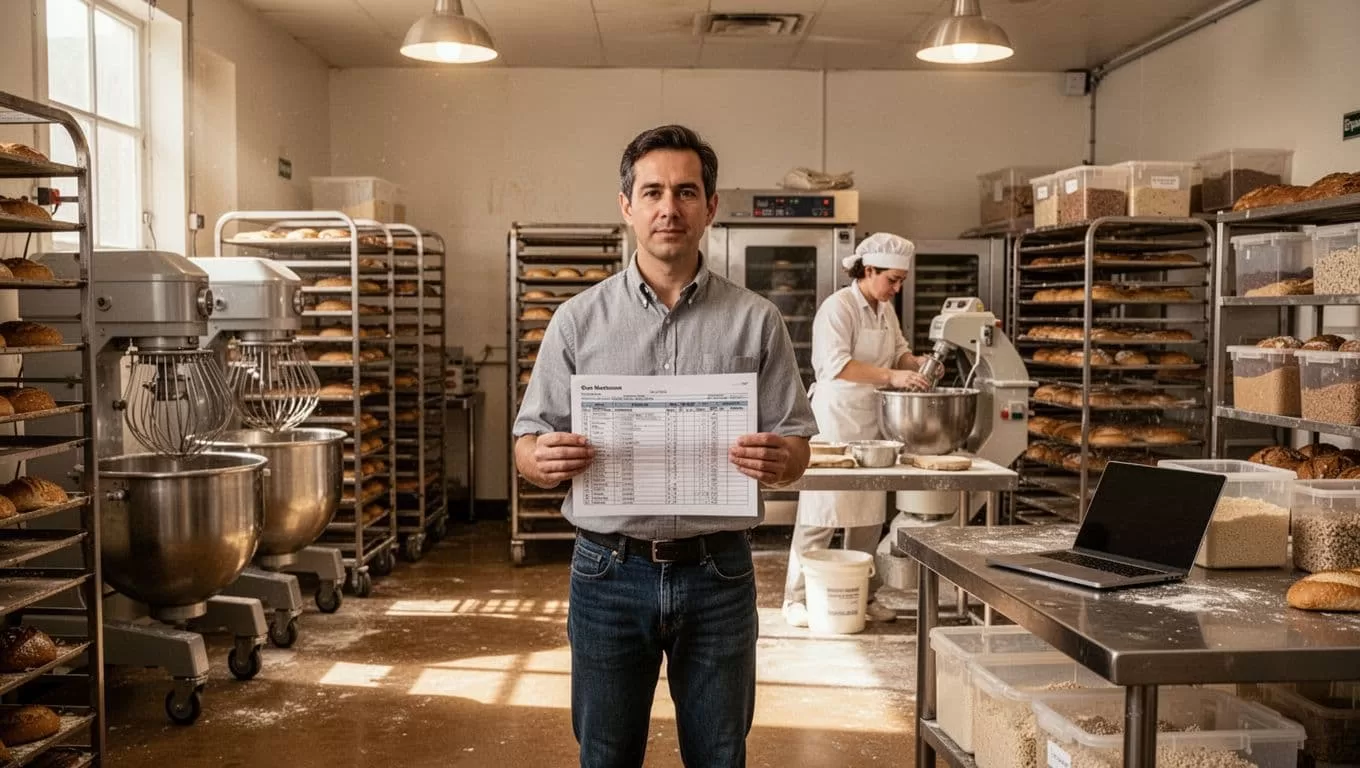
Use stable product names and recipe IDs. If a recipe changes, update the approved record instead of allowing different locations to maintain separate versions.
Coordinate inventory, purchasing, and staff communication
Inventory work creates value only when it uses accurate stock data. A purchase list based on stale counts creates another administrative problem.
Prepare purchase recommendations
Set a fixed planning window, such as the next seven days. The workflow can compare approved orders and production plans against on-hand stock, reorder points, open purchase orders, and supplier lead times.
Twin.so can prepare a recommendation that includes the ingredient, required quantity, current quantity, supplier, and reason for the suggested purchase. A manager should approve the order before it reaches a supplier.
Stop the process when a unit is unclear, a supplier price changes unexpectedly, or the inventory source is unavailable. Keep raw supplier values beside normalized values. “10 cases” and “120 units” aren’t interchangeable without a defined conversion.
If your bakery needs lot-level records or recall support, compare Twin.so with a dedicated food traceability system. General workflow automation doesn’t automatically provide the controls required for traceability.
Send staff updates from approved data
After a production plan is approved, Twin.so can prepare a shift summary for the relevant team. Include only information staff need:
- Products and quantities.
- Production deadlines.
- Location-specific instructions.
- Items waiting for manager review.
- Delivery or pickup constraints.
If your team uses Slack or Gmail, confirm the current integration and permission model before relying on those channels. Keep the approved production record as the source. Chat messages are notifications, not the system of record.
Close the loop with customer follow-up and reporting
Automation should continue after products leave the bakery. The follow-up process gives managers better visibility into service issues and repeat sales.
Follow up after completed orders
Trigger a follow-up only when the order status shows completion or delivery. The workflow can draft a message, create a callback task, or ask the account owner to review the customer.
Do not contact a customer when the delivery record is incomplete. A duplicate message after a delayed order can make the problem worse. Add a duplicate check using the order ID and last contact date.
For wholesale accounts, route complaints and missing-item reports to the responsible manager. Keep the original customer message, the proposed response, and the final decision in separate fields.
Build daily and weekly operating reports
A useful report answers a management question quickly. Track orders received, orders completed, late orders, waste, stockouts, refunds, labor hours, and sales by location.
Separate raw values from calculated values. Keep the source sales total and the normalized reporting total. If the numbers disagree, create an exception instead of overwriting the last trusted report.
Standardize operations across locations
Multi-location bakeries need one operating standard with controlled local differences. Twin.so can help collect the same fields and run the same approval process across stores, but the standard must exist first.
Define shared product IDs, order statuses, cutoff rules, reporting periods, and escalation owners. Then document approved location-level differences, such as supplier availability, delivery zones, equipment limits, and store opening times.
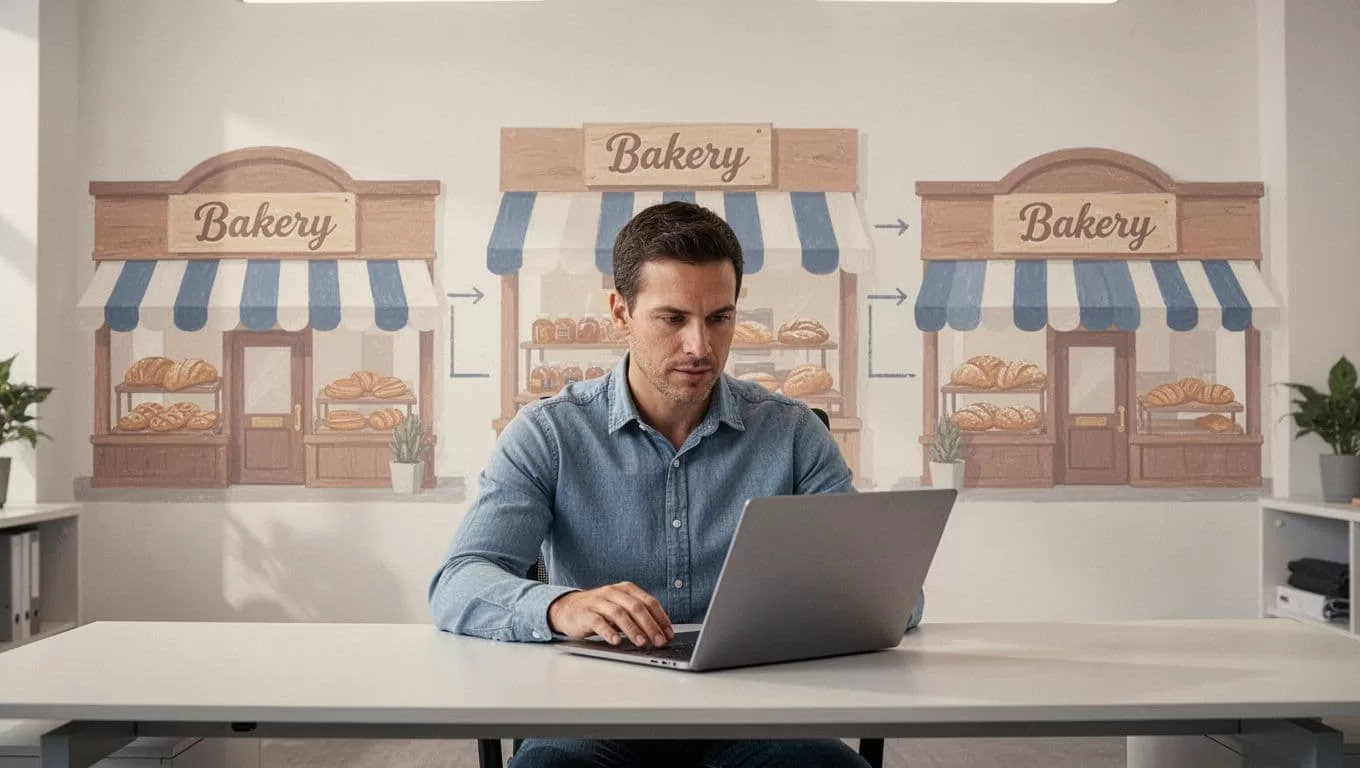
Run reporting at both levels. Regional managers need a comparable view across locations. Store managers need local exceptions they can act on. Don’t force every bakery into the same inventory threshold when the operating conditions differ.
Implement Twin.so in controlled stages
Use a small pilot. Choose one workflow with enough volume to measure but limited risk, such as daily wholesale order collection or purchase-list preparation.
- Record the manual baseline. Measure staff minutes, error corrections, delays, and current output quality.
- Select one approved source and one destination. Avoid connecting every system during the first build.
- Run the workflow in report-only mode. Compare its records with a known sample before allowing write actions.
- Add validation checks for missing fields, duplicates, row counts, stale data, and conflicting values.
- Add a human approval step before messages, purchases, production changes, or accounting updates.
- Schedule the workflow only after the team can identify the last successful run and the next expected run.
Twin.so uses credits. Its public pricing guidance gives rough examples of 15 to 30 credits for simple automations and 100 to 200 credits for a browser session with about 20 steps. These are planning ranges, not fixed costs. Usage changes with browser actions, retries, searches, data volume, and generated output. Review the current Twin pricing documentation before budgeting.
Prefer API-based actions when they cover the required task. Twin’s public guidance describes browser automation as more expensive and less reliable than API execution. Use browser steps for authorized portals or systems without a suitable API, then monitor them closely.
If the workflow spans your POS, inventory platform, vendor portals, accounting tools, and staff permissions, Book A Call to map the approval points and fallback process before a wider rollout.
Track quality, cost, and human workload
Measure accepted results, not the number of automated runs. A completed run can still miss orders, duplicate records, or produce an incorrect recommendation.
| KPI | What to measure |
|---|---|
| Coverage | Orders, products, or locations returned versus expected |
| Data quality | Missing fields, duplicates, mismatched values, and rejected records |
| Reliability | Failed runs, retries, stale outputs, and exception volume |
| Labor effect | Review minutes, correction time, and minutes removed from the old process |
| Cost | Credits and connected-system costs per accepted record |
Calculate labor benefit conservatively:
Monthly benefit = eligible volume x minutes removed x loaded hourly rate / 60
Then subtract Twin.so usage, integration fees, monitoring time, human review, and correction work. A workflow that saves ten minutes but creates thirty minutes of cleanup is not an improvement.
Keep a manual fallback. The procedure should state who retrieves the data, where they record it, and which result remains trusted when the source fails. Preserve audit records for approvals, changes, source values, and final outputs.
Conclusion
Twin.so can support bakery management automation when the workflow has clear inputs, defined rules, measurable outputs, and human checkpoints. Start with order intake, production planning, purchasing recommendations, or daily reporting. Use APIs where possible, reserve browser automation for approved browser-only work, and confirm each integration before deployment.
The scalable process is not the one with the most automated steps. It’s the one that gives every bakery location a reliable result, a visible exception path, and a manager who can verify the work before it affects customers or production.
