Property Management Automation With Twin.so
Property management automation breaks down when every task still depends on inbox searches, spreadsheet updates, and memory. Twin.so gives property managers a workflow layer for turning repeatable steps into defined triggers, actions, appro...

Property management automation breaks down when every task still depends on inbox searches, spreadsheet updates, and memory. Twin.so gives property managers a workflow layer for turning repeatable steps into defined triggers, actions, approvals, and records.
That doesn’t mean handing every tenant decision to a bot. It means routing maintenance requests, reminders, documents, and exceptions with less manual follow-up. Start with work that has clear inputs and predictable outputs, then add human review where risk is high.
How property management automation works with Twin.so
Property operations generate the same tasks every week. A tenant submits a maintenance request. A lease reaches a renewal window. A vendor sends an invoice. A payment fails. A property manager checks the details, updates a system, sends a message, and waits for the next response.
Twin.so can organize that sequence into a repeatable workflow. The workflow should define five parts:
- A trigger starts the process. This might be a form submission, a new email, a status change, or a scheduled date.
- The workflow collects the required context. That can include the property, unit, tenant record, request type, priority, and related documents.
- Twin.so applies rules to select the next action. A routine repair can follow one path. A safety issue or missing document can follow another.
- The system sends the right message, updates the approved record, or routes the item to an employee.
- The workflow records the result and sends exceptions to a person for review.
The model is simple. Automate the path, not the judgment. A workflow can classify a request and request a missing photo. A property manager should still handle decisions involving habitability, eviction, discrimination risk, disputed charges, or emergency response.
AppFolio’s property management workflow automation guide also focuses on routine task handling and operational efficiency. Use comparable examples to identify repeatable work, but build workflows around your actual systems, policies, and approval limits.
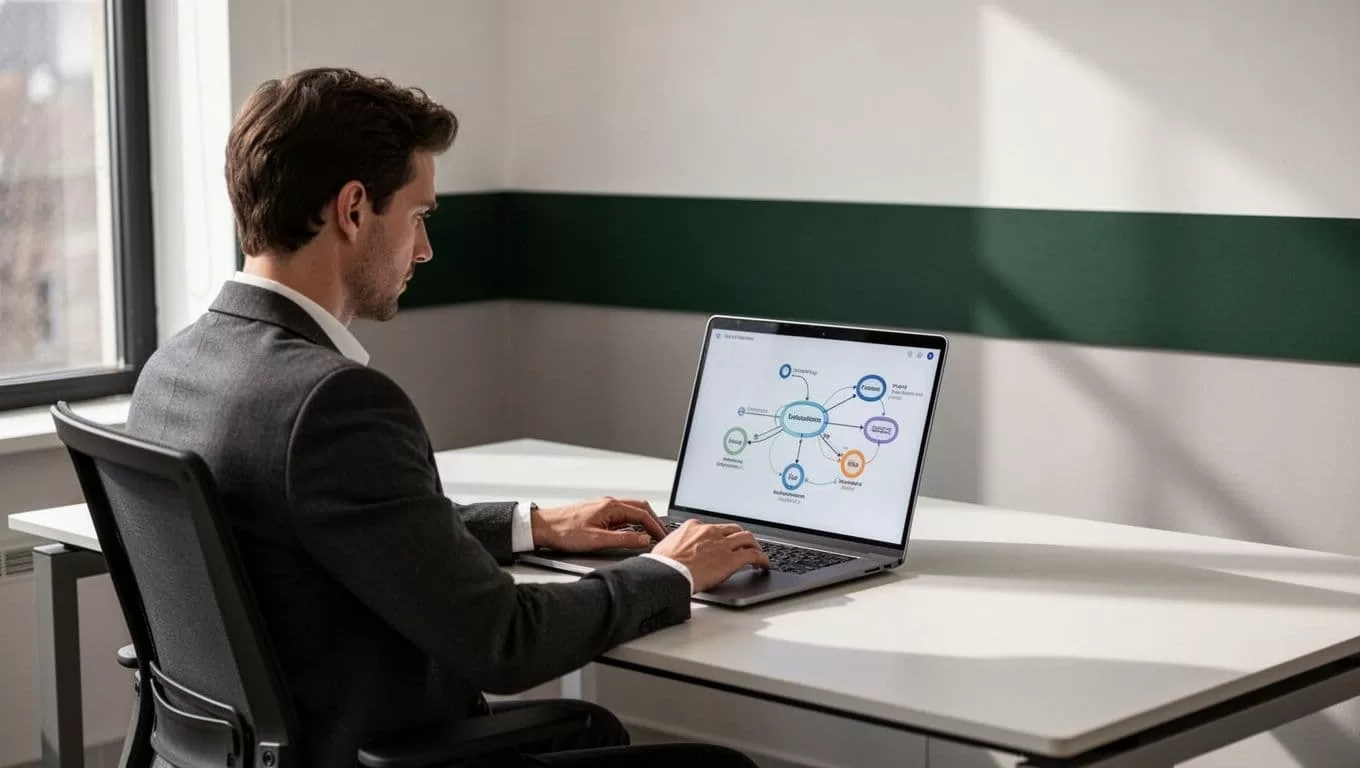
Build a clear workflow before connecting systems
Twin.so will produce better results when the underlying process is already clear. Don’t start by connecting every property system you use. Start with one process and document the current path.
Write down where the work begins, who touches it, what information is required, and where the final record belongs. Include the exceptions. Most automation failures happen when a workflow only describes the normal case.
For example, a maintenance workflow may begin with an email or online request. It then identifies the property and unit, checks whether the request includes enough detail, assigns a priority, and routes the item to the right queue. If the tenant hasn’t included access instructions or photos, the workflow requests them before assigning the job.
Keep source data organized. Use consistent property names, unit identifiers, vendor records, and document types. If lease files use different naming conventions across properties, the workflow will need extra rules and manual correction.
A useful setup sequence is:
- Define the accepted input formats.
- Standardize the fields used for routing.
- Set a clear owner for every exception.
- Decide which actions need approval.
- Store the final status in one authoritative system.
Operators can compare notes from the property management workflow discussion when selecting processes to automate first. The useful question isn’t which tool has the longest feature list. It’s which process creates repeated work and has a clear definition of completion.
Recommended first automations for property managers
Start with administrative workflows that happen often and carry limited decision risk. These provide useful operating data before you automate more sensitive processes.
Maintenance intake and routing is a strong first candidate. Twin.so can classify incoming requests by category, collect missing information, assign a priority for review, and route the request to an internal team or approved vendor. Keep emergency keywords and habitability issues on a human-reviewed path.
Lease and inspection reminders are also predictable. Create scheduled reminders for renewal dates, inspection windows, insurance certificates, access notices, and missing signatures. The workflow should check the record before sending anything. That prevents duplicate messages when a tenant or owner has already completed the task.
Payment exception handling can reduce manual follow-up. A failed or incomplete payment can create an internal task, send an approved notice, and escalate after a defined period. Don’t let the workflow make decisions about late-fee waivers, payment plans, or legal notices without the required approval.
Vendor document collection is another practical use. When a job closes, request the invoice, completion notes, photos, and required compliance documents. If a file is missing, send a reminder. If the document doesn’t match the property or work order, route it to an employee instead of accepting it automatically.
Move-in and move-out coordination can combine several small tasks. The workflow can issue a document request, create inspection tasks, send access instructions, and track completion. Security deposits and damage assessments should remain subject to your documented review process.
A discussion about automated property management tasks can help you compare common starting points. Select one process that your team repeats often. Avoid starting with the process that has the highest legal or financial risk.
A practical Twin.so implementation plan
1. Map the current process
Document the process as it runs today. Include email inboxes, spreadsheets, property management software, shared drives, approval steps, and handoffs. If a task depends on an undocumented personal rule, write that rule down before automating it.
2. Clean the inputs
Automation depends on usable data. Convert scanned or poorly structured documents into readable text before sending them into a workflow. Separate files by property, unit, vendor, or process. Consistent folders reduce the chance of using an outdated lease or the wrong inspection report.
3. Configure one narrow workflow
Build the smallest useful version first. For a maintenance process, that might mean intake, categorization, missing-information requests, and human assignment. Don’t add vendor payment, tenant notices, and owner reporting in the first version.
4. Test normal and abnormal cases
Use real process patterns with sensitive details removed. Test complete submissions, missing fields, duplicate requests, conflicting records, urgent language, and unsupported file types. Check every message and record update before allowing the workflow to run unattended.
5. Add approvals and recovery paths
Every workflow needs a stopping point. Define who reviews exceptions, how the item returns to the queue, and what happens when a connected system is unavailable. A failed action should create a visible task, not disappear into a log nobody checks.
Run the workflow with a small property group first. Compare the automated result with the manual result. Then update the rules based on actual errors, not assumptions.
Protect tenant and property data
Property management workflows handle names, addresses, phone numbers, identification documents, lease terms, payment details, access instructions, and maintenance photos. Treat every connection as a data access decision.
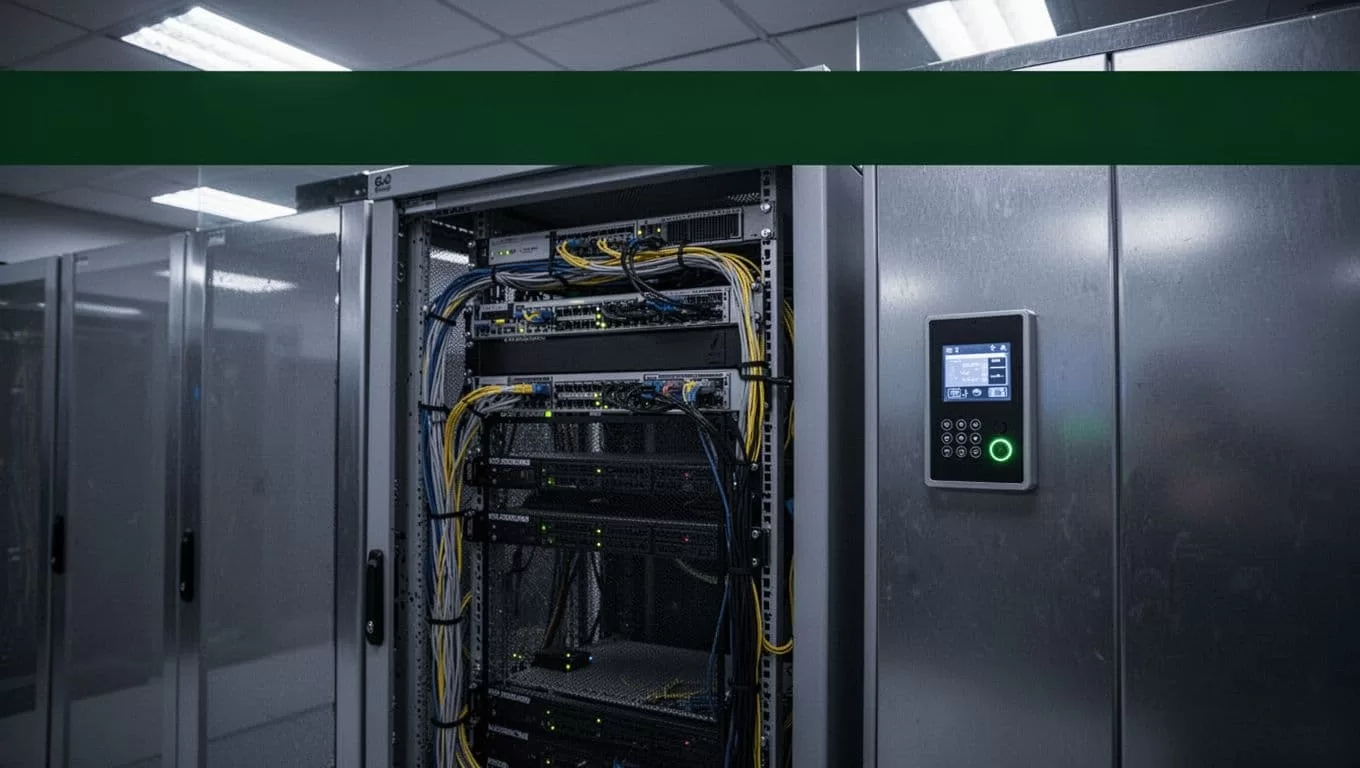
Use least-privilege access for Twin.so and every connected service. Give the workflow only the fields and permissions it needs. A reminder workflow doesn’t need payment information. A vendor document workflow doesn’t need a tenant’s full identity record.
Protect the workflow configuration as carefully as the data. Restrict who can change routing rules, notification templates, approval thresholds, and destination systems. Require review before a rule affecting tenant communications or financial records goes live.
Use these controls as a baseline:
- Remove unnecessary personal information from prompts, exports, and test records.
- Keep tenant documents in approved storage instead of copying them into personal workspaces.
- Use secure upload methods for IDs, lease files, invoices, and inspection photos.
- Separate test data from production data.
- Review access logs and workflow histories on a regular schedule.
- Set retention rules for temporary files, failed uploads, and exported reports.
- Confirm that vendors and connected tools meet your internal security requirements.
Don’t place door codes, lockbox details, or vacant-unit access instructions in broad email notifications. Route them only to authorized employees or vendors. Mask sensitive information in dashboards used by owners or external contractors.
Data quality is part of security. A workflow that attaches the wrong lease to a tenant record can create a privacy incident even when the system itself is protected. Require matching checks for property, unit, tenant, and document type before an automated action continues.
Measure the results and control automation risk
Track the workflow after launch. Record how many items enter the process, how many complete automatically, how many require human review, and where failures occur.
Measure practical outcomes such as response time, manual touches per request, overdue tasks, duplicate messages, and exception volume. Compare the results with your baseline. A workflow that processes more items but creates more corrections isn’t working.
Review the first outputs daily. Then move to weekly reviews once the error rate is stable. Update rules when your policies, forms, vendors, or property systems change.
Keep a human owner for every tenant-facing workflow. Automation can prepare the next action, but an accountable employee must be able to pause it, inspect the source record, and correct the result.
Conclusion
Property management automation works best when it removes repeated coordination without hiding important decisions. Twin.so can help turn clear operational rules into workflows that collect information, route tasks, send approved messages, and record outcomes.
Start with maintenance intake, reminders, payment exceptions, vendor documents, or move coordination. Use clean inputs, narrow permissions, approval steps, and visible exception queues. The strongest automation program is not the one with the most workflows. It’s the one your team can inspect, correct, and trust.
