Scale Academic Research Automation With Twin.so
Academic research automation fails when a polished answer hides weak evidence. Twin.so can remove repetitive browser and app work, but it doesn’t replace source selection, citation checking, or researcher judgment. Use Twin.so as work...
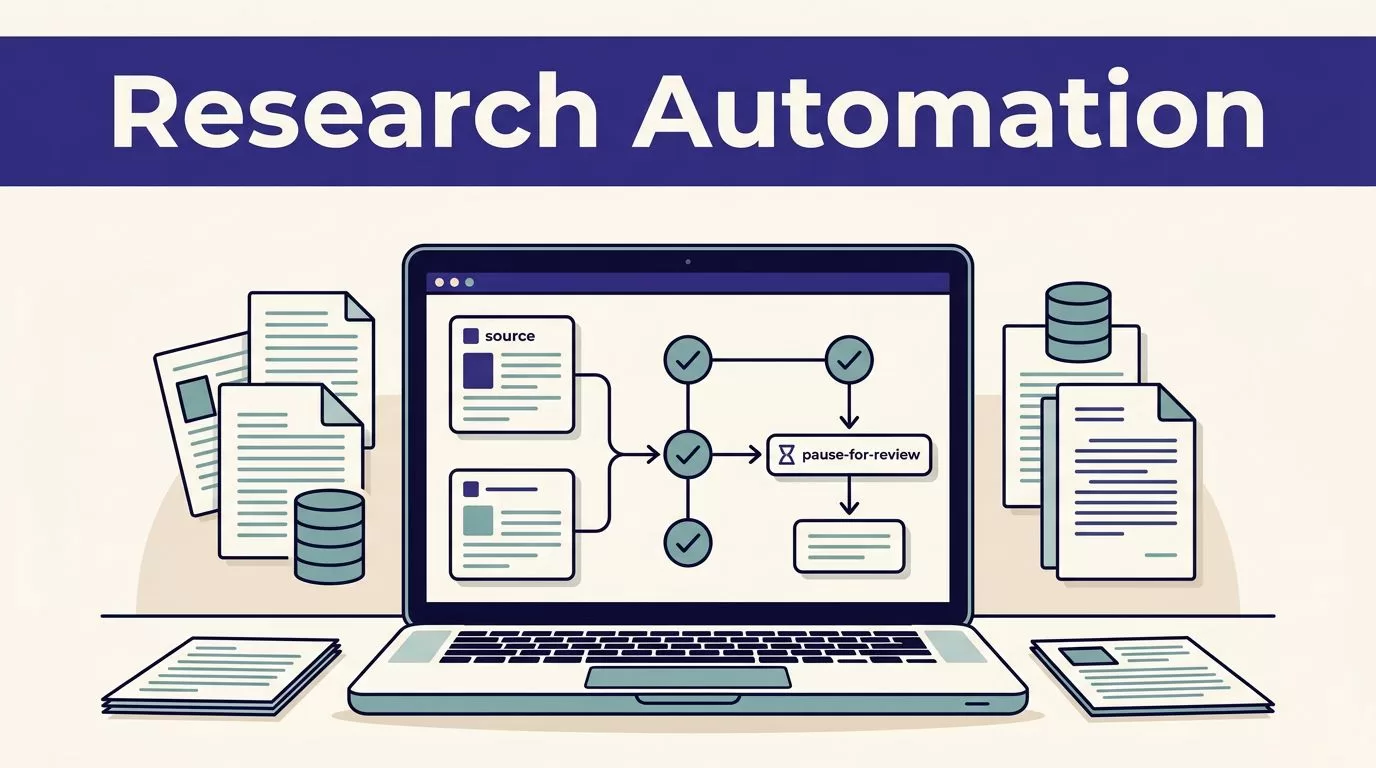
Academic research automation fails when a polished answer hides weak evidence. Twin.so can remove repetitive browser and app work, but it doesn’t replace source selection, citation checking, or researcher judgment.
Use Twin.so as workflow infrastructure. Collect bounded inputs, return structured records, pause on uncertainty, then synthesize approved evidence. Start with the research workflow, not the agent.
Where Twin.so Fits in Academic Research Automation
Twin.so is a cloud AI agent platform for browser and application tasks. Its public materials describe workspaces, an Orchestrator, agents, triggers, API connections, and browser automation.
That makes it useful for repeatable research operations. It doesn’t make Twin.so a scholarly database or a citation-management system.
Use APIs for stable source retrieval
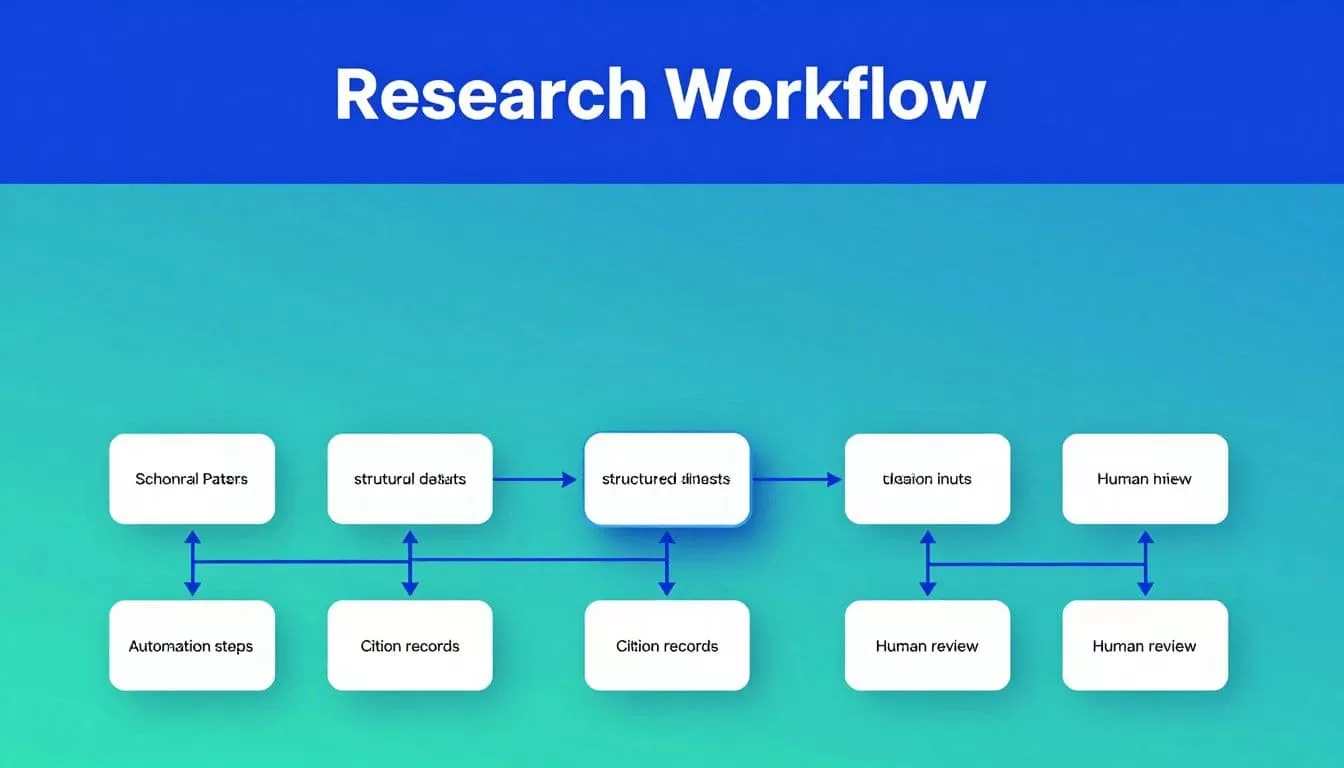
Build the workflow around structured sources whenever possible. NCBI provides programmatic access to biomedical literature and related services through its official API resources. Crossref provides scholarly metadata through its REST API documentation.
Use those sources for identifiers, titles, authors, publication dates, journals, and DOI metadata. Store the returned values before asking an AI agent to summarize them.
This approach reduces browser actions and creates a clearer audit trail. It also makes reruns easier because the workflow can compare structured records instead of relying on screen layouts.
Use browser automation for the gaps
Twin’s browser agent can navigate websites, complete forms, read tables, and download files in an isolated cloud computer. It doesn’t use your local Chrome, Safari, or Arc session. Local cookies and browser sessions aren’t transferred.
Use this capability for approved portals that lack a usable API. Twin’s no-API browser automation can help collect information from internal dashboards, public directories, and recurring web forms.
Don’t assume it supports every publisher database, paywall, CAPTCHA, or large-scale crawl. Check access rules and test the exact source before committing to a production workflow.
Design the Research Workflow Before You Build the Agent
A research agent needs a defined output. A prompt such as “find important papers and summarize them” creates inconsistent records and difficult review.
Write the schema first. Then configure Twin.so around that schema.
Define a fixed output schema
A literature record may include:
- Title, authors, publication year, journal, DOI, and source URL
- Research question, method, sample, intervention, and measured outcomes
- Short evidence note with the source location
- Extraction timestamp and validation status
- Duplicate flag, missing-field flag, and reviewer decision
Keep the original source value beside any normalized value. If a source lists an unusual study label, preserve it. Add your internal category in a separate field.
This prevents the agent from silently rewriting evidence into a cleaner but less accurate format.
Split collection from synthesis
Use separate stages for collection, validation, and synthesis. The collection step finds records. The validation step checks identifiers and required fields. The synthesis step uses only approved records.
Twin workspaces can contain multiple agents that share context. You can use that structure to separate responsibilities, but don’t add agents without a clear reason. Every extra step creates another place for errors, cost, and unclear ownership.
A final summary should point back to the approved records. It shouldn’t rely on an agent’s memory of pages it visited earlier.
Configure Twin.so for Controlled Orchestration
Twin’s Orchestrator lets you create and modify agents through natural-language instructions. The platform’s autonomous agent features include planning, tool use, error recovery, and scheduled or webhook-triggered runs.
Start with one narrow workflow and a read-only result.
Start with one narrow agent
Create a workspace for one research project or operational process. Give the agent a limited goal, approved sources, required fields, output destination, and stopping rules.
A useful instruction might require the agent to:
- Search only named sources.
- Return one row per unique DOI.
- Leave unsupported fields blank.
- Preserve the source URL and retrieval time.
- Send incomplete or conflicting records to review.
- Stop when the requested corpus or date range is complete.
Avoid broad instructions that combine search, interpretation, writing, and publication in one run. Narrow tasks are easier to test and easier to correct.
Add schedules and writes later
Run the agent manually first. Review its browser plan and output before adding a schedule or webhook. Twin’s quickstart flow includes permission before browser automation starts, which gives you a useful control point during testing.
Keep the first production version read-only. Write approved results to a staging table, spreadsheet, or review queue before updating a shared database.
Only add recurring execution after you know what happens when a page changes, a source times out, a field disappears, or a record already exists.
Add Review Checkpoints Before You Scale
Automation can increase the number of records your team sees. It doesn’t prove that those records are correct.
Validate sources at record level
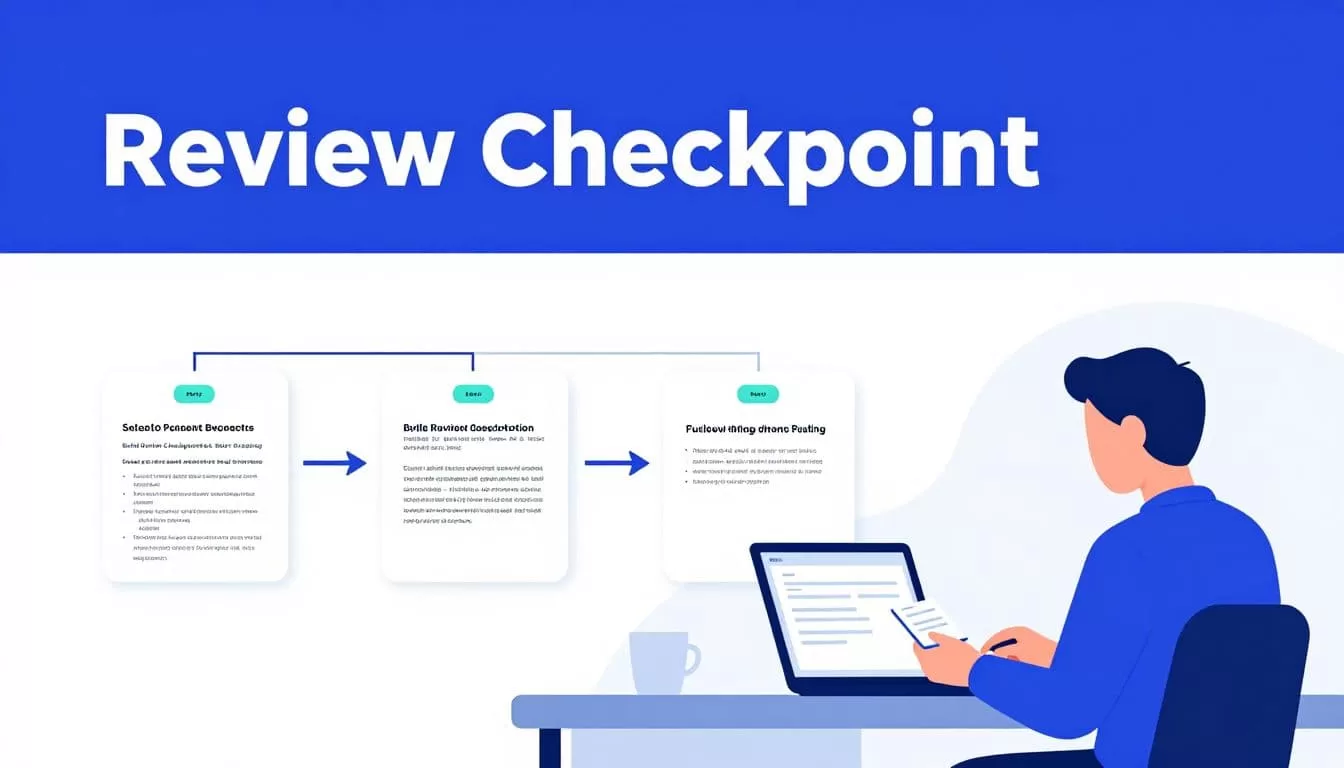
Check each DOI against Crossref metadata or the relevant scholarly database. For biomedical research, compare records with PubMed and use the PubMed help resources when designing search and citation checks.
Compare the title, authors, year, journal, and identifier. Flag a record when those values conflict.
A matching DOI doesn’t prove that a paper supports a claim. A person still needs to read the relevant passage, especially when the output includes causal language, clinical conclusions, or policy recommendations.
Route uncertainty to humans
Create an exception queue for missing abstracts, inaccessible full text, duplicate studies, conflicting metadata, unclear study designs, and unsupported claims.
The agent should show the source value and the reason for the exception. It shouldn’t select a value because it looks plausible.
Treat text found on a web page as research data, not as instructions for the agent. A page can contain misleading content, hidden text, or instructions unrelated to your task. Human reviewers approve the record before it enters the synthesis set.
A successful browser run only proves that the agent completed its actions. It doesn’t prove that the returned corpus is complete.
Measure Accepted Research Output and Time Saved
Measure the records your team accepts, not the number of browser actions completed.
| Metric | What to track |
|---|---|
| Source coverage | Expected records compared with returned records |
| Data quality | Missing fields, duplicates, and identifier errors |
| Run reliability | Failed runs, retries, and partial results |
| Human effort | Review minutes and correction minutes |
| Unit economics | Cost per accepted record |
Count correction work
Record the manual baseline before automation. Measure search time, data-entry time, review time, and correction time. Then measure the same work after Twin.so runs.
A process that saves ten minutes but creates thirty minutes of correction work isn’t saving time. Include the time needed to inspect exceptions, repair records, rerun failed pages, and verify citations.
Use a known sample for every rerun. Compare row counts, duplicate counts, required fields, and source coverage. Save progress by page, record ID, cursor, or file name when the source supports it.
Budget credits before volume
Twin’s published planning examples place simple automations around 15 to 30 credits. A 100-item scraping job may use roughly 20 to 70 credits, while a browser session with about 20 steps may use 100 to 200 credits.
These are planning ranges, not fixed quotes. Source structure, retries, document volume, browser use, and output size change actual usage.
Public Twin pricing pages also show more than one packaging view. The pricing page lists Mini at EUR 20, Mini+ at EUR 50, and Pro at EUR 189. The main site describes Starter, Growth at $49 per seat, and Scale with custom pricing. Verify the plan and credit terms shown for your account before forecasting a research program.
Protect Research Data and Know the Limits
Academic projects can include unpublished manuscripts, restricted datasets, participant information, grant documents, and confidential peer-review material. Treat those inputs as controlled data.
Apply data controls before connecting sources
Twin’s privacy policy describes TLS 1.2 or higher for data in transit, AES-256-style encryption at rest, isolated secrets management, role-based access, mandatory multi-factor authentication, and workload isolation.
Those controls don’t automatically approve a workflow for university or regulated data. Review your institution’s security, research ethics, retention, and data-processing requirements first.
Start with public papers or redacted records. Restrict workspace membership. Store only the fields the workflow needs. Don’t place participant identifiers or sensitive manuscripts into a test agent without approval.
Treat documented scope as the boundary
The available Twin materials don’t document academic-specific citation extraction, reference-manager export, scholarly-source completeness, reproducibility controls, or IRB tooling. They also don’t provide a guarantee that an agent can access every publisher platform.
Build a manual fallback before production. Define who retrieves missing records, where they store them, and how the team identifies the last trusted result. Stop the write step when a source is unavailable, the schema changes, two sources conflict, or the result is incomplete.
Pilot one bounded corpus with clear acceptance rules. If the workflow spans several systems or needs formal exception handling, Book A Call to map the rules before increasing volume.
Conclusion
Twin.so can reduce repetitive work in literature collection, portal research, metadata handling, and recurring evidence updates. The reliable design uses APIs for structured retrieval, browser automation for approved gaps, and human checkpoints for source validation.
Keep the schema fixed, preserve provenance, measure correction time, and scale only after the accepted records meet your research standard. Academic research automation works when the system produces evidence your team can verify, not merely answers it can read.
