Recipe Database Scraping With Twin.so, Securely
Recipe data looks simple until you need clean records at scale. One page may contain servings, ingredient text, nutrition values, author details, ratings, and several time formats. Recipe database scraping works when the workflow has clear...
Recipe data looks simple until you need clean records at scale. One page may contain servings, ingredient text, nutrition values, author details, ratings, and several time formats.
Recipe database scraping works when the workflow has clear permission, a defined schema, and strict checks before data reaches production. Twin.so can handle browser-based extraction, but your team still controls source rights, validation, storage, and review.
Start with the source and data contract. Then build a small approved run before scheduling recurring collection.
Recipe Database Scraping Starts With Source Approval
Recipe database scraping should begin with source selection, not browser instructions. Choose one approved website and define the pages, fields, and permitted use.
Choose APIs before browser automation
Use an official API when it provides the recipe fields, history, and request limits your project needs. APIs usually return more stable structures and create clearer request records.
Twin.so positions browser automation as a fallback for sites without a suitable API. Its browser workflows can navigate pages, fill forms, work with dynamic interfaces, and extract data from approved login-protected sources. The Web Agent first inspects the target page before acting, which helps it identify page structure and relevant content.
Use the browser agent when the data exists in rendered pages, authenticated portals, or downloadable areas that lack a usable interface. Don’t use it to bypass authentication, CAPTCHAs, paywalls, access controls, or anti-bot systems.
Check permissions and source rules
Public visibility doesn’t automatically grant permission to copy, store, or redistribute recipe content. Review the website terms, license, attribution requirements, storage rules, and any limits on commercial use.
Read the site’s robots.txt file as part of your preflight review. RFC 9309 explains the Robots Exclusion Protocol, but a robots file isn’t a replacement for a license or written permission.
The recipe-scrapers copyright and usage guidance also recommends checking terms, robots rules, and applicable copyright requirements. Keep the workflow limited to fields your project is allowed to collect.
If recipe pages include author names, profile links, comments, or other personal information, document why you need those fields. Apply data minimization and retention rules. The GDPR principles for personal data are a useful reference for teams handling European user data.
Define the Recipe Record Before Collection
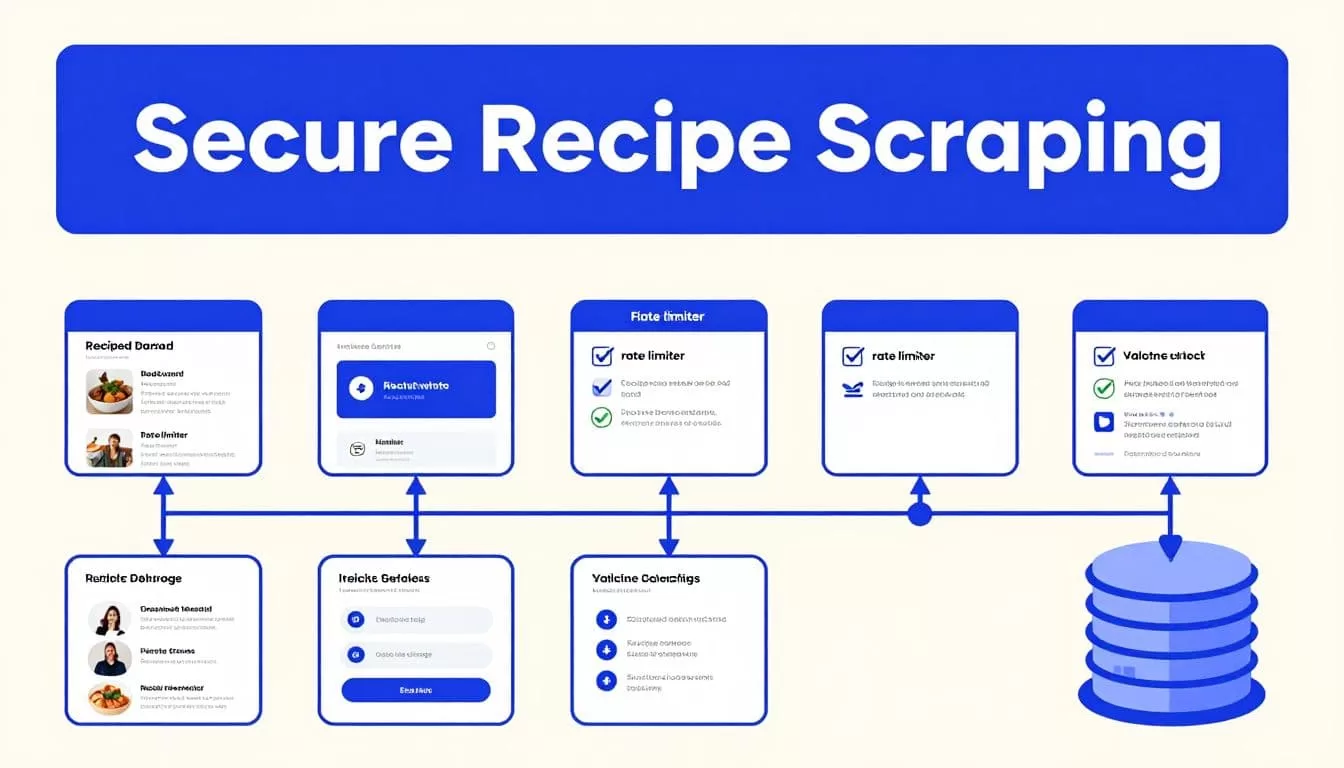
A scraper shouldn’t decide what a recipe means while it runs. Define the output fields, data types, empty states, and rejection rules first.
Keep raw and normalized values
Store the source value beside the normalized value. Preserve the original ingredient string, date text, duration text, and serving text before converting them for search or analytics.
This gives reviewers evidence when a conversion looks wrong. It also prevents a later run from overwriting the source value with an interpretation.
A practical starting schema looks like this:
| Field | Example | Acceptance rule |
|---|---|---|
source_record_id | recipe-4821 | Required when the source provides one |
source_url | Canonical recipe URL | Absolute and traceable |
title | Source page title | Non-empty string |
author | Displayed author name | Store only when permitted |
ingredients_raw | Original ingredient list | Preserve source wording |
ingredients_normalized | Quantity, unit, item | Keep separate from raw text |
instructions | Ordered preparation steps | Store only under approved rights |
prep_minutes | 20 | Integer or null |
servings | 4 | Positive value or null |
extracted_at | ISO timestamp | Required for every record |
Add cook_minutes, total_minutes, image_url, nutrition fields, tags, rating, and review counts only when the source provides them and your use permits them. Don’t turn missing nutrition information into zero.
Preserve provenance
Record the source URL, page title, extraction time, source label, content hash, workflow version, and quality flags. Keep a rights_status or license field if multiple sources have different usage rules.
Recipe pages often expose structured data. Google describes how structured data helps systems understand page content in its structured data introduction. Use that markup as a useful input when available, but compare it with the visible page.
Structured data can be stale, incomplete, or different from what users see. The visible recipe page remains part of your validation process.
Build the Twin.so Workflow in Controlled Stages
Twin.so is most useful when the task has one source, a fixed output, and clear failure rules. A broad request such as “scrape all recipes” leaves too many decisions to the agent.
Start with a narrow goal
Define one source, one page type, one search path, and one output destination. State the exact fields Twin should return.
A practical instruction should identify:
- The approved domain and allowed URL paths.
- The page elements that contain the title, ingredients, times, yield, and instructions.
- The output field names, types, and null values.
- The pagination or continuation rule.
- The conditions that require an exception instead of an accepted record.
Ask for structured output, not raw HTML. Twin’s browser API is designed to return structured results, and its public API materials describe endpoints for running tasks, observing page state, and managing live browser sessions.
Don’t assume Twin provides a recipe-specific parser or built-in culinary schema. Build the recipe contract yourself and test the output against known pages.
Separate collection from database writes
Use a staging table first. The collection step retrieves records. The validation step checks them. The publishing step writes only accepted records to the production database.
A safe flow is:
source page -> Twin.so extraction -> staging table -> validation -> exception queue or production database
Give the workflow read access to the approved source and write access only to staging. It doesn’t need permission to modify the source website.
Store an idempotency key such as source_domain + source_record_id. This prevents a rerun from creating duplicate recipes. Keep the last trusted dataset available. A failed run must not replace it with an empty table.
Validate Recipe Data Before It Reaches Production
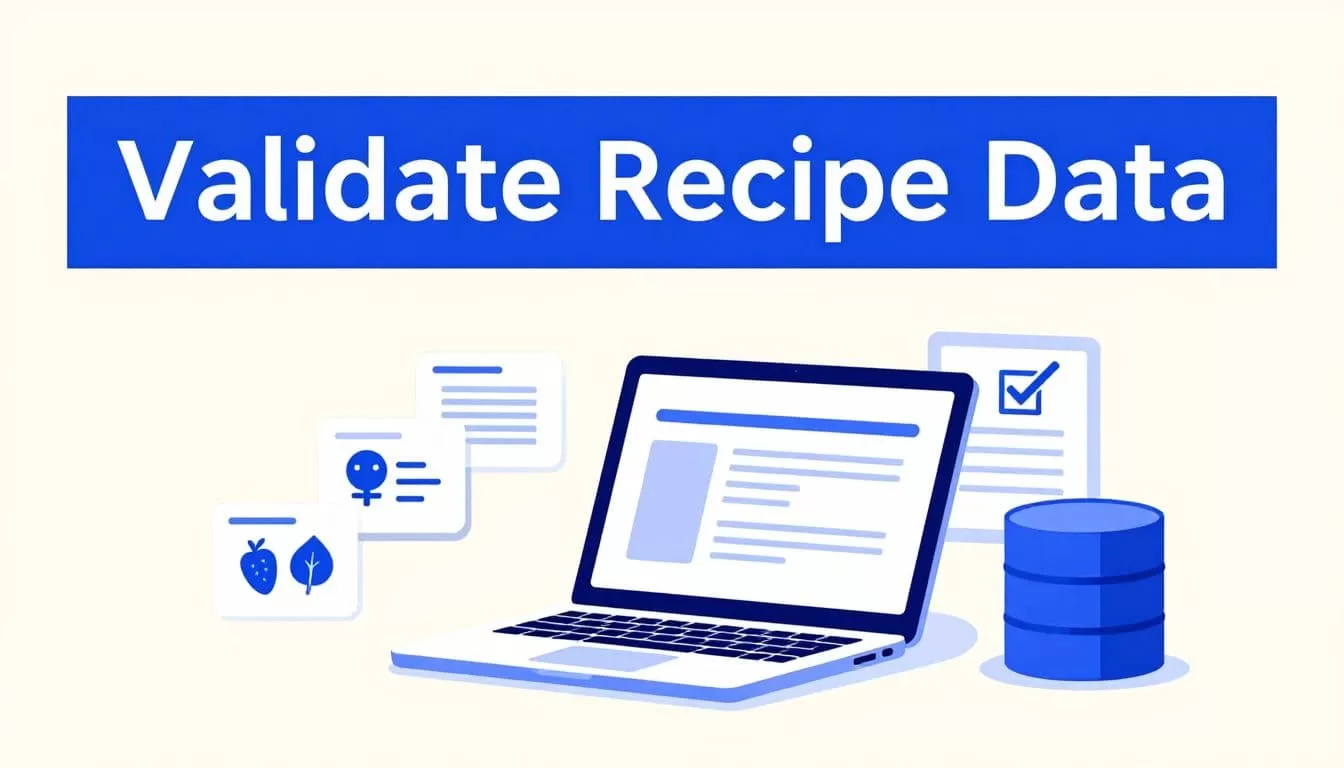
A successful browser run isn’t the same as a complete dataset. A page can change, a lazy-loaded section can remain unopened, or a field can return blank without producing an error.
A browser workflow can finish successfully and still skip records. Count coverage before you trust the result.
Check fields, quantities, and units
Validate every required field before accepting a record. Check that the URL is absolute, the title isn’t blank, and the source ID is stable when available.
Parse time fields into integers only when the source clearly identifies the unit. Keep 20 minutes separate from 20 until the conversion rule runs. Reject negative values, impossible durations, malformed servings, and quantities with unsupported units.
Ingredient normalization needs extra control. Keep 2 cups flour as the original value, then store quantity, unit, and item in separate fields when the parser can identify them confidently. If the quantity is ambiguous, keep the raw value and route the record for review.
Don’t infer allergens, dietary labels, or nutrition values from ingredient names unless you have a tested rule and a review process. A missing field should remain null or receive a clear quality flag.
Check coverage and duplicates
Compare the expected page count with the returned record count. Track missing pages, duplicate source IDs, duplicate canonical URLs, and unexpected changes in row counts.
Run a known sample after every workflow change. Compare titles, ingredient counts, instruction steps, and selected timestamps against the approved sample. Check for:
- Missing records after pagination
- Duplicate recipes across category pages
- Changed labels or page layouts
- Empty fields that were previously populated
- Conflicting values between visible content and structured data
- New fields appearing without a schema decision
Send uncertain records to an exception table. Store the proposed interpretation, source evidence, and reviewer decision separately. Don’t silently overwrite a trusted record with a blank or lower-quality value.
Add Safeguards for Recurring Runs
Recurring collection needs operational controls. Rate limits, retries, credentials, costs, and ownership must be defined before production scheduling.
Bound retries and preserve a fallback
Use a small retry limit with backoff for temporary network errors. Don’t retry permission failures or changed page structures indefinitely. Save progress by page, record ID, cursor, or file name when the source supports it.
Stop the write step when the source is unavailable, the schema changes, two sources conflict, or the workflow returns incomplete data. Create a manual procedure before release. Name the person responsible, the place where they record the result, and the method for identifying the last trusted run.
Twin’s public material doesn’t establish a universal requests-per-minute limit. Implement your own pacing and concurrency controls. Credits measure usage, not permission to send unlimited traffic.
Track accepted-record cost
Planning ranges for Twin workflows place a 100-item scrape around 20 to 70 credits. A browser session with about 20 steps may use 100 to 200 credits. These are planning ranges, not fixed quotes. Actual usage depends on browsing, retries, output size, page complexity, and workflow design.
Track these measures:
- Credits used per run
- Accepted records
- Missing and duplicate records
- Failed runs and retry counts
- Human review minutes
- Correction time
- Cost per accepted record
A workflow that saves ten minutes but creates thirty minutes of correction work isn’t saving time.
Keep credentials in approved secrets storage. Don’t put passwords in prompts, generated outputs, or logs. Require human approval before publishing a large batch or sending recipe content to another system.
If the workflow spans several systems, Book A Call to map permissions, exception paths, and approval points before scaling.
Troubleshoot Common Twin.so Failures
Blank or incorrect fields
A blank field usually means the page changed, the label isn’t present, or Twin selected the wrong section. Open the page manually and compare the visible label with the extraction instruction. Add the exact field name and define what to return when it is missing.
Charts, canvas elements, and content loaded after interaction may not expose values in the initial page state. Identify an authorized page element or API source instead of guessing from a visual chart.
Timeouts and changed layouts
Reduce the task scope first. Run one recipe page instead of a full category. Then inspect the last execution, compare the returned structure with the known sample, and adjust the workflow.
Use Twin’s troubleshooting documentation to review the latest run before adding retries. A retry won’t fix a changed selector or a permission problem.
Test pagination separately. Confirm that the workflow stops at the expected page and records the final cursor. If the source layout changes often, schedule a small health check and alert an owner when required fields disappear.
Conclusion
Secure recipe database scraping depends on workflow design, not browser automation alone. Use APIs first, collect only from approved sources, define the recipe schema, preserve source evidence, and validate every batch before writing.
Twin.so can reduce repetitive browser work when the target is narrow and the output is structured. Keep permissions, rights management, exception handling, and production writes under your team’s control. The useful result is not a large recipe table. It is a current dataset with traceable sources, accepted records, and a clear fallback when the workflow fails.
