Remitly Ukraine exchange rate: Check the Final Quote
Checking the Remitly Ukraine exchange rate before payment tells you what the recipient should receive. It doesn’t show the full cost by itself. You also need the transfer fee, total amount charged, delivery method, and receiving curre...
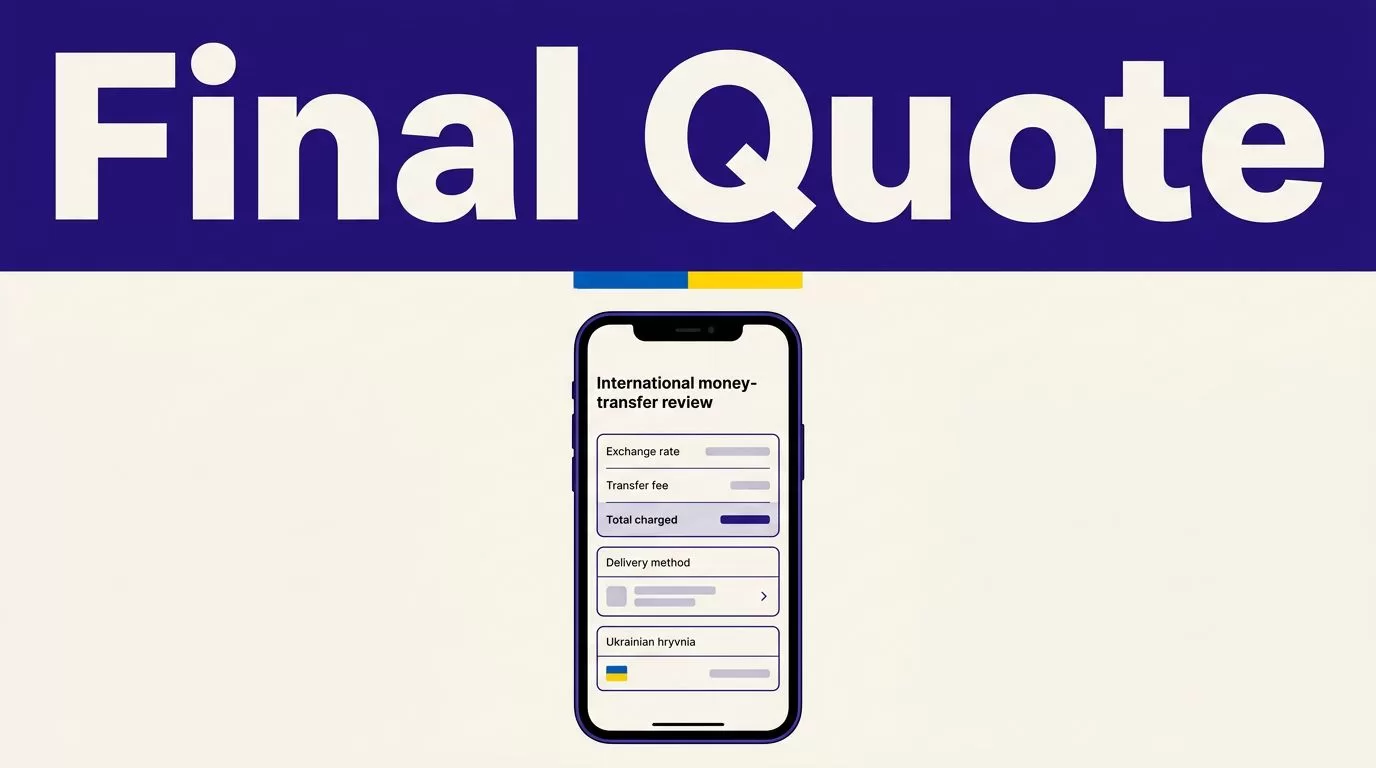
Checking the Remitly Ukraine exchange rate before payment tells you what the recipient should receive. It doesn’t show the full cost by itself. You also need the transfer fee, total amount charged, delivery method, and receiving currency.
Remitly doesn’t use one fixed rate for every Ukraine transfer. The quote can change with your sending country, amount, payment method, delivery option, destination currency, and promotion. Use the official quote immediately before sending, then compare every figure on the review screen.
Where to check the Remitly Ukraine exchange rate
Start with the official Remitly route
Open the Remitly app or website and select Ukraine as the destination. Your sending country must match your actual location and payment account. A transfer from the United States can have different pricing from a transfer sent from Canada, the United Kingdom, or another country.
If you’re sending from the United States, use Remitly’s official Ukraine pricing page. It shows the route-specific exchange rate, fee information, and available delivery options. You can also review Remitly’s U.S.-to-Ukraine transfer page before starting the transaction.
Don’t treat an old receipt, search result, or third-party currency converter as your final answer. Those figures may not include Remitly’s current rate, fee, promotion, or delivery choice.
Enter the transaction details
Enter the amount you want to send. Depending on the screen, you may also be able to enter the amount you want the recipient to receive. Remitly then calculates the other figure.
Select the receiving currency shown for your route. The available currency and payout options can depend on the recipient’s location and the selected provider. Review the available choices before continuing.
The quote should update when you change the amount, delivery method, or payment method. Record the figures only after entering the exact details you plan to use.
How to read the Remitly Ukraine exchange rate quote
The review screen contains several numbers. Each one answers a different question.
The exchange rate is the conversion
The exchange rate determines how your sending currency converts into the currency the recipient receives. For example, a USD-to-UAH transfer uses a different conversion than a route where the recipient receives another supported currency.
The displayed Remitly Ukraine exchange rate is the rate used for that transaction. It can change before you complete the transfer. Reopen the quote when you’re ready to pay instead of relying on a rate you checked earlier.
The transfer fee is a separate cost
The transfer fee is the charge associated with sending the money. It isn’t the same as the exchange rate.
Remitly pricing pages organize fees around factors such as the send amount, receiving currency, delivery method, and payment method. A fee can also change when a promotion applies or expires. Check the amount shown for your exact transfer rather than assuming every Ukraine transfer carries the same charge.
Some promotional fee waivers may not apply to credit-card payments. Read the conditions shown for your route before choosing a payment source.
The recipient amount is the outcome
The recipient amount is what should arrive through the selected payout method. This is the figure to prioritize when you’re supporting family, paying a bill, or sending a fixed amount for a specific purpose.
A low transfer fee doesn’t automatically mean better value. Compare the total amount charged with the exact amount the recipient receives.
A quote can show a small fee but a less favorable conversion. Another quote may show a higher fee and deliver more to the recipient. Compare the complete transaction, not one line item.
What changes your Remitly Ukraine exchange rate
Your sending country and currency
Remitly builds pricing around the route. The sending country determines the available payment methods, currencies, compliance checks, and pricing conditions.
A sender in the United States should use the U.S. Ukraine route. A sender in another country should select that country before checking the rate. Don’t calculate the transfer using a USD quote when you’re paying in EUR, GBP, CAD, or another currency.
The currency you choose for the recipient also affects the quote. Confirm both currency codes before approving the transfer.
The amount, payment method, and delivery speed
The amount you send can affect the fee and the effective payout. Remitly may use different pricing bands for different send amounts. The final figure can also change when you switch between bank-funded and card-funded payments.
Where available, Economy and Express options may carry different fees and delivery estimates. Choose based on the recipient’s needs, not the label alone. If the transfer isn’t urgent, compare the lower-cost option. If timing matters, review the exact estimate and total price for the faster option.
Delivery estimates aren’t guarantees. Payment processing, transaction reviews, partner availability, and system conditions can affect the actual arrival time.
Promotions and first-transfer rates
New-customer promotions can include a special foreign-exchange rate or a fee waiver. These offers usually apply only to qualifying transfers and may have a maximum amount.
A promotional rate may apply to the first part of a transfer up to the stated cap. Any amount above that limit may use the standard rate shown for the transaction. A fee-free offer can also have payment-method restrictions.
Check the promotion terms on the Remitly screen. Don’t assume a welcome rate applies to future transfers or to the full amount you send.
Review the transfer before payment
Use this final process every time:
- Confirm that the sending country is correct and that Ukraine is the destination.
- Check the recipient’s legal name, phone number, location, and bank or pickup details. Use the name that matches the recipient’s identification documents.
- Review the sending amount, receiving currency, exchange rate, transfer fee, and total amount charged.
- Compare the exact recipient amount with the amount they need. Correct the transfer before payment if the payout is too low.
- Check the selected delivery method and estimated arrival time. Confirm that it suits the recipient’s location.
- Save the receipt, confirmation number, and transaction reference after payment. Track the transfer through your Remitly account.
If the recipient is collecting cash, share the pickup information privately and confirm the name matches their identification. If you’re using a bank deposit, verify the account details before submitting the payment. A small data error can delay delivery or require support intervention.
Conclusion
The Remitly Ukraine exchange rate is only one part of the transfer quote. Review it with the transfer fee, total amount charged, receiving currency, delivery method, and final recipient amount.
Rates, fees, promotions, limits, and delivery times can change. Check the live quote in the official Remitly app or website immediately before every transfer, then save the receipt after payment.
