Remitly Romania: How to Send Money Securely
Sending money to Romania is simple until one wrong digit delays the transfer. A secure Remitly Romania transfer starts with the correct sending route, accurate recipient information, and a final cost review. Fees, exchange rates, delivery m...
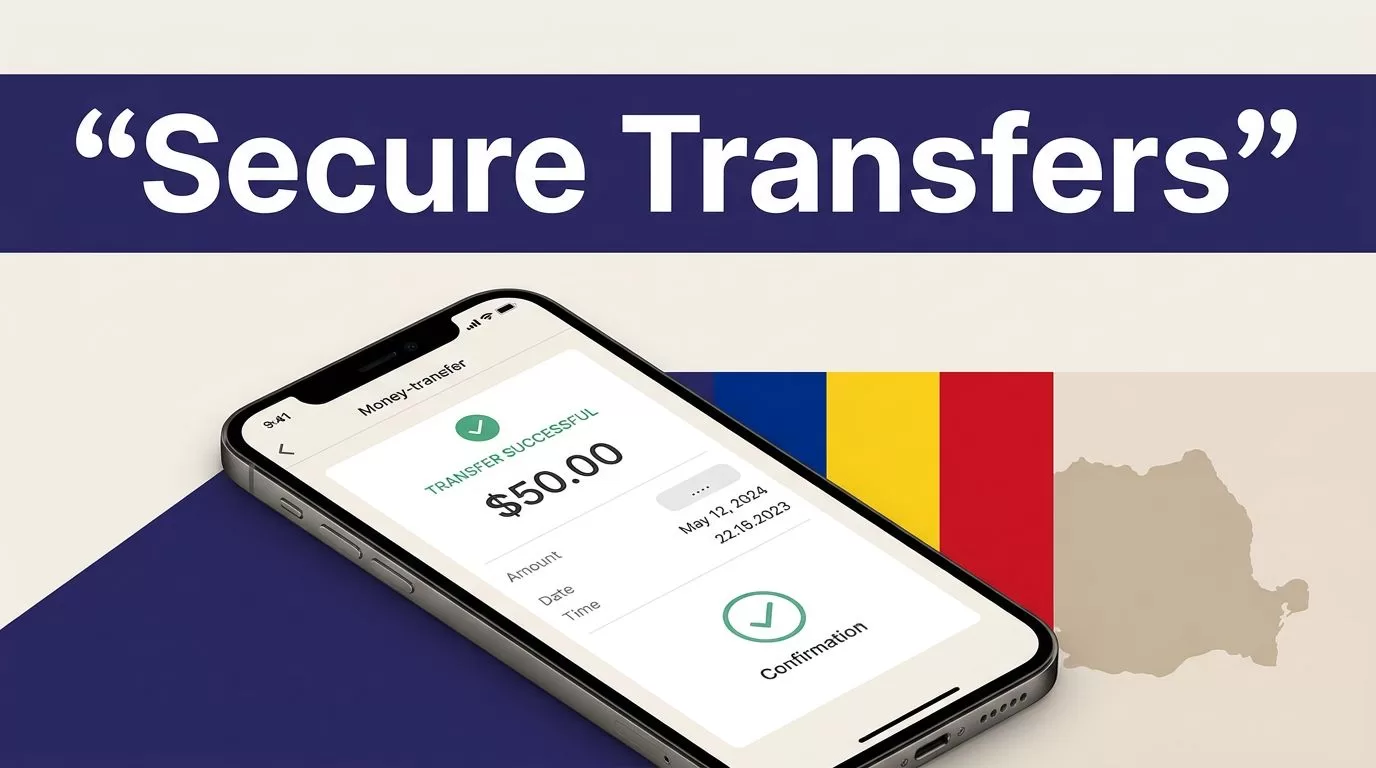
Sending money to Romania is simple until one wrong digit delays the transfer. A secure Remitly Romania transfer starts with the correct sending route, accurate recipient information, and a final cost review.
Fees, exchange rates, delivery methods, limits, and verification requirements can change. Use the official Remitly website or app for the live quote every time. The process below helps first-time senders avoid common payment and fraud problems.
START WITH THE CORRECT REMITLY ROMANIA ROUTE
Select your real sending country and currency
Remitly pricing depends on where you send money from. It also depends on the sending currency, transfer amount, payment method, delivery speed, and recipient location.
Open Remitly and select your actual sending country. Then select Romania as the destination. Confirm whether the recipient should receive Romanian lei (RON) or euros (EUR), if both are available for your route.
Don’t use a quote copied from an older transfer. Don’t assume a price shown to a sender in the United States also applies to someone sending from the United Kingdom, Canada, or Germany.
Remitly policies and options may vary by sending country. They can also change over time.
Choose the recipient’s delivery method
Remitly may show bank deposit and cash pickup for Romania. Some recipient-bank pages also list debit card deposit, but availability depends on the recipient’s bank and location.
Bank deposit is practical when the recipient has an eligible Romanian account. Cash pickup may fit someone who needs access without using a bank account. The recipient may need a valid government ID and the transfer details shown by the selected payout provider.
Remitly has separate pages for Raiffeisen Bank transfers in Romania and Banca Transilvania deposits. These pages show why you need to check the exact bank and delivery option in your own transfer flow.
HOW TO USE REMITLY ROMANIA SECURELY
1. Open the official Remitly website or app
Type the official Remitly web address into your browser, or open the official app installed through the Apple App Store or Google Play. Don’t install an APK from a random website.
Avoid links sent through unexpected emails, text messages, social media accounts, or messaging apps. A fake login page can capture your password before you notice anything unusual.

Photo by Monstera Production
2. Create and secure your account
Use an email address and phone number you control. Create a unique password that you don’t use for banking, email, or other financial accounts.
Turn on every available account security feature. This may include multi-factor authentication, login alerts, device verification, or biometric access, depending on your country and app version.
Never share a Remitly password, PIN, one-time passcode, or verification code. Remitly’s account safety guidance also warns users not to share authentication codes with other people.
3. Complete identity verification
Remitly may ask for identity documents when you create an account, send a larger amount, use a particular payment method, or when it can’t verify your identity automatically.
Follow the request inside the official app or website. The required documents can vary. You may be asked to confirm your legal name, address, date of birth, payment information, or government-issued identification.
Don’t email identity documents to an unverified address. Don’t upload them through a link sent by a stranger. If a message asks for extra documents, close it and check your account directly.
ENTER THE RECIPIENT DETAILS CAREFULLY
Match the recipient’s legal name
Enter the recipient’s name exactly as it appears on their government ID or bank account. Avoid nicknames, shortened names, missing middle names, and spelling changes.
A small mismatch can delay a cash pickup. It can also create a correction request after the transfer has already been submitted.
Ask the recipient to send their details in a secure channel. For cash pickup, confirm the name they will use at the payout location. For a bank deposit, copy the account information from a reliable bank record.
Verify bank and business information
For a bank deposit, review the bank name and every account field requested by Remitly. This may include an IBAN, account number, recipient address, or other information required for the selected institution.
If you’re paying a Romanian business, confirm the legal business name and account details through a known contact. Don’t rely on a new bank account included in an unexpected invoice email. Call a trusted number already stored in your records before approving the change.
Use the smallest amount needed for an initial test when the recipient or account is new. Confirm successful receipt before sending a larger payment.
A transfer can be successfully submitted and still fail at the recipient bank. The account details need to be correct before payment, not after delivery.
REVIEW THE FULL COST BEFORE CONFIRMING
Compare the recipient payout
The exchange rate is only one part of the transaction. Check the amount the recipient receives, the transfer fee, the amount charged to you, and the delivery estimate.
If the recipient needs a specific amount in RON, enter that target amount when Remitly allows it. The app can then show how much you need to pay. This is more reliable than sending a round amount and guessing what arrives.
For a U.S. sender, an August 2026 pricing view showed an example fee of $4.99 for USD to RON cash pickup and $2.99 for bank deposit. A USD to EUR example showed $5.99 for cash pickup and $2.99 for bank deposit. These are route examples, not permanent prices.
Check payment method and delivery speed
Your payment method can affect the fee and exchange rate. Delivery speed can also change the quote. A bank-funded transfer may show different pricing from a debit or credit card transfer.
Promotional rates may apply only to new customers, certain amounts, specific payment methods, or a limited period. Read the conditions shown in the transfer screen.
Before confirming, check these values:
- The sending amount and currency.
- The recipient’s currency and final payout.
- The exchange rate applied to this transfer.
- The transfer fee and total amount charged.
- The delivery method and estimated arrival.
- Any promotion, limit, or eligibility condition.
- The recipient’s name and bank or pickup details.
Don’t approve the transfer until every field matches your intended payment.
PROTECT YOUR TRANSFER FROM FRAUD
Stop when the request creates urgency
Scammers often pressure people to send money immediately. Common claims include threats of arrest, urgent account problems, fake refunds, tax credits, lottery winnings, and requests for an advance payment.
A genuine family member may need help, but confirm an unusual request using a separate phone call. Don’t use the same number or chat account that made the request if it may be compromised.
Review Remitly’s Trust & Safety Center for current scam warnings and reporting guidance. Never send money to a person or business you can’t independently verify.
Keep access and codes private
Remitly support should not need your password or one-time verification code. Don’t read a code aloud to someone claiming to help you complete a transfer.
Check the sender address before opening an email. When in doubt, open the app yourself and review the account notification there. Don’t click a suspicious link and then enter your login details.
If you entered your password on a suspicious page, change it immediately through the official Remitly website or app. Review account activity and contact support through the official help route.
TRACK THE TRANSFER AFTER PAYMENT
Save the receipt and reference number
After sending, save the confirmation screen, receipt, transaction reference, amount, recipient, and delivery method. Store the record somewhere you can access later.
Track the transfer inside the Remitly app or on the official website. Ask the recipient to confirm receipt through a trusted channel. Keep the confirmation for family support, business records, or future support requests.
Don’t send a second transfer too quickly
A delayed status doesn’t always mean the first transfer failed. Check the transaction status before creating another payment.
Delivery estimates aren’t guarantees. Identity reviews, bank processing, payout partner issues, weekends, holidays, and incorrect recipient information can affect timing.
If the transfer is delayed, keep screenshots and receipts. Follow Remitly’s support process. Don’t cancel or resend based only on an automated message that says the first attempt may have failed.
REMITLY ROMANIA SAFETY CHECKLIST
Use this short control list before every transfer:
- Use only the official Remitly website or app.
- Select your actual sending country and currency.
- Confirm the recipient’s legal name against their ID or bank record.
- Verify the Romanian bank, IBAN, account number, or pickup details.
- Review the fee, exchange rate, total debit, and recipient payout.
- Check the delivery method and current estimate.
- Upload documents only inside the official verification flow.
- Never share passwords, PINs, or verification codes.
- Independently confirm unusual requests and new business bank details.
- Save the receipt and check status before sending again.
CONCLUSION
A secure Remitly Romania transfer depends on controls you can complete before payment. Use the official channel, verify the recipient, select the correct delivery method, and review the live quote line by line.
Fees, rates, limits, verification requests, currencies, and delivery options can change by sending country and recipient route. Check the current details in Remitly before every transfer, then save the receipt and monitor the transaction until the recipient confirms delivery.
