Set Up a Referral Asset Library With Rewardful
A referral program stalls when partners can’t find the right banner, message, or product screenshot. They either publish old material or publish nothing. A referral asset library gives every approved affiliate one place to get current...
A referral program stalls when partners can’t find the right banner, message, or product screenshot. They either publish old material or publish nothing.
A referral asset library gives every approved affiliate one place to get current assets, campaign guidance, disclosures, and tracked links. Rewardful handles campaign tracking and commissions. Your library handles the material partners need to promote you correctly.
Build the system before you invite a large partner group. A small, controlled launch exposes gaps without creating a cleanup project.
Decide What Rewardful Owns and What Your Library Owns
Rewardful is the referral and affiliate system. Your asset library is the distribution system.
Rewardful’s documented workflow centers on creating a campaign, inviting affiliates, issuing referral links, tracking commissions, and managing payouts. Review the current Rewardful campaign settings overview before you configure commission rules, attribution settings, or minimum payout thresholds.
Do not treat Rewardful as a cloud drive. Its current documented workflows don’t present a general file-hosting or creative-library feature. Store files in Google Drive, Dropbox, Notion, or another controlled workspace. Then give approved partners the correct access link.
Keep one source of truth
Choose one owner for the library. This is usually the affiliate manager, growth lead, or demand generation owner.
That person approves new files, archives old files, updates campaign notes, and checks link destinations. Design, product marketing, legal, and customer success can contribute. They should not all publish directly.
A downloaded file is not proof that a partner used it. A tracked referral link and an approved conversion are the records that matter.
Separate campaign rules from promotional assets
Your Rewardful campaign explains what partners earn. The asset library explains what they can say.
Keep commission rates, payout thresholds, and payout status inside Rewardful. Keep copy blocks, logos, product images, comparison claims, and disclosure rules in the library. This separation prevents a design update from becoming a payout question.
Build the Referral Asset Library Structure
Start with a structure that a new partner can scan in under two minutes. Do not create 40 folders on day one. Create folders only when they have a clear job.
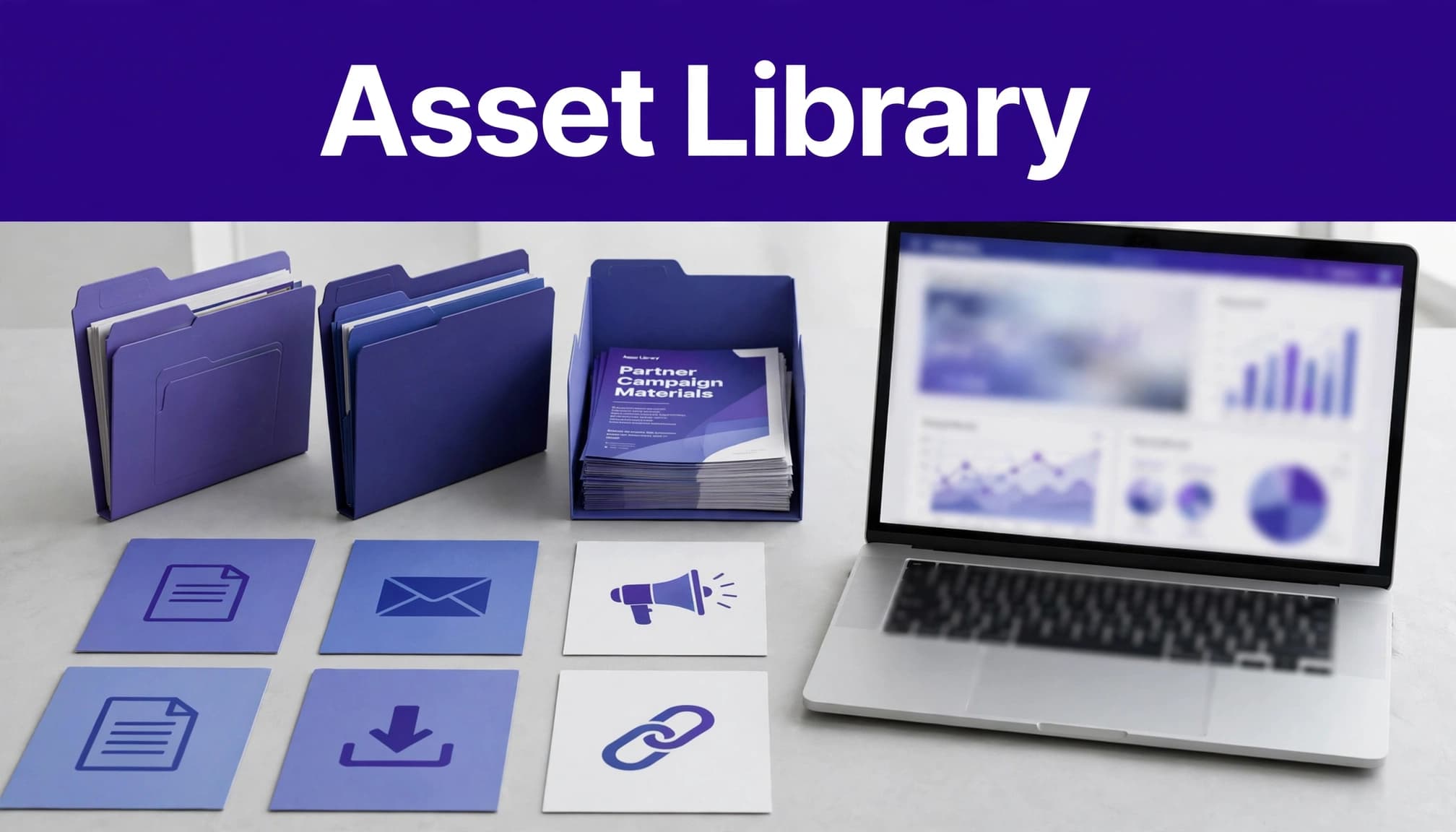
Use this folder map as the base system:
| Folder | Store here | Partner access |
|---|---|---|
00-Start-Here | Program summary, setup guide, disclosure rules | View |
01-Brand | Logos, colors, product screenshots, brand rules | View |
02-Email | Email copy, subject lines, launch sequences | View |
03-Social | LinkedIn posts, social images, short videos | View |
04-Web-and-Blog | Banners, comparison copy, review outlines | View |
05-Campaigns | Time-bound launches, webinars, promotions | View |
06-Localization | Approved translations and market-specific copy | View |
99-Archive | Retired files with end dates | Internal only |
Use filenames that answer four questions
A filename should show the asset type, audience or channel, language, and version. Keep it short. Put campaign claims and long context in the file description, not the name.
Use patterns such as:
email-launch-saas-founders-en-US-v03.docxlinkedin-product-demo-en-GB-v02.pngbanner-728x90-free-trial-en-US-v04.pngwebinar-invite-agencies-de-DE-v01.docxcomparison-page-competitor-neutral-en-US-v02.docx
Do not overwrite a live file with a new draft. Publish v04 only after approval. Move the prior version to 99-Archive and add its retirement date.
Keep the original designer file separate from the partner-ready export. A Canva or Figma file can be editable internally. A partner should receive a final PNG, PDF, MP4, or copy document.
Create Assets Partners Can Use Without Rewriting
Partners need assets that match the formats they already publish. A blog publisher needs a review outline. A newsletter operator needs a short email. A LinkedIn creator needs a post that doesn’t sound like an ad written by committee.
Start with a limited approved pack:
- One program overview with commission terms, audience fit, and support contact.
- Three email templates with different angles, such as founder workflow, team pain point, and product proof.
- Five social posts with matching image sizes.
- Two product screenshots and one short product demo video.
- Standard display banners in common placements.
- A blog-review brief with approved claims, feature details, and disclosure language.
- A current FAQ that answers pricing, trials, support, and referral-link questions.
Give partners copy they can publish
Your copy needs room for the partner’s voice. Give them a clear base message, then identify the facts they must not change.
Use partner-facing copy like this:
“[Product] helps small teams manage [specific job] without adding another manual process. You can start with [approved offer]. Use my link to try it. I may earn a commission if you become a customer.”
Include a short “Use this when” note above each template. For example, label one email for an audience already using spreadsheets. Label another for agencies managing several client accounts.
Avoid unsupported claims. Do not write “best,” “guaranteed,” “saves hours,” or competitor comparisons unless your team can prove and approve them. Product claims expire faster than logos.
Connect the Library to Your Rewardful Campaign
Create the campaign first. Then build the partner experience around it.
Rewardful’s affiliate program launch guide uses campaigns as the core container. Confirm your commission settings, referral terms, payout threshold, and affiliate groups before you send any invitation.
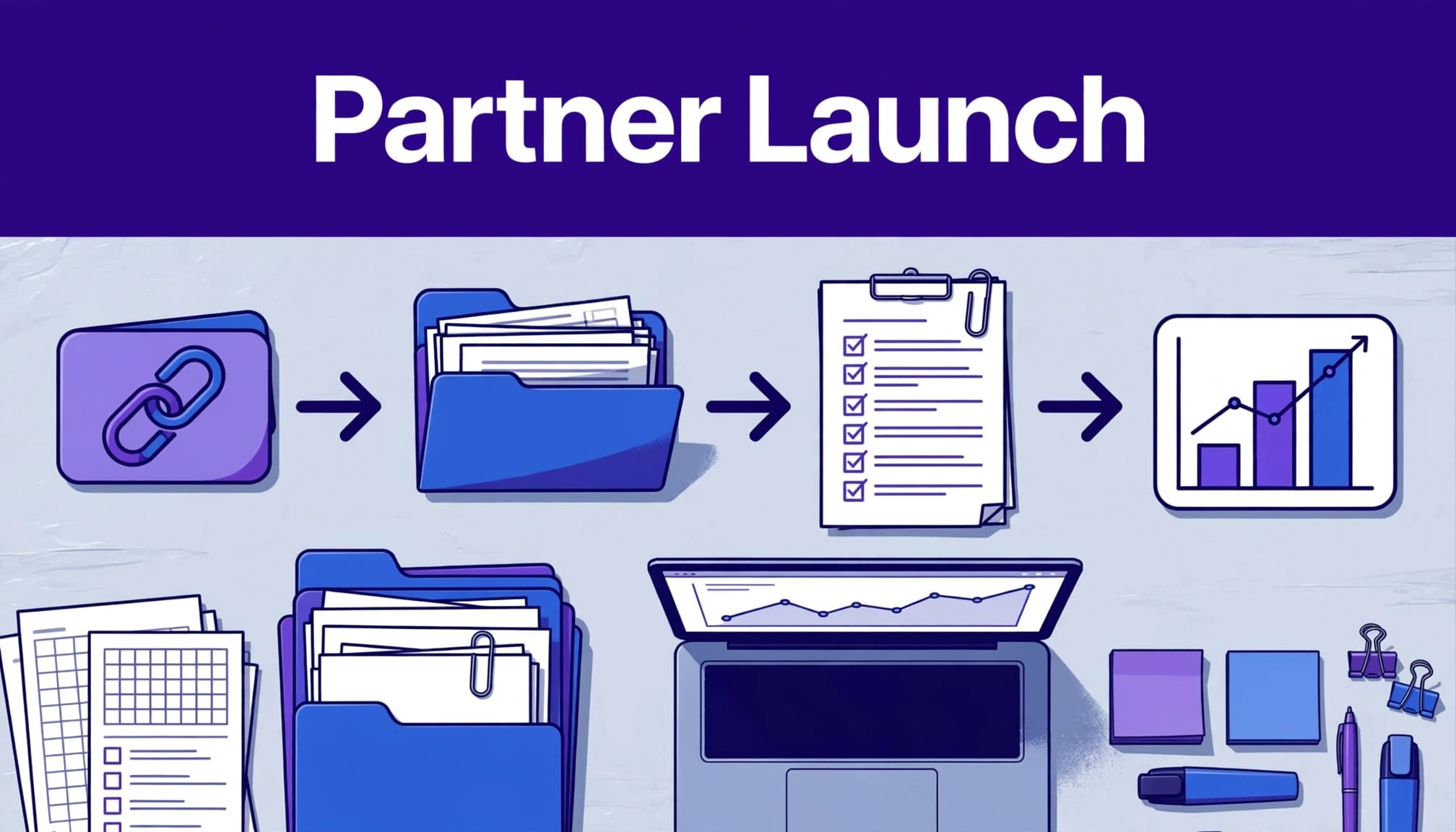
Use a simple partner onboarding sequence
Send each approved affiliate one onboarding email. It should contain their Rewardful dashboard access, the asset-library link, the program summary, and a reply address for questions.
Use this sequence:
- Create or configure the Rewardful campaign and test a referral link.
- Invite the affiliate through your normal Rewardful workflow.
- Send the library link after approval, not before.
- Ask the partner to choose one asset and one placement for their first promotion.
- Record the intended channel, live URL, asset version, and launch date.
- Review the first live placement before the partner scales it.
Rewardful’s interface and labels can change. Use the wording shown in your account when you document the process. Keep your internal setup guide dated so the team knows when it was last checked.
Keep referral links separate from UTMs
The Rewardful referral link is the commission-tracking record. A UTM-tagged URL helps you inspect acquisition data in GA4. They are related, but they are not the same system.
Use a controlled format such as:
utm_source=affiliate-name
utm_medium=partner
utm_campaign=2026-q4-launch
utm_content=linkedin-v02
Google’s campaign URL guidance lists the parameters GA4 recognizes. Set the convention once. Do not let every partner invent their own spelling.
Control Access, Versions, and Localized Files
A referral asset library fails when inactive partners retain access to old promotions. Treat access as part of program operations.
Give partners view-only access to the live library. Keep drafts, raw screenshots, customer details, pricing models, and legal review notes in a separate internal folder. Do not place customer data in partner materials.
Create a version-control routine
Add a one-line change log inside each campaign folder. Record the date, file name, owner, change reason, and retirement date.
For example: 2026-09-03 | linkedin-product-demo-en-US-v03.png | Maya | Updated interface screenshot | Retire v02
Review live assets every quarter. Review pricing, claims, screenshots, and promotional offers every month. A stale screenshot is a minor problem. A stale discount code creates support tickets and damaged partner trust.
When you replace a file, notify partners who downloaded or used the prior version. Give them a deadline if the old claim, offer, or visual must come down.
Localize claims, not only words
Do not translate an English asset and call it finished. Check pricing format, spelling, date conventions, market restrictions, and product availability.
Use locale codes such as en-US, en-GB, de-DE, and fr-FR. Assign a native reviewer for every market-facing asset. That reviewer checks more than grammar. They confirm the message fits the local buyer and doesn’t make a claim your product cannot support in that market.
Add Compliance Rules Before Partners Publish
Affiliate disclosure belongs next to the recommendation or link. It cannot be a buried line on an about page.
The FTC says material connections must be disclosed clearly and conspicuously. Its endorsement guidance for influencers and reviews is a useful reference for partner rules.
Put disclosure language in every copy pack
Include a short approved disclosure in emails, blog briefs, social templates, and video guidance.
Use wording such as: “I may earn a commission if you sign up through this link, at no extra cost to you.”
Tell video partners to say the disclosure in the video and include it near the link in the description. Tell social partners to place it in the post itself, not in a profile page.
Also document prohibited activity. List coupon-site restrictions, paid-search rules, trademark bidding rules, prohibited claims, geographic limits, and any rules for discounts. Ask affiliates to request approval before using a new channel.
Measure Assets by Approved Results
Track what partners publish. Then track what the placement produces. Don’t report library downloads as program performance.
Create one row per partner, asset, placement, and reporting period. Record the partner name, Rewardful campaign, referral link, UTM content value, live URL, asset version, clicks, trial or signup events, pending commissions, approved commissions, reversals, and payout status.
Keep pending and approved results separate. A pending commission is not revenue. A reversal is not a reporting mistake. It may be a cancellation, refund, eligibility failure, or attribution issue.
Rewardful’s commission payment workflow covers current payout handling. Reconcile your own records against the payout status before you forecast partner costs.
Review performance every month
Compare assets based on approved value, not activity volume. A LinkedIn post with 80 clicks and two approved customers can beat a banner with 1,000 clicks and no qualified conversions.
Use this calculation:
Approved revenue per click = approved attributed revenue / outbound clicks
Also track commission cost per approved customer. This exposes assets that generate interest but attract the wrong audience.
Do not overwrite old results after a reversal or correction. Add an adjustment row with the date and reason. Your dashboard is the operating view. Your spreadsheet or database is the audit trail.
Launch Checklist for Your Referral Asset Library
Before you invite more partners, confirm these items:
- Your Rewardful campaign has been tested with a real referral link and documented settings.
- The library has one owner, view-only partner permissions, and an internal draft area.
- Every live asset has a filename, version number, owner, and review date.
- Partners have approved disclosure language and channel rules.
- UTM naming follows one written convention.
- You can connect each live placement to a partner, asset version, and referral link.
- Your report separates clicks, pending commissions, approved commissions, reversals, and paid amounts.
- Old promotions have a retirement process and an archive folder.
If your team needs help building the process, permissions, reporting sheet, and partner workflow, Book A Call.
Final Thoughts
A referral asset library is not a folder full of logos. It is a controlled operating system for partner promotion.
Give partners current material, tracked links, clear disclosure rules, and one place to ask questions. Then judge every asset by approved outcomes, not downloads or clicks.
