How I Gamify Online Learning Inside Skool Without Gimmicks
Most online courses don’t lose people because the lessons are weak. They lose people because momentum fades after day three. When I run a course or member community, I feel that drop fast. So when I gamify online learning in Skool, I...

Most online courses don’t lose people because the lessons are weak. They lose people because momentum fades after day three.
When I run a course or member community, I feel that drop fast. So when I gamify online learning in Skool, I don’t start with badges or hype. I start with one goal: make progress visible, useful, and social. That’s where Skool’s built-in mechanics give me a head start.
Why Skool’s built-in loop works
As of March 2026, Skool’s core loop is simple. Each like on a post or comment adds 1 point. Those points feed levels and show up on leaderboards, including 7-day, 30-day, and all-time views. A recent guide to Skool’s points and levels matches what many operators see inside active groups.
I like that system because it rewards reaction from other members, not random taps. People don’t climb because they posted ten empty updates. They climb because the group found their post, comment, or reply worth liking.
That small detail matters. It pushes members toward helpful behavior. A sharp answer, a useful example, or a clear lesson takeaway has a better shot than filler. In other words, the scoring system nudges quality, even if it isn’t perfect.
Still, I never build a whole engagement plan on assumptions. Features can change, and Skool updates over time. Before I tie a perk to levels or a sprint to leaderboard views, I check what’s live inside my own group.
Reward signs of learning, not signs of noise.
That rule keeps me honest. If I want more discussion, I ask for thoughtful replies. If I want better completion, I reward proof that someone used the lesson. The game layer should feel like a scoreboard after the match, not a toy tossed onto the field.
Set up points and leaderboards around helpful behavior
I don’t tell members to “be active.” That’s too vague. Instead, I point the leaderboard at one kind of action each week.

For example, Monday can start with “Share your one win from last week.” Midweek, I post “Help one member who’s stuck.” On Friday, I ask for a screenshot, takeaway, or result. Because likes drive points, these prompts steer people toward posts that earn social proof.
I also use each leaderboard view for a different job. The 7-day board is perfect for a sprint. The 30-day board shows steady contributors. All-time is useful for status, but it can freeze newer members if the same veterans sit at the top forever.
Here’s the simple setup I use:
- Pick one target behavior: helpful replies, lesson reflections, or proof of action.
- Create one weekly prompt rhythm: Monday win, Wednesday help, Friday takeaway.
- Choose one reward: a spotlight, bonus lesson, office hours seat, or template pack.
- Explain the rules clearly: what counts, when it resets, and what members get.
I keep rewards close to the course outcome. If I run a coaching group, Level 2 might unlock a call script. If I teach automation, Level 3 could unlock a teardown. For more grounded ideas on keeping engagement useful, I like these practical Skool community tips.
Use onboarding quests, milestone rewards, and short challenges
The first week matters most. If a new member lands in silence, Skool feels like an empty gym. If they land in motion, it feels alive.
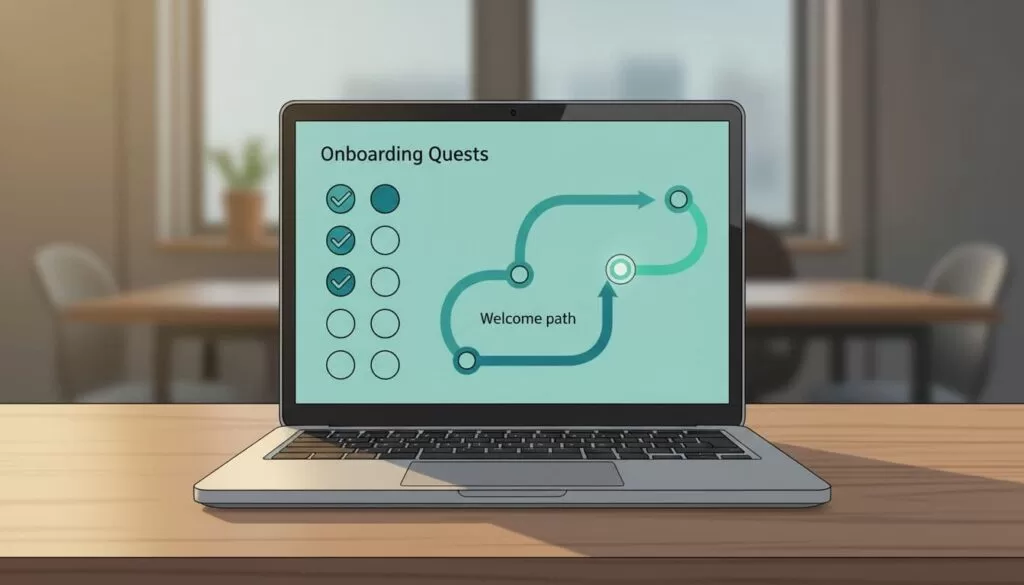
So I build a short first-week path. Day 1, introduce yourself with one useful detail. Day 2, watch the first lesson and leave one takeaway. Day 3, comment on two posts. Day 4, share a small win or blocker. That path becomes an onboarding quest without feeling childish.
Then I add milestone rewards. I don’t hide core lessons behind level gates, because that punishes the people who need help most. Instead, I gate extras, like a bonus module, template vault, private Q&A, or member spotlight. That makes progress feel useful, not decorative.

Short challenges work even better. I like five-day or seven-day sprints with one action per day. A writing group can run a publish-week sprint. A sales coaching group can run a book-one-call challenge. A data course can run a ship-one-dashboard week. People learn faster because the game pushes action, not trivia.
If I want a wider menu of ideas, I check this overview of Skool gamification features, then adapt the tactics to my own audience.
Keep motivation high without making it feel fake
A weak game system turns smart adults into bored clickers. I avoid that by keeping recognition human.
First, I celebrate helpful members in public. A weekly shout-out beats a giant badge wall. Next, I rotate prompts so the same personality type doesn’t win every time. Some members shine in comments. Others post stronger case studies. I want room for both.
I also watch for spam pressure. If members start posting fluff to chase likes, I tighten the prompt and praise depth. Think of it like tuning a dashboard. When the metric gets noisy, the whole signal goes soft.
Most of all, I tie every reward back to progress in the course or community. That’s the line between motivation and gimmick. Points should help members see growth, status, and a next step. They shouldn’t distract from the work.
Build a system people want to return to
When I gamify online learning inside Skool, I treat points as a feedback loop, not a party trick. The best setup rewards helpful action, shows progress, and gives members one clear next move.
I’d start small: one onboarding path, one weekly prompt cycle, and one level-based perk. If members come back with more energy and better work, the game is doing its job.
