Skool as a Slack Alternative for Communities and Coaching
A crowded Slack workspace can feel like a hallway where every conversation spills into the next room. For teams, that speed helps. For members, students, or clients, it often turns into noise. When I look for a Slack alternative for a paid...
A crowded Slack workspace can feel like a hallway where every conversation spills into the next room. For teams, that speed helps. For members, students, or clients, it often turns into noise.
When I look for a Slack alternative for a paid community, I don’t want chat alone. I want discussion, lessons, events, and a clear path for new members. That’s where Skool starts to make sense.
The real question isn’t which tool is better in general. It’s which one fits the job.
Why Skool works better when the group is the product
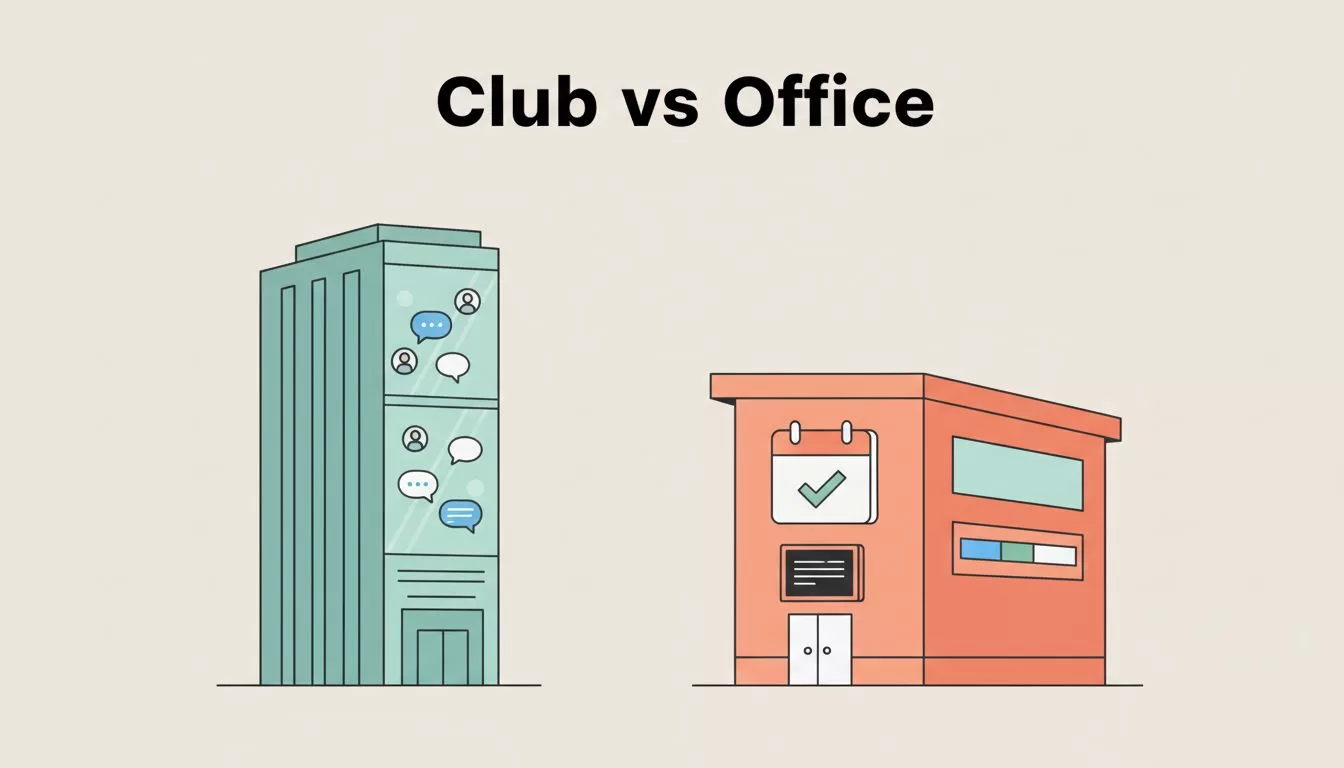
When I compare Slack and Skool, I see two different buildings. Slack feels like an office floor. Skool feels like a club with a classroom attached.
That difference changes everything. In Slack, strong posts sink fast. A lesson from Monday can disappear under Friday’s chatter. In Skool, the feed sits beside a classroom, a calendar, and a progress system, so the community has memory.
That matters most for creators, coaching programs, memberships, and group-based businesses. If I run a mastermind, a coaching circle, or a paid membership, I need members to do more than talk. I need them to find lessons, watch videos, join scheduled sessions, and feel movement over time.
Skool is built around that flow. Members can move from discussion to course material without feeling like they changed buildings. In 2026, that still feels like Skool’s biggest strength. It also helps that Skool supports native video uploads and built-in payments, which keeps the setup lighter for smaller businesses.
A better member experience often beats a bigger feature list. That’s why many modern platforms now blend community and learning, as shown in Circle’s community platform roundup. Skool takes a simpler path than many of them, and I think that simplicity is part of the appeal.
If I sell access, guidance, and group momentum, Skool feels like the front door. Slack feels like the back office.
Where Slack still wins, and why that matters
I wouldn’t replace Slack with Skool inside an ops-heavy company. That would be like trading a dispatch radio for a classroom bulletin board.
Slack is still stronger for fast team chat. Channels, direct messages, Huddles, screen sharing, AI summaries, search, and deep app integrations make it a better fit for internal work. If sales, product, support, and leadership all need quick back-and-forth, Slack stays ahead.
If your bigger goal is staff coordination, files, meetings, and shared work, my guide to Google Workspace collaboration for remote teams is a useful next read too.

This is the split I keep coming back to:
| Area | Slack | Skool |
|---|---|---|
| Main style | Fast team chat | Community plus learning |
| Best fit | Internal teams | Paid groups and memberships |
| Courses | Needs extra tools | Built in |
| Events | Works through integrations | Feels native to the member space |
| Meetings | Better live chat and calls | Good support, not the core strength |
| Integrations | Much deeper | More limited, more focused |
So, is Skool a real Slack alternative? Yes, but only for the right kind of work. I see it as a strong swap when the conversation should lead to lessons, accountability, and retention. I don’t see it as a full substitute for internal company messaging.
There is a trade-off, though. Skool’s simple structure is great for focus, but it can feel tight if I want heavy branding or complex space design. If that’s on your mind, this Skool vs Mighty Networks comparison gives helpful context.
Pricing and value in March 2026
Price changes the story fast. Slack starts free, but the free plan only keeps 90 days of message history. Paid plans start at $7.25 per user per month on annual billing, or $8.75 month to month, and higher tiers climb from there.
Skool works from a different math problem. In March 2026, the common comparison point is $99 per group per month, with unlimited members in that group, plus transaction fees when I take payments inside the platform. If I need more than one group, I pay for more than one group.

That means value depends on headcount and business model, not sticker price alone.
| Use case | I’d pick | Why |
|---|---|---|
| Internal company chat | Slack | Better speed, calls, and integrations |
| Small team on a budget | Slack free or Pro | Lower entry cost |
| Paid coaching group | Skool | Community, classroom, and payments in one place |
| Membership with 100+ members | Skool | Flat pricing beats per-seat billing |
| Course-led community | Skool | Better member journey |
For a coaching business, Skool often wins on value because it replaces extra pieces. I don’t need Slack for chat, one tool for courses, and another for payments. On the other hand, if I run a 12-person team that needs quick coordination, Skool’s value drops because I’m paying for features I may not use.
That’s also why I wouldn’t call Skool a general business communication tool. I’d call it a community business tool. If I need more options in that category, this 2026 Skool alternatives review is a solid place to compare the field.
If Slack feels like a hallway full of fast voices, Skool feels like a room with a whiteboard, a calendar, and a reason to stay. That’s why I see Skool as a strong Slack alternative for communities, creators, coaching programs, memberships, and group businesses.
I pick Slack when internal team speed matters most. I pick Skool when conversation needs to become learning, connection, and paid value.
If your members keep getting lost in chat, that’s usually the sign. Don’t shout louder, change the room.
