Skool as a Slack Alternative for Communities and Coaching
A crowded Slack workspace feels like a hallway where every conversation spills into the next room. For a team, this speed helps. For paying members, students, or clients, the same speed becomes noise. Many community owners now search for a...

A crowded Slack workspace feels like a hallway where every conversation spills into the next room. For a team, this speed helps. For paying members, students, or clients, the same speed becomes noise. Many community owners now search for a Slack alternative built for groups instead of offices.
Skool is one such option. This guide compares Skool with Slack on purpose, price, and fit. Prices come from the official Slack and Skool pricing pages. Confirm current terms there before you decide.
Why Skool works when the group is the product
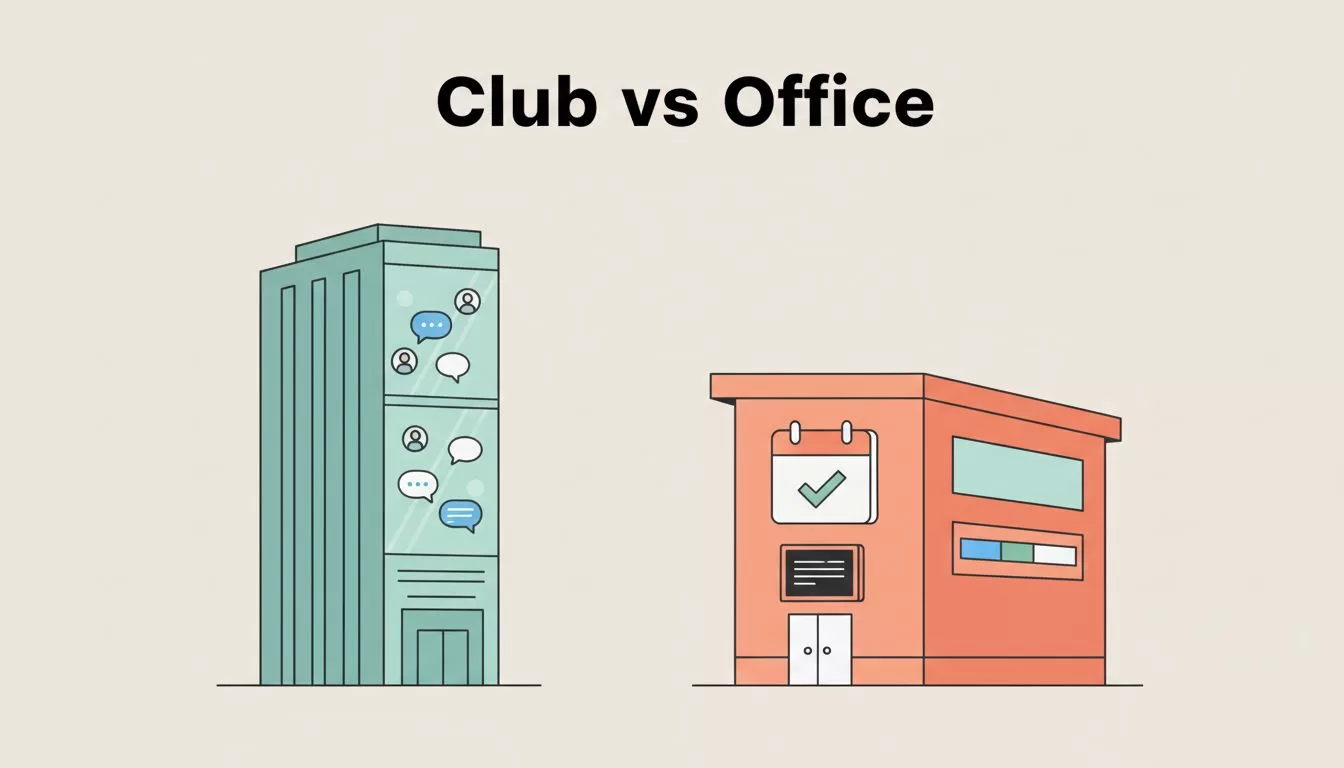
Slack and Skool are two different buildings. Slack is an office floor. Skool is a club with a classroom attached.
This difference changes daily use. In Slack, strong posts sink fast. A lesson from Monday disappears under Friday chatter. Skool pairs a community feed with a Classroom, a Calendar, and a Leaderboard, so the community keeps a memory. The Skool help center groups its guides into these same areas, along with Payments and Billing.
This matters most for creators, coaches, membership owners, and mastermind hosts. These groups need members to do more than talk. Members must find lessons, join scheduled sessions, and see progress over time.
What Skool includes on both paid plans
The official Skool pricing page lists unlimited members, courses, videos, and live calls on both the Hobby and Pro plans. Both plans also include a custom URL and affiliates. The pricing page shows a 14-day free trial in its description.
Skool takes a simple path compared with many platforms. Simplicity is part of the appeal. Circle publishes a roundup of Slack alternatives which shows how many community tools now blend chat and learning.
What a community needs which chat lacks
Chat tools handle talk. Communities need more than talk. Five needs separate a community platform from a chat tool.
- Structure: categories keep topics apart so strong posts stay findable.
- Learning: Classroom lessons give new members a clear path.
- Rhythm: Calendar events create weekly reasons to return.
- Motivation: Leaderboard points reward helpful behavior.
- Payments: Billing and Payments tools sit beside the community.
Slack can approximate each item through apps and add-ons. Each add-on adds cost, setup time, and a new login. A single platform lowers friction for members who joined to learn, not to configure tools.
Where Slack still wins
Skool does not replace Slack inside an operations-heavy company. Doing so would trade a dispatch radio for a bulletin board.
Slack remains stronger for fast team chat. Channels, direct messages, Huddles, search, and deep app integrations suit internal work. When sales, product, support, and leadership need quick back-and-forth, Slack stays ahead.
Many creators keep both tools. The team uses Slack for operations. Members use Skool for the community. This split keeps internal chatter away from paying members.
For staff coordination, files, and meetings, read the guide to Google Workspace collaboration for remote teams.

The table below shows the split in plain terms.
| Area | Slack | Skool |
|---|---|---|
| Main style | Fast team chat | Community plus learning |
| Best fit | Internal teams | Paid groups and memberships |
| Courses | Needs extra tools | Built into the Classroom |
| Events | Works through integrations | Calendar inside the member space |
| Live sessions | Huddles for calls | Live calls on every paid plan |
| Integrations | Much deeper | Smaller and more focused |
| Message history | 90 days on the free plan | Posts stay in the community feed |
So is Skool a real Slack alternative? Yes, for the right job. Skool wins when conversation should lead to lessons, accountability, and retention. Skool does not replace internal company messaging.
Skool also trades flexibility for focus. Branding options are tighter than on some rivals. Heavy space design or complex automation may feel cramped. The Skool vs Mighty Networks comparison gives helpful context for this tradeoff.
Slack pricing and limits
The official Slack pricing page lists these plans in US dollars per user per month.
| Plan | Annual billing | Monthly billing |
|---|---|---|
| Free | $0 | $0 |
| Pro | $7.25 | $8.75 |
| Business+ | $15 | $18 |
| Enterprise+ | $45 | Contact sales |
The free plan keeps 90 days of message history. The free plan also limits apps to 10 integrations, restricts Huddles to one-on-one calls, and allows one workspace. The Slack page also lists a 50 percent promotion on monthly Pro and Business+ plans for the first three months. The promotion applies only to online purchases within seven days of creating a team.
Per-seat pricing creates a hidden problem for communities. Every member counts as a seat. A community of 100 members on Slack Pro with annual billing costs 100 times $7.25, or $725 per month, at list price. A coaching group cannot absorb this cost without raising prices.
Skool pricing and limits
Skool charges per community instead of per seat. The Skool pricing page lists two plans.
| Plan | Monthly price | Transaction fee | Members |
|---|---|---|---|
| Hobby | $9 | 10 percent | Unlimited |
| Pro | $99 | 2.9 percent | Unlimited |
The pricing page shows a monthly and yearly toggle with a banner for two free months on yearly billing. Yearly prices are not listed on the page. Check the toggle before you buy.

A worked example for a paid group
Take a coaching group with 50 members who each pay $30 per month. Revenue equals $1,500 per month. Using the published rates, Hobby costs $9 plus 10 percent of revenue, or $159. Pro costs $99 plus 2.9 percent of revenue, or $142.50.
The two plans break even near $1,268 in monthly revenue. Below this point Hobby costs less. Above this point Pro costs less. Payment processors may charge separate fees, so read the Skool Payments terms before you launch.
A worked example for a 12-person team
A 12-person internal team on Slack Pro with annual billing pays 12 times $7.25, or $87 per month. The same team on monthly billing pays $105. Skool offers no advantage here because the team needs chat, integrations, and calls more than courses.
| Use case | Better pick | Reason |
|---|---|---|
| Internal company chat | Slack | Faster chat, calls, and integrations |
| Small team on a budget | Slack free or Pro | Low entry cost for a few seats |
| Paid coaching group | Skool | Community, classroom, and payments in one place |
| Membership with 100 or more members | Skool | Flat community pricing beats per-seat billing |
| Course-led community | Skool | Stronger member journey |
Other Slack alternatives for communities
Skool is not the only option. Circle also serves paid communities. The Circle pricing page lists a Professional plan at $89 per month on annual billing with a 2 percent transaction fee, unlimited members, courses, and events. Higher Circle plans cost more and lower the transaction fee.
Mighty Networks, Discord, and Facebook Groups also appear on most roundups. Discord suits free, chat-first groups. Facebook Groups suit low-effort audiences. Each tool trades control for convenience. Compare current plans on the vendor sites before you commit. The Skool alternatives review offers a wider view of the field.
How to move members from Slack to Skool
A move works best when you plan the first week. Follow these steps.
- List the channels your members use. Merge small channels into a few Skool categories.
- Turn pinned Slack resources into Classroom lessons.
- Schedule recurring calls on the Skool Calendar before you announce the move.
- Post a welcome thread and a start-here post on day one.
- Invite members in waves. Start with your most active ten percent.
- Set a Slack shutdown date and share the date in every channel.
- Archive Slack history you still need before the free 90-day window removes older messages.
Expect some members to resist. Explain the benefit in one sentence. Lessons, events, and chat now live in one place.
Run the first 30 days
Post every day during week one. Answer every new member by name. Host one live call in the first seven days. Share a weekly win thread. Review who stays quiet and send those members a short direct note. Early attention sets the habits of the whole community.
Questions to ask before you switch
- Do members need courses or only chat? Courses favor Skool.
- Do you charge for access? Paid access favors Skool or Circle.
- Do you need deep app integrations? Integrations favor Slack.
- How many people need accounts? Large member counts favor flat pricing.
- Who will moderate the space each week? Every tool fails without a host.
Frequently asked questions
Is Skool a good Slack alternative for teams?
Not for internal teams. Skool targets communities, courses, and memberships. Slack fits internal work better.
Does Skool cost less than Slack?
For large member counts, yes. Skool charges per community. Slack charges per user. For a small team, Slack can cost less.
How many members can join a Skool community?
The Skool pricing page lists unlimited members on both plans.
Does Skool have a free plan?
The pricing page lists a 14-day free trial and two paid plans. Confirm current trial terms on the page.
Can I run live calls inside Skool?
Yes. The pricing page lists unlimited live calls on both plans. The help center also covers the Calendar and live features.
Where can I verify the numbers in this guide?
Use the Skool pricing page, the Slack pricing page, and the Circle pricing page linked above. Vendors change prices often.
Conclusion
Slack feels like a hallway full of fast voices. Skool feels like a room with a whiteboard, a calendar, and a reason to stay. Skool is a strong Slack alternative for communities, creators, coaching programs, and memberships.
Pick Slack when internal speed matters most. Pick Skool when conversation must become learning, connection, and paid value. When members keep getting lost in chat, change the room instead of raising your voice.

