How I Switched to Recruit CRM as a Loxo Alternative
You’ve hit that wall with your current ATS and CRM. Candidates slip through cracks. Clients demand faster fills. Bills stack up from add-ons and rigid plans. I faced the same issues with Loxo. Recruit CRM became my go-to Loxo alternat...
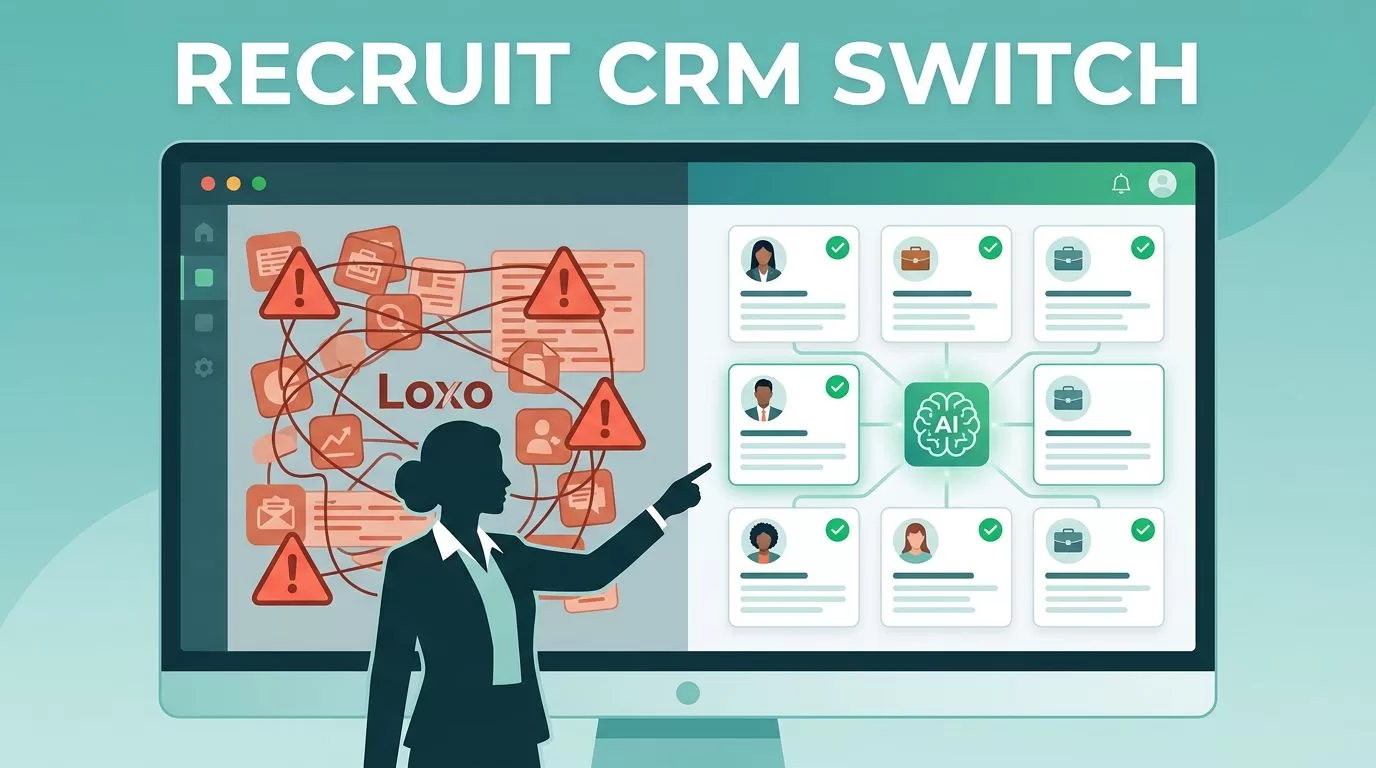
You’ve hit that wall with your current ATS and CRM. Candidates slip through cracks. Clients demand faster fills. Bills stack up from add-ons and rigid plans. I faced the same issues with Loxo. Recruit CRM became my go-to Loxo alternative because it packs ATS and CRM into one affordable dashboard. It cut my sourcing time in half and boosted placements.
Recruit CRM fits staffing agencies like mine. AI tools match candidates to jobs without manual scans. Workflows automate follow-ups. Plus, it scales without surprise fees. In this post, I walk you through my full deployment. You get steps for migration, setup, and team rollout.
Why Recruit CRM Beats Loxo for Agencies
Loxo served me well at first. Its sourcing tools pulled LinkedIn profiles fast. But as my team grew to seven recruiters, problems piled up. Pricing jumped with per-user add-ons for basics like advanced reports. Workflows felt clunky for client pipelines.
Recruit CRM changes that. It starts with unlimited jobs, emails, and 10,000 candidates per user. AI sourcing uses simple prompts to find matches. No need for Boolean strings. The Chrome extension grabs profiles from LinkedIn or Xing in one click. I save 50% on manual entry now.
For small agencies, check this Recruit CRM vs Loxo comparison for 2026. It highlights how Recruit CRM offers deeper automation at lower long-term costs. Loxo shines in outbound headhunting. Recruit CRM wins for balanced pipelines and sales tracking.
I also appreciated the no-code builders. Drag stages for candidate flows. Set triggers for emails. My placements rose 30% in three months. If you’re in staffing, this guide on staffing agency CRM mirrors my switch.
Pricing seals it. Recruit CRM quotes per agency, often under Loxo’s $169/user base. No 5% hikes. Enterprise adds AI agents and forecasts without extras.
Planning Your Migration from Loxo
Migration scares most leaders. Data loss? Downtime? I planned mine over two weeks. First, audit your Loxo export. Pull candidates, clients, jobs, and notes as CSV. Recruit CRM imports them directly. Map fields like skills and stages.
Test in a sandbox account. I uploaded 5,000 records first. Resume parser handled PDFs and images via OCR. Accuracy hit 95%. Fix mismatches early, like custom tags.
Team input matters. Survey recruiters on must-keep workflows. Prioritize high-volume clients. Schedule off-hours for live switch. I blacked out Fridays.
Data transfer shows the ease.
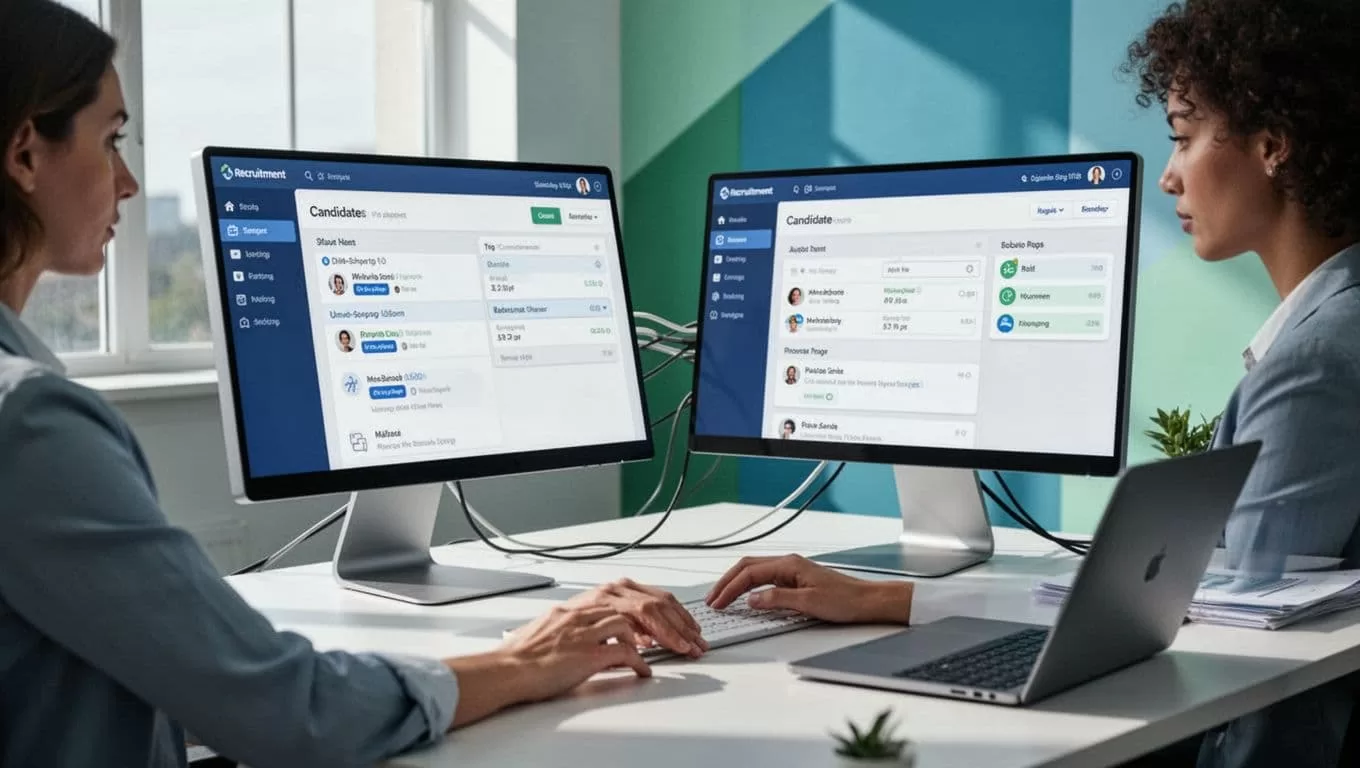
Backup everything twice. Use Recruit CRM’s API for ongoing sync if needed. I finished in one weekend. No lost deals.
For resume handling during moves, my take on resume parsing software covers the built-in AI.
Setting Up Workflows in Recruit CRM
Once data lands, workflows come next. Recruit CRM’s Kanban boards visualize pipelines. Drag candidates from “Sourced” to “Interviewed.” Assign tasks auto-notify.
I built sequences for emails and SMS. One click sets nurture campaigns. Responses quadrupled. LinkedIn messaging stays in-app. No tab-switching.
No-code rules. Add if-then branches. “If candidate opens email, trigger call task.” Coffee in hand, I customized in hours.
This setup fits fast.
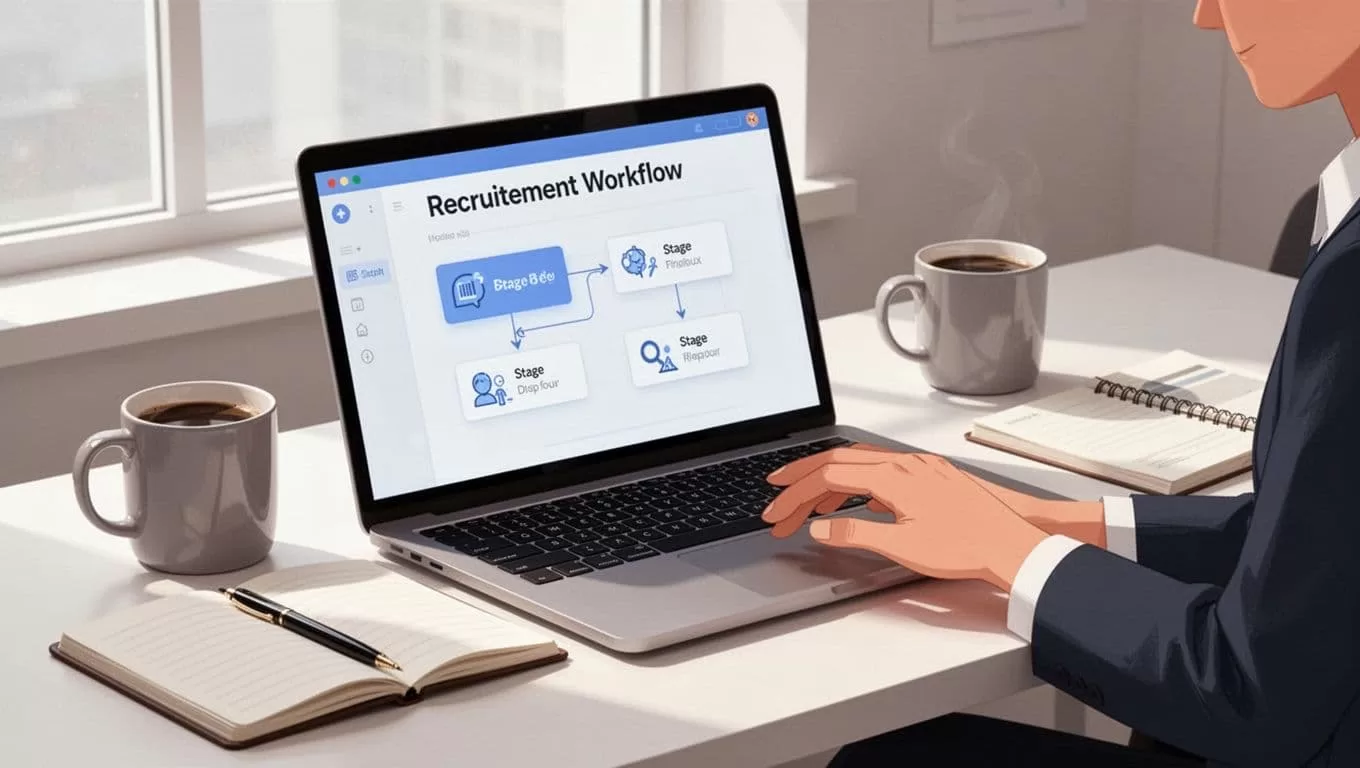
Bulk actions speed bulk uploads. Parse 100 resumes at once. Fields fill: contacts, experience, socials.
Link to job boards auto-posts. Clients see portals with real-time updates.
Onboarding Recruiters Smoothly
New tools flop without buy-in. I ran two-day sessions. Day one: basics like sourcing and boards. Day two: personal workflows.
Pair vets with juniors. Share templates for client outreach. Mobile app lets them check pipelines on calls.
Address resistance head-on. “It feels different,” one said. I showed time savings first week. Adoption stuck.
Track usage in dashboards. Low logins? One-on-one refreshers. My team hit full speed in 10 days. Check Recruit CRM setup tips here for more.
Reporting and Integrations That Stick
Reports drove my decision. Custom dashboards track fill rates, source ROI, revenue per placement. AI forecasts pipeline gaps.
Integrations connect 5,000 apps. Gmail for emails. Zapier for payroll. Job boards post everywhere.
Phone in hand, review metrics anytime.

I built client reports weekly. They love the clarity. For ATS specifics, see ATS setup with Recruit CRM.
Conclusion
Recruit CRM streamlined my agency as a solid Loxo alternative. Migration proved simple. Workflows automated drudgery. Teams adapted fast. Reports and links keep clients happy.
Placements climbed. Costs dropped. AI matching handles the rest. Start your trial today. Your pipelines wait.
