I remember sifting through hundreds of resumes each week, chasing follow-up emails that went unanswered. As a staffing agency owner, that grind ate my days. Recruit CRM automation changed everything. It handles the repeats so I focus on placements.
You face the same rush. Candidates ghost, pipelines stall, and manual tasks pile up. This tool cuts that noise with AI agents and no-code flows. I deployed it across my team, and fills sped up by 40%. Let’s walk through how I did it.
Why Recruit CRM Automation Solves Real Agency Pain Points
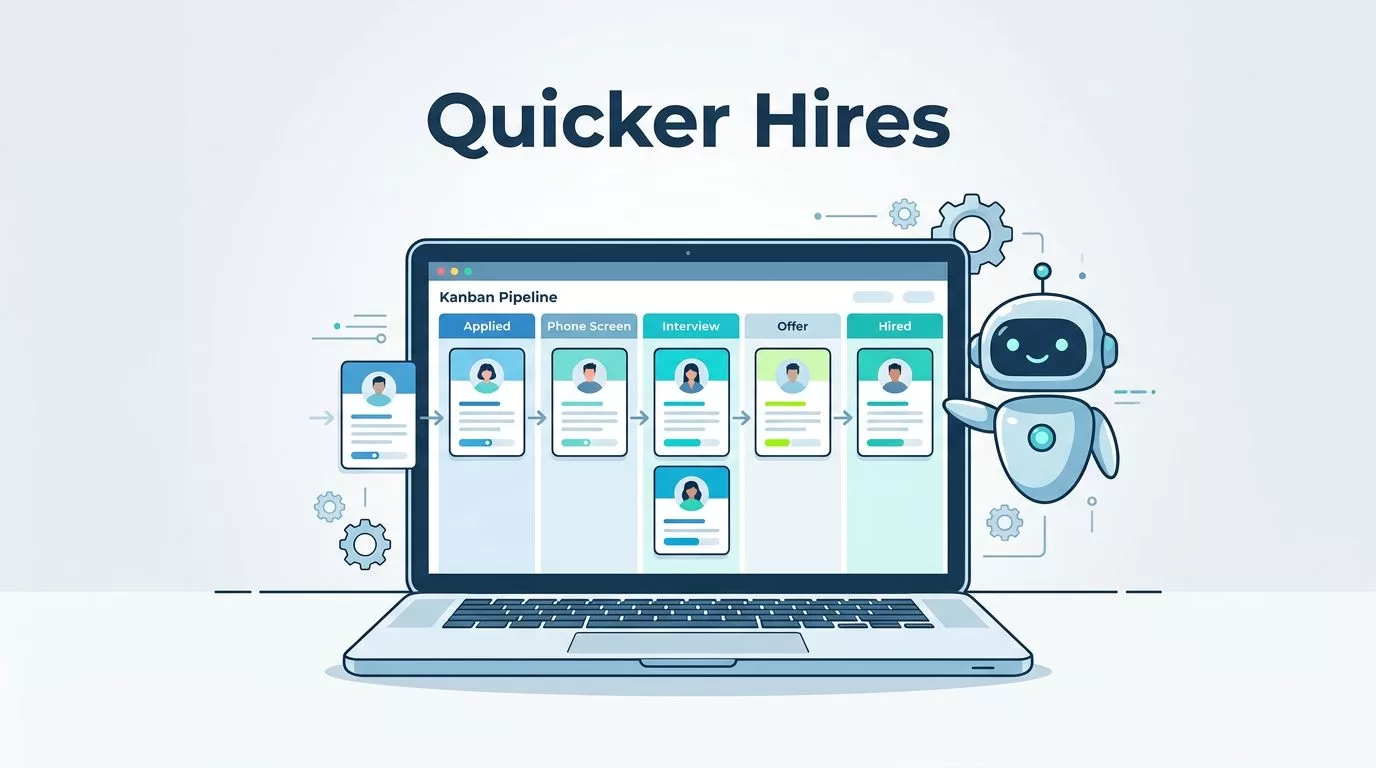
Recruit CRM stands out because it targets agency workflows. I switched after testing others that felt clunky for staffing. Pipelines show every candidate’s stage at a glance. Drag them on Kanban boards, assign tasks, and spot bottlenecks fast.
Automation kicks in for outreach. Sequences send personalized emails, SMS, or LinkedIn messages without me lifting a finger. For example, a new lead triggers a welcome series. Responses boost because timing hits right.
Integrations connect over 5,000 apps via Zapier or built-ins. No code needed. I link it to Google Sheets for quick reports. Check staffing agency CRM solutions for more on why this setup wins for temps and contracts.
AI adds smarts. It parses resumes, matches skills to jobs, and drafts replies. I save hours weekly. Compliance stays solid with GDPR tools. Costs scale with plans, starting agency-friendly.
Core Automation Features I Rely On
Recruit CRM packs AI agents that act like extra hands. The email reply agent suggests responses as I type. It pulls candidate details for personalization. Candidate submission agent builds neat lists for client emails.
Resume formatting turns messy docs into clean PDFs instantly. GPT crafts job posts and summaries. I prompt it for tech roles, and it nails descriptions.
Workflows automate assignments. Skills match? Auto-move to review. Job multiposting hits thousands of boards. Track campaigns in one dashboard.
Outreach sequences shine. Set delays between emails. If no reply, switch to SMS. Bulk emails personalize at scale. Triggers fire on stage changes, like interview booked.
For deeper setup, see Recruit CRM’s Workflow Automation guide. Chrome extension grabs LinkedIn profiles with one click. Calling logs tie to profiles. Bill and pay handles invoicing smooth.
These features mesh because they’re no-code. I tweak without devs.
Step-by-Step Deployment Guide
Start simple. Sign up at recruitcrm.io. Pick an agency plan. They onboard with consultants.
Add your team next. Set roles, permissions. Customize pipelines: sourced, screened, submitted, placed. Kanban boards make it visual.
Install the Chrome extension. Source from LinkedIn or ZoomInfo fast.
Head to the Automation tab. Build workflows. Drag triggers like “new candidate added.” Add actions: assign recruiter, send email. Connect apps for extras.
Enable AI in settings. Turn on agents, GPT. Train resume parser on custom fields.
Test it. Post a sample job. Run a sequence. Check analytics.

Scale as needed. Add multiposting or assessments. Support chats 24/7. Full rollout took my team two weeks. See Recruit CRM email sequencing for a hands-on example.
Use Cases That Cut My Time in Half
One client needed devs fast. I set AI sourcing. Prompt: “Find Python experts in NYC.” It scanned the web, parsed matches. Workflow auto-emailed top fits. Placed two in days.
For temps, stage changes trigger client submits. Grid view packs candidates neat. No more manual PDFs.
Bulk outreach for passive seekers. Sequence: intro email, value-add tip, call nudge. Open rates hit 35%. One sequence filled five warehouse roles.
Resume parsing shines. Emails arrive, attachments parse auto. Fields fill: skills, experience. Links to workflows. Check resume parsing in Recruit CRM for my full story.
These keep candidate experience high. Personal touches persist; bots don’t cold-call.
Team Rollout Tips to Avoid Pitfalls
Train in bites. Demo pipelines first, then automations. Hands-on sessions beat videos.
Start small. One pipeline, basic sequence. Expand after wins.
Assign owners. One per workflow. They tweak based on feedback.
Watch adoption. Simple UI helps, but logins lapse. Set reminders.
Common snag: over-customize early. Stick to defaults, iterate.
Verify features in docs, as updates roll fast. My team hit 80% usage in a month.
Track Success with Key Metrics
Dashboards show it all. Placement rates, time-to-fill, revenue per recruiter.
Set KPIs: emails sent, responses, interviews booked. Forecasts predict pipeline health.
Alerts flag stalls. Like candidates idle over three days.

I track time saved: parsing cut entry by 5 hours weekly. Fills dropped from 21 to 14 days.
Custom reports export easy. Tie to business goals.
Conclusion
Recruit CRM automation freed my team from grunt work. Pipelines flow, placements rise, and stress drops. I deployed it step by step, starting small, and saw quick wins.
Focus on pipelines and sequences first. Measure fills and responses. Your agency gains the edge. Test a workflow today; the speedup surprises.


