Recruit CRM Automation for Candidate Rejection Emails
A slow rejection email can damage trust faster than a weak interview. When I leave candidates waiting, I turn a simple hiring decision into a bad experience. That’s why I use Recruit CRM automation for rejection emails. It helps me re...

A slow rejection email can damage trust faster than a weak interview. When I leave candidates waiting, I turn a simple hiring decision into a bad experience.
That’s why I use Recruit CRM automation for rejection emails. It helps me respond on time, keep the tone consistent, and avoid sending the same manual message over and over. The trick is to set the trigger, match it to the right stage, and keep the copy short enough to sound human.
Set the trigger before you write the email
I start with the hiring stage, not the message. In Recruit CRM, the automation should fire only when I know the candidate is finished with that step. Because menus and labels can shift, I always check the current help center setup first, including Recruit CRM’s email automation triggers help article.
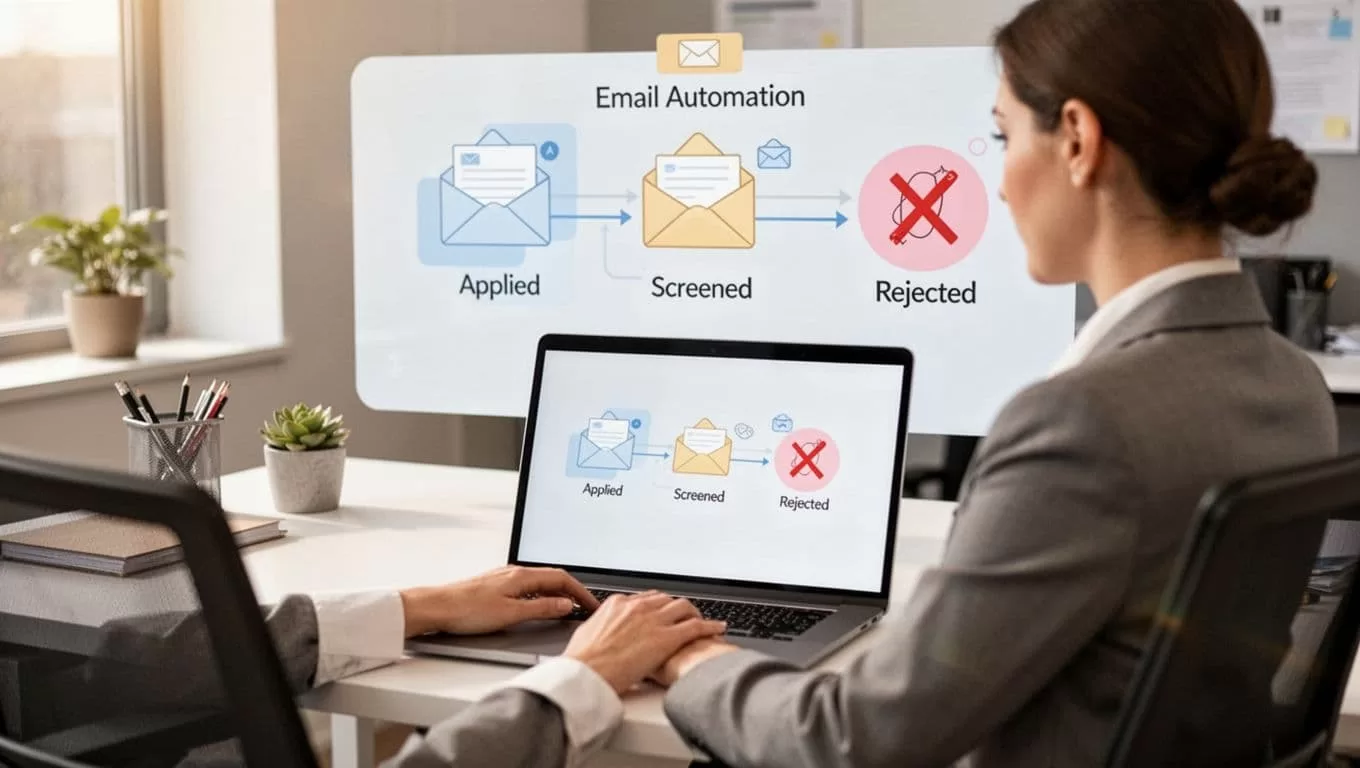
Here is the setup path I use most often:
- I create a rejection template first.
- I choose the stage trigger, such as “Rejected” after application review, phone screen, or interview.
- I map that trigger to the right email template.
- I test it with one candidate record before I turn it on for the team.
I only send the email after the candidate is truly marked as rejected. If the stage is still under review, I leave the automation off.
My broader Recruit CRM recruitment workflows guide follows the same pattern. One clear trigger, one clear action, and one clean record keep the process easy to manage.
Write templates that still sound personal
Recruit CRM lets me build email templates for repeat use, and I lean on that instead of typing the same note by hand. The help page on creating email templates in Recruit CRM is useful when I want to check template types and placeholders.
I keep my rejection templates short. I use merge tags for the candidate name, job title, and recruiter name. I also keep feedback light unless I know it is safe to share. That approach fits well with my Recruit CRM email sequencing guide, because the rejection email has to sound like part of the same candidate journey.
A simple template looks like this:
Hi [Candidate Name],
Thank you for taking the time to apply for [Job Title]. I appreciate your interest and the time you spent with us. After review, I’m moving forward with other candidates whose experience matches this role more closely.
I wish you the best in your search, and I hope we cross paths again.
Best,
[Recruiter Name]
That message works because it is clear, polite, and brief. It does not over-explain. It does not sound cold either.
When I need a little more warmth, I add one sentence about future roles. When I need stricter control, I remove anything that could sound like private feedback. The template should do the heavy lifting, while the human tone stays intact.

Match the rejection message to the hiring stage
The best rejection email depends on where the candidate left the process. A person who never reached a phone screen needs a different note than someone who met the hiring team twice.
I use stage-specific logic like this:
| Hiring stage | Trigger in Recruit CRM | Email style I use |
|---|---|---|
| Application review | Candidate moves to Rejected after resume screen | Short, general, and polite |
| Phone screen | Candidate is rejected after an initial call | Warm, brief, and respectful |
| Final interview | Candidate is marked rejected after panel or manager review | More personal, with appreciation for their time |
This is where workflow automation triggers and actions matter. I want the right trigger to point to the right message, so the email feels tied to the stage.
For an application rejection, I keep it clean and quick. For a post-interview rejection, I acknowledge the time, prep, and effort the candidate gave. If I have a role that may open again soon, I mention that once. I do not promise anything I cannot control.
My candidate engagement setup in Recruit CRM helps here too, because a rejection email can still leave the door open for future contact.
Keep the process professional, timely, and compliant
I try to send rejection emails within a day or two of the decision. Waiting longer makes the message feel like an afterthought. It also leaves candidates guessing.
Privacy matters just as much as timing. I do not place sensitive interview notes inside an automated template. I avoid comments tied to age, family status, health, or anything that could create a policy problem later. If my team works across regions, I also check local hiring rules and retention requirements before I automate anything.
I also keep feedback narrow. A short reason like “we moved forward with candidates whose experience is a closer match” is safer than a detailed critique. If a recruiter wants to share deeper feedback, I keep that in a private note, not in the email itself.
The automation should feel like a well-run front desk. It is there, it is calm, and it does its job without making the candidate work for an answer.
Conclusion
When I automate rejection emails in Recruit CRM, I get more than saved time. I get a process that respects candidates and keeps my pipeline tidy.
The strongest setup is simple: the right stage trigger, a clear template, and a review step for tone and compliance. Once that is in place, rejection emails stop feeling like a chore and start working like part of a solid hiring system.
