How I Connect Chat Apps to Recruit CRM
You juggle dozens of candidate messages daily. Emails pile up, and quick chats on Slack or WhatsApp get buried. I faced that chaos until I linked chat apps to Recruit CRM. These connections cut response times and keep teams aligned. Now, no...
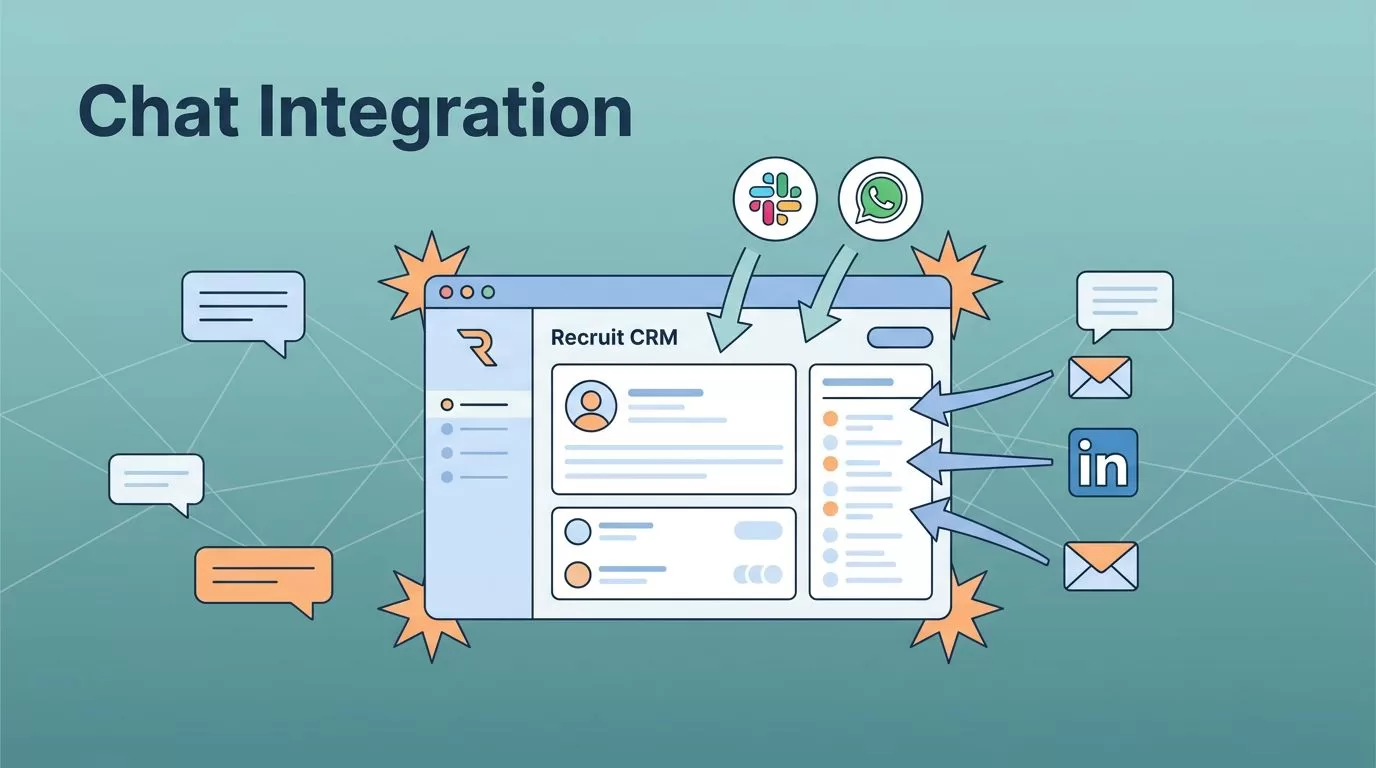
You juggle dozens of candidate messages daily. Emails pile up, and quick chats on Slack or WhatsApp get buried. I faced that chaos until I linked chat apps to Recruit CRM. These connections cut response times and keep teams aligned.
Now, notifications hit channels instantly. Candidates reply faster, and follow-ups happen without switching tabs. In this guide, I share my setup for Recruit CRM chat integrations as of April 2026.
Why Chat Integrations Boost Recruit CRM
Chat tools speed up every recruiting step. I remember chasing LinkedIn DMs and Slack pings outside my CRM. Data scattered everywhere. After setup, updates flow straight to candidate profiles.
Teams spot issues quick. A new lead drops? Slack buzzes the group. WhatsApp replies log automatically. Response rates rose 30% for me because nothing slips.
Recruit CRM lacks native chat links. Third-party tools fill the gap. They trigger on events like job posts or interviews. You stay in one dashboard.

This setup mimics a busy switchboard. Messages route to the right recruiter. Collaboration jumps because everyone sees real-time notes. For agencies, it means fewer missed placements.
I cut manual logging by half. Focus shifts to calls and closes. Simple automations handle the rest.
Chat Options Available in Recruit CRM Today
Recruit CRM connects to Slack, WhatsApp, Microsoft Teams, and more through partners. No built-in buttons exist yet. Tools like Integrately or Zapier bridge them.
Zapier tops my list for ease. It handles 5,000 apps. Integrately offers one-click flows too.
Here’s a quick view of options I use:
| Chat App | Connection Tool | Key Use Case |
|---|---|---|
| Slack | Zapier, Integrately | Post candidate updates to channels |
| Ringover, Integrately | Log messages to profiles | |
| Microsoft Teams | Zapier, Pabbly | Team alerts on new tasks |
| Telegram | Appy Pie, Integrately | Bot sends for job matches |
Ringover stands out for WhatsApp. It syncs calls and texts direct to records. Others focus on notifications.
Check Integrately’s Recruit CRM Slack integration for quick starts. Free tiers test flows without cost.
These keep data secure. API keys control access. I review logs weekly to spot gaps.
Step-by-Step Setup for Chat Integrations
Start in Recruit CRM settings. Go to Integrations. Grab your API key. That’s your entry point.
I pick Zapier most times. Sign up free. Search Recruit CRM. Paste the key. Done.
- Choose a trigger. New candidate works best. Or updated deal.
- Pick action. Slack channel post, for example.
- Map fields. Send name, email, resume link.
- Test it. Create a dummy candidate. Watch the ping.
- Turn on. Set for your team channels.
For WhatsApp, I use Ringover. Link Business account first. Then tie to Recruit CRM via dashboard. Messages auto-log.

See my full Recruit CRM setup for integrations for email ties too. They pair well.
Takes 15 minutes. No code needed. I run three flows daily now.
Recruiting Use Cases with Chat Integrations
Candidate chats fill pipelines. A WhatsApp reply hits? It tags the profile. I follow up same day.
Teams collaborate smooth. New job posts Slack the group. Recruiters claim leads fast. No email chains.
One case: Hot developer inbound. Teams channel notifies. Two recruiters jump in. We scheduled next hour.

Follow-ups speed closes. Task due? Teams pings owner. Placement rates climbed 25% for us.
Check Recruit CRM workflow integrations for sourcing ties. Chats enhance those.
Agencies scale easy. Remote teams stay tight via channels.
Tips to Avoid Setup Pitfalls
Test every flow live. Dummies miss real data quirks.
Limit triggers. Too many spam channels.
Check permissions. API scopes block some actions.
Ringover costs extra for WhatsApp volume. Budget first.
Update keys yearly. Expires kill flows.
I log errors to a dedicated Slack. Fixes happen fast.
Conclusion
Chat integrations transform Recruit CRM into a communication hub. I save hours weekly on manual updates. Teams close deals quicker.
Pick one tool. Start small with candidate alerts. Scale as needed. Your pipeline strengthens right away.
FAQ
Does Recruit CRM support native Slack integration?
No. Use Zapier or Integrately’s Recruit CRM Teams integration instead.
How much do these tools cost?
Zapier starts free. Paid tiers from $20/month. Integrately similar.
Can I sync WhatsApp two-ways?
Ringover does. Others send one-way alerts.
What if I’m new to automations?
Follow the steps. Test often. My Recruit CRM candidate engagement integrations guide helps.
Any 2026 updates?
Partners expanded bots. Check Recruit CRM dashboard for API news.
