How I Pair Opus Clip with Transistor.fm for Killer Podcast Clips
You host a podcast on Transistor.fm. Listeners love your episodes. But short-form video? That’s where growth hides. I faced the same issue. My audio shows needed visual punch to hit TikTok and YouTube Shorts. Opus Clip changes that. T...

You host a podcast on Transistor.fm. Listeners love your episodes. But short-form video? That’s where growth hides. I faced the same issue. My audio shows needed visual punch to hit TikTok and YouTube Shorts.
Opus Clip changes that. This AI video editor turns long podcasts into ready-to-post clips. No direct link exists with Transistor.fm yet. So I built a simple manual flow. It saves hours. Follow my steps, and you’ll boost reach fast.
Opus Clip and Transistor.fm: Tools That Fit Together
Transistor.fm hosts my podcasts. It delivers clean RSS feeds and analytics. I upload episodes there first. Listeners subscribe easily. Plus, it handles private feeds for paid shows.
Opus Clip takes over next. This AI scans audio for hooks. It spots emotional peaks, topic shifts, and funny bits. Then it builds clips with captions and b-roll. Speaker detection keeps faces centered in interviews.
Together, they shine. Transistor.fm stores your source. Opus Clip repurposes it. I get 10 clips per hour-long episode. Views tripled on social after I started.
For more on Opus Clip’s podcast tricks, check Opus Clip’s guide to AI clipping for video creators.
Why This Pairing Boosts Your Podcast Game
Podcasts compete with video now. Audio alone limits discovery. Shorts pull in new fans. They link back to full episodes.
Transistor.fm keeps distribution simple. One RSS feed rules all platforms. Opus Clip adds visuals without extra gear. No camera needed for audio shows.
I save time too. Manual editing ate weekends. Now AI handles 80 percent. I tweak and post. Results? My clips hit 5,000 views weekly.
Think of it like a river. Transistor.fm is the source. Opus Clip carves branches to new lands.
Step-by-Step Opus Transistor.fm Setup
Start in Transistor.fm. Log in and grab your show’s RSS feed. Copy the URL from the show page.
Head to Opus Clip. Sign up for their plan. I use Pro for batch uploads. Paste the RSS or download the MP3 from Transistor.fm. Drag it into Opus.
The AI processes fast. It suggests 10 to 20 clips. Review rankings. Pick top ones. Edit start times if needed.
Export as MP4. Choose vertical format for Shorts. Add your branding overlay.
Zapier helps semi-automate. Opus Clip supports it for workflows. Set a trigger: new Transistor.fm episode notifies Opus upload.
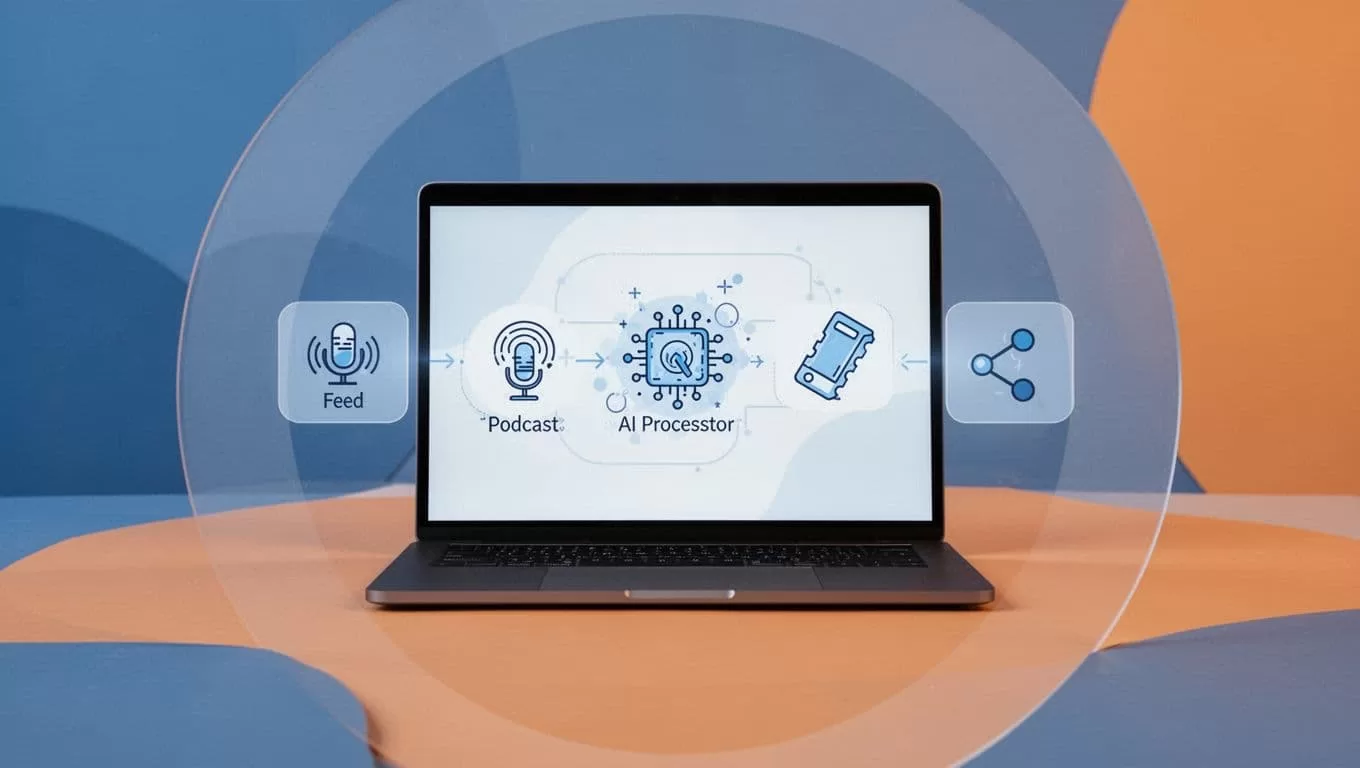
Test with one episode first. Adjust as you go.
Building Your Opus Transistor.fm Workflow
I pull episodes from Transistor.fm weekly. Download the latest MP3. Upload to Opus Clip right away.
AI finds gems. A guest story? It clips that. Humor spike? Captured. I regenerate if off.
Customize virality score. Opus ranks by share potential. I aim for 8-plus scores.
Post clips same day. Link to full show in descriptions. Drives Transistor.fm subs.
Here’s the flow in action. Audio waveform morphs to scrolling captions and dynamic cuts.
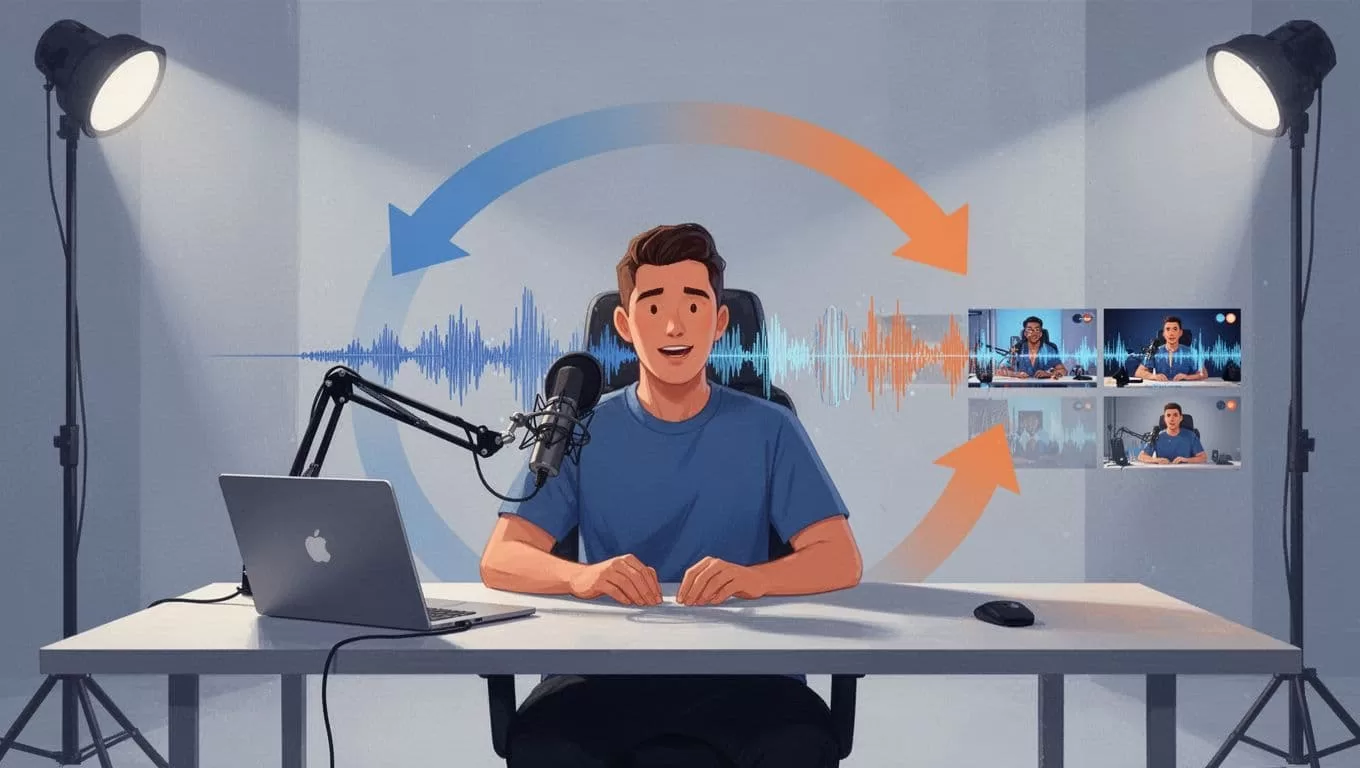
For automation ideas, see Opus Clip’s Zapier setup for editing flows.
Real Workflow Examples for Short-Form Gold
Take my marketing pod. Episode on AI tools runs 45 minutes. Opus spots three hooks: tool demo, failure story, prediction.
First clip: 30-second demo. Captions pop. I add upbeat music.
Second: Guest fail tale. Speaker ID switches views smoothly.
Third: Bold prediction. Ends with call to episode.
Post to Instagram Reels and TikTok. Bio links Transistor.fm.
Another: Solo rant episode. AI grabs punchy lines. I batch five clips. Schedule via Buffer.
These pull 20 percent listeners to full shows.
Best Settings, Mistakes, and Fixes
Use Opus’s auto-captions. Set font to bold sans-serif. Match your brand colors.
For Transistor.fm, enable video embeds if guests provide. But audio works fine.
Common slip: Ignoring context. Clips must stand alone. Preview always.
Mistake two: Wrong aspect. Shorts need 9:16. Opus defaults smart, but check.
Troubleshoot slow uploads? Compress MP3 under 100MB. Batch small.
Low virality? Feed keywords like “podcast tip” into AI Co-Pilot.
See top AI clip generators for podcasts for comparisons.
Measuring Success with Opus Transistor.fm
Track in Transistor.fm first. Downloads spike post-clips. I see 30 percent lifts.
Opus dashboard shows clip views. Aim for 1,000 per clip.
Cross-check social analytics. Engagement rates climb.
Visualize the win: Graphs rise as videos join audio plays.
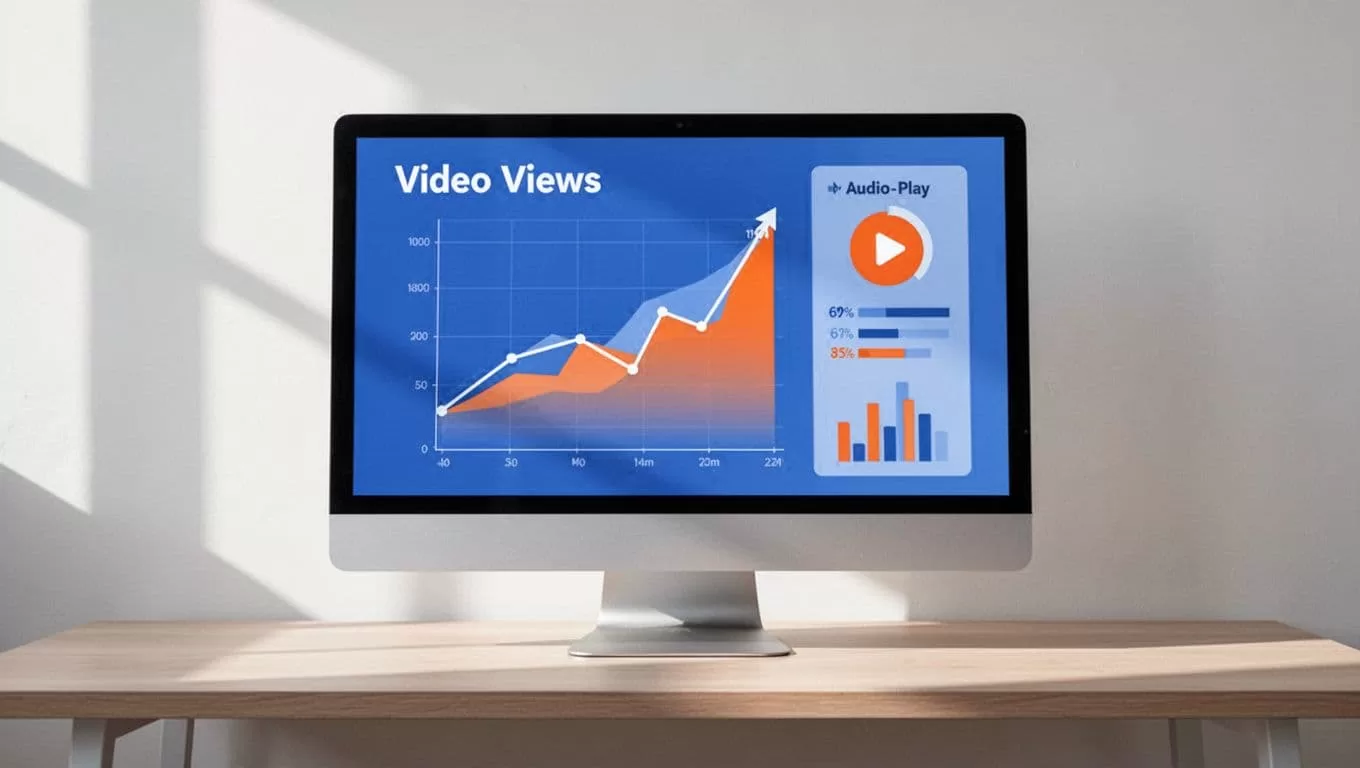
My Opus Transistor.fm combo doubled reach in months.
Start today. Grab your RSS, fire up Opus Clip. Your next viral clip waits. What episode will you clip first?
