How I Manage Coaching Clients Smooth in Skool
You know that moment when a new client signs up, but then emails pile up and progress stalls? I faced it too, juggling spreadsheets and chats across apps. Skool changed that for me. Now I handle everything from onboarding to tracking in one...
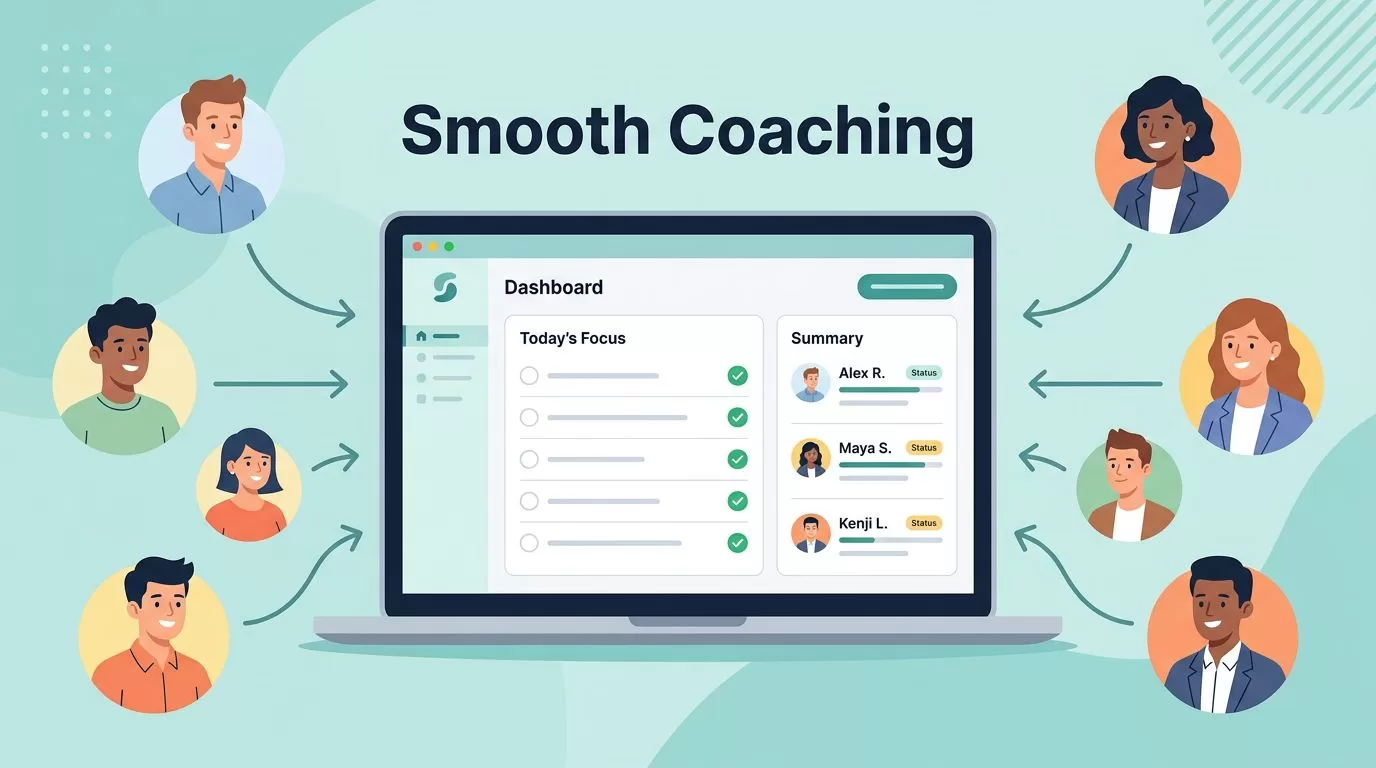
You know that moment when a new client signs up, but then emails pile up and progress stalls? I faced it too, juggling spreadsheets and chats across apps. Skool changed that for me. Now I handle everything from onboarding to tracking in one spot. Clients stay engaged, and I cut admin time in half.
This setup works because Skool keeps coaching flows simple. You build trust fast and scale without chaos. Let’s walk through my exact steps.
Onboard New Clients Fast in Skool
I start every client relationship right. New members hit Skool and see a welcome message instantly. I set this up in the community settings. It includes a short video from me and a checklist: introduce yourself, set goals, complete the first module.
Auto-welcome saves hours. Clients feel guided from minute one. For example, I add custom profile fields like “current challenge” or “experience level.” They fill it out during signup. Now I know their needs before our first call.
Skool’s member profiles make personalization easy. I glance at them during sessions and reference details. This builds rapport quick.
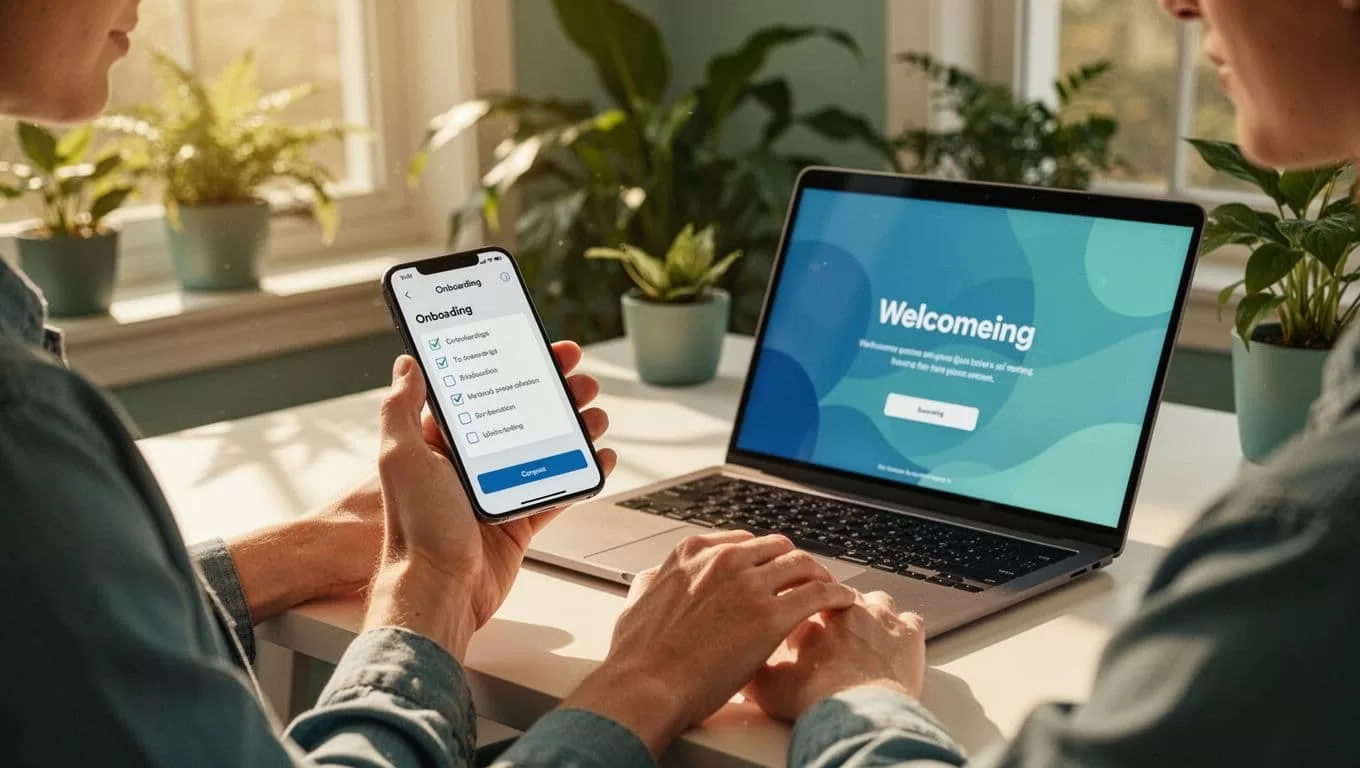
Onboarding checklists boost completion rates to 40-60 percent in my groups. I post a “staircase of successes”: small wins like daily tasks. Clients check them off in the app. As a result, they stick around longer.
I also pin a welcome post in the feed. It outlines expectations: post weekly updates, join calls, use the classroom. Clear rules prevent confusion later.
This process takes me 15 minutes to set once. Then it runs on autopilot. Clients tell me it feels professional, not scattered.
For more on smooth starts, check my Skool community launch guide.
Organize Clients into Skool Groups
Clients come in waves: beginners, advanced, one-on-one. I sort them into classrooms right away. Skool lets me create unlimited sub-sections under the main feed. Beginners get Module 1 drip-fed weekly. Pros access full resources.
I move members manually or auto-assign based on payment tier. A beginner buys the starter plan? Skool adds them to that classroom. No extra tools needed.
Classrooms keep things tidy. Everyone sees only relevant posts and content. For group coaching, I create channels for hot seats or accountability pairs.

Gamification helps here too. Points for posts or completions fill leaderboards. Top engagers get shoutouts. It turns passive clients active.
I limit main feed noise with moderation. Approve posts if needed. Paid groups stay focused on real progress.
This organization scales my coaching. I run three cohorts at once without overlap. Clients say it reduces overwhelm.
See how I handle group coaching calls in Skool for related tips.
Deliver Resources Without Overload
Content delivery stays simple in Skool. I upload videos, PDFs, worksheets to classrooms. Drip them weekly to match coaching pace. Clients unlock as they go.
Quizzes track understanding. I add them after key modules. Progress shows who needs nudges.
For high-ticket clients, I create holding pages. They tease 1:1 bundles. Free teasers lead to paid upsells.
Expectations come clear upfront. My welcome outlines: weekly modules, two calls, daily check-ins. Post it as a pinned course.
Resources live forever. Clients revisit anytime. No more “where’s that file?” emails.
I pair this with events. Schedule workshops in the calendar. Members get in-app reminders. Time zones adjust auto.
This flow keeps delivery consistent. Clients progress steady because barriers stay low.
Manage Communication in One Feed
Chats scatter easy without structure. Skool’s feed fixes that. All posts, replies, DMs live central.
I encourage threaded discussions. Pin weekly prompts: “Share your win.” Responses build community.
For private notes, use DMs or member profiles. Quick and contained.
Live Q&A goes in events. Host hot seats where clients pitch challenges. Others chime in.
No app-switching. Everything notifies in Skool. I respond during coffee breaks.
Set boundaries early. Post: “Replies within 24 hours, calls on calendar.” Clients respect it.
This cuts email to zero. Communication feels connected, not frantic.
If Slack feels too loose, Skool works better for coaching groups, as I explain in my Skool vs Slack comparison.
Track Client Progress with Built-in Tools
Progress stalls kill momentum. Skool dashboards spot it early. I check active members, course completion, points earned.
Leaderboards highlight stars. Low engagers get personal DMs: “Missed last module?”
Clients mark lessons done. I see percentages at a glance. Export data for reviews.
For deeper insights, track revenue per member. See who renews.

2026 updates add webinar attendance stats. Perfect for call recaps.
I review weekly. Adjust prompts or calls based on data. Churn drops because issues surface fast.
This tracking feels effortless. No spreadsheets.
Handle Payments and Analytics to Cut Admin
Payments integrate seamless. Set monthly tiers at $29 to $99. Stripe handles 2.9 percent plus 30 cents.
Clients pay to access. Free community funnels to paid coaching.
Auto-renewals send receipts. I track churn in analytics.
At $99 monthly flat, Skool pays itself. No per-user fees.
Analytics cover joins, revenue, engagement. Enough for most coaches.
For retention, pair with recurring payments setup.
This setup frees weekends. Admin shrinks to minutes daily.
Group coaching pros often use Skool this way; see this detailed group coaching walkthrough.
Conclusion
Skool lets me manage coaching clients with focus on results, not busywork. Onboarding hooks them fast. Groups keep order. Tracking spots wins and gaps.
I cut tools from five to one. Clients engage more, renew higher.
Pick Skool if your coaching thrives on community and steady progress. Start small, scale smart.
(Word count: 1487)
