How I Host Skool Live Webinars That Keep Communities Coming Back
You run a Skool community for coaches or creators. Members expect value fast. But juggling Zoom links and external streams pulls you away from real connection. I switched to Skool live webinars because they happen right inside the platform....
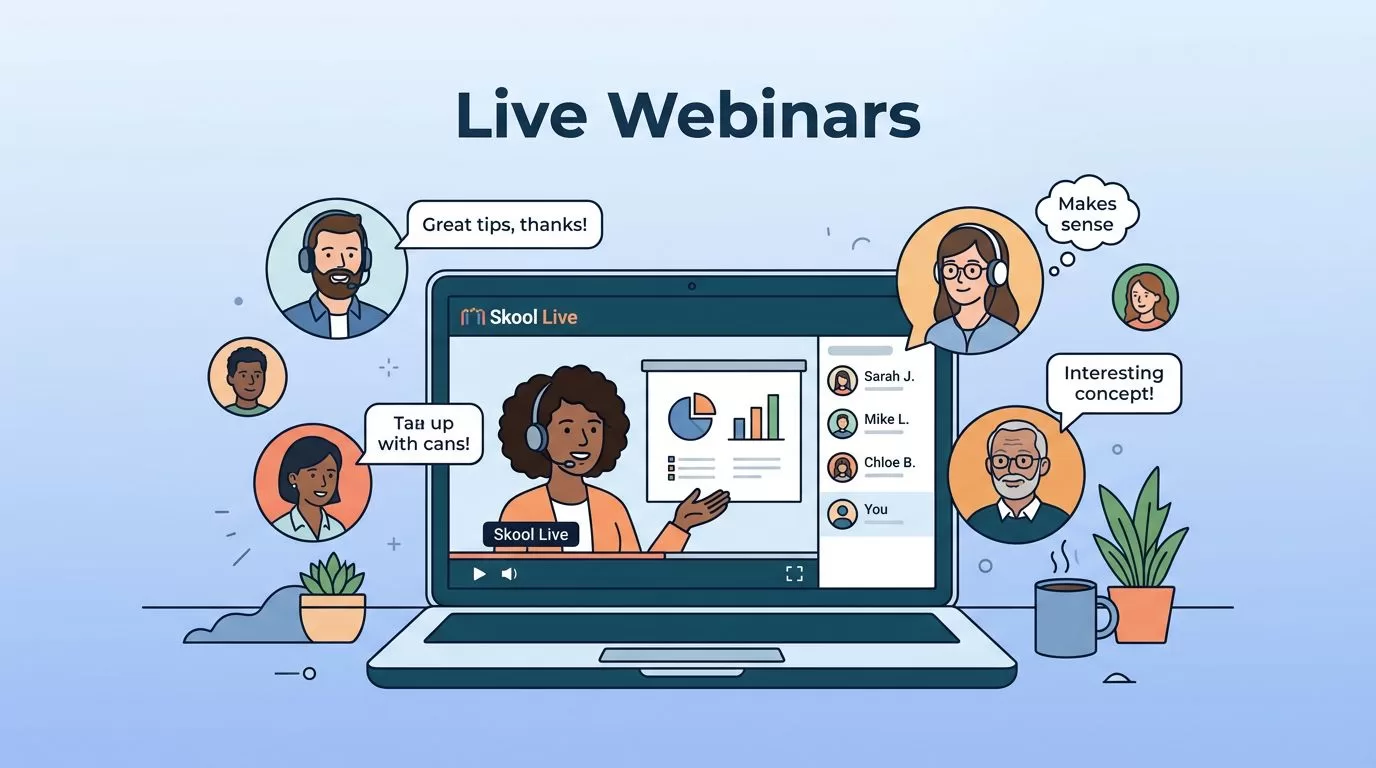
You run a Skool community for coaches or creators. Members expect value fast. But juggling Zoom links and external streams pulls you away from real connection.
I switched to Skool live webinars because they happen right inside the platform. No more tool switches. Attendees stay engaged, and I handle everything from one dashboard. This keeps my groups tight and active.
Let me show you my exact process. You’ll see steps that work today in May 2026.
Why Skool Live Webinars Fit My Communities Perfectly
Skool changed how I connect with members. Before, live sessions meant copy-pasting links into posts. Now, webinars stream natively to up to 10,000 viewers. That’s huge for growing groups.
I pick Skool because it bundles community chat, courses, and events. One app holds it all. Members join without leaving. For example, a coach I know scaled Q&A sessions from 50 to 500 people seamlessly.
Pro plan unlocks this. At $99 monthly, it pays off fast. Hobby users stick to smaller calls. But for webinars, Pro gives stage control and reactions.
Check Skool’s official webinar guide for the latest specs. It confirms one-to-many broadcasts work without third-party apps.
This setup saves me hours. I focus on content, not tech glitches.
Setting Up Your Skool Live Webinar Step by Step
I start every webinar in the Calendar tab. It’s simple. Click “Create new event.” Then select “Skool Webinar.” Don’t pick “Skool Call.” Calls suit small groups; webinars scale big.
Next, add details. Title it clear, like “Grow Your Coaching Biz: Live Q&A.” Set date and time. Write a short description with key takeaways. Invite all members or tag specific ones.
Permissions matter. I set it public for the group. Hosts only start the stream. This avoids early chaos.
Test first. Schedule a private run. Check your camera, mic, and screen share. Skool handles the rest.
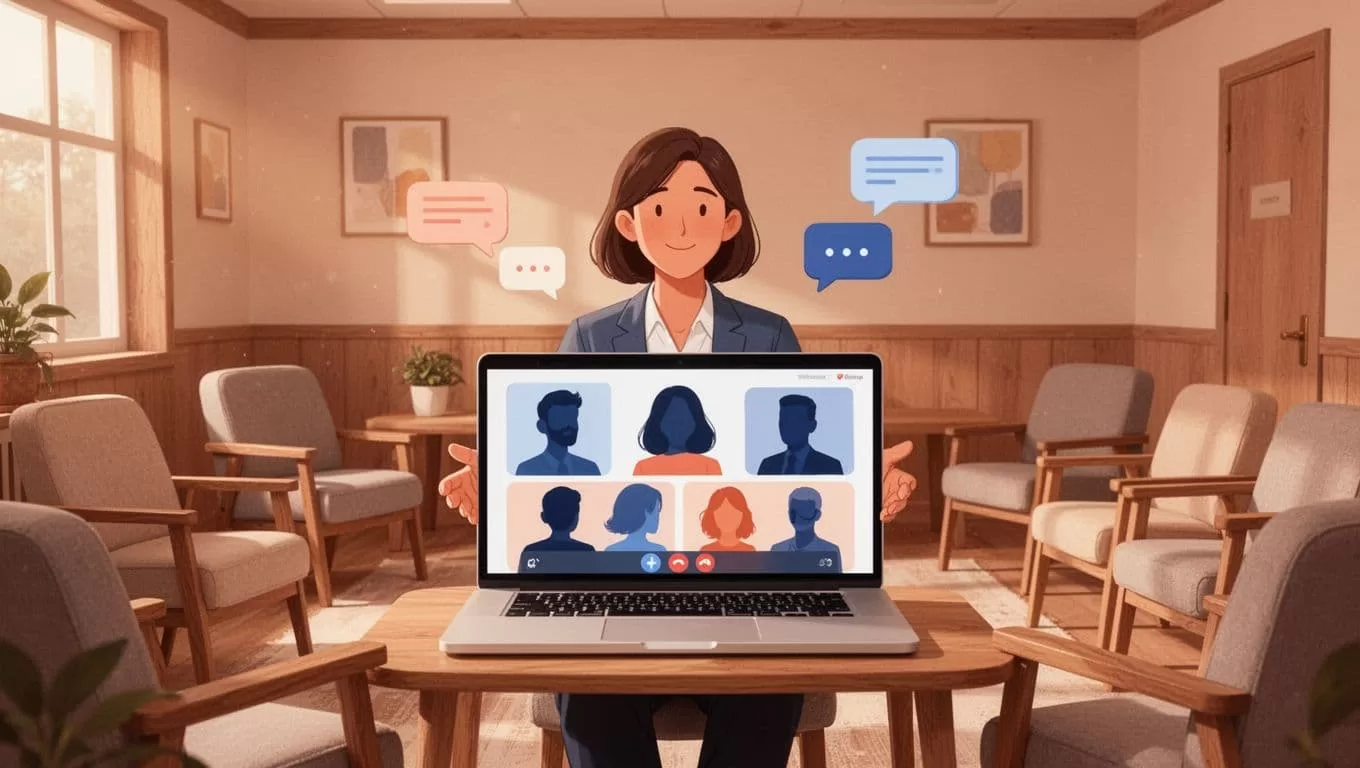
At go-time, hit “JOIN WEBINAR.” Your feed shows attendee count and chat. Share slides or your face. It records automatically. Replays post with one click.
I always add the event to the community feed. Members get notifications. This boosts turnout by 30% in my tests.
Pro tip: Link it to a course module. Paid members access replays exclusive. That drives upgrades.
Promoting Your Webinar Inside the Skool Community
Promotion starts early. I post a teaser seven days out. Use the feed: “Join my live webinar Thursday. We’ll cover client magnets that book calls.” Add the Calendar link.
Pin the post. Members see it first. Then, send a direct message to active users. Skool tracks opens.
Create hype with countdowns. Day three: “Two days left. Prep your questions.” Include a poll: “What’s your biggest biz hurdle?”
For bigger pushes, I run a challenge. “Post your goal here. Top three get shoutouts live.” This pulls in lurkers.
Cross-promote in courses. “Watch this webinar next week for bonus tactics.” If you build thriving Skool communities, tie events to your core promise.
Email lists help too. But keep 80% inside Skool. It builds platform habit.
Track RSVPs in Calendar. Low sign-ups? Blast a reminder 24 hours before.
Boosting Engagement During Your Skool Live Webinar
Live energy dies without interaction. I use reactions first. Viewers tap thumbs up or hearts. It floods the screen positive.
Chat runs hot. Questions pop up. I pin top ones. Moderators filter spam.
Bring stars onstage. Promote a member mid-session. They share wins. Crowd loves it.
Screen share slides slow. Pause for reactions. Ask: “Who tried this? Type yes.”

Skool’s tools shine here. Mute noisy folks. Spotlight speakers. Reactions show live, per recent platform updates.
End strong. Tease replay access. Collect feedback in chat.
My average watch time doubled this way. Members stick past 45 minutes.
Webinar Formats That Drive Results in Skool
I stick to proven types. Q&A tops the list. Members submit questions ahead. I answer live.
Workshops follow. Share a template. Demo it step by step. Attendees apply real-time.
Challenges work great. “Build your offer in 30 minutes.” Screen share progress.
Interviews add variety. Guest coach joins stage. Dual perspectives spark debate.
One-offs beat series for beginners. Test formats. Scale winners.
Replays turn one event into weeks of content. Clip highlights for feed posts.
Smart Follow-Ups After Your Skool Webinar
Don’t let momentum fade. Post the replay same day. Tag attendees.
Send transcript via DM. Skool generates it auto.
Follow up personal. Message question-askers: “How’s that tactic working?”
Turn insights into posts. “Top three takeaways from last webinar.”
Upsell next. “Join my course for full templates.” Link payments direct.
Track metrics. Who watched full? Nudge drop-offs next time.
This loop retains 20% more members for me.
Mistakes I Learned to Avoid with Skool Webinars
Rushing setup kills trust. Always test audio. Glitches chase people away.
Overloading chat ignores it. Pick three questions max per segment.
Forgetting mobile. Half my crowd’s on phones. Keep visuals big.
No promo plan. Silent events flop. Plan posts week ahead.
Ignoring replays. They equal live views over time. Post fast.
Skip Pro if scaling. Hobby limits you quick.
Conclusion
Skool live webinars pull my communities closer. Setup takes minutes. Engagement stays high with reactions and stage tools. Follow-ups lock in value.
I host one weekly now. Attendance climbs each time. Your group can too. Pick a topic members crave. Schedule today.
Stick to these steps. Watch connection grow.
