How I Track NPS Score Automation with Twin.so
NPS tracking falls apart when too many small tasks live in too many places. Someone has to send the survey, another person has to log the score, and a third person has to chase the follow-up. I use NPS automation with Twin.so to pull that w...
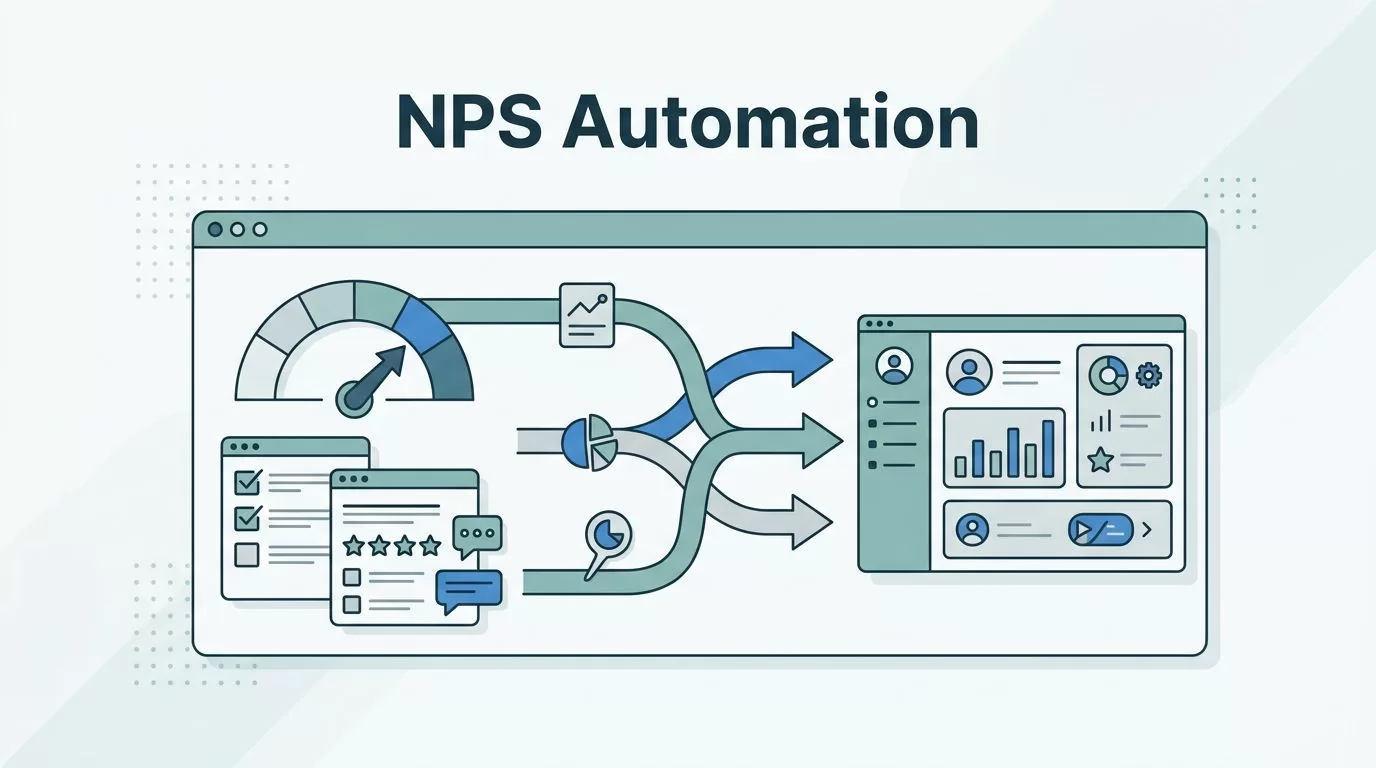
NPS tracking falls apart when too many small tasks live in too many places. Someone has to send the survey, another person has to log the score, and a third person has to chase the follow-up.
I use NPS automation with Twin.so to pull that work into one repeatable flow. That gives me cleaner feedback, faster alerts, and fewer scores that sit untouched in a spreadsheet.
The trick is to treat the process like a system, not a one-off survey blast. Once I map the flow, Twin.so can help me keep it running without constant manual cleanup.
Why I automate NPS tracking instead of doing it by hand
Manual NPS tracking looks simple until the volume grows. Then the cracks show up fast. Responses get missed, comments live in inboxes, and nobody trusts the dashboard for long.
I start by making the survey itself as clean as possible. Timing matters, and the question has to stay short. The guidance in NPS survey best practices for customer success managers is a good reminder that automation does not fix a weak survey.
I also separate the moments that trigger the ask. An onboarding survey tells me something different from a renewal survey. A support-follow-up survey tells me something else again. When I treat them all the same, the data gets muddy.
A score without a follow-up rule is just a number on a screen.
That is why I care about the workflow around the score. The score tells me where to look. The comment tells me why the customer felt that way.
I also keep an eye on response quality. If I send too often, people stop paying attention. If I send at the wrong time, I get noise instead of signal. The checklist in 16 reliable NPS survey best practices is useful when I want to pressure-test timing, channel, and survey shape before I automate anything.
How I build the Twin.so workflow
Twin.so works well for this kind of task because it can act like a digital operator across apps. If a system has an API, I can route data through it. If it does not, Twin can still work through the browser, which keeps more workflows within reach.
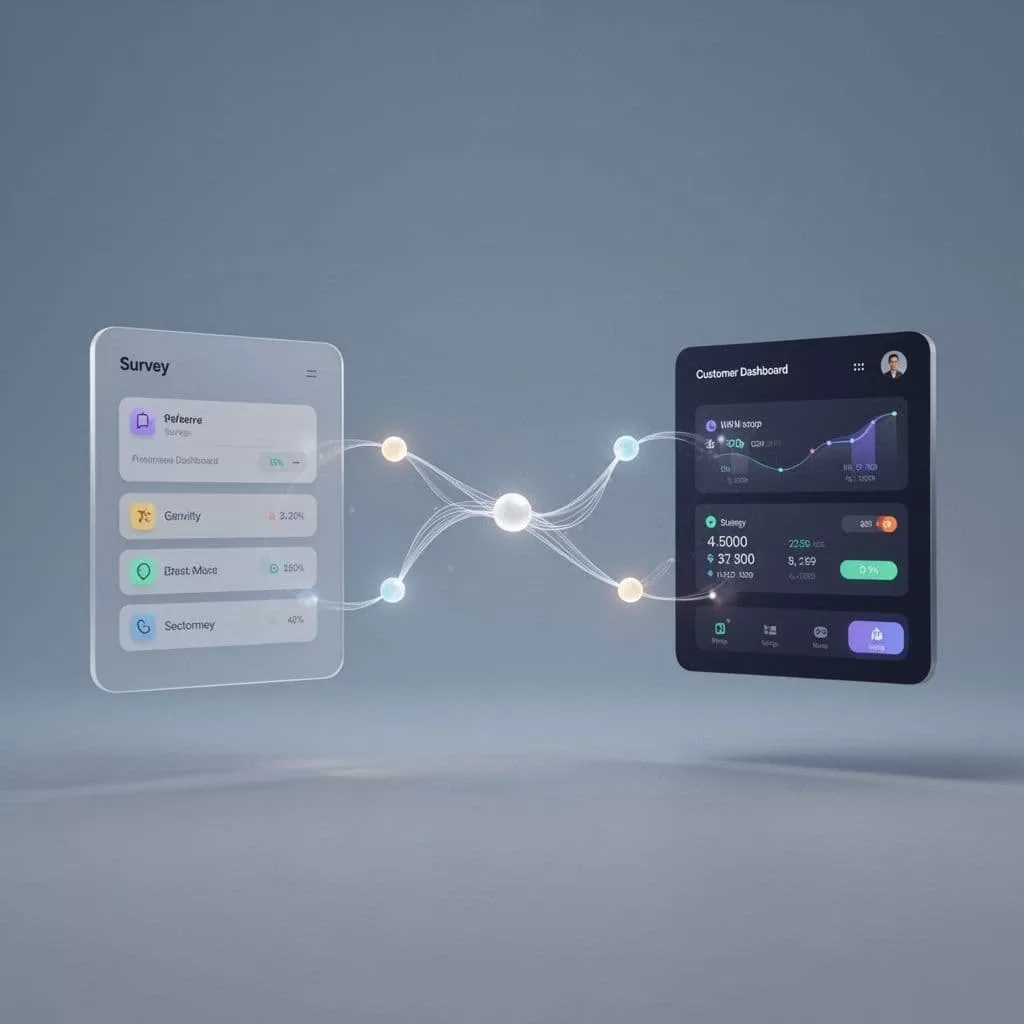
I usually sketch the flow in four parts: trigger, survey, storage, and action. Once that map is clear, the build becomes much easier.
| Trigger | When I use it | What Twin.so does |
|---|---|---|
| Onboarding completion | After the customer reaches first value | Sends the NPS request and records the response |
| Support ticket closure | After a case is resolved | Captures the score and alerts the owner if the score is low |
| Renewal or quarterly check-in | For steady accounts | Sends the survey, stores the answer, and updates the account record |
That table is the shape of the system. The exact tools around it can change, but the logic stays the same. A clear trigger keeps the ask relevant, and a clear destination keeps the data useful.
I also keep the data fields tight. At minimum, I want customer name, account ID, segment, score, comment, timestamp, and owner. If I leave out the owner field, follow-up slows down. If I leave out the segment, reporting becomes flat and hard to trust.
My step-by-step setup for NPS automation
I start small, then widen the flow once I trust it. That keeps the system from turning into a noisy pile of half-finished rules.
- Choose one source of truth. I decide where the score should live first, then I build around it. That might be a CRM, a help desk, or a shared feedback table.
- Pick one segment to test. I like a single customer group, such as new accounts or recently closed support cases. That makes it easier to spot mistakes before they spread. The reminder to segment your audience for targeted insights fits this step well.
- Set the trigger close to the customer event. A survey after onboarding feels more natural than a survey sent days later. A support follow-up works best when the case is still fresh in the customer’s mind.
- Define the follow-up rules. I decide what happens to detractors, passives, and promoters before the first survey goes out. Low scores can create alerts. High scores can enter a thank-you flow or an advocacy list. Passives usually need a closer look, not a canned reply.
- Write back every response. I send the score and comment into the same place every time. That gives me one clean record for reporting, trend checks, and team review.
- Test the handoff. I watch one full cycle from send to alert to update. If a field is missing or a team never sees the alert, I fix that before I expand the rollout.
The test phase matters more than people think. A broken alert is worse than no alert because it creates false confidence. I want the first 20 responses to teach me where the flow bends.
I also check the delay between response and action. If a detractor waits two days for a reply, the value drops fast. Automation helps most when it shortens that gap.
How I turn scores into action across teams
The score is the headline. The comment is the context.
That line keeps my process honest. I do not want a dashboard full of numbers that nobody acts on.
Support uses low scores as a fast warning
When a customer leaves a low score after a support interaction, I route the alert to the support lead or case owner. The message should include the ticket link, the score, and the comment. That gives the team one place to start.
Support teams can also spot patterns this way. If three detractors mention the same issue, that is not random. It usually points to a bug, a confusing workflow, or a broken expectation.
Customer success uses trends, not just single replies
Customer success teams get more value when they look at the score over time. One bad response can happen on a rough day. A downward trend tells a different story.
I like to use automated NPS data to prep QBRs, identify at-risk accounts, and separate happy customers from quiet ones. A cluster of promoters may be ready for a case study or referral ask. A cluster of passives may need more training, better onboarding, or a reset on product usage.
Product teams need themes, not raw noise
Product teams do not need every comment dumped into a pile. They need the recurring themes pulled into one view.
I route product-related feedback into a shared channel or board, then tag it by topic. Feature requests, bug reports, and usability complaints each need a different response. When Twin.so helps me centralize that intake, I spend less time copying notes around and more time seeing what customers keep repeating.
This is where automation helps the most. The feedback stops living in one person’s inbox. It becomes shared evidence.
Guardrails that keep the reporting clean
Automation only works if the data stays tidy. Otherwise, I get fast reports that are still wrong.
I keep a few guardrails in place:
- The survey wording stays stable unless I am testing a change.
- Every response gets a timestamp and a source tag.
- Duplicate sends are blocked where possible.
- Low-score alerts go to one clear owner.
- Segments are reviewed on a schedule, not left to drift.
I also review the results weekly at first. That lets me catch odd spikes, missing comments, or a broken handoff before the pattern gets baked into reporting. Once the flow feels stable, I can move to a lighter review cadence.
Another habit that helps is keeping the raw response separate from the summary view. The summary is great for scanning. The raw record is where I go when I need to understand what happened.
If the survey design changes, I treat it like a new version. That keeps old and new responses from blending into one messy line. Clean history matters more than fancy charts.
Conclusion
When I automate NPS tracking with Twin.so, I am not chasing a shiny dashboard. I am building a path from customer feedback to action.
The strongest version of NPS automation does three things well. It sends the right survey at the right time, stores the result in one place, and routes the follow-up to the team that can act on it.
That is what changes the day-to-day work. Less copying. Fewer missed replies. Better context for support, customer success, and product. When the workflow is clear, the score stops being a number and starts being a signal I can use.
