How to Deploy Mida.so Conversion Tracking Correctly
A conversion report is only as reliable as the events behind it. If your signup fires twice, your checkout event fails on mobile, or your thank-you page loads before tracking runs, the numbers become difficult to trust. Mida.so gives market...
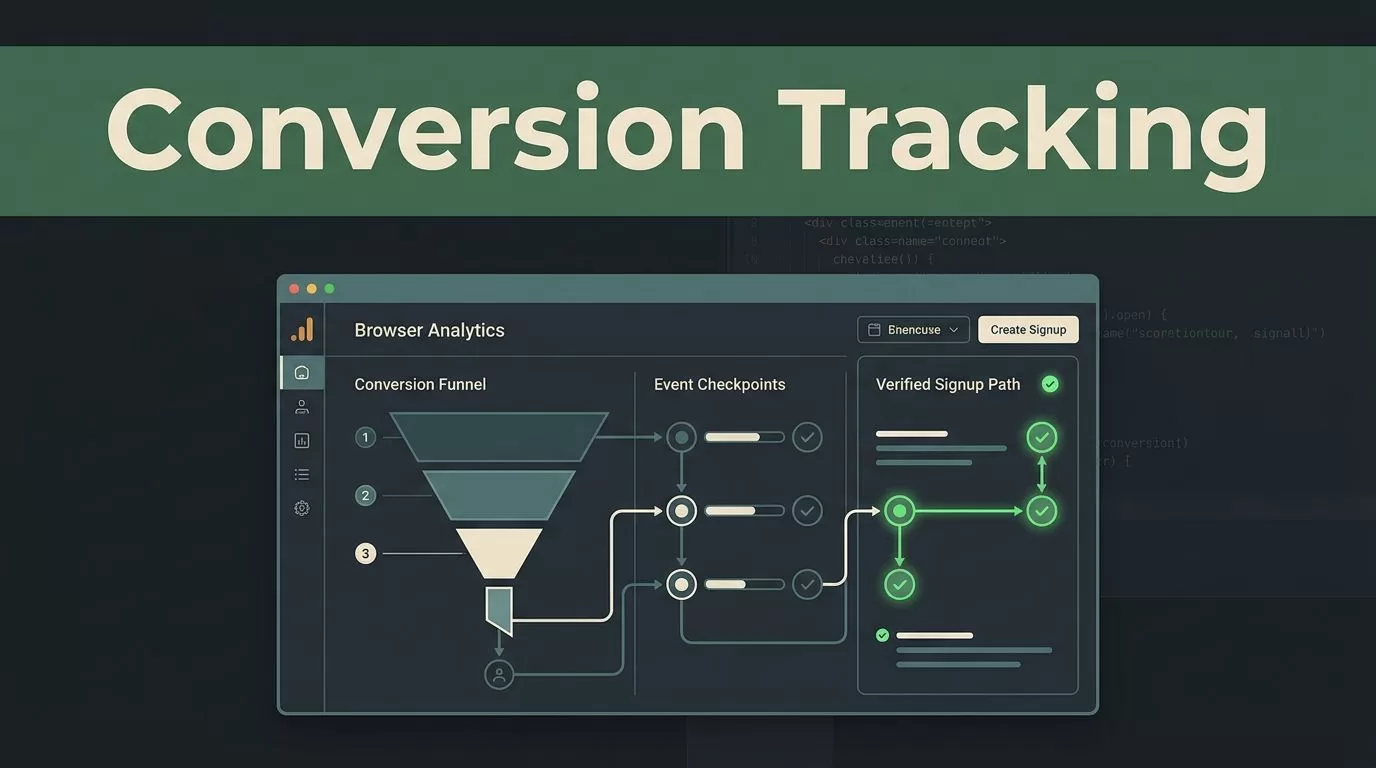
A conversion report is only as reliable as the events behind it. If your signup fires twice, your checkout event fails on mobile, or your thank-you page loads before tracking runs, the numbers become difficult to trust.
Mida.so gives marketing teams a practical way to collect website behavior and connect it to conversion analysis. The deployment work still needs planning. You must define the right events, install the tracking script correctly, test every important path, and document what each event means.
Key Takeaways
- A conversion is a completed business action, not every click or page view.
- Build the event plan before adding Mida.so to your website.
- Install the base tracking code first, then add conversion events.
- Test desktop, mobile, single-page application, and consent-based flows.
- Review event quality regularly instead of treating tracking as a one-time task.
Decide What Mida.so Should Track
Start with the business action you want to measure. Common conversions include a completed demo request, account registration, purchase, trial activation, or qualified contact form submission.
Do not label every interaction as a conversion. A button click can be useful, but it usually shows intent rather than completion. Track it as a supporting event, then use the final success event as the primary conversion.
For example, a B2B software company might define these events:
| Event | Trigger | Why it matters |
|---|---|---|
pricing_viewed | Pricing page loads | Measures product interest |
demo_form_started | First form interaction | Shows initial intent |
demo_requested | Form submission succeeds | Measures the main conversion |
signup_started | Registration begins | Identifies signup friction |
account_created | Account creation completes | Confirms a new user |
Keep event names short, consistent, and stable. Use one naming style across the website. Lowercase names with underscores are easy to scan in reports and simple to reuse in data exports.
Each event should also have a clear trigger. “Button clicked” is not enough if the button opens a form but doesn’t complete the request. Write down the exact condition that makes the event valid.
Store useful properties when the platform and your privacy rules support them. Examples include plan type, form category, page path, campaign source, or product category. Avoid sending names, email addresses, phone numbers, or other personal data unless your approved setup specifically allows it.
Mida’s official product site provides the current product context. Use the Mida documentation for the supported installation and event methods rather than relying on an old code sample.
A clean event model is more valuable than a large event list. If nobody can explain what an event means, don’t use it for reporting.
Prepare the Website Before Installation
Audit the website before you deploy conversion tracking software. List every page and flow that matters to acquisition and revenue.
Include landing pages, pricing pages, lead forms, checkout steps, account creation, booking tools, and confirmation screens. Also record the systems involved. A form may submit through your website, while a booking service or payment provider handles the final step.
This audit prevents a common mistake: tracking the visible click while missing the actual completion.
Next, identify the website architecture. A traditional website loads a new document for each page. A single-page application changes views without a full page refresh. That difference affects page-view tracking and event triggers.
Check these areas before implementation:
- The main production domain and any subdomains
- Marketing pages and app pages
- Forms embedded from other services
- Checkout or booking pages hosted elsewhere
- Consent management behavior
- Logged-in and logged-out user paths
- Mobile layouts and responsive menus
- Thank-you pages, modals, and inline success messages
Create a simple tracking register. Record the event name, trigger, page, owner, and test status. Marketing owns the business definition. Development or operations owns the implementation. Analytics owns the reporting validation.
You also need access to the website source code, tag manager, or content management system. Mida’s installation instructions should determine where the base script belongs. Do not add duplicate snippets through both the website template and a tag manager.
Privacy setup comes before launch. Review your consent requirements, cookie behavior, retention settings, and data fields with the person responsible for compliance. If consent affects analytics loading, test both consent granted and consent declined paths. Google’s consent mode documentation gives useful background on how consent signals can affect measurement tools.
Deploy Mida.so on the Website
The deployment should happen in three stages: install the base script, configure events, and verify the data.
1. Add the Mida.so tracking script
Open your Mida.so project and follow the current installation instructions for your website setup. Copy the project-specific tracking code exactly. Add it through the approved location, such as the site template or tag manager.
The base script normally needs to load across the pages you want to analyze. Place it according to Mida’s documentation. A script added only to the homepage cannot measure a conversion that happens on a separate form or checkout page.
Publish the change to a test environment first when your website supports one. If you must work directly in production, schedule a controlled release and record the deployment time.
After publishing, confirm that the script is present on several page types. Check the homepage, a landing page, the pricing page, and the conversion page. One page loading correctly doesn’t prove that the whole site is configured correctly.
Use your browser’s developer tools to inspect the page source and network activity. Look for the Mida request after the page loads. Check that the request goes to the expected Mida endpoint and doesn’t return a blocked, missing, or server error response.
2. Add conversion events
Use Mida’s supported event method for each action in your tracking register. The implementation may depend on your site framework and the event type. A standard form, a React application, and an external booking tool may require different triggers.
Fire the conversion event only after the action succeeds. For a lead form, the event should follow a confirmed successful submission, not the first click on “Submit.” For a purchase, use the confirmed transaction state available to your commerce system.
Avoid firing the same event from multiple places. A form can accidentally send one event from the button handler and another from the success callback. That creates inflated conversion totals.
If your website uses a single-page application, test route changes and view changes separately. The browser may not reload the base script when a user moves between screens. Use the method described in Mida’s documentation for tracking those changes.
3. Publish and verify
Run a complete test journey after each event is added. Start on the landing page, interact with the form or product, complete the action, and check the resulting data in Mida.
Test one event at a time. This makes it easier to identify the broken trigger. Record the expected result and the observed result in your tracking register.
Do not compare Mida totals with another analytics platform immediately and expect a perfect match. Different tools may use different attribution windows, consent rules, filters, session definitions, and reporting time zones. Compare setup rules before comparing numbers.
Use This Pre-Launch Checklist
Complete the checklist before you send paid traffic to the new tracking setup.
- The Mida project and production domain are identified.
- The base script loads on every required page.
- No duplicate Mida snippets exist in the template and tag manager.
- Event names follow one naming convention.
- Primary conversions fire only after successful completion.
- Supporting events have a clear reporting purpose.
- Personal data is excluded from event properties unless approved.
- Consent granted and declined paths have been tested.
- Desktop and mobile journeys have been tested.
- Single-page application routes have been checked where relevant.
- Embedded forms and external checkout steps have an owner.
- Events appear with the expected names and properties.
- The team has documented the launch date and implementation changes.
Keep the first launch narrow. Track the core conversion and two or three supporting actions. Add more events after the initial data proves stable.
Troubleshoot Missing or Incorrect Conversion Data
Start with the browser, not the dashboard. Open the affected page in a private test session and inspect whether the Mida script loads. A browser extension, content blocker, consent setting, or incorrect domain configuration can prevent the request.
If no data appears, check these points:
The script is missing from the page. Confirm that the published page contains the tracking code. Cached templates can make a new deployment appear incomplete.
The event trigger never runs. A selector may target the wrong button, or the success callback may use a different form state. Test the exact path a real visitor follows.
Consent blocks tracking. Repeat the test after granting analytics consent. Then test the declined state and confirm that the behavior matches your approved policy.
The event fires twice. Search the implementation for duplicate listeners and duplicate tag-manager rules. Pay close attention to both button clicks and form success callbacks.
The event name is wrong. Compare the event sent by the website with the name used in Mida reports. A spelling difference creates what looks like a missing event.
SPA navigation is not recorded. Test a full browser reload and an in-app route change. If only the reload appears, review the framework-specific tracking method in the Mida documentation.
Properties are empty. Check when the values become available. A product ID or plan value may not exist when the first event runs. Send the event after the relevant data is loaded.
Numbers differ across tools. Compare date ranges, time zones, consent rates, attribution settings, and filters. A difference isn’t automatically a tracking failure.
Use real test records with clear markers, such as a dedicated test email address. Remove test data from reports where possible. Never use live customer information to debug event payloads.
Maintain Tracking After Launch
Website changes can break conversion tracking without producing an obvious error. A redesigned form, renamed CSS class, new checkout provider, or routing update can change the trigger.
Assign an owner for the tracking register. Review the primary conversion after major releases and check the data at a fixed weekly or monthly interval. Watch for sudden zeroes, sharp jumps, missing properties, and conversions that occur without the expected preceding actions.
Keep a change log with the date, event name, page, and reason for each update. This gives marketing and development a shared record when reporting changes.
Conversion tracking software is useful only when its definitions stay aligned with the website and business process. Remove events that no longer support a decision. Keep the events tied to acquisition, activation, revenue, and retention.
Conclusion
Mida.so deployment starts with a clear conversion definition. Install the base script across the required pages, add events after successful actions, and test every important user path before launch.
The first report is not the finish line. Treat tracking as a maintained system with owners, tests, and documented changes. When each event has one clear meaning, your marketing team can act on the data instead of debating whether the numbers are reliable.
