How I Run Dynamic Pricing Software Through Twin.so
Price changes lose value when they sit in a spreadsheet too long. I want them to move while the market is still moving. When I run dynamic pricing software through Twin.so, I care about three things: speed, control, and a clear trail. That...
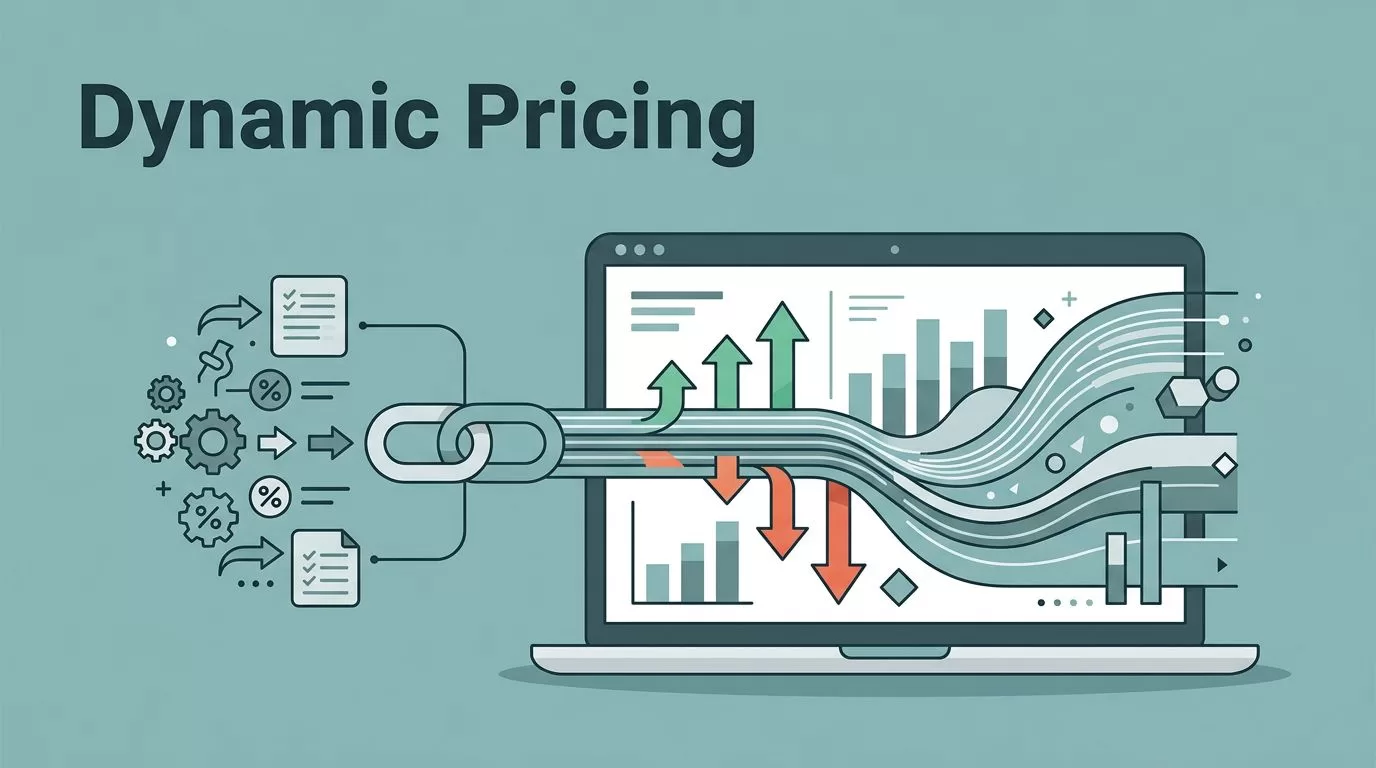
Price changes lose value when they sit in a spreadsheet too long. I want them to move while the market is still moving.
When I run dynamic pricing software through Twin.so, I care about three things: speed, control, and a clear trail. That matters for revenue teams, but it also matters for operations and product teams that have to live with the result.
The setup works only when the workflow is tight. I focus on the part most teams skip, which is how the pricing decision gets from rule to screen without turning into chaos.
Why I Run Dynamic Pricing Software Through Twin.so
Dynamic pricing works when the inputs are fresh. If demand shifts, stock runs low, or a segment starts converting faster, the price needs to reflect that signal.
Salesforce’s guide to dynamic pricing lays out the basic idea well, and DealHub’s dynamic pricing glossary gives a clean second view. I start there, then I think about execution.
That is where Twin.so matters to me. I use it as the layer that can act inside a browser, move through vendor portals, and keep pricing work from getting stuck between teams. If a pricing update needs to happen in a web app that doesn’t give me a clean API path, I still want a controlled path.
I also care about the pace of decision-making. A pricing team can have strong rules and still miss the moment if the workflow is slow. Twin.so helps me close that gap by keeping the process in one place, where I can watch, test, and adjust.
When the process touches customer lists, margin data, or supplier portals, I use the same care I apply to secure financial data scraping practices. Pricing data may not look like banking data, but the access risks can feel the same.

How I Set Up the Pricing Workflow
I do not start with automation. I start with the rule set.
First, I define what should trigger a price change. That might be inventory pressure, time of day, region, customer segment, or a competitor move. I keep the list short at the beginning so the logic stays readable.
Next, I map the source systems. I want to know where the signals come from, where the prices live, and where the final update has to land. If the workflow crosses multiple tools, I write that path down before I automate anything.
Then I decide who can approve a change. Operations may own the access, revenue may own the thresholds, and product may own exception rules. That split keeps the process from becoming a free-for-all.
I usually build the setup in this order:
- I define the price inputs and the change triggers.
- I list every system that Twin.so has to touch.
- I separate draft changes from approved changes.
- I set a review step for high-risk updates.
- I turn on logs before I turn on broad automation.
That last step matters more than people think. Logs are the difference between a price move I can explain and one I have to guess at later.
If I can’t explain why a price changed, I don’t automate it.
For teams that also feed pricing data into billing or revenue reporting, I keep the handoff clean with QuickBooks automation strategies. That helps me avoid a second round of manual cleanup after the price update is done.

Where Automation Helps, and Where I Keep Humans Involved
I like to separate the work into three modes. Each one fits a different stage of maturity.
| Workflow model | Best fit | My use case | Main risk |
|---|---|---|---|
| Manual updates | Small catalogs or rare price changes | A revenue manager reviews every move | Slow response and missed windows |
| Hybrid approval flow | Most teams | Twin.so drafts changes, a person approves edge cases | Rules can spread without discipline |
| Automated publish | Stable catalogs with high volume | Twin.so pushes approved prices on a schedule | A bad rule can affect many records fast |
Most teams I work with start in the middle. The hybrid model gives me enough speed to react, but I still keep a human checkpoint where the stakes are high.
That checkpoint matters most when the price has side effects. A discount might help conversion, but it can also change margin, channel conflict, or customer trust. If I treat every update as the same, I lose the signal and the context.
I also watch for repeatable patterns. If the same price exception keeps appearing, I do not keep approving it forever. I either change the rule or create a narrower rule that Twin.so can handle without another manual pass.
This is where the operational value shows up. A good setup removes small, boring tasks that steal time from the team. It also gives product a better view of how pricing logic affects user behavior, since the changes are tracked and consistent.
Governance, Access, and Audit Trails

Governance is not the part I add after the workflow works. I build it first, because pricing changes are easy to repeat and hard to unwind.
I keep access narrow. Only the people who need to define rules, review exceptions, or approve publishes get access to the right steps. That cuts down on mistakes and makes audits less painful.
I also treat credentials like temporary tools, not permanent fixtures. If Twin.so needs to enter a portal, I prefer short-lived access and clear session boundaries. The goal is simple, if one account gets exposed, the problem stays small.
The other piece is the audit trail. I want to know four things every time a price changes:
- what rule fired
- who approved it
- when it went live
- where it was applied
That record helps me answer internal questions fast. It also helps when a pricing change lands badly and I need to roll back with confidence.
For broader access control habits, I think in the same way I do about secure financial data scraping practices. Sensitive workflows need separation, logs, and limited exposure. Pricing systems are no different.
I also review the rollback path before the first live change. If the new price needs to be reversed, I want a fast way back to the prior state. No team wants to hunt through old tickets while customers are seeing the wrong number.
What a Practical Twin.so Pricing Stack Looks Like
In practice, I want the stack to feel plain, not fancy. Twin.so should sit between the pricing logic and the system of record, then move only the approved updates.
A clean setup usually looks like this:
- a clear source for demand or margin signals
- a simple pricing rule set
- a review step for risky changes
- an execution step in Twin.so
- logs that show what happened and why
That order keeps the work predictable. It also helps each team know where its job starts and stops.
I get the best results when I keep the rules readable. If a teammate cannot explain the logic in a meeting, the workflow is too complex. In that case, I reduce the number of triggers before I add more automation.
I also like to review the workflow at set intervals. Monthly works for some teams. Weekly works for faster-moving catalogs. The point is to keep the rules alive, not frozen in place.
The biggest win is not raw speed. It is the mix of speed and control. I can move pricing decisions faster without handing the process over to guesswork.
Conclusion
I run dynamic pricing through Twin.so because I want pricing changes to move with the business, not after it. The value comes from a workflow that is fast, visible, and easy to audit.
When the inputs are clear, the access is tight, and the approval path makes sense, the whole process feels calmer. That is the real payoff of dynamic pricing software in a browser-based workflow.
If I can explain every price change, I can trust the system behind it. That is the standard I keep coming back to.
