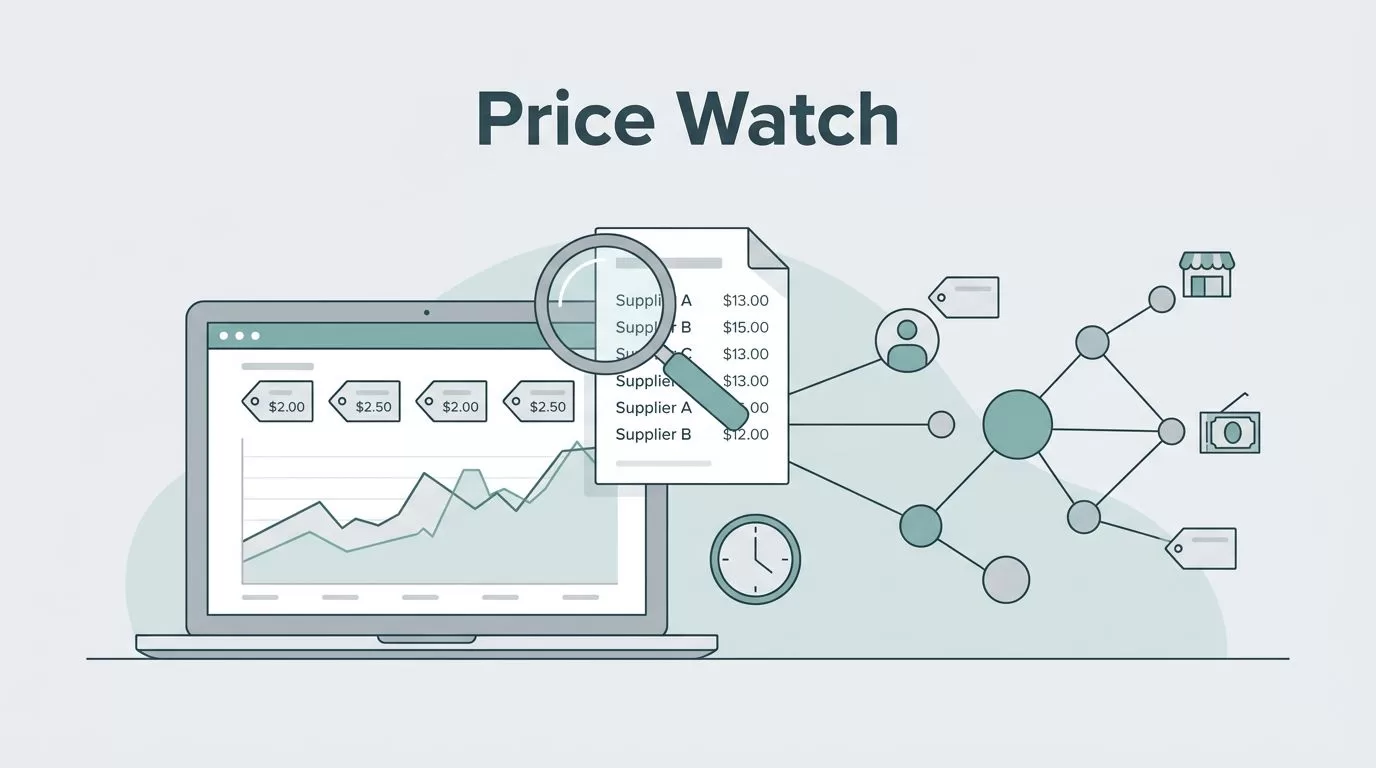
Supplier price changes don’t wait for my calendar. One morning the quote looks fine, and by lunch it has shifted enough to squeeze margin.
I use Twin.so to watch those pages on a schedule, collect the numbers that matter, and flag changes before I place the next order. That keeps me out of spreadsheet purgatory and gives me a cleaner view of cost.
When I buy from several vendors, even a small price jump can change the winner. The rest of this guide shows how I set up the workflow, what I track, and how I move the results into the tools my team already uses.
Why I stopped checking supplier pages by hand
Supplier pricing rarely changes in a neat, visible way. A unit price moves, a promo ends, stock drops, and shipping terms change on the same page. If I check by hand, I usually see the change after it already affected a buying decision.
That is why I think of supplier pricing monitoring as a timing problem first. I don’t need more tabs open. I need a system that tells me when something important moved.
Teams that use supplier price monitoring software usually want the same thing I do, which is a cleaner way to watch price, promotions, and stock together. I understand that pull because the value is not the raw page scrape. The value is catching the move early enough to do something with it.
I also like seeing this work tied to broader procurement analysis. A good procurement analytics guide puts the point plainly, pricing data matters most when it changes purchasing behavior. That is the part I care about. If the data sits still, it doesn’t help me protect margin.
How I set up Twin.so for supplier tracking
Twin.so fits this job because it works inside the browser. I can tell it what I want done, and it handles clicking, typing, page visits, and data collection. That matters when a supplier portal has no API or when the data hides behind a login.
I start by listing the exact pages I want watched. Then I define the fields I care about most. I keep the list tight, because noisy data turns into noisy alerts.
The fields I ask it to capture
For most suppliers, I track the same core data points:
- product or SKU name
- unit price
- currency
- pack size
- shipping or handling fee
- promo status or expiry
- stock or availability
- the date and time of the check
That set gives me enough context to compare offers without guessing. A lower sticker price means little if the pack size changed or the fee structure changed with it.
If the supplier page requires form fills, Twin.so can handle that part too. That is useful for portals that hide pricing behind account fields or region selectors. I do not want to spend my time re-entering the same details every week.
The rhythm I use for checks
I don’t run every page at the same pace. Fast-moving items get checked daily. Stable categories can run weekly. I also add an extra scan after a supplier update, a seasonal promo, or a contract renewal window.
The point is to match the check rate to the business risk. If a component has tight margins, I want to know about a change quickly. If a low-volume line moves once a quarter, daily scans create noise.
Turning raw checks into changes I can act on
I don’t care about a perfect log if it doesn’t help me decide what to buy. I care about the moment a change crosses my line.
I pay attention when a small shift stops being a data point and starts becoming a cost problem.
For that reason, I set thresholds around margin, not around vanity numbers. A 2% move on a high-volume SKU can matter more than an 8% move on a slow seller. I also treat different suppliers differently. Some are price-sensitive. Others are volume-sensitive. My rules reflect that.
This is the side-by-side view I keep in mind.
| Task | Manual process | With Twin.so | Outcome |
|---|---|---|---|
| Rechecking supplier price pages | Open each portal by hand | Visit pages on schedule and collect values | Less time lost to repeat work |
| Catching price changes | Notice them later, often after a purchase | Alert when the monitored value crosses a threshold | Faster response |
| Comparing suppliers on the same SKU | Copy numbers into a spreadsheet | Pull matching fields from multiple pages | Cleaner comparisons |
| Tracking promotions and stock | Easy to miss when pages change | Record the change alongside the price | Better context for buying decisions |
The difference is simple. Manual checking gives me a snapshot. Twin.so gives me a repeatable watchlist that reacts when the page changes.
I use those alerts to protect margin before I place the next order. If a supplier raises a price, I can pause, compare, or renegotiate. If a rival supplier drops their offer, I can move sooner.
I also like the connection between agent-based monitoring and price variance control. The framing in AI agents for procurement price variance monitoring matches the way I use Twin.so, which is to spot changes without hand-scanning every source. That is where the real savings come from. The software does the watching, and I do the deciding.
How I turn price changes into better buying decisions
Once I have reliable data, I can use it in more than one way. I can compare suppliers on the same item, check whether a discount is real, and spot a pattern that might point to a broader price move.

When I compare suppliers, I try to normalize the numbers first. A lower unit price can hide a larger shipping fee. A bulk pack can distort the picture if I don’t compare like for like. So I look at the total landed cost, not just the headline number.
That is also where price history helps. If one supplier has drifted upward for three scans in a row, I treat it differently from a one-day jump. The trend tells me more than the single point.
I also use the data for timing. If a supplier price falls, I may buy sooner. If the change looks temporary, I may wait. If it keeps climbing, I can use the record in a renegotiation or sourcing review.
Sending monitored data into the tools I already use
Monitoring only works when the result lands in the right place. I don’t want a separate island of data that nobody opens. I want alerts where my team already works.
Twin.so is useful here because it can sync tools and move information between apps. I send urgent changes to the people who need them, then push less urgent items into a shared record for review. That keeps the workflow calm.
A simple routing setup looks like this:
- urgent price jumps go to a team alert
- daily summaries go to email or a shared inbox
- repeated changes go into a spreadsheet or tracker
- cost-impacting changes go to procurement and finance review
When I need the pricing data to touch accounting, I use the same kind of workflow I describe in my QuickBooks AI automation guide. That matters when the supplier change affects invoice checks, cost tracking, or purchase approvals. I do not want the alert trapped in one tool if another team needs it.
The best setup feels quiet. The agent runs, the rules fire, and the right people see the right change at the right time. I don’t need a flood of messages. I need a useful one.
Mistakes I avoid when I monitor supplier pricing
A few mistakes show up over and over, and they can make the whole setup less useful.
- I don’t track only the base price. Fees, pack size, and currency can change the real cost.
- I don’t run every supplier on the same schedule. High-risk items need tighter checks.
- I don’t ignore page structure changes. A supplier redesign can break a watchlist quietly.
- I don’t send every alert to every person. Small changes should not wake the whole team.
- I don’t compare numbers without context. Promo windows and stock limits matter.
These mistakes are easy to make because the data looks simple at first glance. It isn’t. The more suppliers I watch, the more I need the monitoring rules to stay disciplined.
Conclusion
Supplier pricing monitoring works best when it stops being a manual chore. With Twin.so, I can watch supplier pages on a schedule, catch changes sooner, and move the data into the systems that drive buying decisions.
That gives me more than convenience. It gives me better timing, cleaner comparisons, and tighter control over margin. The next time a supplier changes a price in the middle of the day, I want the alert before the damage shows up in the order book.