How I Monitor Brand Mentions Effortlessly With Twin.so
Brand mentions move fast. One post can bring praise, questions, or trouble before I finish my coffee. If I wait for manual checks, I miss the moment when a reply still matters. Twin.so helps me keep pace. I describe what I want watched in p...
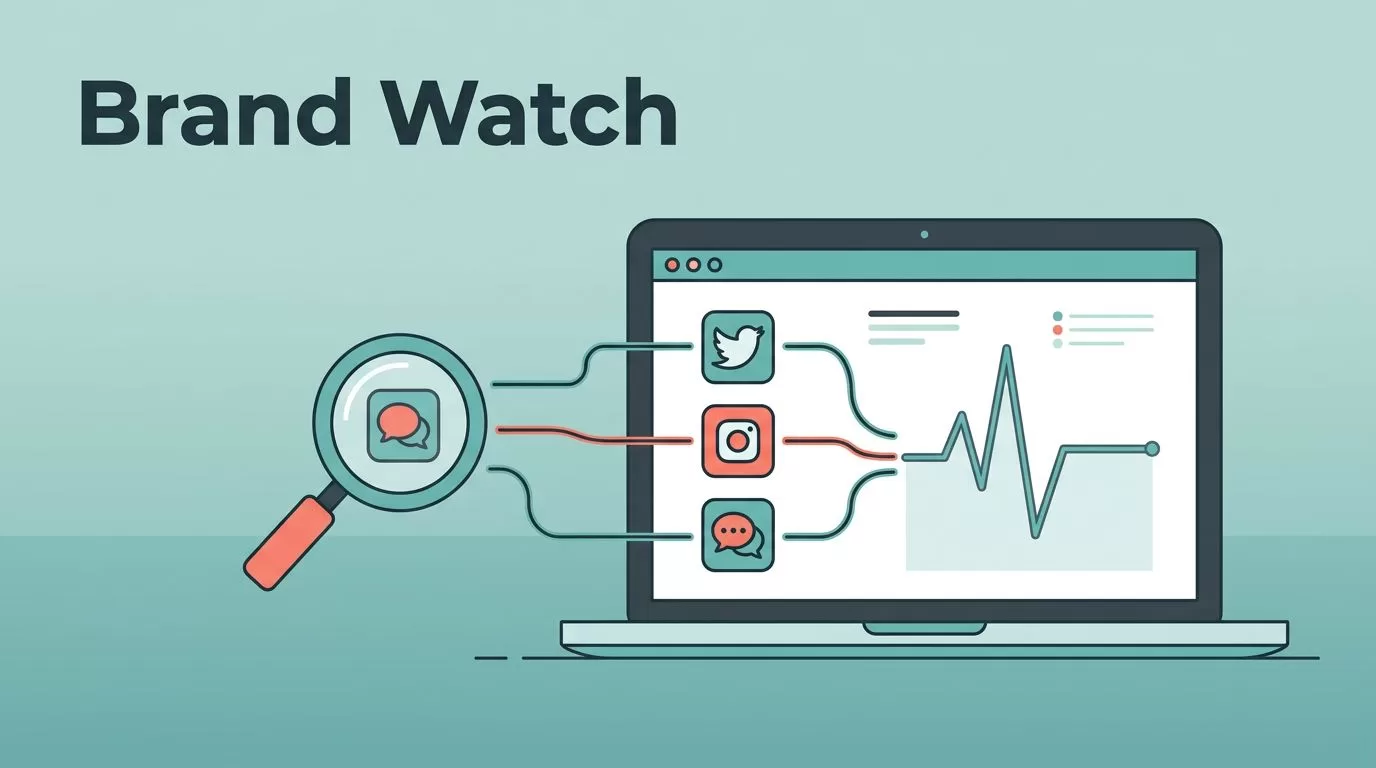
Brand mentions move fast. One post can bring praise, questions, or trouble before I finish my coffee. If I wait for manual checks, I miss the moment when a reply still matters.
Twin.so helps me keep pace. I describe what I want watched in plain language, then it keeps checking the web, pulling the results back, and sending them to me or my team. That gives me a way to monitor brand mentions without living inside search tabs.
When I work in marketing, PR, or reputation management, that matters. Early signals are easier to shape than late fixes, so I want a system that sees the mention first.
Why fast brand mention tracking matters
Brand mentions are more than noise. They tell me where people are confused, impressed, angry, or ready to buy. A product complaint can surface a support issue. A casual praise post can become a case study. A question in a forum can show me the words real buyers use.
I also treat mentions as a live pulse on customer mood. When the same phrase keeps showing up, I pay attention. When a new feature starts getting quoted back by users, I know the message is landing.
For a broader frame, I use Adobe’s guide to social listening and SentiOne’s social listening 101 when I want to compare simple mention tracking with full audience listening. That helps me keep the difference clear. Mention tracking is about finding the signal. Social listening is about reading the wider conversation around it.
The best alert is the one I get before the thread hardens.
That speed matters most when a brand is under pressure. A calm, early response often does more than a polished apology after the story spreads. It also helps me spot advocates. A customer who praises my product in public is often happy to give me a quote, a testimonial, or a case study.
Where I look for brand mentions first
I start with the places people already use to talk honestly. Social posts, comment threads, blogs, forums, news pages, and review sites all matter. People rarely file complaints in neat places, so I treat the web like a loose scattering of clues.
I also watch my own pages closely. A pricing update, a policy change, or a new feature note can create fresh questions overnight. For that kind of owned-content monitoring, I use automated website change tracking software, because those edits often trigger the same attention that brand mentions do.

The picture is simple. The hard part is not finding one mention. It is finding the right one early enough to do something useful.
I use that same mindset for competitor names, product nicknames, and common misspellings. Those small variations catch things that a narrow search misses. I also look for comment sections under news stories and niche community posts, because people often say more there than they do on polished channels.
How Twin.so automates the process
Twin.so changes the work because I do not need a custom script for every source. I describe the task in plain language, and it builds the automation. It can use APIs when they exist, or it can browse websites and pull the data like a person would.
That matters because not every source offers a clean feed. Some sites hide useful conversations behind pages that are hard to check by hand. Twin.so can still inspect them on a schedule, which means I do not have to remember every source myself.
When I set it up, I usually follow a simple path:
- I list the terms I care about, including brand names, product names, and common misspellings.
- I choose the places that matter most, such as social pages, forums, news mentions, or support communities.
- I set the check schedule based on how urgent the topic is.
- I route the results to a place my team already uses, so nobody has to hunt for them later.
That setup takes less time than a manual search routine. More important, it repeats cleanly every day. I can change the schedule too, so a launch week gets tighter checks while a quiet month gets fewer alerts.

I like automation when it removes friction without hiding the work. Twin.so does that well, because I still define the goal and the sources. I just do not need to babysit the process.
The point is not to collect more noise. The point is to get the right mention at the right time.
I usually send the results to one shared place, then I let the team work from there. That keeps the reply path short. It also helps me avoid the classic problem where everyone sees the alert, but nobody owns the next move.
Workflows that help marketing, PR, and reputation teams
The same system can support different jobs, depending on the team. Marketing wants signals. PR wants timing. Reputation management wants speed and context. Twin.so helps with all three because it gathers the mention, then hands me a starting point.
| Use case | What I monitor | What I do next | Why it helps |
|---|---|---|---|
| Product launch | Brand name, campaign name, launch page links | Share wins, answer questions, collect feedback | I see reaction while interest is fresh |
| PR response | Executive names, press coverage, quoted claims | Prepare a response or correction quickly | I can act before confusion spreads |
| Reputation watch | Complaints, negative terms, support issues | Escalate to support or comms | I reduce response lag |
| Competitive context | Rival product names and comparison posts | Learn what buyers compare and why | I spot buying signals and gaps |
After I use a table like this, I usually connect mention tracking with search demand. If a campaign starts driving attention, I want to know whether people search for the same ideas later. That is where search visibility monitoring automation becomes useful, because mentions and rankings often move together after a strong spike in interest.
Marketing teams can turn positive mentions into proof points. PR teams can see whether a story needs a correction. Support teams can spot public tickets before they pile up. That makes the workflow useful across departments, not just inside one inbox.
The point is not to collect every mention. The point is to catch the ones that change what I do next.
How I keep the alerts clean and useful
Alert fatigue can ruin a good setup. If every small mention pings me, I stop paying attention. So I keep the rules tight and the handoff clear.
I start by separating signal from background chatter. A support complaint gets a different response than a casual tag. A positive mention from a creator might go to marketing. A legal or policy concern goes straight to the right owner.
I also review the alert terms every so often. New product names, campaign tags, and fresh spelling mistakes can slip in fast. When I update the terms, I get better results without adding more noise.
A short review loop helps too:
- I check whether the alert led to action.
- I remove sources that never matter.
- I add new terms when customers start using them.
- I keep one person accountable for each alert type.
That keeps the system honest. It also means the team trusts the alerts because they point to something real. If a mention has no next step, I trim it out. If it does need a reply, I assign an owner and a deadline.
Conclusion
Brand mentions move at the speed of conversation. If I wait too long, the moment passes and the useful reply becomes harder to make.
Twin.so gives me a practical way to monitor brand mentions across the channels that matter, without turning the work into a daily chore. I set the rules, let the agent handle the checks, and focus on the response.
That is the real value here. When I see the mention early, I can shape the story instead of chasing it.
