How I Increase LinkedIn Impressions With Someli
LinkedIn impressions grow faster when I stop treating posting like a hunch and start treating it like a system. If I post whenever I feel inspired, my feed gets patchy, my topics drift, and my reach follows the same pattern. I get better re...
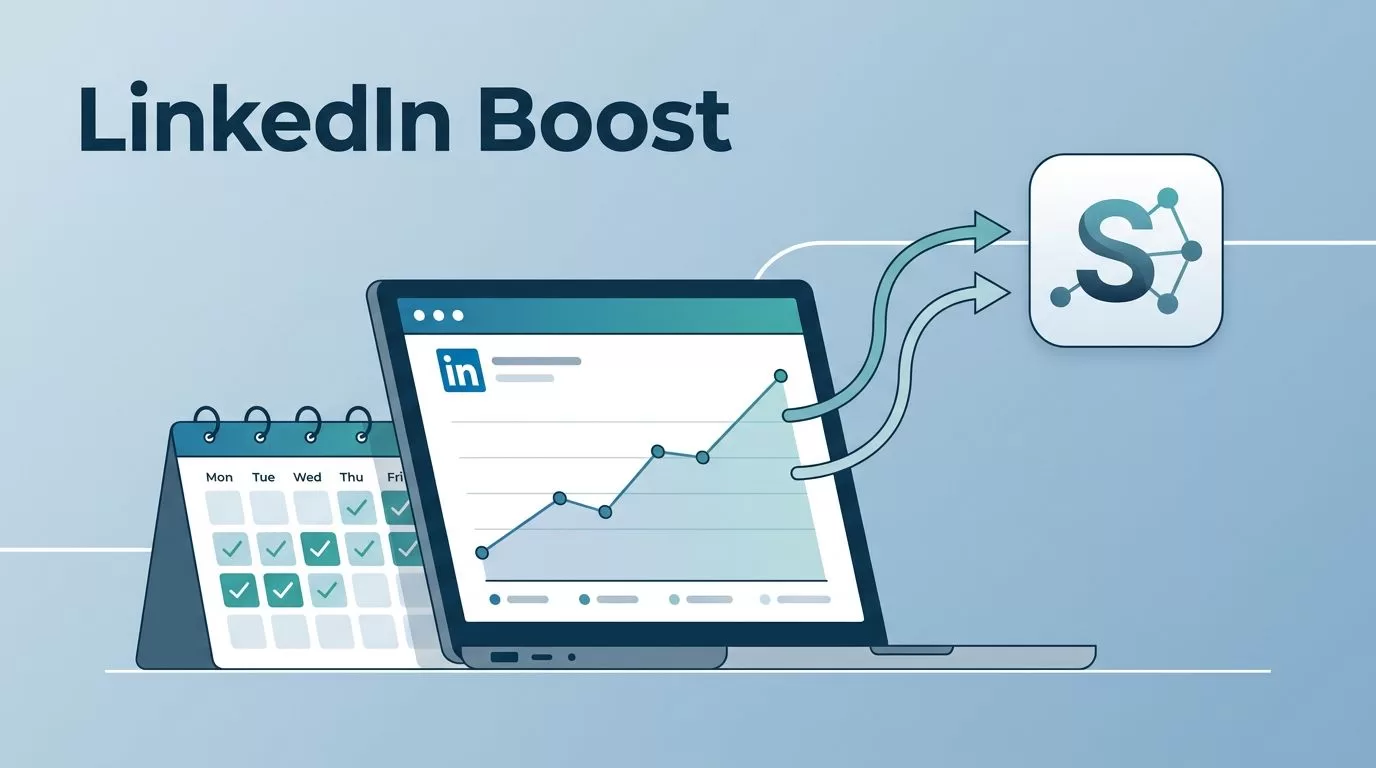
LinkedIn impressions grow faster when I stop treating posting like a hunch and start treating it like a system. If I post whenever I feel inspired, my feed gets patchy, my topics drift, and my reach follows the same pattern.
I get better results when I narrow my message, keep a steady cadence, and review the numbers the same way every week. That’s where Someli fits for me, because I need a workflow that keeps ideas moving without turning every post into a fresh decision.
Set the rules before I touch the feed
I start with one question: who am I trying to reach this month? If I can’t answer that cleanly, my content gets sloppy fast. LinkedIn rewards clarity more than noise, and the platform doesn’t owe my company page free reach forever, which is why I keep my topic territory tight. I like LinkedIn’s own note on company page reach because it pushes me back to basics.
I also pick one core lane. For me, that might be B2B software, founder lessons, product workflow, or a narrow mix of all three. I don’t try to sound like every other creator in my space. I want people to know what I do before they finish the first paragraph.
That clarity matters because impressions are a first touch. They only tell me that the post appeared on a screen. They don’t tell me whether the post earned trust. So I treat impressions as the top of the funnel, not the finish line.
When I want a broader framework for my public presence, I keep my personal brand automation workflow nearby. It helps me stay consistent without turning my voice into a template.
A narrow topic, a steady cadence, and a clean review loop beat random bursts every time.
Build a posting rhythm I can repeat
I plan my LinkedIn week before I write the first line. That sounds plain, but it keeps me from posting in whatever mood I happen to be in. I decide what kind of post each day should carry, then I work backward from there.

My rhythm usually looks like a simple mix of insight, proof, and conversation. One post can be a sharp lesson. Another can show a result, a screenshot, or a small behind-the-scenes detail. A third can ask a direct question that pulls my audience into the thread.
I also keep the timing stable. I don’t chase every rumored best time. Instead, I choose a window and use it long enough to learn something real. If I post on a different schedule every week, my results become harder to compare.
That’s why I like how to schedule LinkedIn posts as a practical starting point. A schedule only helps when I actually keep it.
The easiest way to waste a good idea is to wait until the last minute and hope for inspiration. I’d rather build a content queue that already knows what comes next. That queue gives me breathing room, and breathing room usually makes better posts.
Write posts that earn a second look
A lot of weak LinkedIn content fails in the first three lines. The hook is vague, the point arrives late, and the reader moves on. I try to open with a claim, a useful observation, or a problem my audience already feels.
I also keep each post focused on one idea. When I pack three ideas into one post, none of them lands cleanly. One clear point gives me a better chance at comments, shares, and saves.
For practical reach advice, I compare my drafts with LinkedIn’s own organic reach advice and with Kurieta’s LinkedIn algorithm guide. Both remind me that reach grows when the post invites real attention, not cheap activity.
I also pay attention to format. Sometimes a plain text post works best because it reads fast. Other times I use a document post, a short story, or a simple visual. The goal is not to decorate the feed. The goal is to make the post easy to finish.
A good post draft usually has these pieces in place:
- A first line that creates curiosity or tension
- One clear point the reader can repeat
- Short paragraphs that keep the pace moving
- A direct reason to comment, save, or share
- A final line that doesn’t trail off
That structure helps me increase LinkedIn impressions because it gives the platform more signals to work with. If people stop, read, and respond, the post has a better shot at traveling.
I keep my drafting process close to my LinkedIn post writing workflow. It keeps me from reinventing the wheel every time I sit down to write.
Use Someli to keep the system moving
Someli is useful to me because it fits the part of the job that usually eats time. The current public description positions it as an AI-powered marketing engine that handles content, strategy, creatives, scheduling, publishing, and analytics in one place. I care about that because consistency matters more than one heroic post.
I don’t use a tool to replace judgment. I use it to reduce friction. I still choose the topic. I still decide the angle. I still edit the final copy. Someli helps me move from idea to draft to published post without letting the process stall.
Here’s the simple split I use:
| Task | I do it by hand | Someli helps me with it |
|---|---|---|
| Topic planning | I choose the audience and theme | I keep ideas organized around that theme |
| Drafting | I write the hook and core point | I turn rough notes into usable post drafts |
| Scheduling | I pick the posting window | I keep the cadence in motion |
| Review | I check what performed well | I compare content patterns and repeat winners |
The point is not automation for its own sake. The point is consistency. When my schedule gets busy, Someli helps me keep the pipeline full instead of letting LinkedIn go quiet for a week.
That matters even more when I’m managing a broader brand. I want the content rhythm, tone, and publishing habits to match the rest of my public presence, so I keep my personal brand automation workflow aligned with what I publish on LinkedIn.
I also like the way this fits the larger market trend. Tools that handle content, scheduling, and analytics in one flow make it easier to repeat what works. That doesn’t guarantee reach. It does make discipline easier to maintain.
Measure what I change, then keep the winners
I don’t judge a LinkedIn week by a single flashy post. I look for patterns. Which topic got the most impressions? Which post held attention long enough to earn comments? Which format brought profile visits from the right people?
If I want better impressions, I change one thing at a time. Otherwise, I can’t tell what moved the result. One week I may test a stronger hook. Another week I may switch from a story to a framework. The next week I may post at a different time window.
My weekly review stays simple:
- I compare impressions per post, not just total weekly reach.
- I check which posts brought profile visits and comments.
- I look for repeated themes in the winners.
- I cut the ideas that get views but no real response.
That last part matters. A post can get impressions and still do nothing for the business. I want reach that attracts the right audience, not just more screen time.
For extra context on what counts as a healthy range, I sometimes use 2026 LinkedIn impressions benchmarks as a reference point. Benchmarks don’t tell me what to post, but they help me avoid guessing in the dark.
When I keep this loop tight, the work gets calmer. I know what I’m testing. I know what I’m repeating. I know what I’m dropping.
Conclusion
I increase LinkedIn impressions more reliably when I stop hoping for a lucky post and start running a repeatable process. A narrow topic, a stable rhythm, and cleaner writing do more for reach than random volume.
Someli fits into that system because it helps me keep the machine moving when I’m short on time. I still set the direction, but the workflow gets easier to maintain, and consistency is what usually compounds.
If my LinkedIn feed starts to stall, I go back to the same three checks: am I clear on who I’m speaking to, am I posting on a schedule I can hold, and am I reviewing the right numbers? Those answers usually tell me what to fix next.
