Deploying Mida.so: A Practical Guide to Website Personalization Software
Your website visitors arrive from different ads, devices, and locations. Yet they all see the same generic page. Conversions suffer because content misses their needs. I faced this issue on my ecommerce site last month. Traffic grew, but sa...

Your website visitors arrive from different ads, devices, and locations. Yet they all see the same generic page. Conversions suffer because content misses their needs. I faced this issue on my ecommerce site last month. Traffic grew, but sales stalled.
Mida.so changed that for me. This website personalization software uses AI to tailor experiences fast. It runs A/B tests and personalization in minutes. You add one lightweight script, and results appear in real-time. Let’s walk through how I deployed it, step by step.
Why Mida.so Fits Marketers and Ecommerce Teams
I tested several tools before Mida.so. Most slowed my site or needed coders. Mida.so loads in 20 milliseconds with an 8kb script. No performance hit. Plus, it offers a free plan up to 50,000 visitors. Growth plan costs $249 monthly for unlimited tests.
Personalization targets by country, device, or behavior. I created variants for mobile users versus desktop. AI generates test ideas too. Describe a change, and Mida.so builds the full experiment. No visual editor? It handles that.
Ecommerce operators love the ad-to-page matching. Visitors from Facebook ads see relevant banners. B2B sites personalize pricing by company size. Check Mida.so’s web personalization features for details. I saw engagement rise right away.
This tool suits growth teams because analytics integrate with GA4. Track events without extra setup. Support responds fast too. Thousands use it now, per recent reviews.
Step-by-Step Deployment with Mida.so
Deployment took me five minutes. First, sign up on Mida.so. The free plan activates instantly. No credit card needed upfront.
Next, copy the script tag. Paste it into your site’s head section. Works on WordPress, Shopify, Webflow, or any platform. I run Gist Junction on WordPress. Plugins like Header Footer Code Manager handle it easily.
Verify installation in the dashboard. Green check appears. Now create your first test.

Target audiences precisely. Select by URL, device, or custom events. I set rules for US traffic only. Then use the visual editor. Drag to edit text, images, or CSS. AI mode shines here. I typed, “Show discount banner for cart abandoners.” It generated variants automatically.
Launch live. Traffic splits evenly. Real-time stats update every few minutes. Pause or deploy winners with one click. Schedule tests for peak hours too.
Common pitfalls? Check ad blockers first. They block 20% of scripts sometimes. Test on incognito mode. Mida.so’s docs cover edge cases well.
Crafting Effective Personalization Campaigns
Personalization starts with visitor data. Mida.so segments by behavior or source. I built a campaign for product pages. Returning users saw “Welcome back” with past buys recommended. Newbies got category highlights.
Examples work best. On pricing pages, show enterprise plans to large firms. Small biz visitors see starter tiers. Mida.so’s pricing personalization use case shows scripts ready to copy.
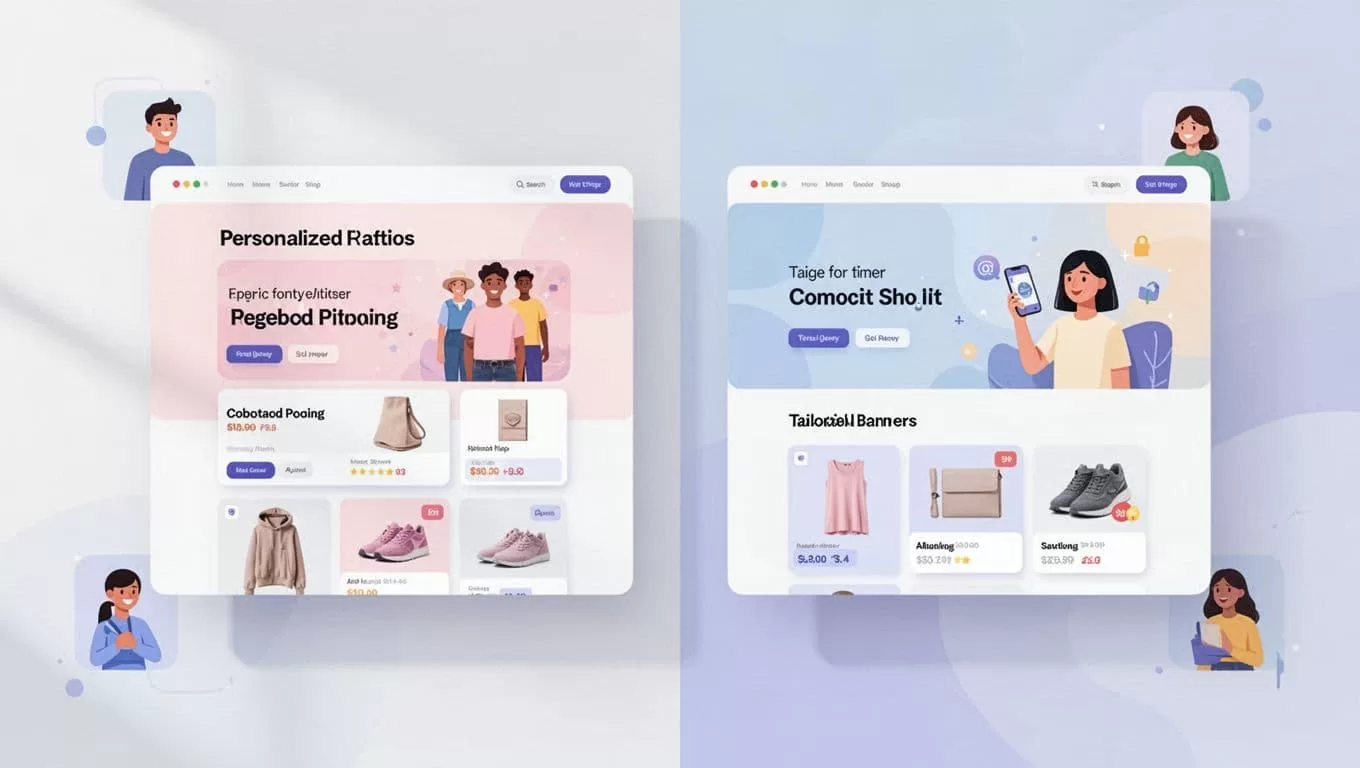
Combine with A/B tests. Run two banners: one geo-targeted, one generic. Measure clicks. I tested PDP tweaks. Personalized versions lifted add-to-cart by 15%.
Keep rules simple at first. Overlap segments confuse results. Start with traffic source. Google visitors get SEO content. Paid ads push promos.
Refine over time. Duplicate winners. Add layers like device rules. Campaigns scale as data grows.
Smooth Integrations and Optimization Workflows
Mida.so connects to GA4 out of the box. Events flow automatically. I track custom goals like sign-ups.
Shopify users install via theme editor. Webflow needs custom code embed. No Zapier needed, although it supports third-party events.
Workflows follow this pattern. Plan tests weekly. Use AI for ideas. Launch Monday mornings. Review Friday. Deploy top variants.
A/B with personalization boosts wins. Test headlines per segment. Optimize iteratively. Tools like this cut manual work.
For automation fans, pair with AI content generators. I link it to my AI social media generator setup for promo posts tied to site tests.
Check Mida.so’s use cases for landing page ideas. Integrations rated 4.0 stars recently.
Expected Business Outcomes and Metrics
Results hit fast. My first test raised conversions 12% in a week. Reviews praise quick wins. One user noted doubled engagement from device targeting.
Track key metrics: conversion rate, bounce rate, revenue per visitor. Mida.so dashboards segment by channel. Mobile personalization cut bounces 18% for me.
Expect 10-30% lifts, based on ecommerce benchmarks. Free plan proves value before scaling.

Long-term, retention improves. Tailored experiences build loyalty. ROI pays back monthly fees quickly.
Wrap Up and Next Steps
Mida.so deploys website personalization software without hassle. I gained control over visitor experiences. Conversions climbed steadily.
Start with the free plan today. Test one page. Watch metrics shift. What segment will you target first? Share your wins below.
