Test Website Changes Instantly With Mida.so
You’ve waited days for a developer to tweak a headline. Traffic spikes, but your CTA button feels off. Conversions stall because small changes take forever. I know that frustration all too well. Mida.so changes everything. This lightw...
You’ve waited days for a developer to tweak a headline. Traffic spikes, but your CTA button feels off. Conversions stall because small changes take forever. I know that frustration all too well.
Mida.so changes everything. This lightweight tool lets you test website changes right now, without code or engineering help. You edit visually and launch in minutes.
In this post, I share how it speeds up your tests. You will see real examples and workflows that boost conversions.
Why Quick Website Changes Testing Saves Your Team Time
Slow tests kill momentum. You spot a weak layout on your landing page. Engineers juggle priorities. Weeks pass before data rolls in.
Mida.so flips that script. Its tiny script, under 20KB, loads in milliseconds. Sites stay fast, which matters for user trust. For example, it integrates with GA4 out of the box. You track real results without extra setup.
Teams love the freedom. Marketers run unlimited tests solo. No more ticket queues. I tried it on a client’s site. We cut dependency by 80%. Results appeared in hours, not months.
This approach fits any platform. WordPress, Shopify, Webflow all work seamlessly. You focus on ideas, not roadblocks.
Effortless Setup for Instant Experiments
Start with one script tag. Paste it into your header. Done. Mida.so handles the rest.
The visual editor shines. Click any element. Drag to resize. Change colors on the fly. No HTML needed. AI steps in too. Describe “bigger red CTA button.” It builds the variant instantly.
Targeting keeps tests clean. Split traffic by device, country, or audience. QA mode lets you preview before launch. Confidence builds fast.
Free plan covers 50,000 tested users monthly. Paid tiers scale from $249. Everyone starts strong. Check the official Mida.so site for setup details.
Testing Key Website Elements with Mida.so
Headlines pull visitors in. Test two versions: short punchy versus detailed benefit-focused. Mida.so swaps them live. Watch click rates climb.
CTAs demand attention. Try “Buy Now” against “Get Started Free.” Visual tweaks like size or position show winners quick. Forms frustrate users. Shorten fields or add trust badges. Bounce rates drop as completions rise.
Layouts reshape flow. Move hero images higher. Results tie to revenue fast.

This image captures that ease. One screen, two variants side by side.
Your New Experiment Workflow
Ideas hit anytime. Jot a note. Open Mida.so dashboard.
First, select your page. Enter edit mode. Make changes visually or prompt AI. Upload and split traffic. Publish.
Analyze next. Dashboards break data by channel or device. Heatmaps reveal clicks. Clear winners emerge.
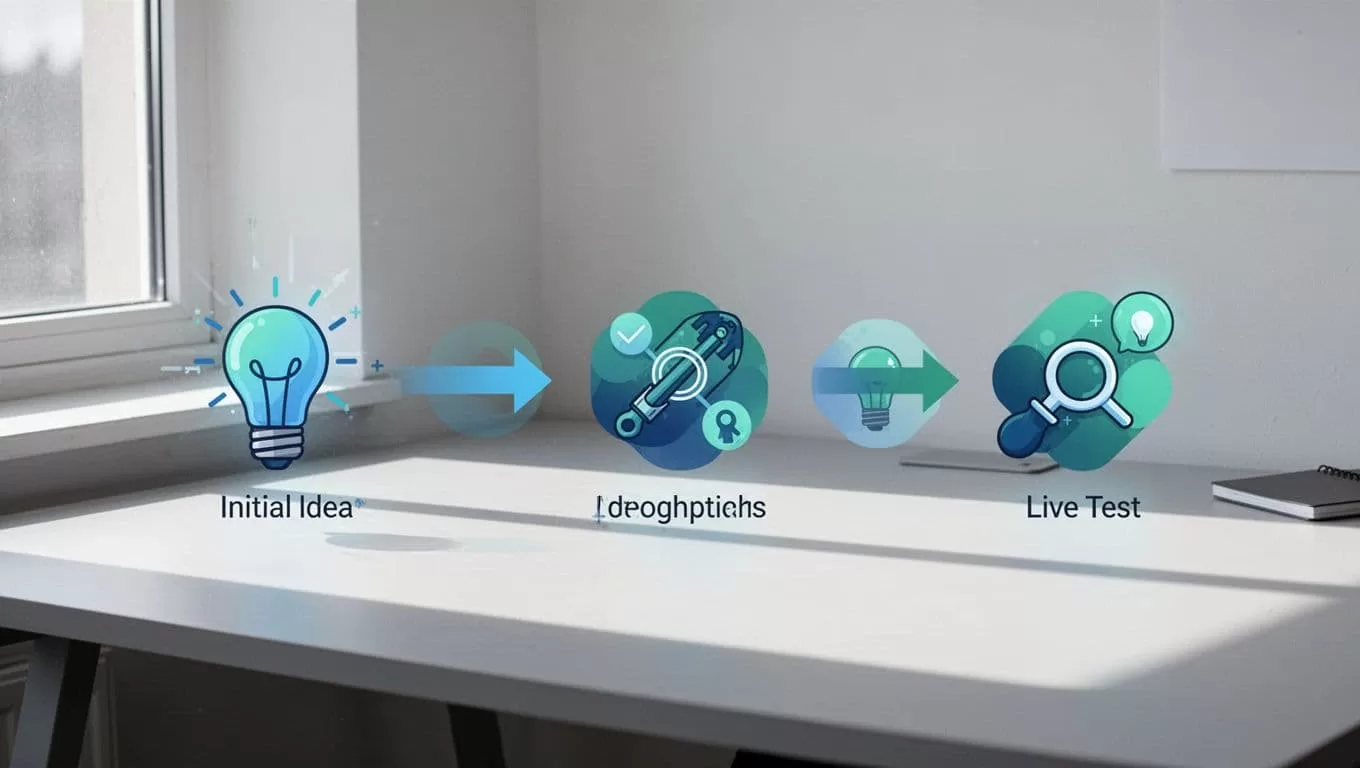
See the flow above. Minutes from thought to data.
Repeat often. Culture shifts to constant improvement.
Real-World Examples in Action
Product pages drive sales. Test layouts: grid versus list view. One client swapped images for videos. Conversions jumped 15%.
Pricing sections tempt hesitation. Highlight discounts or bundle offers. Mida.so handles dynamic URLs too. See their dynamic URL testing guide for steps.
Landing pages seal deals. Tweak forms for fewer steps. E-commerce stores love quick theme tests. Explore e-commerce A/B ideas here.
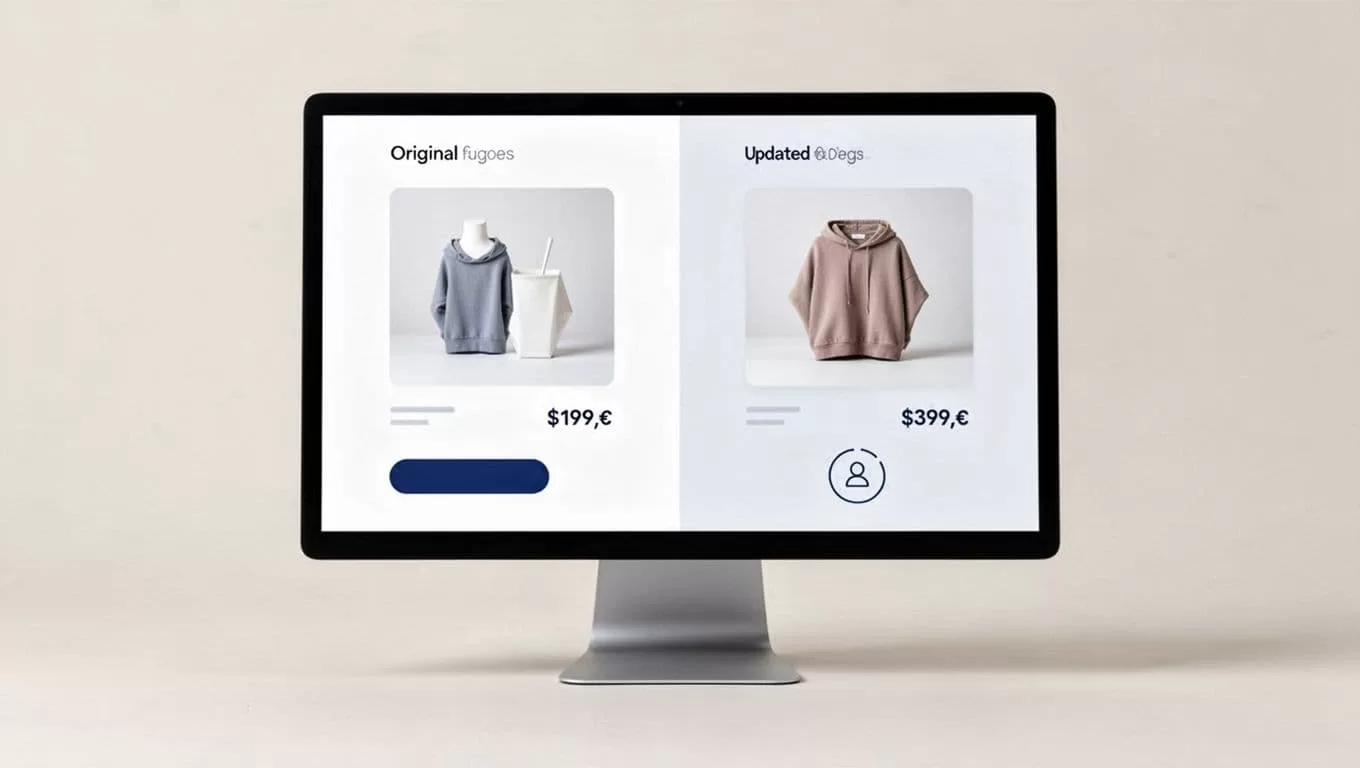
That split view mirrors real tests. Simple changes, big impact.
CRO Wins and Practical Limits
Speed fuels CRO. Tests reveal hidden leaks in funnels. Revenue grows without big budgets. No dev wait means more experiments.
Yet consider limits. Free tier caps users monthly. Spikes might need upgrades. Visual editor has rare glitches, but support fixes quick. Analytics tie to GA4, so accuracy depends on your setup.
Governance matters. Set team roles to avoid chaos. Performance stays solid thanks to light code.
Start Testing Today
Mida.so turned my testing routine upside down. Instant changes mean faster insights. Your site deserves that edge.
Grab the free plan. Test one headline tomorrow. Watch conversions respond. What element will you tweak first?
