How to Launch AI Shorts for Transistor.fm With Opus
If your podcast ends with one long episode and no clips, you are leaving easy social content untouched. Transistor.fm Opus shorts gives you a clean way to fix that. Transistor.fm hosts the full show. Opus pulls out the moments worth posting...
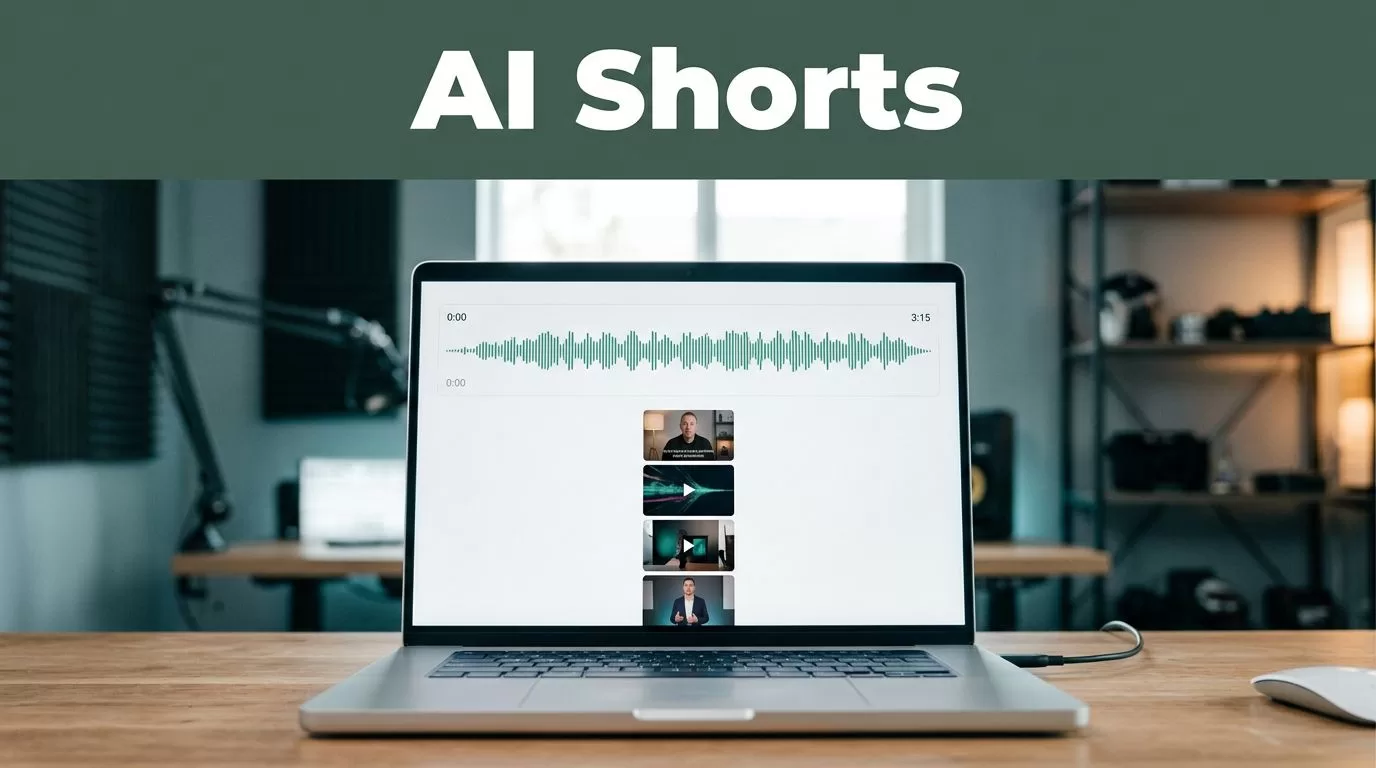
If your podcast ends with one long episode and no clips, you are leaving easy social content untouched. Transistor.fm Opus shorts gives you a clean way to fix that.
Transistor.fm hosts the full show. Opus pulls out the moments worth posting and turns them into vertical video. The stack works best when you treat it like a process, not a trick.
KEY TAKEAWAYS
- Transistor.fm is the host layer. Opus is the clip layer.
- You need a real video source. Opus works best on video, not audio alone.
- One episode can produce several clips if the hook and topic are clear.
- Keep every export vertical, captioned, and focused on one idea.
- Review the clips before you post them. Automation should not publish on autopilot.
WHAT TRANSISTOR.FM AND OPUS HANDLE
Transistor.fm is the home base. It handles hosting, RSS, and video podcast delivery. As of July 2026, its entry plan starts at $20 per month, or $16 per month when billed yearly, with a 14-day free trial. It also lets you host unlimited podcasts under one account, which matters if your team runs more than one show.
Opus, often called Opus Clip, is the repurposing layer. It scans long-form video, finds clip-worthy moments, reframes them for vertical screens, and adds captions. Paid plans start around $29 per month, and the free tier adds a watermark.
Keep the roles separate. Transistor stores the episode and sends it out. Opus turns the source into short social cuts. If you want a quick look at Transistor’s video direction, this video podcast update shows the kind of output the platform now supports.
A simple role split keeps the workflow clean.
| Tool | Main job | Output you use |
|---|---|---|
| Transistor.fm | Host and distribute the full episode | Live podcast feed and video version |
| Opus | Detect and reformat strong moments | Shorts-ready clips |
| You | Approve, trim, and schedule | Finished posts |
That split matters. When the tools try to do each other’s job, the process gets messy fast.
BUILD THE CLIPPING PIPELINE
Start with the right episode. Interview shows, product explainers, and teaching episodes give Opus better raw material. Loose roundtables and meandering banter give you less.
- Pick the source file.
If your show is video, keep the original master. If your show is audio-only, create a simple video version first. Opus needs picture, not just sound. - Bring the episode into Opus.
Paste the link or upload the file. Use topic keywords if the episode covers several subjects, so the model does not wander into the wrong section. - Let Opus surface candidates.
You want a batch of moments, not a final answer. Look for clips that open with a statement, a question, or a clean punchline. - Cut hard.
Remove slow intros, dead air, and context that only matters inside the full episode. A clip should make sense with the first two seconds and still work without the full recording. - Export and queue.
Send the approved clips to your social scheduler, then keep the full episode in Transistor. That gives you one home for the long-form show and one place for the short-form cuts.
More clips do not fix weak hooks. One sharp opening beats three average edits.
A good clip system is not about volume. It is about repeatable judgment.
MATCH THE CLIP TO THE CHANNEL
The platform should shape the edit, not the other way around.
| Platform | Best clip shape | Working length |
|---|---|---|
| YouTube Shorts | Strong quote, clear face or screen capture, fast hook | 20 to 45 seconds |
| TikTok | Faster pacing, more personality, tighter cuts | 15 to 35 seconds |
| Instagram Reels | Clean framing, bigger captions, polished finish | 15 to 30 seconds |
A 45-minute interview can produce three different cuts. The YouTube Short can open with the quote. The TikTok version can open with the tension. The Reel can lean on captions and visual polish. The point is not to make three unrelated edits. The point is to repurpose the same idea for each feed.
If the episode is broad, give Opus topic keywords so it hunts for the right section. That saves time and keeps you from clipping the wrong sound bite. Opus also supports translation into 100-plus languages, which is useful if your audience crosses markets. It still needs a human check before you publish.
COMMON MISTAKES THAT WASTE CLIPS
Most bad clip systems fail in the same places. Fix these first.
- Using episodes with no clear takeaway.
If the episode never sharpens into one point, Opus has less to work with. - Posting clips with the wrong aspect ratio.
Horizontal exports do not belong in vertical feeds. They shrink the message and waste screen space. - Trusting every suggestion without review.
AI can find interesting moments. It cannot know your brand voice, your compliance rules, or your best angle. - Leaving captions small or covering the speaker.
A clip needs readable text and a face people can follow. - Reusing the same opening on every platform.
The first two seconds should fit the channel. The rest can stay close to the original idea.
If the clip does not make sense without the full episode, it is not ready. Cut it again.
COST, OUTPUT, AND WHEN THIS STACK MAKES SENSE
As of July 2026, Transistor’s entry plan is $20 per month or $16 per month on annual billing, and the trial lasts 14 days. Opus has a free tier with watermarked exports and paid plans around $29 per month. That puts the stack inside the range many solo creators and small teams can test without a large rollout.
Transistor’s billing is based on monthly downloads, not show count. That matters if you run a brand podcast, a client show, and a private feed in the same account. Opus adds value when one episode needs five usable clips, not one.
If you want a broader feel for how another clip tool handles the same job, the OpusClip vs Riverside test is a useful reference. It is not a replacement for your own workflow, but it shows the category clearly.
This stack makes sense when your show already produces good spoken moments and you need a faster way to turn them into social posts. It makes less sense if your content has no clear segments or if you expect the tool to publish finished marketing assets without review.
CONCLUSION
Transistor.fm keeps the full episode in one place. Opus finds the short moments and turns them into social assets. You do the final filter.
That is the right way to launch Transistor.fm Opus shorts in 2026. Keep the source clean, keep the clip rules strict, and treat every export like something people will see without context.
Do that, and one episode can feed YouTube Shorts, TikTok, and Instagram Reels without turning your week into manual slicing.
