Transistor.fm Video Podcasting Workflow with Opus
Audio-only podcasting is efficient, but it leaves reach on the table. If you already run your show through Transistor.fm, you do not need a new stack to fix that. Add Opus to the workflow and one recording can feed audio distribution, full...

Audio-only podcasting is efficient, but it leaves reach on the table. If you already run your show through Transistor.fm, you do not need a new stack to fix that.
Add Opus to the workflow and one recording can feed audio distribution, full video publishing, and short-form clips. Transistor keeps the show organized. Opus handles the repurposing. The point is simple, less manual cleanup and more usable content from the same episode.
Key Takeaways
- Transistor.fm can remain the home base for your full episode while Opus handles clip generation and subtitles.
- One master recording is better than two separate production paths. It cuts version drift.
- Opus is strongest when you feed it a finished long-form episode and review the first pass before publishing.
- Full episodes, short clips, and social cutdowns should not all live in the same channel.
- A short human review still matters. AI speeds up editing, but it does not replace quality control.
Start With One Recording System, Not Two
If you build separate systems for audio and video, your workflow gets messy fast. You lose track of file names. Captions drift from the transcript. The social team asks for one cut, then another. That is wasted time.
Keep the source file clean. Record in MP4 or MOV, and keep the resolution at 1080p or 4K when your setup allows it. A consistent format makes the rest of the pipeline easier. If you are recording remotely, tools like Riverside, Squadcast, Zoom, or Descript can all feed that pipeline.
For a Transistor.fm-based setup, Transistor is still the publishing home for the main episode. Its current video podcast support can host video and distribute to major listening apps and YouTube paths, which means you do not need to invent a separate archive. Use it for the canonical version of the show, then let Opus work downstream.
| Job | Best home | Output |
|---|---|---|
| Full episode hosting | Transistor.fm | Audio or video episode feed |
| Short clips | Opus | Subtitled social clips |
| Social publishing | Opus and native platforms | Shorts, Reels, TikTok |
| Show site | Your website | Embedded player and notes |
That split keeps ownership clear. Transistor stores the show. Opus extracts the moments that matter.
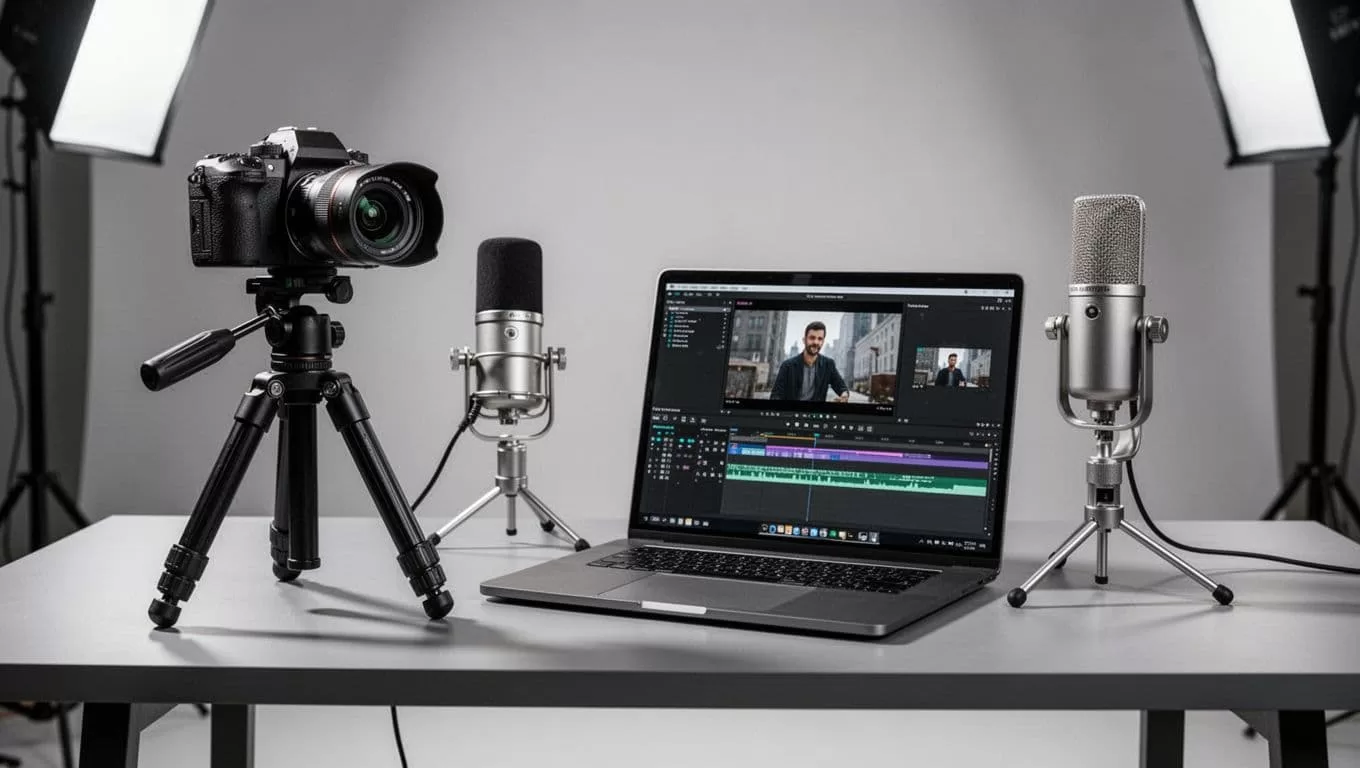
Use Opus For Clip Selection, Captions, And Review
Opus works best after the episode is finished. Feed it the long recording, then let it surface the sections that have hook value. That usually means a strong opinion, a crisp how-to, a concrete number, or a clean quote.
Do not treat the first render as final. Treat it like a junior editor’s pass.
- Upload the finished episode or connect the video source.
- Add topic hints so the model knows what matters.
- Pick clip lengths that fit the channel, usually under 30 seconds or in the 30 to 60 second range.
- Review the transcript, trim the start and end points, then compile the clips.
The first pass is a draft. The second pass is the publishable cut.
This matters because the AI is fast, not perfect. It may grab a sentence too early or too late. It may choose a clip that sounds fine in context, but weak on its own. A quick review pass fixes that before it becomes a problem.
Opus also saves you from the blank-page problem. Instead of hunting for moments by hand, you get a batch of options. That is useful if your show runs long or if your team needs a consistent clip cadence every week. For a broader view of where clip tools sit in the market, this video podcast platforms guide is a useful reference.
Route Each Asset To The Right Channel
A good podcast workflow separates by audience intent. The full episode serves committed listeners. The short clip serves discovery. The website serves people who want context. If you send every version to every channel, the system gets noisy.
Here is the practical split.
- The full audio episode goes to Transistor and out to Apple Podcasts, Spotify, Amazon Music, and Pocket Casts.
- The full video episode goes to your video destination, whether that is YouTube, Spotify video, or video hosting inside your Transistor setup.
- Short clips go to Opus first, then out to YouTube Shorts, Instagram Reels, and TikTok.
- The show page on your site should link to both the audio and video versions.
That structure gives each format one job. It also makes analytics easier to read. Transistor can show you how audio is performing. YouTube and the social platforms show you how video behaves. Do not mix those numbers in your head. Separate them.
If you want to compare clip workflows with other teams, the same tension keeps coming up in creator discussions about Riverside and Adobe Podcasting workflows. Manual cleanup still shows up as the cost that nobody wants to ignore.
Add Review Rules Before You Publish
A fast workflow still needs guardrails. Without them, you end up publishing clips that look busy but do not hold attention.
Use a short review checklist. Keep it consistent.
- Check the first two seconds. If the opening is weak, cut the clip.
- Read the captions. Speaker labels and punctuation need to be clean.
- Match the title to the actual moment, not the entire episode.
- Watch for dead air, filler, and awkward cuts at the end.
This is where a lot of teams waste time. They assume AI clipped the right moment, then they discover the opening line is flat. Or the sentence starts too early. Or the subtitle line breaks are ugly on mobile.
A tighter system avoids that. You review the clip once. You publish it once. Then you move on to the next episode.
It also helps to set one naming pattern for files and exports. Keep the episode number, clip number, and platform target in the filename. That makes handoffs easier when a producer, editor, and marketer all touch the same asset.
Conclusion
The cleanest way to add video podcasting tools to a Transistor.fm setup is to keep the workflow narrow. Transistor holds the show. Opus turns the long recording into clips that can travel.
That setup works because it respects the real job of each tool. One stores and distributes. The other extracts and repackages. When those roles stay separate, your team ships faster without piling on more manual work.
The goal is not more software. The goal is fewer steps between recording and distribution.
