Most form tests fail before the first visitor sees a variation. The problem is usually a weak hypothesis, unclear tracking, or too many changes at once.
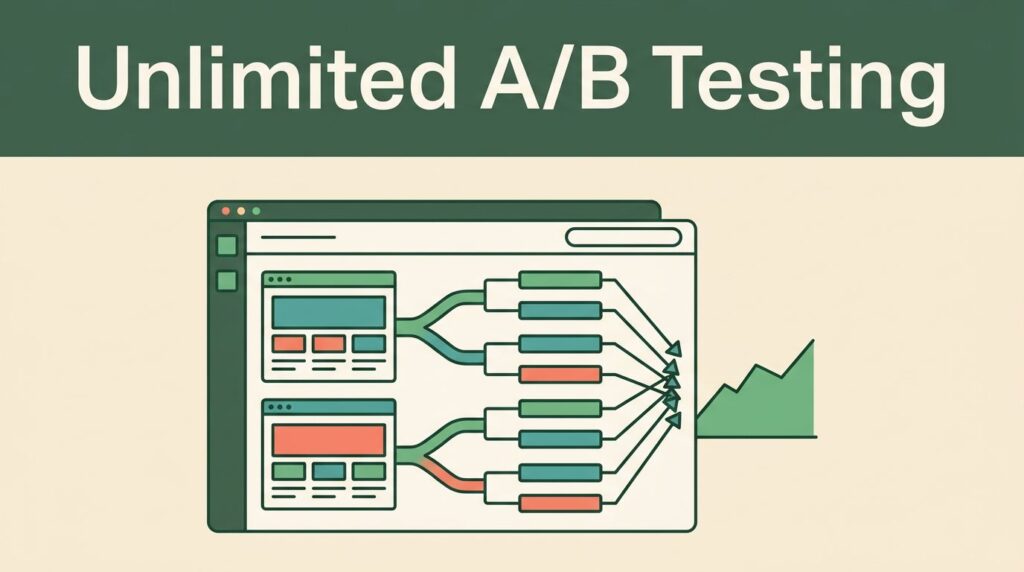
Form A/B testing works best when you treat it as a controlled implementation task. Define one decision, build two clear variants, track the same conversion event, and set rules for reading the result.
Mida.so can support that process, but the platform won’t fix a poorly designed experiment. Start with the test plan, then configure the experience.
Key Takeaways
- Test one meaningful form change against a stable control.
- Choose one primary conversion event before launch.
- Use Mida.so targeting and reporting controls carefully, since interface names can vary by workspace.
- Check submissions, errors, tracking, and traffic allocation before trusting results.
- Roll out a winner only after the data meets your decision rules.
Start With a Testable Form Hypothesis
A useful test begins with a specific problem. “Improve the form” isn’t a test hypothesis. It doesn’t tell you what to change or what success means.
Use a simple structure:
If we change [form element], [user behavior] will improve because [reason].
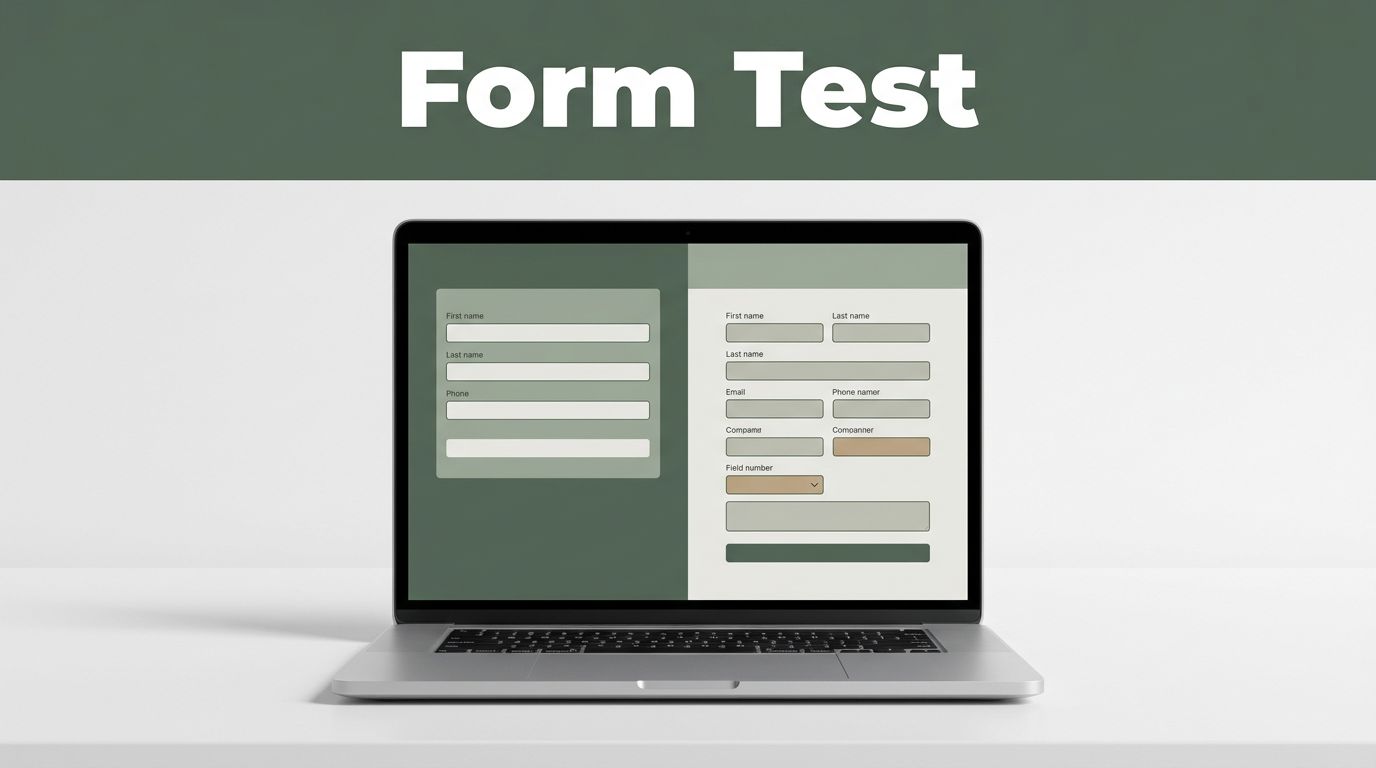
For example, you might test whether reducing a lead form from eight fields to five increases completed submissions. The reason could be that visitors face less effort before reaching the confirmation step.
Your hypothesis needs one primary outcome. For a lead-generation form, that outcome is usually a completed submission. For a demo request form, it could be a qualified booking rather than a raw form completion. The right metric depends on the business action the form supports.
Before opening Mida.so, record four details:
- The current control version
- The single change in the variation
- The primary conversion event
- The conditions for calling the result reliable
Avoid testing several unrelated changes in one variation. If you change the headline, button copy, field order, and layout together, you may see a lift. You won’t know which change caused it. That makes the next test harder to plan.
Good first tests are narrow and visible. Examples include removing an optional field, changing the submit button label, placing a privacy note closer to the button, or moving an error message beside the relevant field.
A/B testing compares two versions under similar conditions. Optimizely’s A/B testing glossary provides a useful reference for the basic method and its terminology. Keep the same definition in your own test plan, even when the platform uses different labels.
Build the Control and Variation in Mida.so
Your control is the existing form. Your variation is the version with one planned change. Keep the control intact during setup. If you edit the original while creating the test, you can lose the baseline that makes the comparison useful.
In Mida.so, create the experiment using the controls available in your account for variants, traffic, audience, and reporting. Interface names and options may differ by plan or workspace. Check the relevant Mida.so documentation when a setting isn’t clear.
Start with the smallest change that can answer the question. If the test concerns form length, remove one low-value field rather than redesigning the entire page. If the test concerns button copy, keep the button position, color, and surrounding content unchanged.
This approach gives you a clean comparison. It also reduces the risk of breaking the form’s connection to your CRM, email platform, analytics tool, or marketing automation system.
Review the page at the same time. A form can look correct in the editor and fail in the visitor experience. Test desktop and mobile layouts. Check the first field, tab order, required-field behavior, validation messages, and confirmation state.
Use Nielsen Norman Group’s form design guidance when reviewing field labels, instructions, and error handling. The test should measure a deliberate change, not an accidental usability problem.
Keep the audience definition stable unless audience targeting is the test. A mobile-only experiment and an all-device experiment answer different questions. Record the audience, page URL, traffic source rules, and test dates in your experiment log.
Your setup should make the two experiences comparable:
- Same page and offer
- Same audience rules
- Same conversion definition
- Same downstream processing
- One planned form change
Don’t send the variation to a different CRM pipeline or confirmation page unless that difference is part of the experiment.
Configure Conversion Tracking Before Traffic Arrives
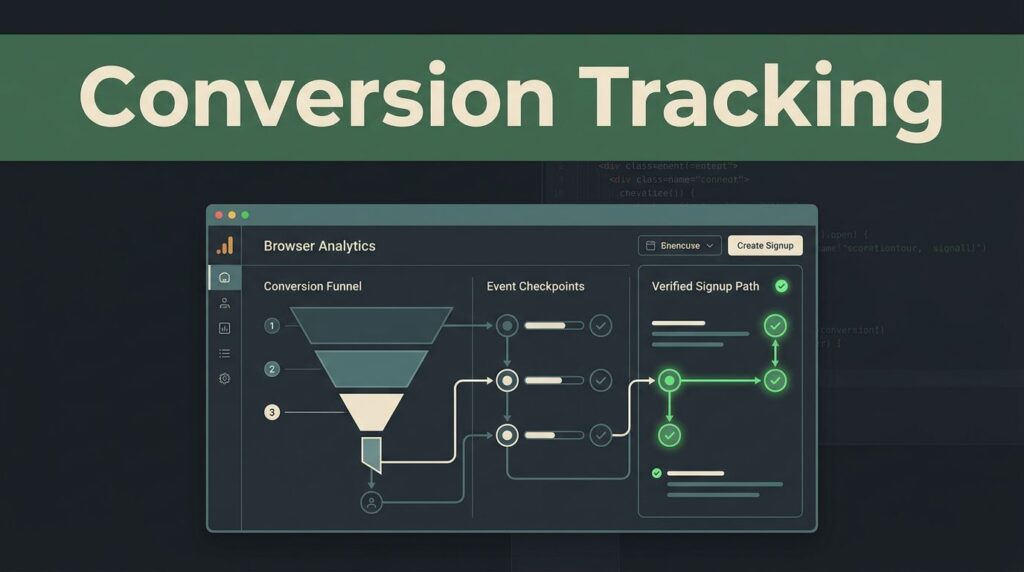
A form A/B test is only as useful as its conversion tracking. Mida.so may report interaction or submission data, but you still need to confirm what the event means in your wider measurement system.
Define the primary event as close to the business outcome as possible. A button click isn’t the same as a successful submission. A successful submission isn’t always the same as a qualified lead.
For a standard lead form, track at least these stages:
| Stage | What to confirm |
|---|---|
| Form view | The visitor loaded the form |
| Form start | The visitor focused a field or began entry |
| Validation | The form displayed an error or accepted input |
| Submission | The system accepted the completed form |
| Confirmation | The visitor reached the success state |
The primary metric should usually be the accepted submission or confirmed lead. Use views, starts, and errors as diagnostic metrics. They help explain the result, but they shouldn’t replace the main conversion event.
Check whether Mida.so records conversions through an on-page event, a confirmation URL, an integrated analytics event, or another method available in your setup. Don’t assume that a visible thank-you message means the conversion was recorded.
If you use Google Analytics 4 alongside Mida.so, review Google’s GA4 event measurement documentation. Match event names and parameters across systems where possible. Different event definitions can produce different totals.
Run real test submissions before launch. Confirm that:
- The submission reaches the intended destination.
- The confirmation state appears once.
- The primary event fires once.
- Duplicate refreshes don’t create false conversions.
- Required fields and invalid entries behave correctly.
- The control and variation use the same tracking logic.
Also check lead quality. A shorter form may increase completion volume while reducing useful information for sales. If you collect fewer fields, connect the test to downstream signals such as accepted leads, booked meetings, or pipeline creation when your data volume allows it.
Set a primary metric and guardrail metrics before the experiment starts. Guardrails protect the business from a misleading win. For example, you may accept more submissions only if spam, duplicate records, or sales rejection rates don’t rise beyond an agreed limit.
Launch the Test Without Losing Control
A clean launch needs a fixed configuration. Decide the audience and traffic allocation before publishing. If your plan supports an even split, use it when both variants need a similar number of visitors. If you use another allocation, record the reason.
Preview each variant in the same browsers and devices your audience uses. Test the page from a fresh session. Check cached versions, consent settings, pop-ups, and other scripts that could change the form experience.
Launch during a normal traffic period when possible. Avoid starting immediately before a major campaign, holiday, product release, or site migration. These events can change traffic quality and visitor intent.
Monitor the first conversions for implementation errors. Early data isn’t a reason to declare a winner. It is a reason to confirm that the test is working.
Look for these problems:
- One variant receives little or no traffic.
- The conversion count stays at zero despite real submissions.
- A variant shows unusual validation failures.
- Duplicate conversions appear.
- CRM records contain missing or incorrect values.
- Mobile users experience a different form than expected.
- Traffic sources are uneven because of another campaign rule.
Don’t change the form while the test is running unless you must fix a defect. A mid-test edit creates a mixed version of the variation. If a change is necessary, document it and consider restarting the experiment.
Avoid checking the dashboard every hour and stopping after a temporary spike. Small samples move quickly. One large account, campaign, or source can distort the early result.
Give the test enough time to include the normal mix of traffic, devices, and acquisition sources. Set a review date in advance. Your decision should use the complete period and the pre-defined metric, not the most convenient screenshot.
Read the Result and Roll Out the Winner
When the test ends, start with data quality. Confirm that the traffic split, conversion events, dates, and audience rules match the plan. Check whether a tracking outage or campaign change affected either version.
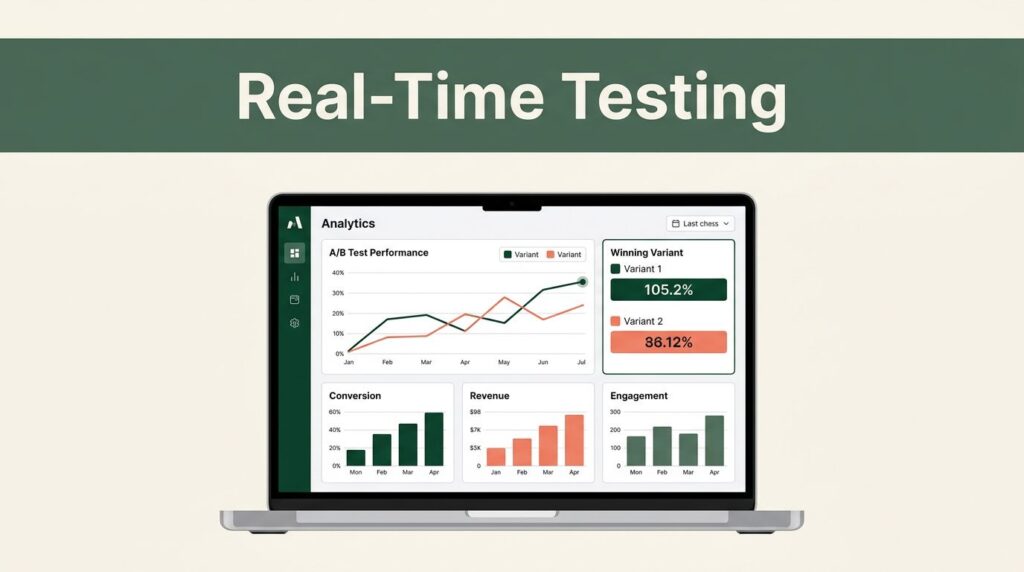
Then compare the primary conversion rate. A variation with more submissions isn’t automatically better if it received more qualified traffic or produced lower-quality leads.
Review the guardrails next. Check lead quality, spam, duplicate records, sales acceptance, and any downstream action that matters. A form that wins on completion rate but loses on lead quality needs a different decision.
Use a practical decision framework:
- Keep the control when the variation doesn’t improve the primary metric.
- Adopt the variation when it improves the primary metric and stays within guardrail limits.
- Run another test when the result is unclear or the change combined too many ideas.
- Investigate tracking when the numbers conflict across Mida.so, analytics, and CRM systems.
Document the outcome in the same place as the original hypothesis. Record the audience, dates, variants, primary result, guardrail result, and next action. This prevents repeated tests and gives your team a usable history.
If the variation wins, roll it out carefully. Keep the old control available until the new version works in the normal site flow. Verify CRM delivery, analytics events, confirmation behavior, and mobile rendering after publication.
A winning test is not a permanent rule. Visitor intent, traffic sources, offers, and form context change. Use the result to inform the next controlled test, not to justify a full redesign without evidence.
Conclusion
Smooth form A/B testing in Mida.so depends on disciplined setup more than complicated analysis. Define one hypothesis, keep the variants comparable, track the actual business outcome, and inspect the implementation before reading the result.
A reliable test turns a form decision into a repeatable process. When the data shows a clear improvement without damaging lead quality, deploy the change and keep the next question ready.