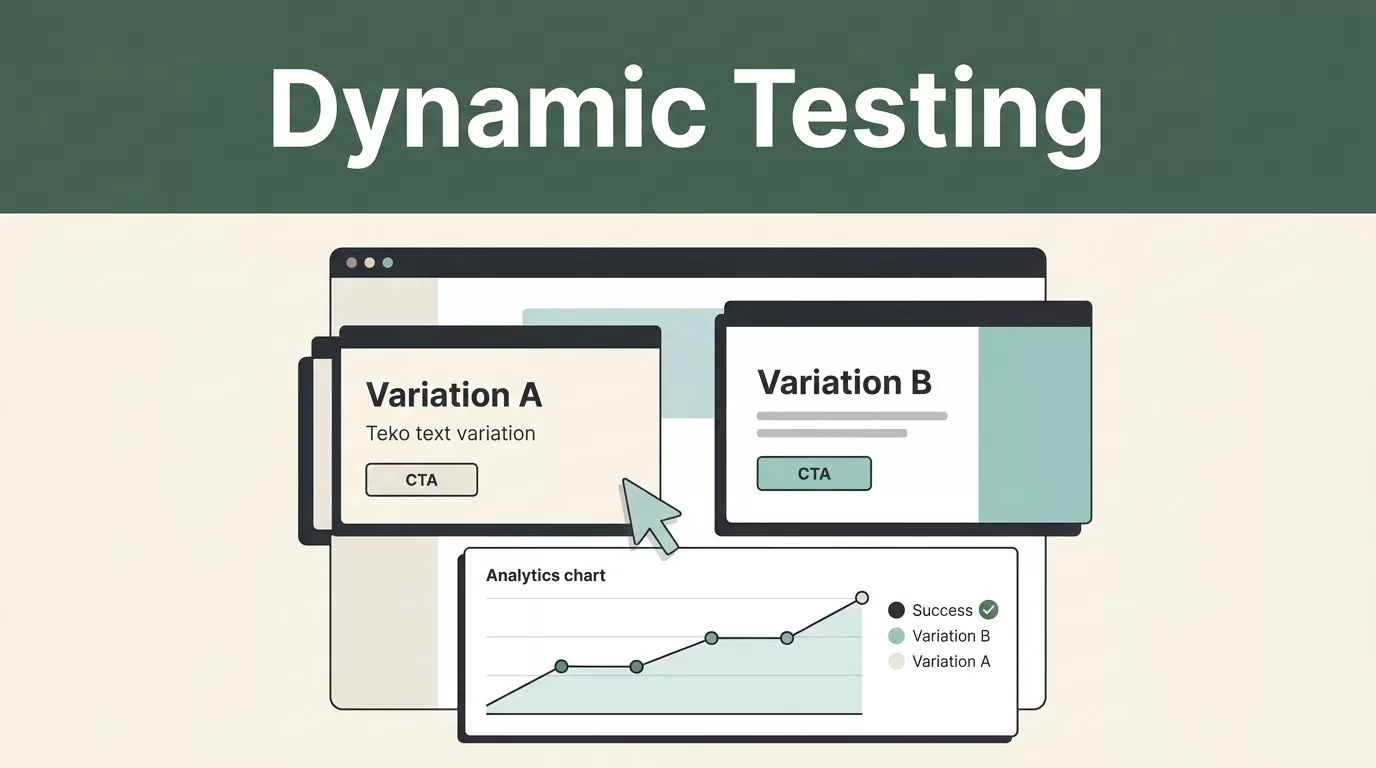
A dynamic content test changes what a visitor sees without sending every audience segment to a separate page. That makes Mida.so dynamic content testing useful for headlines, calls to action, pricing messages, forms, and other page elements.
The setup only works when the test has a clear audience, one primary conversion goal, and a reliable QA process. Configure the experiment first, edit the right element, then verify the data before sending meaningful traffic.
Key Takeaways
- Define one hypothesis before creating variations in Mida.
- Install and verify the Mida tracking script before editing page content.
- Keep audience rules, traffic allocation, and conversion goals consistent.
- Test dynamic content with real browsers, devices, forms, and analytics.
- Read results only after the experiment has collected enough complete traffic.
Define the Dynamic Content Test Before Opening Mida
Dynamic content testing is not a license to change several page components at once. It is a controlled comparison between a default experience and one or more targeted variations.
Start with the business problem. A pricing page may receive traffic from paid search, product-led signups, partner referrals, and existing customers. Each group can respond to different messaging. The test should identify one meaningful difference, such as whether a visitor sees an industry-specific headline or the standard headline.
Write the hypothesis in a direct format:
If visitors from a defined audience see a clearer message, the primary conversion rate will increase without reducing downstream quality.
The hypothesis must identify four things:
- The page or component you will change
- The audience that will see the variation
- The expected user action
- The metric that determines success
Use a real page URL and a named element. “Improve the landing page” isn’t testable. “Replace the hero headline for visitors arriving from the enterprise campaign” is testable.
Choose the control before you build the variation. The control is the current experience. Keep it unchanged during the test. The variation is the dynamic content that Mida will serve to eligible visitors.
Avoid overlapping tests on the same element. If another personalization rule changes the headline, a headline experiment can produce mixed results. Pause the other rule or exclude that audience from the test.
Your test brief can be short:
- Page:
/enterprise - Element: Hero headline
- Audience: Visitors matching the enterprise campaign
- Control: Current headline
- Variation: Enterprise-focused headline
- Primary goal: Demo request submission
- Secondary checks: CTA clicks and form completion rate
This format gives your team a shared reference before configuration begins. It also makes the result easier to interpret later.
Connect Mida and Create the Experiment
Before building content, connect the website to Mida. Start at Mida.so’s official website and use the setup instructions for your account and implementation method.
The Mida tracking code must load on the pages involved in the test. Your team may install it directly in the site template, through a tag manager, or through another supported integration. Use the method approved for your production stack. Don’t paste a script into a temporary staging page and assume the production test will work.
After installation, verify that Mida receives page activity. Open the target page in a clean browser session and check the relevant workspace reports or installation status. Test with browser extensions disabled if they block analytics scripts.
Create the experiment after tracking is available. The exact control names can vary by Mida plan and product release, but the setup normally requires these decisions:
- Select the target website or project.
- Add the page URL or URL matching rule.
- Choose the content element to change.
- Create the control and variation.
- Define the audience and traffic allocation.
- Select the conversion goal.
- Save the experiment and publish it when QA is complete.
Use the narrowest URL rule that matches the intended page set. A rule for every page can expose the variation in places you didn’t review. If the test applies to several URLs, list the exact paths or use a clear pattern that your team can validate.
Element selection requires care. A visual editor may let you click the content on the page. A code-based variation may require a selector or custom implementation. Choose a selector that remains stable when the site changes. Avoid classes generated by a design system if those classes change during every deployment.
A stable selector might use a meaningful data attribute, such as:
data-testid="hero-headline"
Your implementation may use a different attribute. The point is to target the element by a dependable identifier instead of a deep chain of layout selectors.
Keep the first test small. Change one headline, button label, image, or content block. Large page rewrites make debugging harder and leave you without a clear explanation for the result.
If your Mida workspace includes experiment notes, record the hypothesis, launch date, audience rule, and original content. Otherwise, store them in your team documentation. Check the Mida.so documentation when the available editor, targeting options, or installation workflow differs from your account.
Configure Variations, Audiences, and Conversion Goals
Dynamic content only becomes useful when the variation matches the audience rule. A generic variation shown to every visitor is a standard A/B test. A dynamic content test adds a condition, such as campaign source, page context, device type, geography, or a known user segment, when those conditions are supported by your implementation.
Start with one audience condition. For example, target visitors who arrive through a defined campaign parameter. Use the same campaign naming convention across your ad platform, email platform, and analytics system. Inconsistent parameter values can split one audience into several smaller groups.
Check the audience rule against real URLs before launch. If the campaign uses utm_campaign=enterprise-q3, confirm that the rule matches the exact parameter and value. Case differences and extra characters can prevent eligible visitors from entering the experiment.
Traffic allocation should match the test purpose. A broad learning test may include a balanced split between control and variation. A risk-sensitive test may begin with less exposure to the variation, if your Mida configuration supports that approach. Keep the allocation stable during the main measurement period.
Define one primary goal. For a lead generation page, that may be a completed demo form. For a product page, it may be a signup, checkout start, or purchase. Pick the action closest to business value.
Secondary events help explain the result. A variation can increase button clicks while reducing form completion. Track both when possible, but don’t replace the primary goal with whichever number moves first.
Avoid changing the goal after launch. A revised goal creates a new interpretation of the data and can make earlier visitors difficult to compare with later visitors.
Review the content itself before publishing. A variation should:
- Match the audience’s campaign or page context
- Preserve the same offer and user action
- Use the correct links and form destination
- Work with the site’s responsive layout
- Avoid claims that apply only to another segment
Don’t create personalisation rules and experiment rules that compete for the same visitor. Decide which system owns the element. If Mida runs the experiment, remove duplicate changes from other tools for the test audience.
QA the Experiment Before Measuring Results
Most dynamic content failures appear before the first useful result. A variation may look correct in an editor but fail on a cached page, a mobile browser, or a page loaded through a different campaign URL.
Run QA in a private browser window. Use a fresh session and the exact URL conditions that qualify a visitor. Test the control and variation separately. Confirm that the same session doesn’t switch versions unexpectedly after a refresh.
Use at least one desktop browser and one mobile browser. Check the page at the viewport sizes your audience uses. Review line breaks, image cropping, button spacing, form fields, navigation, and sticky elements.
Test the complete conversion path. Click the changed CTA. Submit the form with valid and invalid values. Confirm that the success page or confirmation event loads. Check that the visitor reaches the correct destination.
Use this launch checklist:
- The Mida script loads on the target page.
- The URL rule includes the intended page and excludes unrelated pages.
- The control displays the original content.
- The variation displays only for eligible visitors.
- Ineligible visitors never receive the variation.
- The content works after a hard refresh.
- The content works with common consent settings.
- Links, forms, analytics events, and redirects still work.
- The primary goal records after a test conversion.
- The variation doesn’t cause visible layout movement or broken styling.
- The experiment can be paused without editing production code.
Test with browser caching enabled and disabled. Cache behavior can hide a deployment problem or preserve old content. Also check pages behind a CDN, login wall, or server-side cache if those systems affect the target experience.
Review the browser console for JavaScript errors. A selector that works on one page template may fail on another. If the site uses a single-page application, confirm that the experiment loads when users move between routes without a full page refresh.
Don’t rely on one successful test conversion. Repeat the path several times with different sessions. Confirm that Mida records the intended event and that your analytics platform doesn’t count duplicate events.
After QA, publish the experiment at a low-risk time if your team needs to monitor the first traffic. Watch for page errors, support complaints, unusual form failures, and unexpected traffic outside the audience rule.
Read Mida Results Without Overreacting
Mida results are useful only when the experiment setup remains stable. Don’t change the variation, audience, allocation, or primary goal halfway through the test. If the business requires a change, stop the experiment and document the reason before creating a new version.
Compare control and variation using the same conversion definition. Look at conversion rate, conversion count, traffic volume, and the time period covered. A high rate from a very small audience isn’t enough to justify a rollout.
Check the audience breakdown when the result looks unusual. A variation may perform well for paid search visitors but poorly for organic traffic. That difference matters only if the audience rule and sample size support the comparison.
Review secondary behavior before making a decision. A higher form submission rate can hide a lower-quality lead rate. Connect the experiment result to the next business event when your data setup supports it.
Use a predefined decision rule. For example, you might require a positive primary conversion result, no serious drop in downstream quality, and stable performance across the full campaign cycle. Don’t stop the test because of one strong day.
Keep a record of the final result, implementation details, audience, and decision. If the variation wins, roll it out carefully and continue monitoring the same conversion path. If it loses, retain the learning and test a different message rather than repeating the same change.
Conclusion
Mida.so dynamic content testing works best as a controlled deployment process. Define the audience and primary goal first, install tracking, create one clear variation, then test every part of the user journey.
A reliable QA pass protects the data and the customer experience. Once the experiment runs, judge the result against the original hypothesis, not against a temporary spike in clicks.


